
Help Scout
Email-first shared inbox and help center for small teams
Gallery
About Help Scout
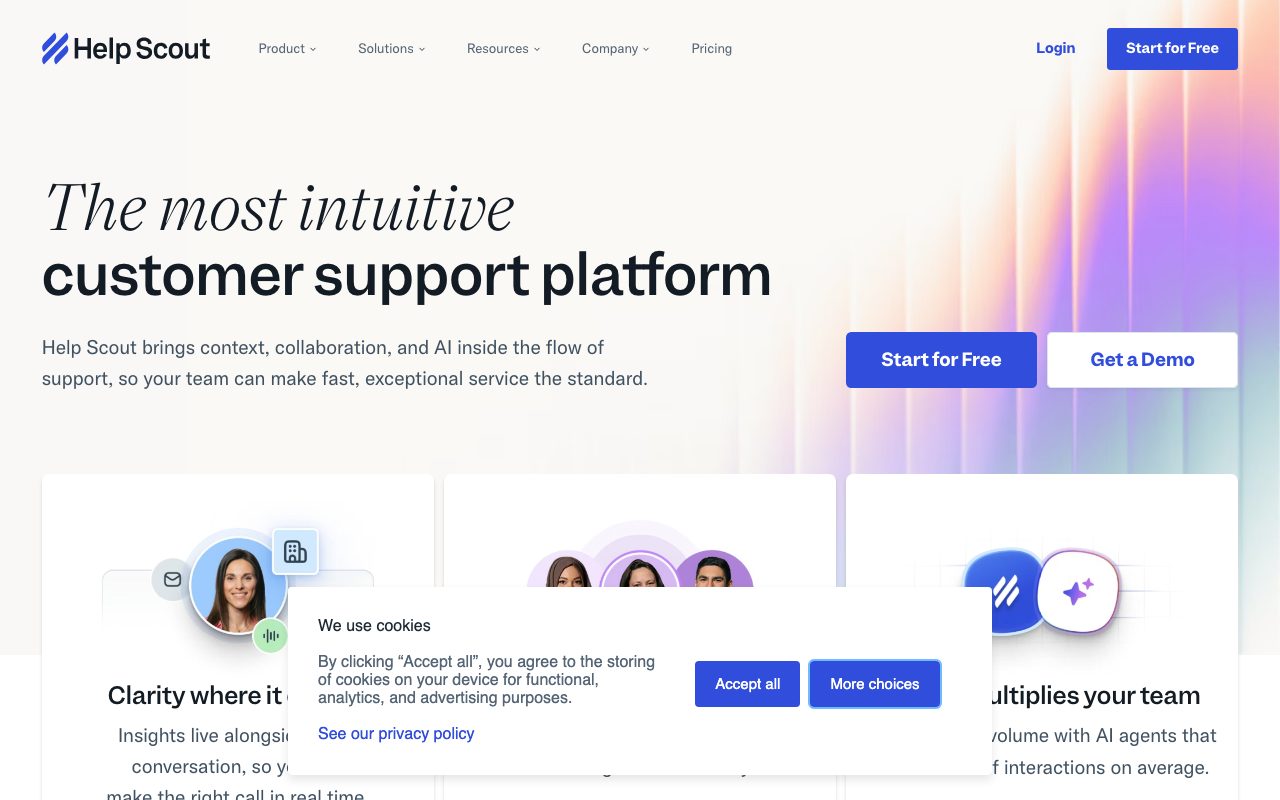
Help Scout is a customer support platform aimed at small to mid-sized teams that don't want a help desk that screams "ticket number 84293". The product centers on a shared inbox, knowledge base, live chat, and lightweight CRM. It's been around since 2011 and stayed deliberately approachable.
The pitch is that support should feel like email, not a queue. Customers email your support address, the message lands in a shared inbox, and your team replies as themselves. No customer ever sees a ticket number.
What Help Scout actually does
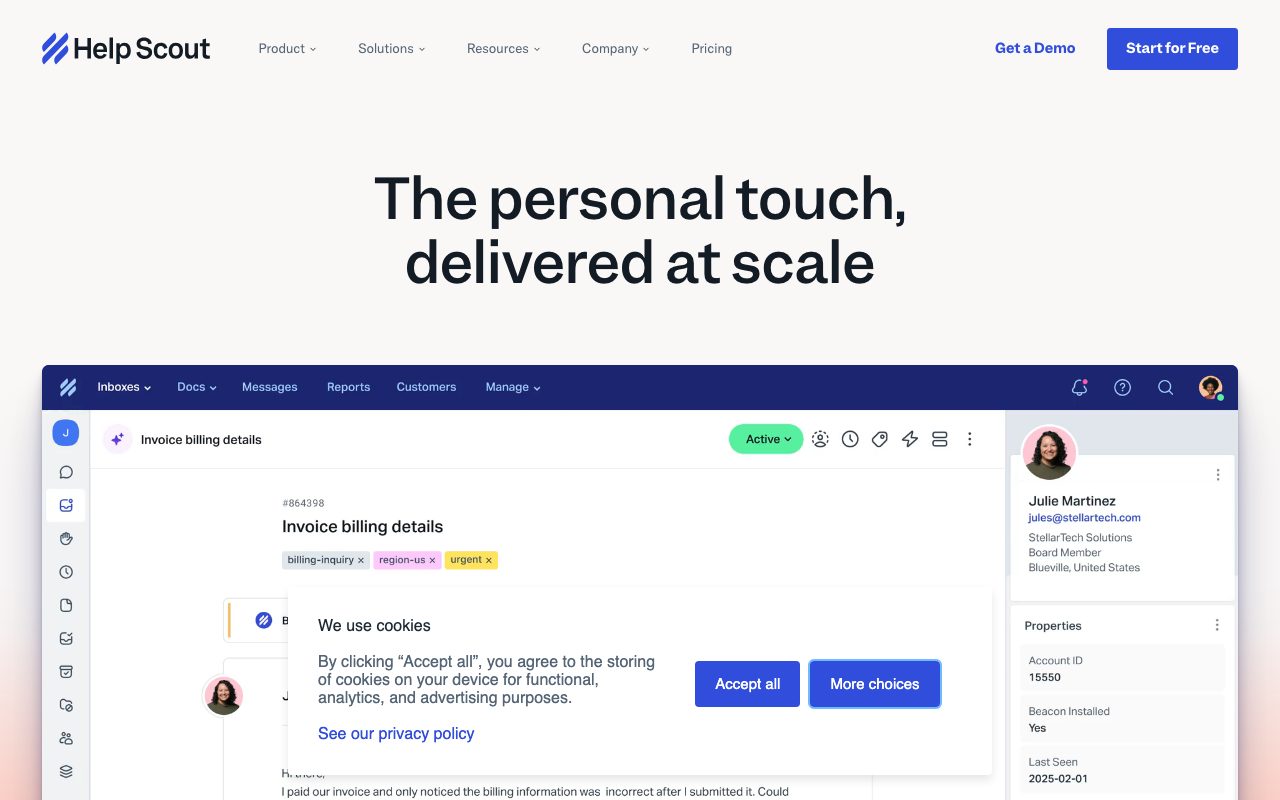
The shared inbox is the core. Multiple agents see the same queue, claim conversations, leave private notes, and reply with templates called Saved Replies. Conversations support tags, custom fields, workflows, and SLA timers.
Docs is the knowledge base product. You publish help articles on a branded site and surface them inside the Beacon widget on your own site. Beacon is a chat plus help center widget that suggests articles before users send a question.
Who Help Scout is built for
Help Scout fits SaaS startups, ecommerce brands, agencies, and small in-house teams that take support seriously without going full enterprise. The vibe is "we treat customers like humans". If your team values that brand more than every micro-feature, Help Scout fits.
It's not a great fit for huge contact centers with hundreds of agents and complex routing. Zendesk and similar incumbents own that segment for a reason.
Help Scout pricing
Help Scout charges per user with monthly and annual options. The Standard tier covers core inbox, Docs, and Beacon. Plus and Pro add automations, advanced reporting, custom roles, and salesforce integration.
The pricing is in line with Help Scout alternatives at the SMB end. Larger teams should run a real total-cost comparison before committing.
Features that define Help Scout
Workflows are the automation engine. You define rules to route, tag, and reply automatically based on triggers. Power users build out elaborate triage with very little setup time.
Reports cover volume, response times, customer happiness, and team performance. The dashboards are clean and easy to share with leadership without translation.
AI features include summarize, draft, and tone adjustments built into the inbox. They speed up replies on long threads and help newer agents match the team voice.
Help Scout is the support tool you pick when you want customers to feel like they emailed a person. It's a values choice as much as a feature choice.
Tradeoffs and rough edges
The deep automation that Zendesk offers isn't quite as rich here. Complex routing, bots, and IVR are limited. Teams that need those features outgrow Help Scout eventually.
Reporting is solid but not as customizable as bigger platforms. If you want to slice every conversation by twelve fields, you'll feel the ceiling.
Help Scout vs alternatives
The usual comparisons are Help Scout versus Zendesk, Intercom, and Freshdesk. Zendesk is the enterprise default, Intercom leads on chat plus product engagement, and Freshdesk is a budget alternative.
Help Scout's edge is the human feel and shared inbox simplicity. See Help Scout vs Zendesk and the best customer support tools.
Common questions about Help Scout
Does Help Scout do live chat? Yes, through the Beacon widget that combines chat, articles, and contact forms.
Can Help Scout handle multiple inboxes? Yes, you can run support, sales, and partnerships inboxes from one workspace.
Is there an iOS or Android app? Yes, mobile apps cover the inbox basics.
Bottom line on Help Scout
Help Scout is a support tool with a strong opinion that customers should feel heard. It's a great pick for SMB SaaS, ecommerce, and agencies. Browse tools for customer support for the full stack.
If you want fewer ticket numbers and more real conversations, Help Scout is the obvious starting point.
Help Scout for SaaS support
SaaS teams use Help Scout as the shared inbox for support emails plus the docs site for self-serve help. The two together cover a huge chunk of low-touch support volume. Beacon adds in-app chat without the heavy weight of Intercom.
The Customers panel inside each conversation shows past purchases, plan, and prior tickets. That context speeds up replies and reduces the need to ask "what plan are you on" every time.
Migrating to Help Scout
Migrating from Zendesk or Intercom is supported through CSV import, the API, or paid migration services. The hardest part is usually rebuilding workflows in the new vocabulary. Plan a few days of overlap to validate the new setup.
Customer history and tags carry over with import. Saved replies and macros usually need a manual rebuild. Once you're in, the daily experience is markedly calmer than the platforms it replaces.
Tutorial / Demo
Key Features
- Shared inbox that looks like email, not tickets
- Knowledge base / help center (Docs)
- Live chat widget (Beacon)
- Saved replies and workflows
- Customer profiles with conversation history
- Reporting on volume, response time, and CSAT
Pros & Cons
What we like
- Inbox UI is friendlier than ticket-based tools
- Fast to set up for SMBs
- Includes help center without an extra add-on
Room for improvement
- Less customizable than Zendesk for complex workflows
- No native voice channel
- Per-seat pricing on standard and plus tiers
Frequently Asked Questions
Help Scout vs Intercom, which should I pick?
How much does Help Scout cost?
Does Help Scout have AI features?
Can I host a knowledge base on Help Scout?
Is Help Scout good for SaaS support?
Best For
Featured in
Tags
Alternatives to Help Scout
View all

Our take
Tool Index Editorial · May 2026· 4.6/5
Help Scout sits in a crowded category, differentiating itself as email-first shared inbox and help center for small teams.
What it actually does well: Inbox UI is friendlier than ticket-based tools, Fast to set up for SMBs, and Includes help center without an extra add-on. Where it stumbles: Less customizable than Zendesk for complex workflows and No native voice channel.
Bottom line: pick Help Scout when you need sMB support teams who want email-feel UX; look elsewhere if less customizable than Zendesk for complex workflows would be a dealbreaker.
Editorial opinion from the Tool Index team, written from the public product pages. Not a user review.
Reviews (4)
Finally something that fits
Came to Help Scout after frustration with what I had before. Real selling point: inbox UI is friendlier than ticket-based tools. Saved replies and workflows works the way you'd hope. Glad I made the switch.
Pros
- Inbox UI is friendlier than ticket-based tools
- Includes help center without an extra add-on
Works, but I expected more polish
Skeptical at first because Help Scout looked too simple. It's not. Genuine strength: inbox UI is friendlier than ticket-based tools. Got real value out of saved replies and workflows. It fits well for replacing Gmail-shared-mailbox setups. Honest gripe: per-seat pricing on standard and plus tiers. Decent value once you accept the rough edges.
Pros
- Inbox UI is friendlier than ticket-based tools
- Fast to set up for SMBs
- Includes help center without an extra add-on
Cons
- Per-seat pricing on standard and plus tiers
- No native voice channel
Honest take after three months
Three months of using Help Scout, here's what holds up. The biggest win has been inbox UI is friendlier than ticket-based tools. Got real value out of shared inbox that looks like email, not tickets. Sticking with Help Scout.
Pros
- Fast to set up for SMBs
- Inbox UI is friendlier than ticket-based tools
- Includes help center without an extra add-on
Underrated honestly
Help Scout isn't perfect but it's the best I've used in this category. What stands out is how fast to set up for SMBs. Sticking with Help Scout.
Badge builder
Add Help Scout to your website
Choose a badge style and size, preview it here, then copy the generated HTML. Badge images are self-contained SVGs and do not require an external script.

<a href="https://toolindex.net/tools/help-scout?ref=badge" target="_blank" rel="noopener">
  <img src="https://toolindex.net/badge/help-scout/medium.svg" alt="Help Scout - Listed on Tool Index" width="180" height="50" />
</a>How to use the badge
- 1. Pick the style, size, and theme that fit your layout.
- 2. Copy the generated HTML from the code block.
- 3. Paste it into your footer, homepage, or press page.
Score badge available
Help Scout qualifies for the score and circle badges based on its current top-10 positionin Customer Support.
Badge clicks return visitors to this profile with a referral tag so the source remains identifiable.
Related Tools

Probed
Customer chat, feedback, and public roadmaps in one shared space

QuickPing
A dead-simple contact link so customers can message you and you reply from one inbox

Zendesk
Enterprise customer service suite for ticketing, chat, and voice
Crisp
Multichannel customer messaging platform with a generous free tier
Work on Help Scout? Request listing access or correction