
Kloni
Keyboard-first, local-first mind mapping for macOS with task management baked in
Gallery
About Kloni
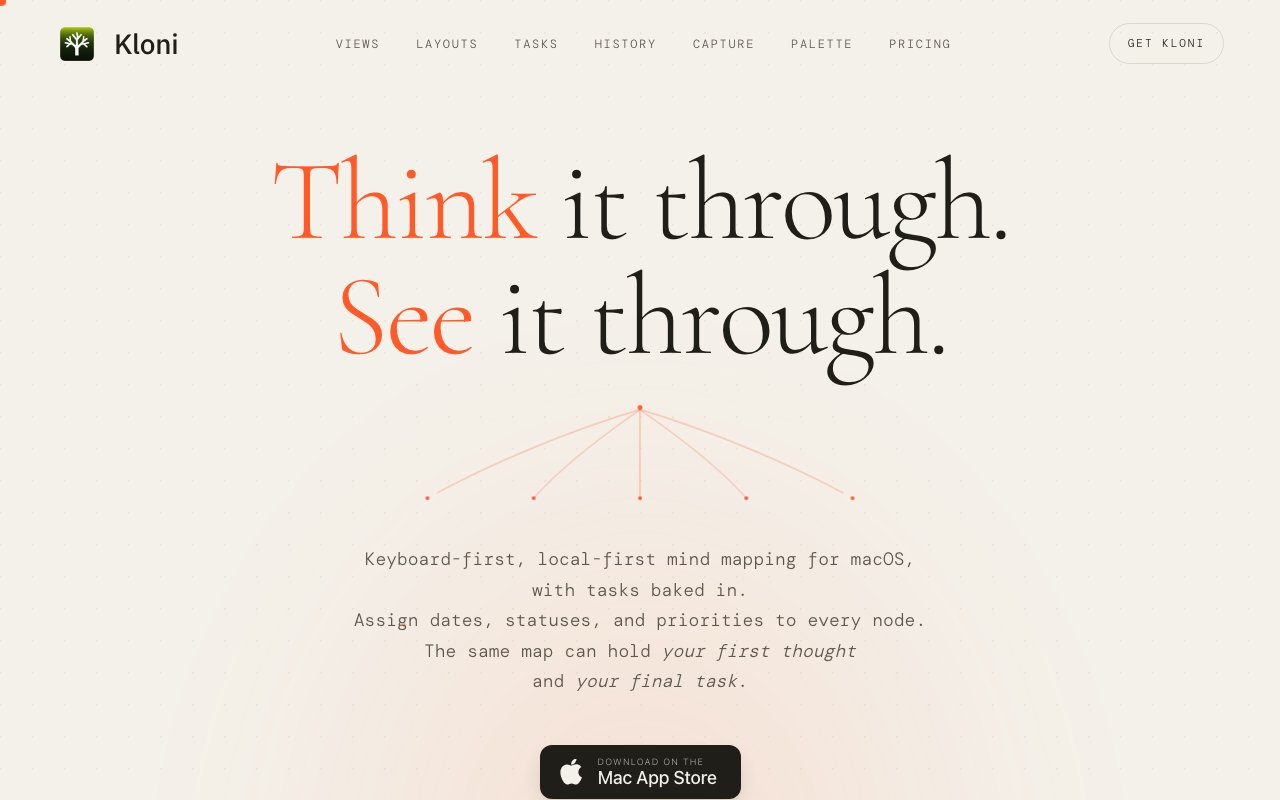
Kloni is a macOS app from MakeTrue that merges mind mapping with task management in one keyboard-driven, local-first package. The pitch is that thinking and doing shouldn't live in separate apps. You map out an idea spatially, and when a node turns out to be something you need to act on, it becomes a task with a date, status, and priority right there in the map, no copying anything into a separate to-do app and no second system to keep in sync with the first.
The problem it targets is the gap between ideation tools and execution tools. Mind mappers are great for thinking a project through, but the moment you need to actually do the work, everything gets retyped into a task manager, and the two views drift apart within a week. Kloni keeps one source of truth. Every map offers a canvas view for spatial thinking and an outline view for sequential organization, and the same content can wear nine different layouts including Right Tree, Top Tree, Balanced, Ishikawa, and Kanban columns. A brainstorm becomes a fishbone diagram becomes a board, without anything being rebuilt, which is the kind of flexibility that usually requires three separate apps. The Ishikawa option is a telling inclusion, fishbone diagrams are a niche request, and shipping one suggests the layout list was chosen by someone who actually works this way rather than copied from a competitor's feature page.
The task layer is genuinely built in rather than bolted on. Any node can carry dates, statuses, and priorities, with plain-language date entry so typing tomorrow or next Friday just works. Three actionable views pull tasks out of your maps, Today for what's due, overdue, or in progress, Inbox for untriaged captures, and Blocked for stuck items, so the daily working view is a task list even though the underlying data is a map. Checkbox nodes cascade completion through the hierarchy, so ticking off all the children completes the parent. A global hotkey opens a quick capture window from anywhere on the Mac, expandable into a full rich-text editor when a stray thought turns out to be a real note, and captures land in the Inbox until you file them.
The keyboard-first design shows up everywhere. A command palette with fuzzy search reaches every action without touching the mouse, Quick Open on Cmd Shift O jumps between maps, and per-map history runs 250 steps deep with timeline scrubbing on Cmd Shift H, so you can rewind a map to any earlier state and watch it replay. Nodes hold rich content, text, images, attachments, and cross-map links, and a tag system spans the whole library with match counts, backed by search across all maps with tag, status, and date filtering. Spaces group maps by context like Work, Reading, or Projects, and twelve templates pair common structures with the layouts that suit them, which flattens the blank-canvas problem when you're starting something new and don't yet know what shape it wants to be.
The data posture is the other half of the identity. Maps live on your disk as local bundles, and the site is blunt about it, no cloud, no sync server, no account. You back up or version your maps with whatever tools you already trust, Time Machine, git, a synced folder, your call. For anyone tired of thinking tools that hold notes hostage in a proprietary cloud, that's a meaningful stance, though it also means multi-device sync is something you arrange yourself rather than a checkbox in settings. The upside of plain files on disk is that your maps outlive the app, since they can always be copied, backed up, and inspected in ways a proprietary cloud database never allows.
It fits individuals who bounce between planning and executing all day, project managers sketching scopes that need to become task lists, students and researchers organizing material, and knowledge workers who want their outlines and their to-dos to be the same document. It's a personal tool by design. There's no collaboration or sharing layer mentioned anywhere on the site, so teams looking for shared boards should look elsewhere, and that focus is probably why the rest of it feels as coherent as it does.
Pricing is refreshingly plain. Kloni is a one-time purchase at an introductory $35, regular price $50, with regional pricing on the Mac App Store and no subscription. It ships as a universal binary for both Apple Silicon and Intel Macs. For a category drifting steadily toward monthly billing, buying a keyboard-driven thinking tool outright and keeping your data in plain local bundles is a combination that will appeal to a very specific, very underserved kind of Mac user.
Key Features
- Canvas and outline views per map
- Nine layouts including Ishikawa and Kanban
- Tasks with dates, statuses, and priorities
- Global hotkey quick capture window
- Command palette with fuzzy search
- Local file bundles with no account
Pros & Cons
What we like
- One-time $35 purchase, no subscription
- Tasks live inside the maps instead of a separate app
- Fully local storage with no cloud or account
- Deep undo with 250-step timeline scrubbing
Room for improvement
- macOS only, no Windows, iOS, or web version
- No sync server, so multi-device use is manual
- Personal tool with no collaboration features mentioned
- Younger product from a small publisher
Frequently Asked Questions
What is Kloni?
Is Kloni a subscription?
Where is my data stored?
Who is Kloni for?
Best For
Featured in
Alternatives to Kloni
View all
CalendHub
Smart scheduling and calendar management for teams
Kevin Gabeci Toolkits
Seven AI toolkits for writing books, making music, cutting video, and building agents.

Eased Into AI
Learn AI from zero. No jargon, no hype, just steps that work.

Fix It Gently
Calm, plain-English fixes for everyday tech problems.
Our take
Tool Index Editorial · Oct 2026· 4.0/5
Kloni is a local-first macOS mind mapper that lets any node become a dated, prioritized task. It is built for individuals who want brainstorming, outlines, quick capture, and daily task views in the same file rather than two drifting systems. The Mac App Store price is a one-time $35, with no subscription.
We like the coherence of canvas and outline views, nine layouts, keyboard control, rich node content, and a 250-step history. Local bundles also give users a straightforward backup story and avoid another account. The product is deliberately personal, though. There is no built-in collaboration or sync service, and the site only offers macOS, so teams and multi-platform users will need another tool. For a keyboard-heavy Mac user who accepts those boundaries, Kloni looks unusually well considered.
Editorial opinion from the Tool Index team, written from the public product pages. Not a user review.
Reviews (0)
Badge builder
Add Kloni to your website
Choose a badge style and size, preview it here, then copy the generated HTML. Badge images are self-contained SVGs and do not require an external script.

<a href="https://toolindex.net/tools/kloni?ref=badge" target="_blank" rel="noopener">
  <img src="https://toolindex.net/badge/kloni/medium.svg" alt="Kloni - Listed on Tool Index" width="180" height="50" />
</a>How to use the badge
- 1. Pick the style, size, and theme that fit your layout.
- 2. Copy the generated HTML from the code block.
- 3. Paste it into your footer, homepage, or press page.
Standard badge available
The standard listing badge is available now. Score and circle badges are limited to tools currently ranked in the top 10 of a category.
Badge clicks return visitors to this profile with a referral tag so the source remains identifiable.
Related Tools

Confluence
Atlassian's long-running team wiki that anchors many enterprise knowledge stacks
Asana
Project management for teams that live in projects, tasks and dependencies
Kevin Gabeci Toolkits
Seven AI toolkits for writing books, making music, cutting video, and building agents.

Logseq
An open-source outliner notes app where every bullet is a first-class block
Work on Kloni? Request listing access or correction