Large Print Maker
Turn plain text into a readable large-print PDF without uploading it
Gallery
About Large Print Maker
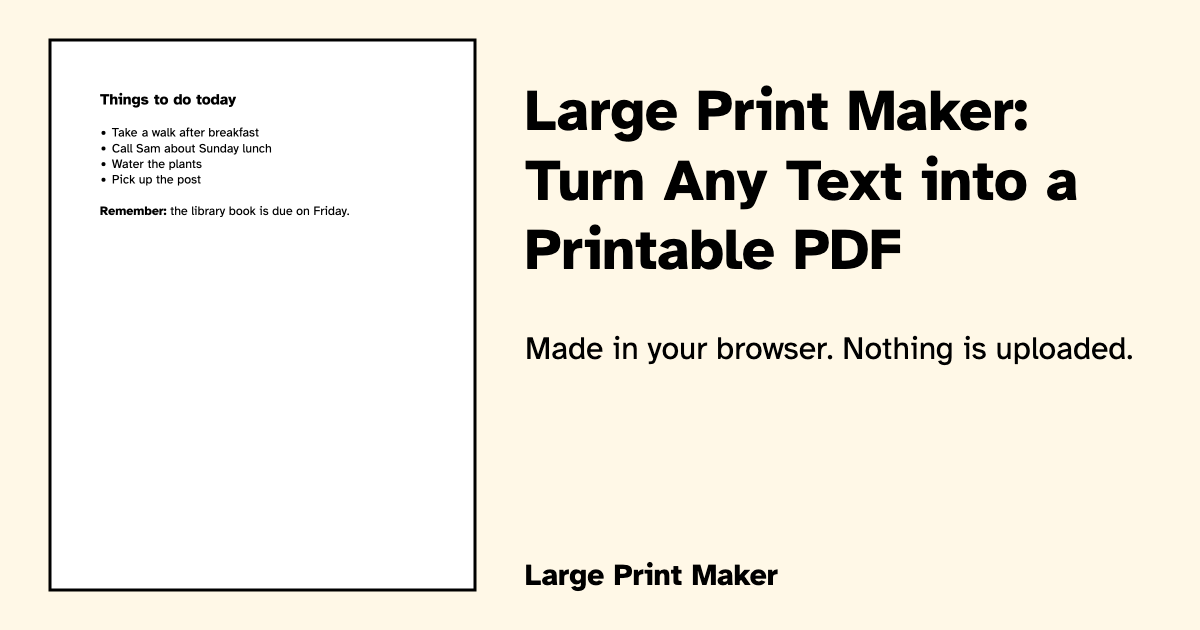
Large Print Maker is a free browser tool that turns pasted or typed text into a printable large-print PDF. It is designed for people with low vision and for anyone preparing readable material for a family member, patient, resident, congregation, or activity group. Instead of asking the user to manage page layout in a word processor, it limits the choices to a small set of accessible defaults. Text can be set at 18, 24, or 28 point, placed on US Letter, A4, or 11 by 17 inch paper, and printed on a white or cream background. The resulting document uses black text, a plain sans serif face, generous margins, left alignment, and consistent spacing.
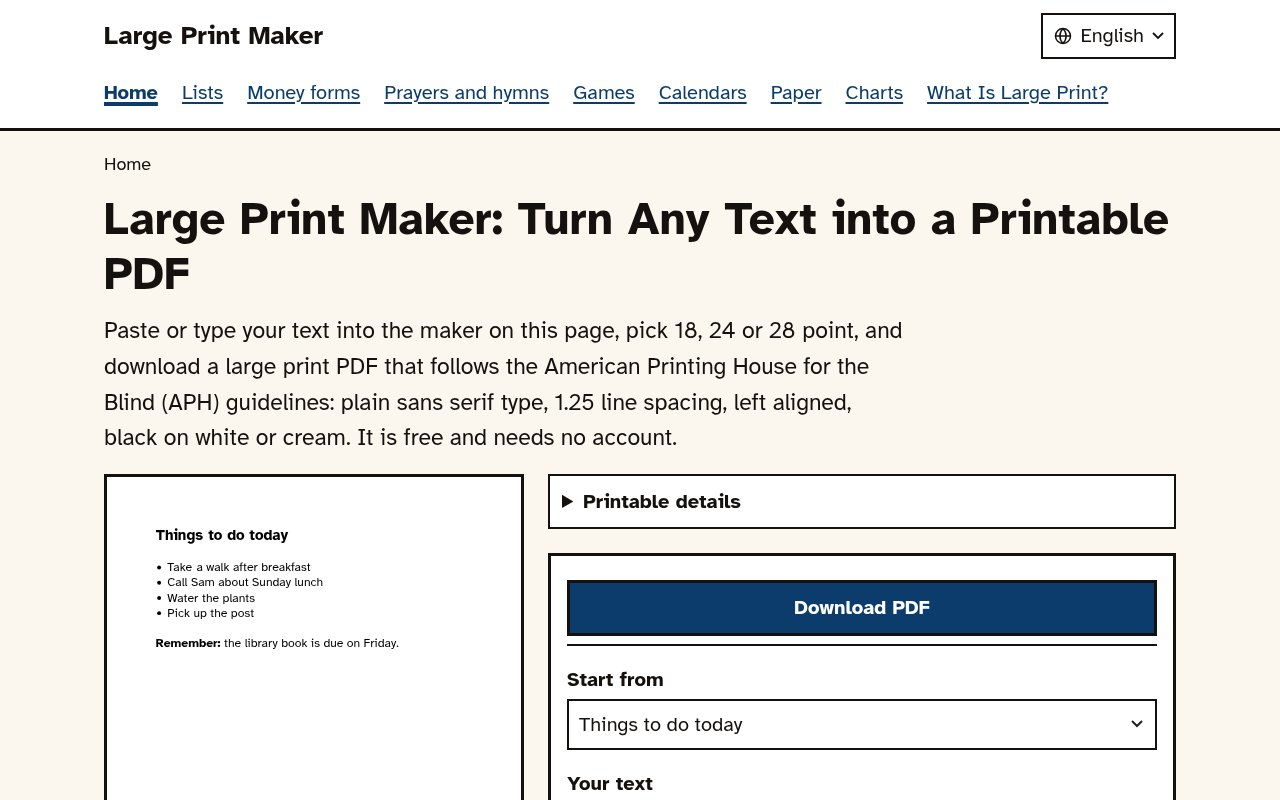
The workflow is deliberately short. A user pastes text into the maker, chooses the type size, paper size, background color, and typeface, then downloads the PDF. A setting can preserve the original line breaks. Three lightweight marks provide enough structure for many everyday documents. A line beginning with a number sign becomes a heading, a line beginning with a hyphen becomes a bullet, and text surrounded by two asterisks becomes bold. The maker avoids italics because they can be harder for low-vision readers, and it keeps the content in a simple single-column layout. A page preview lets the user move through the generated document before saving it.
The choices follow published large-print guidance that the site explains in plain language. It treats 18 point as the starting size for large print, with 24 point suited to instructions, schedules, songs, or other group material, and 28 point useful for wall sheets or reading across a table. Users can choose Atkinson Hyperlegible, a typeface created by the Braille Institute for low-vision readers, or Liberation Sans, which has Arial-compatible measurements. Cream paper is available for readers who find bright white backgrounds glaring. Bigger text naturally creates more pages, but the tool keeps the formatting predictable instead of squeezing words into a fixed space.
Privacy is one of its most useful practical qualities. The PDF is created in the browser, and the site says the text entered into the maker is never uploaded or sent to its servers. There is no account, so a caregiver can prepare a medication schedule, phone list, address list, letter, menu, or order of service without placing that content in a cloud document. Google Analytics counts visits and records a PDF download event with settings such as template, paper size, text size, and typeface, but not the entered text. Analytics is not loaded for visitors in the European Economic Area, the United Kingdom, or Switzerland. JavaScript is required for the PDF generator itself.
Large Print Maker also provides a substantial library of ready-made sheets that use the same accessible approach. The collection includes grocery and to-do lists, phone and address books, a check register, a bill log, a blood pressure log, weekly planners, lined paper, graph paper, calendars, number and alphabet charts, game score sheets, bingo cards, Sudoku, word searches, prayers, hymns, and religious passages. Those templates are helpful when starting from a blank page would add unnecessary work. Each relevant page has its own controls and downloadable PDF, and the site permits the printables to be copied for personal, family, church, library, and activity-room use.
Its main strength is focus. This isn't a general design suite, an optical character recognition service, or a document collaboration platform. It doesn't import complex formatting from a Word file, preserve images, or offer dozens of typographic controls. Instead, it handles the small but important job of turning plain text into a legible document with restrained choices grounded in accessibility guidance. That makes it approachable for a relative creating one sheet, a caregiver preparing daily instructions, a librarian helping a patron, or an activity coordinator producing reusable handouts. The narrow format also means users who need branded layouts, tables, pictures, or precise page composition will need another tool.
The service is genuinely free, has no advertising, and requires no sign-up. Both the custom maker and the ready-made materials can be used without opening an account or choosing a paid plan. Because generation happens locally, the user should save the finished PDF if it will be needed later. The site won't act as a document archive, and changing devices won't bring prior text back. For its intended task, that limitation is consistent with the privacy model. Large Print Maker offers a fast, low-friction way to produce readable pages while keeping personal text on the device.
Key Features
- In-browser large-print PDF creation
- Three accessible type sizes
- Three supported paper sizes
- White or cream backgrounds
- Two readable sans serif fonts
- Ready-made printable library
Pros & Cons
What we like
- Free with no account or advertising
- Entered text stays on the device
- Defaults follow published accessibility guidance
- Includes many practical printable templates
Room for improvement
- JavaScript is required for PDF creation
- Formatting controls are intentionally limited
- No cloud archive for previous documents
- Doesn't support images or complex layouts
Frequently Asked Questions
What is Large Print Maker?
Is Large Print Maker free?
Does Large Print Maker upload my text?
What formatting does Large Print Maker support?
Best For
Featured in
Alternatives to Large Print Maker
View all
CalendHub
Smart scheduling and calendar management for teams
Kevin Gabeci Toolkits
Seven AI toolkits for writing books, making music, cutting video, and building agents.

Eased Into AI
Learn AI from zero. No jargon, no hype, just steps that work.

Fix It Gently
Calm, plain-English fixes for everyday tech problems.
Our take
Tool Index Editorial · Oct 2026· 4.0/5
Large Print Maker turns plain text into an accessible PDF at 18, 24, or 28 point without uploading the content. We found a carefully constrained tool with readable fonts, generous spacing, white or cream backgrounds, three paper sizes, and a useful preview. It is free, has no ads or account requirement, and also offers ready-made logs, calendars, lists, games, charts, prayers, and activity sheets.
The local generation model is a real advantage for caregivers, families, libraries, and community groups handling personal material. The deliberate simplicity is also the limitation. It doesn't preserve complex Word formatting, support images or tables, or keep a cloud archive, and JavaScript is required. For straightforward letters, schedules, medication lists, and handouts, those constraints keep the result predictable rather than underpowered.
Editorial opinion from the Tool Index team, written from the public product pages. Not a user review.
Reviews (0)
No reviews yet
Be the first to share your experience with Large Print Maker
Sign in to write a reviewBadge builder
Add Large Print Maker to your website
Choose a badge style and size, preview it here, then copy the generated HTML. Badge images are self-contained SVGs and do not require an external script.

<a href="https://toolindex.net/tools/large-print-maker?ref=badge" target="_blank" rel="noopener">
  <img src="https://toolindex.net/badge/large-print-maker/medium.svg" alt="Large Print Maker - Listed on Tool Index" width="180" height="50" />
</a>How to use the badge
- 1. Pick the style, size, and theme that fit your layout.
- 2. Copy the generated HTML from the code block.
- 3. Paste it into your footer, homepage, or press page.
Standard badge available
The standard listing badge is available now. Score and circle badges are limited to tools currently ranked in the top 10 of a category.
Badge clicks return visitors to this profile with a referral tag so the source remains identifiable.
Related Tools

Confluence
Atlassian's long-running team wiki that anchors many enterprise knowledge stacks
Asana
Project management for teams that live in projects, tasks and dependencies
Kevin Gabeci Toolkits
Seven AI toolkits for writing books, making music, cutting video, and building agents.

Logseq
An open-source outliner notes app where every bullet is a first-class block
Work on Large Print Maker? Request listing access or correction