
LightScroll
Add deliberate friction and flexible limits to distracting apps and websites
Gallery
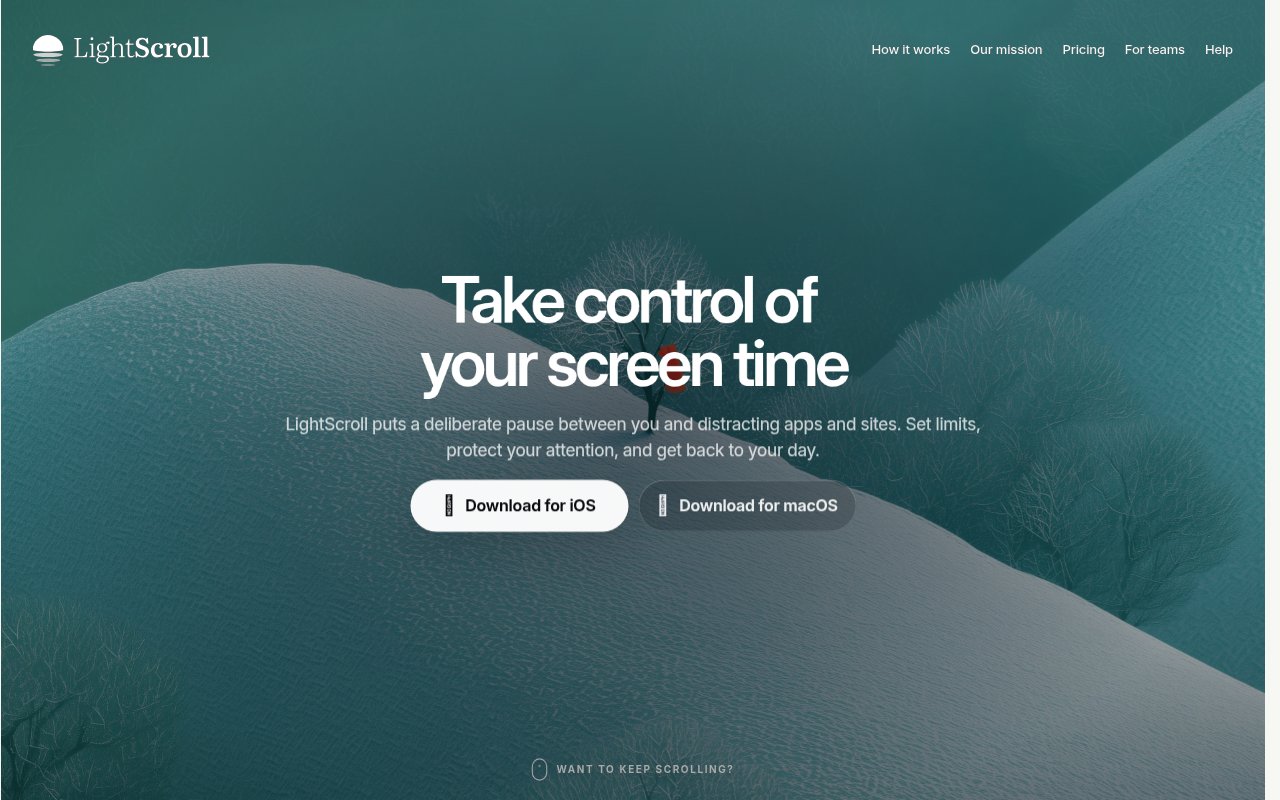
About LightScroll
LightScroll is a screen time app for iPhone, iPad, and Mac that puts a deliberate decision between an impulse and a distracting app or website. It is designed for people who don't want to delete every source of distraction or turn their entire device into a locked box. Instead, they create Controls for selected targets and decide when protection applies, how much use is allowed, and how long an allowed session lasts. When they try to open one of those targets, LightScroll can introduce a pause or another intentional action. The basic idea is simple. A small interruption can help someone notice an automatic habit and choose whether opening the feed, video site, or other distraction is really what they meant to do.
A Control is the core unit of the app. It can cover one app, website, category, or a group of related targets. The user chooses its schedule, time allowance, session length, and the Frictions or Overrides that remain available. Friction is a requirement that grants an allowed session without counting as a missed streak. The available approaches include short waits, breathing exercises, and mini games. If the configured allowance has already been used, an Override offers a more consequential route through the restriction. That might mean waiting or asking an accountability partner for a six digit code. The target can still be reached when it genuinely matters, but the action is no longer an effortless tap.
LightScroll gives habit building a visible progression layer. Keeping commitments grows a local streak and earns XP, while a grace state helps one missed day feel recoverable instead of final. Users can add friends, compare XP on leaderboards, encourage one another, share a Control challenge, and appoint an accountability partner. A partner doesn't need to watch another person's detailed activity. They can provide a current code when the user has chosen partner approval as an Override. The code opens the controlled target and records the choice as a streak miss. This social layer suits people who respond better to a small amount of shared commitment than to a private limit that can be dismissed immediately.
The implementation differs by device. On iPhone and iPad, protection uses Apple's Screen Time capabilities. On Mac, website Controls use Automation access to read and redirect matching tabs in supported browsers. LightScroll says observed tab URLs and ordinary browsing history are processed locally rather than sent to its servers. Raw Screen Time data, target selections, Control signatures, allowed sessions, Overrides, and detailed streak history also stay on the device during normal use. Compatible local data can be backed up to a private iCloud container. Limited information leaves the device for sign in, subscription status, social features, shared challenges, service operation, and optional analytics, so readers who care about privacy should still review the policy and settings rather than assuming nothing is ever shared.
The app fits several kinds of attention problem. Someone can schedule a Control around work or study hours, limit social media to short sessions, protect a planned reading period, or make late night browsing harder to begin. Controls are selective, so the rest of the device remains available. LightScroll also supports stricter configurations for people who know they will edit a rule in a weak moment. Plus adds Hardcore Mode, zero time allowances, and the option to remove Overrides entirely. At the other end of the spectrum, a user can keep a way out and use a lightweight Friction simply to break the automatic sequence of opening an app without thinking.
What makes LightScroll different from a plain timer is its separation between ordinary access, Friction, and consequential Overrides. It doesn't treat every minute on a controlled target as failure. The user defines how access should work, and the app makes that earlier decision present at the point of temptation. The combination of flexible schedules, bounded sessions, partner approval, streaks, XP, and challenges gives people several ways to shape behavior without sharing a full activity log with friends or a team administrator. Team plans extend Plus to each seat while keeping each person's controlled targets and usage private from admins, who see seat counts rather than personal Controls.
LightScroll uses a freemium model. Basic is free forever and includes unlimited friends, standard Frictions, ongoing Controls, and up to two Controls at a time. It always preserves an Override and requires some allowed time. Plus is purchased through Apple's App Store and adds unlimited Controls, timed goals, configurable Frictions, Hardcore Mode, zero time allowances, and the ability to remove the way out. Pricing depends on the user's App Store region, and a Plus entitlement works on Mac when the same LightScroll identity is used. That makes the free plan practical for testing the central behavior with the two distractions that matter most, while the paid plan is aimed at people who need broader coverage or stronger enforcement.
Key Features
- Scheduled app and website Controls
- Configurable pauses and Frictions
- Intentional access Overrides
- Streak and XP tracking
- Accountability partner codes
- Local first activity processing
Pros & Cons
What we like
- Targets specific distractions without disabling the whole device
- Flexible Frictions preserve access while interrupting autopilot
- Detailed activity and browsing data stay local
- Free plan includes the core habit loop
Room for improvement
- Available only within the Apple device ecosystem
- Basic limits users to two active Controls
- Mac website Controls depend on supported browsers
- Stronger blocking options require the Plus plan
Frequently Asked Questions
What is LightScroll?
Is LightScroll free?
What is the difference between a Friction and an Override?
Does LightScroll upload browsing history?
Best For
Featured in
Alternatives to LightScroll
View all
CalendHub
Smart scheduling and calendar management for teams
Kevin Gabeci Toolkits
Seven AI toolkits for writing books, making music, cutting video, and building agents.

Eased Into AI
Learn AI from zero. No jargon, no hype, just steps that work.

Fix It Gently
Calm, plain-English fixes for everyday tech problems.
Reviews (0)
Badge builder
Add LightScroll to your website
Choose a badge style and size, preview it here, then copy the generated HTML. Badge images are self-contained SVGs and do not require an external script.

<a href="https://toolindex.net/tools/lightscroll?ref=badge" target="_blank" rel="noopener">
  <img src="https://toolindex.net/badge/lightscroll/medium.svg" alt="LightScroll - Listed on Tool Index" width="180" height="50" />
</a>How to use the badge
- 1. Pick the style, size, and theme that fit your layout.
- 2. Copy the generated HTML from the code block.
- 3. Paste it into your footer, homepage, or press page.
Standard badge available
The standard listing badge is available now. Score and circle badges are limited to tools currently ranked in the top 10 of a category.
Badge clicks return visitors to this profile with a referral tag so the source remains identifiable.
Related Tools

Confluence
Atlassian's long-running team wiki that anchors many enterprise knowledge stacks
Asana
Project management for teams that live in projects, tasks and dependencies
Kevin Gabeci Toolkits
Seven AI toolkits for writing books, making music, cutting video, and building agents.

Logseq
An open-source outliner notes app where every bullet is a first-class block
Work on LightScroll? Request listing access or correction