
Midjourney API
Third-party REST API for Midjourney image generation with webhooks, polling and prepaid quota
Gallery
About Midjourney API
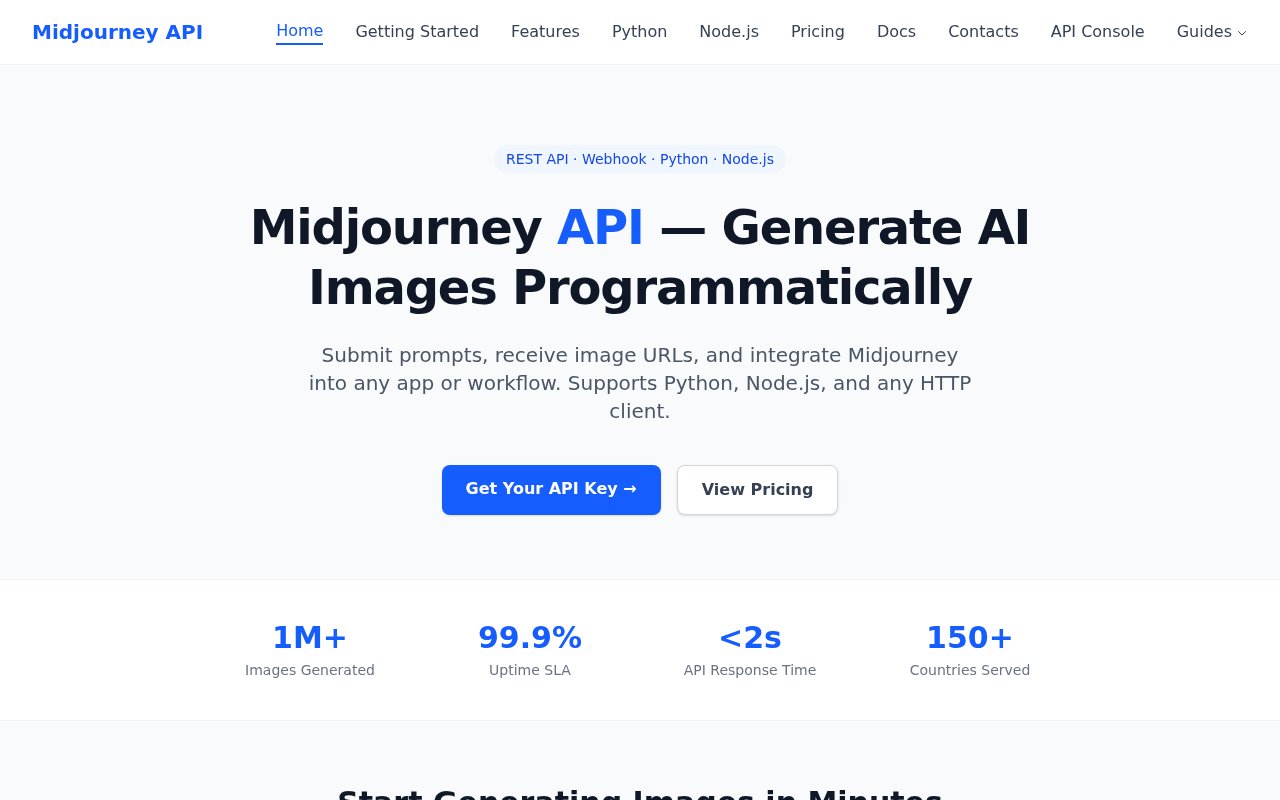
Midjourney API is a third-party REST service that lets developers generate Midjourney images from code. Midjourney itself has no public API, which is the gap this service fills. You send a prompt to a submit jobs endpoint with an API key, then either poll a job status endpoint or hand over a webhook URL and wait for the callback that carries the image URLs. It isn't affiliated with Midjourney, and the site is open about the fact that it exists precisely because there's no official route.
The problem is straightforward. Plenty of products want Midjourney's output inside their own workflow, whether that's a SaaS tool generating hero images, an e-commerce catalogue, a content pipeline, or a bulk job producing hundreds of variations, and none of them can drive a Discord bot by hand at scale. This service turns that into ordinary HTTP with jobs, status and callbacks, so it slots into whatever backend you already run and behaves like any other queue-based API.
Under the hood you authenticate with a simple API key, submit a job to the submit-jobs endpoint with your prompt and parameters, and get a job ID back. Fast and relax modes are both available, with relax costing less quota per image. Niji 7 is supported for anime style output, and the usual niji and aspect ratio flags pass through in the prompt. Results come back through polling or through a webhook callback when the job completes. The documentation also describes a separate GPT-Image endpoint for text and image based generation, an OpenAPI specification, and a queue page that explains how the concurrency limits work. There are Python examples using the requests library, Node.js tutorials, and it works with any HTTP client. Setup guides exist for Cursor, Claude Code and Windsurf, and there's an llms.txt index so coding agents can read the docs directly.
It's built for developers integrating image generation into SaaS products, e-commerce platforms, content management systems and publishing workflows, along with anyone converting a Discord based Midjourney habit into something scriptable. If you're a solo designer who just wants to type prompts, the Midjourney app is still the better place to be. This is for the case where the prompt is coming from your code and the image needs to land somewhere automatically. Agencies producing volume for clients fit the same shape.
What makes it different from the many image generation APIs is simply the model behind it. Open image models have plenty of API providers; Midjourney doesn't, and its look is the reason people ask for it. The tradeoff is that this is an unofficial layer over a service that doesn't offer an API, so its reliability depends on how Midjourney evolves, and you should read Midjourney's own terms before building a business on it. The site also lists two different concurrency figures, ten concurrent requests on the homepage and up to thirty concurrent jobs on the pricing page, so check the queue documentation for the current limit before you size a workload.
Pricing is prepaid quota rather than a subscription. Starter is $10 for 1,300 quota, Standard is $60 for 7,800 plus a 2 percent bonus, Ultra is $120 for 15,600 plus 5 percent, and Max is $1,200 for 156,000 plus 10 percent. A relax generation uses 3 quota, about $0.023, and a fast generation uses 5, about $0.038. Quota never expires and unused credits roll over indefinitely. Webhooks are included on every plan, Starter gets email support, Standard gets priority email, and Max gets a dedicated support channel. There's no free tier listed anywhere on the site.
Working the numbers, Starter's 1,300 quota covers roughly 430 relax generations or 260 fast ones, and a thousand relax images comes to about $23 against $38 for fast, which makes the relax queue the obvious default for anything that isn't interactive. The site's use case pages walk through the scenarios it expects, including SaaS features, e-commerce imagery, content marketing, bulk image generation, an AI avatar API, and moving a Discord bot workflow onto the API. Getting started is a matter of creating a key in the API console, reading the quickstart, and sending one request, and the docs are written so a coding agent can do that for you from the llms.txt index.
Access is paid from the first image. You create an API key in the dashboard, buy a quota pack, and start submitting jobs. Support runs through a Telegram group for real-time help and a business email for enterprise quotes and private deployments, both reachable from the contacts page. The documentation site, the pricing and payment pages, and use case guides for SaaS, e-commerce, content marketing, bulk generation and AI avatars are all public, so you can read everything before spending anything.
Key Features
- Submit jobs and job status endpoints
- Webhook callbacks on completion
- Fast and relax generation modes
- Niji 7 and aspect ratio parameters
- Prepaid quota that never expires
- OpenAPI spec and coding agent guides
Pros & Cons
What we like
- Only practical way to call Midjourney from code
- Webhooks on every plan, no polling required
- Quota rolls over with no subscription
- Docs cover Python, Node.js, Cursor and Claude Code
Room for improvement
- Unofficial and not affiliated with Midjourney
- No free tier or trial credits
- Concurrency limits stated inconsistently across pages
- Reliability depends on a service with no public API
Frequently Asked Questions
What is Midjourney API?
Is it official?
Is Midjourney API free?
How do I get results back?
Best For
Featured in
Alternatives to Midjourney API
View all
HairstylesPro
Try hundreds of hairstyles on your own photo before you commit to a cut

Recraft
AI image generator built around vector output and brand styles

Midjourney
Create stunning AI artwork from text prompts
Leonardo.ai
Image generation suite with fine-tuned models for game and product art
Our take
Tool Index Editorial · Sep 2026· 2.5/5
Midjourney API is an unofficial REST wrapper that lets developers submit Midjourney image jobs, poll status, or receive results by webhook. It targets SaaS, ecommerce, and bulk content workflows that cannot be run by hand through Discord. Pricing begins at $10 for 1,300 quota credits, with relax generations listed at 3 credits and fast generations at 5. Purchased quota does not expire.
We found the API shape and public examples straightforward, but the foundation is risky. Midjourney does not offer an official public API, this service is not affiliated with it, and a platform change could disrupt customers with little recourse. The site's own concurrency claims conflict, showing 10 jobs on feature pages and up to 30 on pricing. There is also no meaningful free test shown. A prototype may justify the convenience, but a core product dependency needs legal, reliability, and fallback review first.
Editorial opinion from the Tool Index team, written from the public product pages. Not a user review.
Reviews (0)
Badge builder
Add Midjourney API to your website
Choose a badge style and size, preview it here, then copy the generated HTML. Badge images are self-contained SVGs and do not require an external script.

<a href="https://toolindex.net/tools/midjourney-api?ref=badge" target="_blank" rel="noopener">
  <img src="https://toolindex.net/badge/midjourney-api/medium.svg" alt="Midjourney API - Listed on Tool Index" width="180" height="50" />
</a>How to use the badge
- 1. Pick the style, size, and theme that fit your layout.
- 2. Copy the generated HTML from the code block.
- 3. Paste it into your footer, homepage, or press page.
Standard badge available
The standard listing badge is available now. Score and circle badges are limited to tools currently ranked in the top 10 of a category.
Badge clicks return visitors to this profile with a referral tag so the source remains identifiable.
Related Tools
HairstylesPro
Try hundreds of hairstyles on your own photo before you commit to a cut
Recraft
AI image generator built around vector output and brand styles

AIMakeTattoo
Turn text descriptions into visual tattoo concepts with style and placement options
Flux by Black Forest Labs
Open and hosted image models that power half the AI art stack
Work on Midjourney API? Request listing access or correction