
MyHandler
A local-first Windows AI assistant that searches your screen history, drafts replies and takes dictation
Gallery
About MyHandler
MyHandler is a local-first AI assistant for Windows that keeps a searchable memory of what you've seen and said on your PC, then uses it to draft replies, take dictation and act on voice commands. The model runs on your own machine by default, the memory lives in an encrypted database on your own disk, and cloud AI is an option you can switch off rather than the foundation everything rests on.
The problem it's built for is the one every knowledge worker has. The answer you need is somewhere in an email thread, a Teams call, a document or a page you had open on Tuesday, and finding it means retracing your steps across six apps. Microsoft's own Recall feature answers that with screenshots every few seconds on Copilot Plus hardware. MyHandler takes a different route. It extracts the text from your screen and discards the picture, keeps no image archive unless you turn screenshots on, skips password fields at capture time, and ignores private and incognito browsing. That distinction matters because a text index is searchable and small, while a screenshot archive is neither.
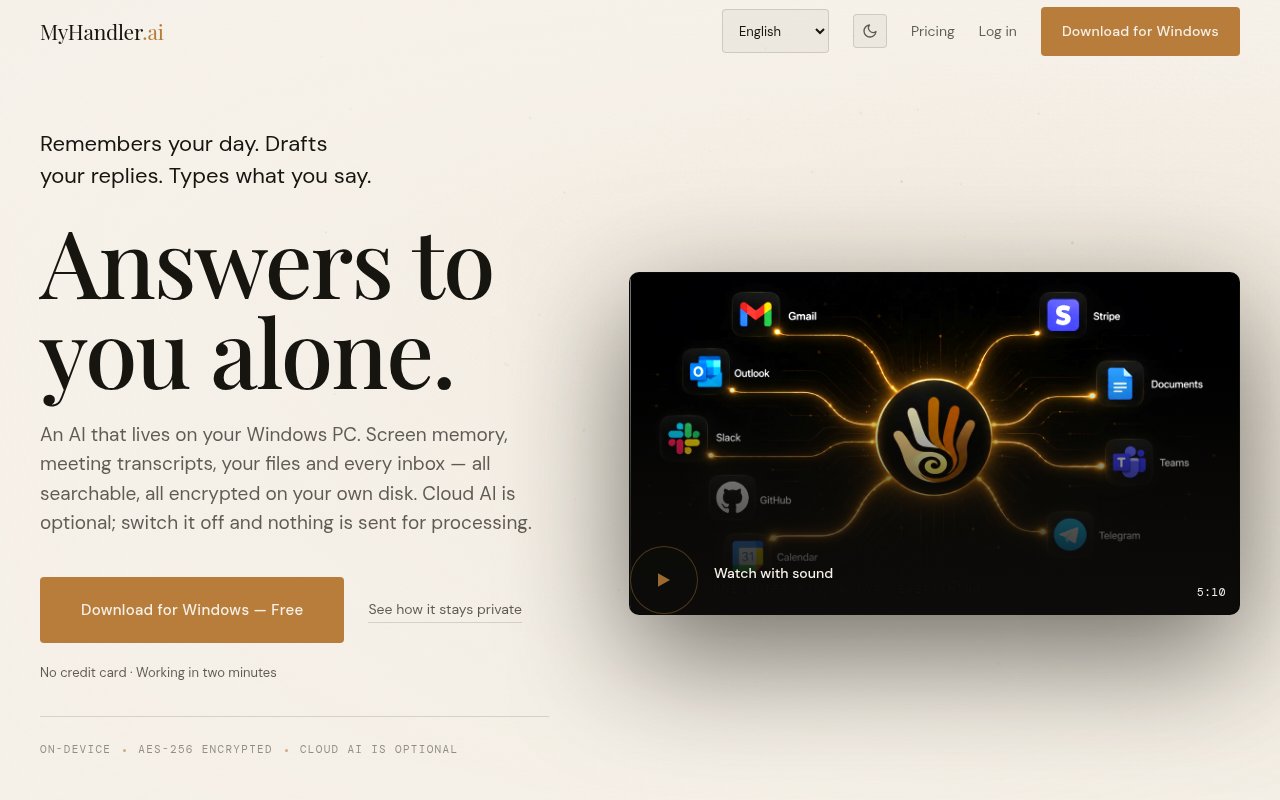
Four features sit on top of that memory. Recall searches screen text, files, meeting transcripts and messages in one place. Ghostwriter drafts an email reply from the thread's context plus what's in your calendar and files. Dictation does voice-to-text in 30 languages with processing on the device. Voice Commands run tasks from a hotkey. Channels connect through an encrypted relay that deletes its copy after delivery, and the list covers Gmail, Outlook and any IMAP mailbox, plus Slack, Teams, SMS, Telegram, Discord and your calendars.
The on-device model is Qwen 3 by default, and everything it touches is stored with AES-256 encryption on your disk rather than on the vendor's servers. If you want a bigger model for a harder task, cloud AI is available and metered in monthly credits, while on-device work stays unlimited and free. The site is explicit that no data is sold or used for training, and that cancelling a plan leaves the vault with you. Setting it up means installing the Windows app and connecting the channels you want it to read. Email arrives over IMAP or through the Gmail and Outlook connections, and chat, SMS and calendar feeds come through the relay, which exists so a channel can reach your PC without the vendor keeping a copy. From then on Recall indexes what crosses your screen as text, and the four features draw on that index. Ask what a supplier quoted last month and it searches the transcripts and messages. Open a reply and Ghostwriter drafts it from the thread and your calendar. Press the hotkey and dictate.
It's aimed at professionals and executives who live in email and meetings and want an assistant that knows their context without shipping that context to a cloud. The higher plans add MCP tools, which opens the door to connecting it to other services, and the channel counts scale from a personal inbox up to a busy operator with dozens of feeds.
What sets it apart is the privacy posture combined with real integrations. Plenty of local chat apps keep your prompts private but can't read your inbox, and plenty of cloud assistants read everything but keep it on someone else's server. MyHandler sits in the middle, local by default with encrypted relays for the channels that need one. The limits are that it's Windows 10 and 11 only today, with macOS and Linux listed as coming soon, that a local model on ordinary hardware won't match a frontier cloud model, and that the credit system for cloud usage takes a moment to understand before you can predict a bill. Compared with the alternatives, the trade is capability for custody. A cloud assistant with inbox access will write a better email from a bigger model, but everything it reads lives on its servers. A local chat app keeps your prompts private and knows nothing about your day. MyHandler's answer is to keep the memory and the default model on your disk and let you spend credits on cloud AI only when a task deserves it. The plan ladder follows the same logic, since on-device work is unlimited on every tier and the paid plans mostly buy more channels, more voice minutes and, from Business up, MCP tools for connecting other services.
Access is freemium. Free is $0 forever with three channels, a small credit allowance and one voice minute a month. Personal is $19 a month with eight channels and ten voice minutes. Business is $39 a month with 25 channels, MCP tools and 30 voice minutes. Executive is $79 a month with unlimited channels, MCP tools and 60 voice minutes. There's no annual pricing listed and no published contact email, so support runs through the app and the site.
Key Features
- Recall search across screen text, files and messages
- Ghostwriter email reply drafts
- On-device dictation in 30 languages
- Hotkey voice commands
- Encrypted local memory with Qwen 3 by default
- Gmail, Outlook, Slack, Teams and Telegram channels
Pros & Cons
What we like
- Local model and encrypted on-disk memory by default
- Text is captured and images discarded
- Free tier with no time limit
- Cloud AI is optional and can be disabled
Room for improvement
- Windows only for now
- Local model is weaker than cloud frontier models
- Credit metering for cloud usage takes some reading
- No published support email
Frequently Asked Questions
What is MyHandler?
Is MyHandler free?
Does MyHandler take screenshots of my screen?
Which platforms does MyHandler run on?
Best For
Featured in
Alternatives to MyHandler
View all
CalendHub
Smart scheduling and calendar management for teams
Kevin Gabeci Toolkits
Seven AI toolkits for writing books, making music, cutting video, and building agents.

Eased Into AI
Learn AI from zero. No jargon, no hype, just steps that work.

Fix It Gently
Calm, plain-English fixes for everyday tech problems.
Our take
Tool Index Editorial · Sep 2026· 3.5/5
MyHandler is a Windows assistant that indexes screen text, files, transcripts, and connected channels into an encrypted local memory, then uses that context for search, reply drafting, dictation, and voice commands. It is built for inbox-heavy professionals who value local custody. The free plan includes 300 cloud credits and three channels. Paid plans run from $19 to $79 monthly, while on-device AI remains available when cloud credits run out.
We found the text-first capture model more defensible than storing a permanent screenshot stream, and the site clearly distinguishes local processing from its transient encrypted relay. Even so, this is exceptionally sensitive software. It requests broad visibility into a user's screen and communications, and the vendor's privacy claims deserve independent review before workplace deployment. It is Windows-only, local model quality depends on the PC, and the credit system makes total capability harder to compare at a glance.
Editorial opinion from the Tool Index team, written from the public product pages. Not a user review.
Reviews (0)
Badge builder
Add MyHandler to your website
Choose a badge style and size, preview it here, then copy the generated HTML. Badge images are self-contained SVGs and do not require an external script.

<a href="https://toolindex.net/tools/myhandler?ref=badge" target="_blank" rel="noopener">
  <img src="https://toolindex.net/badge/myhandler/medium.svg" alt="MyHandler - Listed on Tool Index" width="180" height="50" />
</a>How to use the badge
- 1. Pick the style, size, and theme that fit your layout.
- 2. Copy the generated HTML from the code block.
- 3. Paste it into your footer, homepage, or press page.
Standard badge available
The standard listing badge is available now. Score and circle badges are limited to tools currently ranked in the top 10 of a category.
Badge clicks return visitors to this profile with a referral tag so the source remains identifiable.
Related Tools

Confluence
Atlassian's long-running team wiki that anchors many enterprise knowledge stacks
Asana
Project management for teams that live in projects, tasks and dependencies
Kevin Gabeci Toolkits
Seven AI toolkits for writing books, making music, cutting video, and building agents.

Logseq
An open-source outliner notes app where every bullet is a first-class block
Work on MyHandler? Request a listing correction