
Ontoplano
Open-source life planner that keeps your week, tasks, habits, notes and shopping lists in one app
Gallery
About Ontoplano
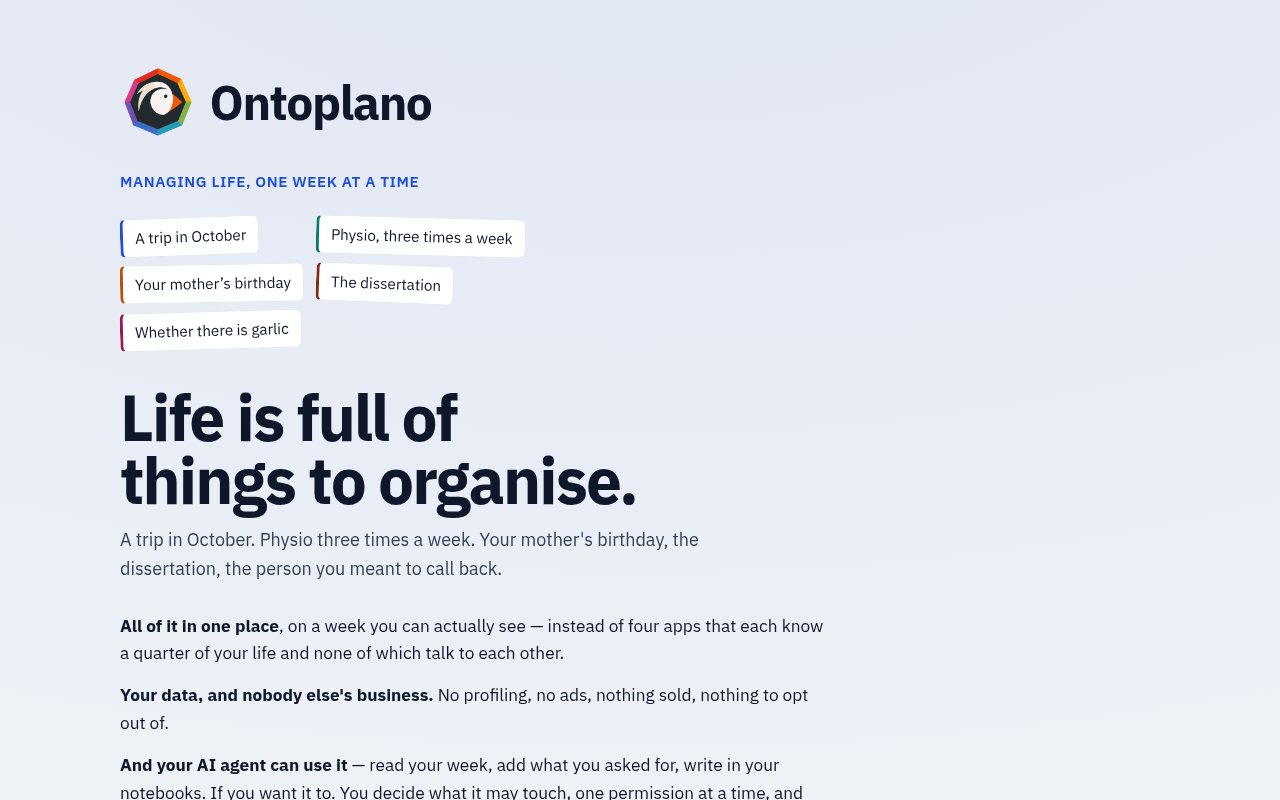
Ontoplano is a life management app that puts the basic pieces of a week into one place. The centre of it is a weekly planner drawn as blocks, and around that sit to-dos, goals with progress, habits with streaks, notes and notebooks, ideas, contacts, bills, recipes and shopping lists. The parts talk to each other, so a recipe fills the shopping list and a task lands in the week, and one search box covers everything you've put in.
The problem is fragmentation. Most people run their life across a calendar, a to-do app, a notes app, a habit tracker and a shopping list, none of which know about each other, and the glue is memory. Ontoplano's answer is to design your ideal week once and let subsequent weeks inherit that template, then record what actually happened against what was planned. That gap between planned and actual is the feedback loop the app is built around.
It runs in the browser, either self-hosted or on the official instance, with an Android app, a mobile widget and offline support for shopping lists. There are keyboard shortcuts in the vim style and a gesture the docs call the wheel for moving between the app's rooms on a phone. The outside surface is unusually open for a personal app. It has an HTTP API, tokens with scopes, streams, webhooks and a calendar link, all documented at docs.ontoplano.com.
The docs are candid about the model underneath. A task can live in one of three tables, and the guide explains how one becomes another as it moves from idea to scheduled block to done. Permissions are one scope system shared by every way in, whether that's the app itself, an API token, a webhook or an assistant over MCP, so what a grant hands over is the same regardless of the door it came through. The phone install guide covers the two ways to put it on a device and what works offline, and the family plan page describes the single form that sets up shared accounts.
The feature that stands out is the built-in MCP server at the /api/mcp path. You point Claude or any other assistant that speaks the Model Context Protocol at your own instance, grant it a scoped, revocable token, and it can read and modify your schedule within exactly the permissions you handed over. The app makes no AI calls of its own. You bring the assistant, and the permission system decides what it can see, which is a sensible way to get an agent into your planner without giving it your whole life. For someone who already uses an assistant for planning, that turns a chat into a way of editing next week without opening the app.
It's for people who want everything in one place and care about owning the data, and for self-hosters in particular. Running it yourself is straightforward. There's a Docker image, ontoplano/ontoplano, that needs an origin, an auth secret and a data volume, plus native packages as .deb, .rpm and AUR with Node bundled in, managed as a systemd service. Data lives in a mounted volume for Docker or under the standard system directories for the packaged installs, which keeps backups a matter of copying one path. The first account registered owns the instance and registration closes after that by default. A family plan covers up to five accounts on one subscription.
Where it differs from the big productivity suites is scope and licence. It's not a team tool, it's a personal one, and the whole server is open source under AGPL-3.0, written in Svelte and TypeScript with Drizzle ORM. The developer is Estevao, an independent builder in Brazil, and the project is young, with a small following on GitHub but a long commit history. Recurring tasks, scheduled commitments and future items are all supported in the planner, per the repository's own description. That means an honest look at the docs is the right first step, and the demo, docs and repository are all linked from the homepage.
A first session is easy to arrange. The hosted demo sets up a copy for you, creates an account and populates it with data, then deletes the whole thing when you close it, so you can poke at the weekly view and the shopping list without committing. If it fits, either sign up for the hosted trial or pull the Docker image and run your own. Because the server is the same open-source repository in both cases, the docs describe exactly what you'd be running.
Access is open source, free to self-host under AGPL-3.0. The hosted service at app.ontoplano.com costs $3.50 a month for an individual and $8.25 a month for a family of up to five accounts, with a 14 day free trial. There's no published contact email, but the code and issues live on GitHub.
Key Features
- Weekly planner with a reusable ideal week
- Tasks, goals, habits, notes and contacts together
- Recipes that fill the shopping list
- Built-in MCP server with scoped tokens
- HTTP API, webhooks and calendar link
- Self-host via Docker or native packages
Pros & Cons
What we like
- One app instead of five disconnected ones
- AGPL-3.0 licensed and self-hostable for free
- AI assistants connect through revocable permissions
- Cheap hosted option with a family plan
Room for improvement
- Personal tool, not built for teams
- Young project with a small community
- Android only on mobile, no native iOS app
- Self-hosting needs some server comfort
Frequently Asked Questions
What is Ontoplano?
Is Ontoplano free?
Does it use AI?
How do I self-host it?
Best For
Featured in
Alternatives to Ontoplano
View all
CalendHub
Smart scheduling and calendar management for teams
Kevin Gabeci Toolkits
Seven AI toolkits for writing books, making music, cutting video, and building agents.

Eased Into AI
Learn AI from zero. No jargon, no hype, just steps that work.

Fix It Gently
Calm, plain-English fixes for everyday tech problems.
Our take
Tool Index Editorial · Sep 2026· 4.0/5
Ontoplano combines a weekly planner, tasks, goals, habits, notes, contacts, recipes, and shopping into one personal system. We found the connections between those parts more interesting than the raw feature count, especially recipes feeding shopping and scheduled work feeding goal progress. It can be self-hosted or used through the official instance, and its scoped MCP tokens let an outside assistant act only on areas the user permits.
This is a strong fit for self-hosters who want one owned database instead of several personal productivity apps. It is not a team workspace, the project is young, and the captured public page does not expose hosted pricing clearly enough for comparison. Broad all-in-one tools also demand trust in many small workflows, so the disposable demo is the right place to test whether planning, mobile use, offline behavior, and search really fit before migrating personal data.
Editorial opinion from the Tool Index team, written from the public product pages. Not a user review.
Reviews (0)
Badge builder
Add Ontoplano to your website
Choose a badge style and size, preview it here, then copy the generated HTML. Badge images are self-contained SVGs and do not require an external script.

<a href="https://toolindex.net/tools/ontoplano?ref=badge" target="_blank" rel="noopener">
  <img src="https://toolindex.net/badge/ontoplano/medium.svg" alt="Ontoplano - Listed on Tool Index" width="180" height="50" />
</a>How to use the badge
- 1. Pick the style, size, and theme that fit your layout.
- 2. Copy the generated HTML from the code block.
- 3. Paste it into your footer, homepage, or press page.
Standard badge available
The standard listing badge is available now. Score and circle badges are limited to tools currently ranked in the top 10 of a category.
Badge clicks return visitors to this profile with a referral tag so the source remains identifiable.
Related Tools

Confluence
Atlassian's long-running team wiki that anchors many enterprise knowledge stacks
Asana
Project management for teams that live in projects, tasks and dependencies
Kevin Gabeci Toolkits
Seven AI toolkits for writing books, making music, cutting video, and building agents.

Logseq
An open-source outliner notes app where every bullet is a first-class block
Work on Ontoplano? Request listing access or correction