PasteDaemon
Clipboard manager for macOS with history, transforms, and AI agent integration
Gallery
About PasteDaemon
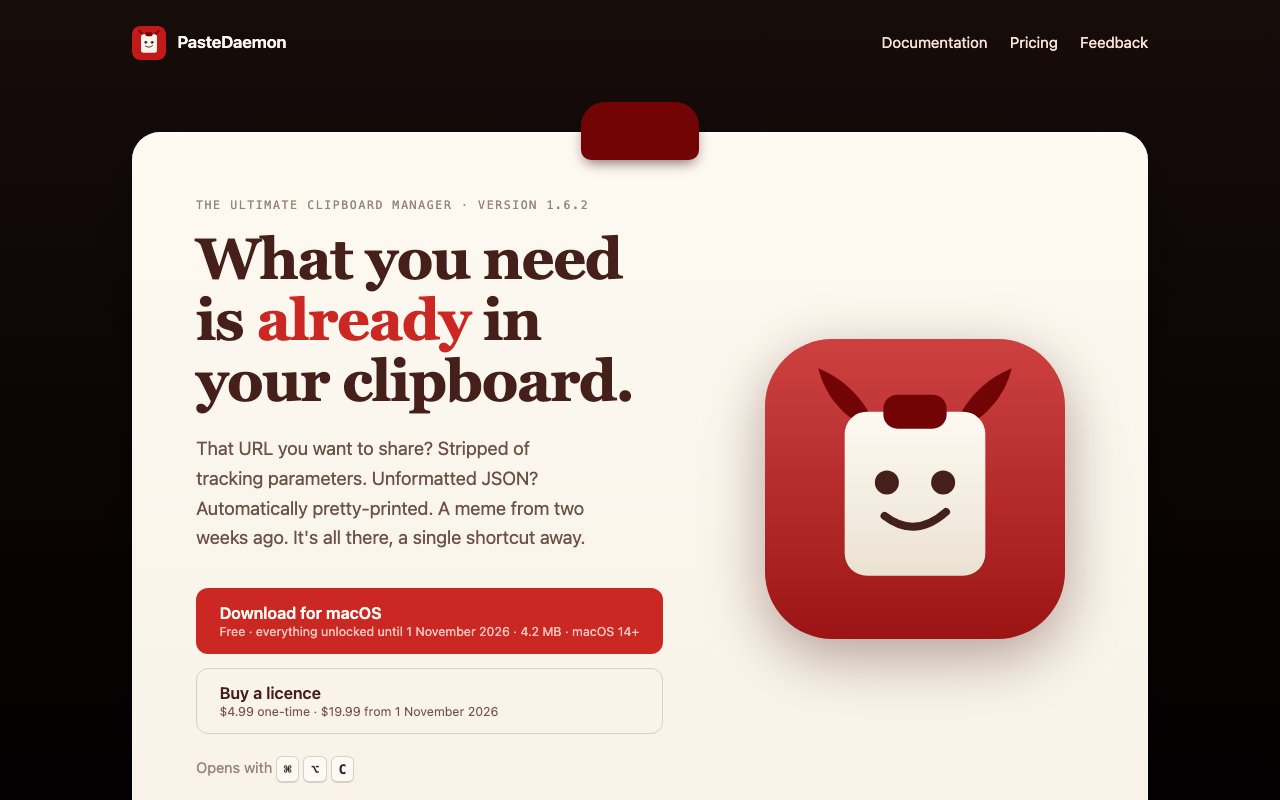
PasteDaemon is a clipboard manager for macOS that keeps a searchable history of everything you copy and lets you transform content on the way in or out. It stores text, files, and images, OCRs text from screenshots automatically, and surfaces everything through a keyboard shortcut. If you've ever copied something, switched apps, copied something else, and lost the first thing, this is the fix. The app sits in your menu bar and waits for Command-Option-C, then shows your clipboard history in a searchable list. No time limits, no account required, no cloud sync to worry about. The entire database lives on your machine and nowhere else.
The baseline is a persistent clipboard history accessible via that single keyboard shortcut. You can scroll back through what you've copied, search by content, and paste anything from the list. Images are indexed by OCR, so if you screenshot a receipt or an error message, you can find it later by searching for text that appeared in the image. That alone makes it useful for anyone who moves between apps and documents all day. The search works across everything you've copied, regardless of whether it was plain text, rich text, a file path, or an image with embedded text. File references and rich formatting are preserved, so you're not stuck with stripped-down versions of what you copied.
What sets PasteDaemon apart from simpler clipboard managers is the transformation layer. It has pipelines, which are sequences of transformations you define. A pipeline consists of a source, a chain of filters, and somewhere to send the result. Built-in filters include URL tracking parameter removal, text formatting like uppercase or trimming or slug generation, custom regex transformations, and script-based processing for anything the presets don't cover. You might set up a pipeline that strips UTM parameters from URLs, formats JSON with proper indentation, converts timezones, or links Jira ticket numbers to their full URLs. Triggers let you apply pipelines automatically when what you copy matches certain conditions. For example, you could set a trigger that fires whenever you copy a URL containing UTM parameters and strips them on the spot, before the content even lands in your history.
The app also supports variables, which act like snippets prefixed with a dollar sign. You can define reusable pieces of text and reference them inside pipelines or paste them directly. Lists let you work with multiple clipboard items at once. There's a shell-like REPL interface for real-time resolution if you want to test transformations interactively before committing them to a trigger. For developers and power users, PasteDaemon exposes a local HTTP API and an MCP server for AI agent integration. This means tools like Claude Code or other MCP-aware agents can interact with your clipboard programmatically. If you're building workflows where an AI needs to read or write clipboard content, PasteDaemon provides the hook without requiring you to grant broad system access. The API is entirely local, keeping your clipboard interactions private even when external tools are involved.
Privacy is a core promise. There's no account, no sync, and no telemetry. Your clipboard data never leaves your machine. The only network request the app makes is to check for updates, and the embedded video player uses YouTube's no-cookie domain. This matters if you copy passwords, API keys, or client information regularly. The app runs entirely locally and stores everything in a database on your own disk. You own your data completely, and you can delete it whenever you want without asking anyone for permission.
Pricing during the beta, which runs through November 1, 2026, gives full feature access for free. After that the license will cost four dollars and ninety-nine cents during the early-bird window, increasing to nineteen dollars and ninety-nine cents at regular price. A free tier with history, search, and plain-text pasting will remain available permanently. The paid license unlocks pipelines, triggers, actions, and the API. The app requires macOS 14 or later, supports both Apple Silicon and Intel Macs, and weighs about 4.2 megabytes. It's small, fast, and stays out of your way until you need it.
PasteDaemon fits developers, writers, researchers, and anyone who copies and pastes a lot throughout the day. The history alone saves time. The pipelines and triggers save more by automating the tedious reformatting work you'd otherwise do by hand. And the local-first, no-telemetry stance makes it safe to use with sensitive content that you wouldn't want passing through a sync service or landing on someone else's server. If you spend any part of your day copying and pasting between apps, this is a tool worth trying.
Key Features
- Persistent clipboard history with search
- OCR indexing of copied images
- Transform pipelines with regex and scripts
- Automatic triggers based on content
- Local API and MCP server for AI agents
- No sync or telemetry
Pros & Cons
What we like
- Clipboard never leaves your machine
- OCR makes screenshots searchable
- Pipelines automate repetitive transforms
- MCP server enables AI agent integration
Room for improvement
- macOS only, no cross-platform sync
- Requires macOS 14 or later
- Advanced features need familiarity with regex or scripts
- Beta pricing may change after November 2026
Frequently Asked Questions
What is PasteDaemon?
Is PasteDaemon free?
Does PasteDaemon sync my clipboard to the cloud?
What is the MCP server for?
Best For
Featured in
Alternatives to PasteDaemon

CalendHub
Smart scheduling and calendar management for teams
Kevin Gabeci Toolkits
Seven AI toolkits for writing books, making music, cutting video, and building agents.

Eased Into AI
Learn AI from zero. No jargon, no hype, just steps that work.

Fix It Gently
Calm, plain-English fixes for everyday tech problems.
Reviews (0)
Badge builder
Add PasteDaemon to your website
Choose a badge style and size, preview it here, then copy the generated HTML. Badge images are self-contained SVGs and do not require an external script.

<a href="https://toolindex.net/tools/pastedaemon?ref=badge" target="_blank" rel="noopener">
  <img src="https://toolindex.net/badge/pastedaemon/medium.svg" alt="PasteDaemon - Listed on Tool Index" width="180" height="50" />
</a>How to use the badge
- 1. Pick the style, size, and theme that fit your layout.
- 2. Copy the generated HTML from the code block.
- 3. Paste it into your footer, homepage, or press page.
Standard badge available
The standard listing badge is available now. Score and circle badges are limited to tools currently ranked in the top 10 of a category.
Badge clicks return visitors to this profile with a referral tag so the source remains identifiable.
Related Tools

Confluence
Atlassian's long-running team wiki that anchors many enterprise knowledge stacks
Asana
Project management for teams that live in projects, tasks and dependencies
Kevin Gabeci Toolkits
Seven AI toolkits for writing books, making music, cutting video, and building agents.

Logseq
An open-source outliner notes app where every bullet is a first-class block
Work on PasteDaemon? Request listing access or correction