
Pixcodrops
Premium Framer templates and components for designers who want fast, standout websites
Gallery
About Pixcodrops
Pixcodrops is a marketplace for Framer templates and components aimed at designers and creators who want to build polished websites without writing code. The platform offers a curated library of website templates across various categories, from SaaS marketing pages to portfolios and service business sites, along with standalone components that add specific functionality to any Framer project. Everything sold on Pixcodrops is built natively for Framer, meaning purchases integrate directly into the platform's visual editor with all interactions, animations, and responsive breakpoints already configured.
The problem it addresses is the gap between wanting a professional, distinctive website and having the time or technical ability to build one from scratch. Framer has grown rapidly among designers who want more creative control than template-based builders like Squarespace but less complexity than learning custom code or working with developers. This growth has created demand for high-quality starting points that look polished out of the box while remaining fully customizable. Pixcodrops fills that gap with designs that feel intentional rather than generic, saving the hours spent recreating common patterns that most marketing sites and portfolios share.
Templates on the platform range from simple portfolio layouts to more complex multi-page marketing sites with pricing tables, feature grids, and testimonial sections already built. Each template ships with Framer's native features pre-wired, so hover states, scroll animations, and mobile layouts work immediately without additional configuration. The component library covers practical additions like theme toggles for light and dark mode switching that remember visitor preferences, carousel systems for showcasing images or testimonials, scroll-triggered reveal effects, and popup elements for announcements or email capture. These components slot into existing Framer projects, so designers can add specific functionality without rebuilding their entire site or learning how to code the interaction themselves.
The platform serves freelance designers who take on client projects and need fast turnarounds, agencies that use Framer as their standard delivery tool, and solo founders building their own marketing presence. If you already work in Framer and find yourself rebuilding similar hero sections, pricing tables, or navigation patterns across every project, the component library saves that repetitive setup time and gives you a tested foundation to customize. For those newer to the platform, the templates function as learning material as much as finished products, teaching Framer's structure and best practices through working examples you can inspect and modify rather than documentation you have to interpret.
What sets Pixcodrops apart from generic template marketplaces is its exclusive focus on a single platform. Everything is built specifically for Framer, tested thoroughly in Framer's environment, and documented with Framer workflows in mind. This focus means no surprises when you import a purchase, no missing features because the original was built for a different tool, and no translation layer between what you bought and what you can actually edit. The team behind Pixcodrops also publishes comparison guides, tutorials, and setup documentation that help users make the most of their purchases, turning the marketplace into a broader resource hub for the Framer community rather than a transactional storefront.
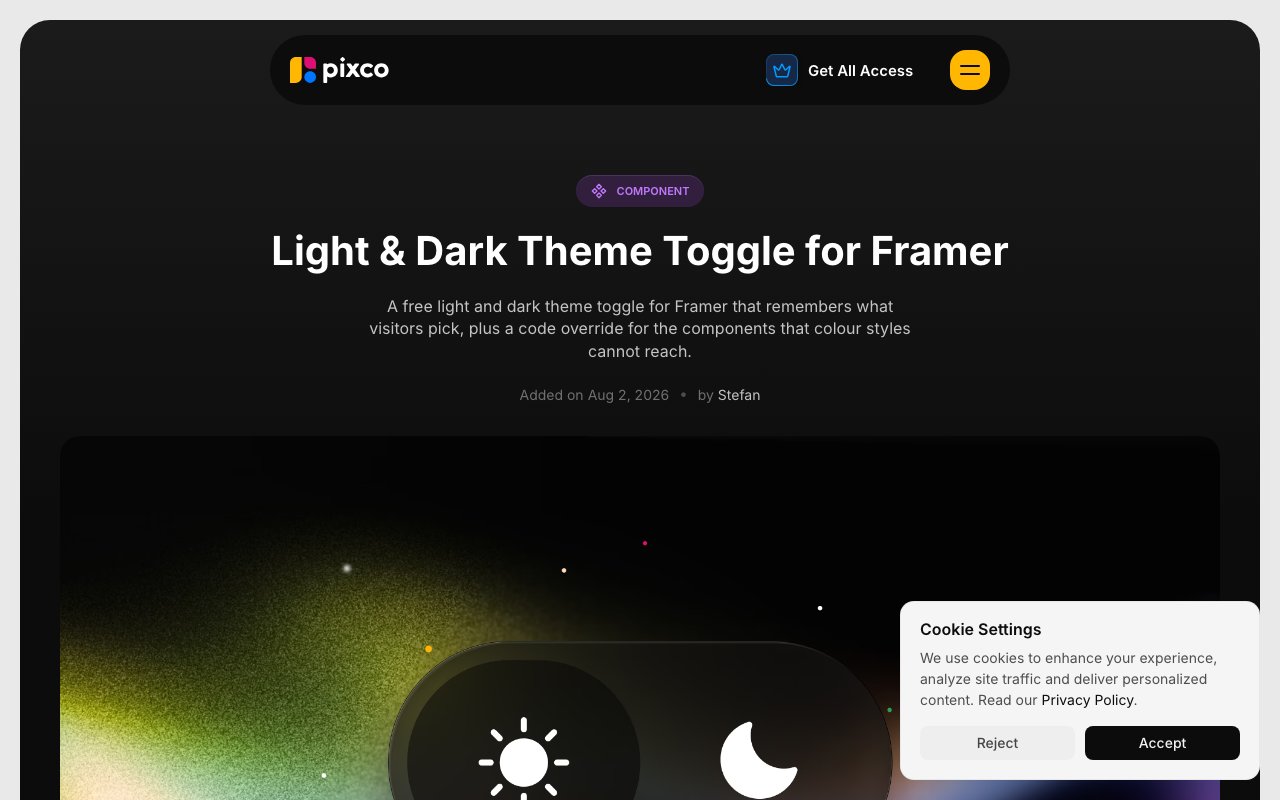
Pricing follows a per-template model with individual templates ranging from ten dollars for simpler components to ninety-nine dollars for full multi-page marketing sites with complex layouts and interactions. There is also an all-access subscription at one hundred forty-nine dollars that unlocks the full current library and all future releases, which makes sense for agencies or frequent builders who would otherwise buy multiple templates over time. Standalone components are priced individually starting around ten dollars, with some offered completely free as samples that let potential customers evaluate the build quality before committing to larger purchases. The theme toggle component, for instance, uses a pay-what-you-want model that includes a free option.
The platform reports over three thousand seven hundred users and maintains a rating of four point nine out of five based on customer reviews. Support includes setup guides for each template, documentation covering common customization questions, and direct contact through email for custom development work or troubleshooting purchases. For teams that want something entirely custom, Pixcodrops also offers development services priced separately from the template library, handling builds that go beyond what the existing templates cover.
Key Features
- Framer website templates across multiple categories
- Standalone components for animations and interactions
- Light and dark theme toggle component
- All-access subscription for full library
- Setup guides and documentation
- Custom website development services
Pros & Cons
What we like
- Templates and components built natively for Framer
- Includes free components to try before buying
- All-access option covers future releases
- Active resource hub with tutorials and comparisons
Room for improvement
- Only useful if you work in Framer
- No free tier for premium templates
- Smaller library than platform-agnostic marketplaces
- Custom development services priced separately
Frequently Asked Questions
What is Pixcodrops?
How much do Pixcodrops templates cost?
Who is Pixcodrops for?
Are there free resources on Pixcodrops?
Best For
Featured in
Alternatives to Pixcodrops
View all
Framer
Visual website builder that lets designers ship production-grade marketing sites with real CMS, SEO controls, and code components.

Apatero Studio
Creator studio for AI image, video, audio, 3D, and avatars. Every model worth using, in one workspace.

Pixel Painters
Unlimited graphic design subscriptions built only for churches and ministries
Reviews (0)
Badge builder
Add Pixcodrops to your website
Choose a badge style and size, preview it here, then copy the generated HTML. Badge images are self-contained SVGs and do not require an external script.

<a href="https://toolindex.net/tools/pixcodrops?ref=badge" target="_blank" rel="noopener">
  <img src="https://toolindex.net/badge/pixcodrops/medium.svg" alt="Pixcodrops - Listed on Tool Index" width="180" height="50" />
</a>How to use the badge
- 1. Pick the style, size, and theme that fit your layout.
- 2. Copy the generated HTML from the code block.
- 3. Paste it into your footer, homepage, or press page.
Standard badge available
The standard listing badge is available now. Score and circle badges are limited to tools currently ranked in the top 10 of a category.
Badge clicks return visitors to this profile with a referral tag so the source remains identifiable.
Related Tools
Apatero Studio
Creator studio for AI image, video, audio, 3D, and avatars. Every model worth using, in one workspace.

Tailwind CSS
Rapidly build custom designs without leaving your HTML

Figma
Collaborative interface design tool

Marvel
Lightweight prototyping platform for turning images and screens into clickable mobile and web prototypes.
Work on Pixcodrops? Request listing access or correction