
Render
Managed cloud hosting for web services, static sites, cron jobs, and Postgres without the AWS console.
Gallery
About Render
Render is the cloud platform for developers who want Heroku-style ease without Heroku's pricing or limitations. You connect a git repo, pick a service type, and Render builds and deploys it. Web services, background workers, cron jobs, static sites, databases. It's a lot in one product.
Render launched in 2019 right as Heroku felt like it had stopped caring. The team filled the gap by shipping faster, pricing fairer, and supporting the modern stack out of the box. By 2026 it's one of the default Heroku alternatives along with Railway and Fly.io.
If you're a small team that wants AWS-grade scale without the AWS-grade complexity, Render is in the conversation. The product feels stable now, which is the most important thing in infra.
What Render actually does
Render hosts apps, databases, and static sites on managed infrastructure. You point Render at a git repo, define a service in the dashboard or in render.yaml, and Render handles building, deploying, scaling, and SSL. There's no server to SSH into.
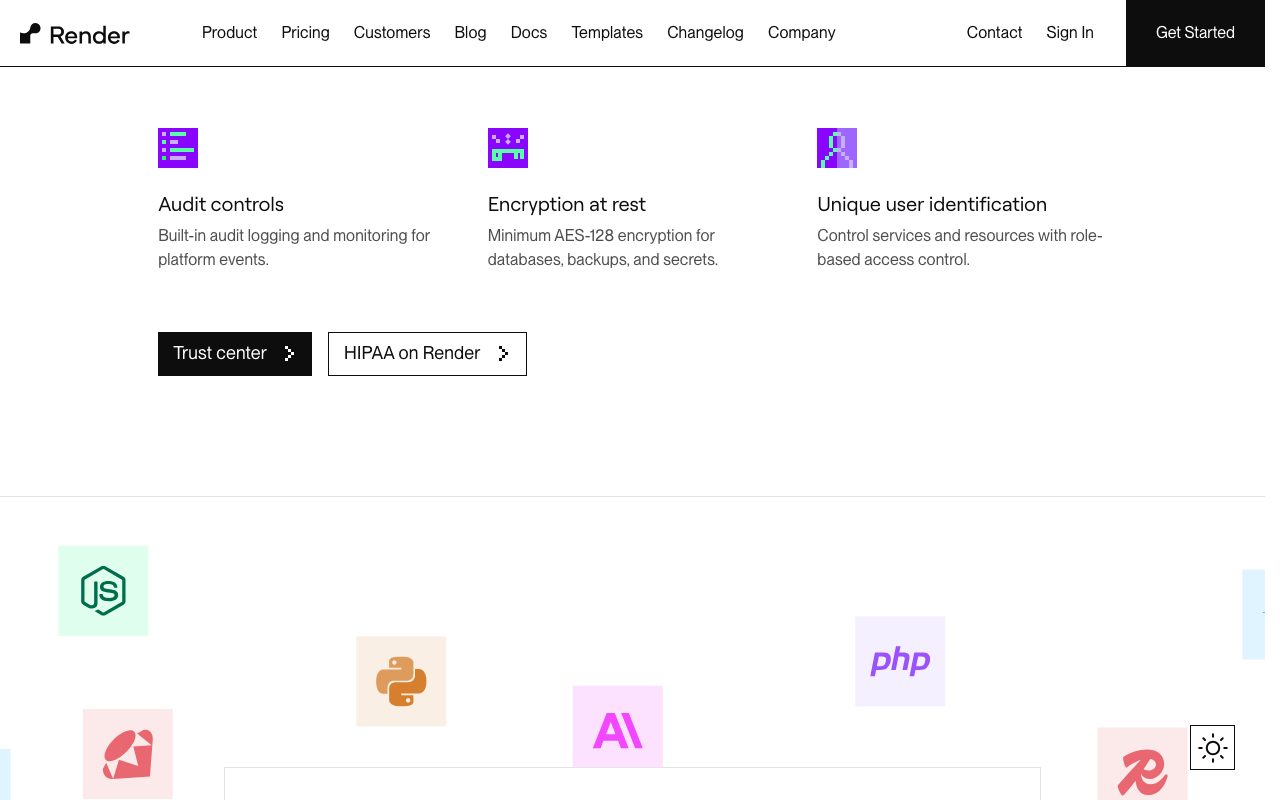
The supported runtimes cover Node, Python, Ruby, Go, Rust, Elixir, Docker, and just about anything else. Most of the time you don't think about runtimes; Render detects what you have and runs it.
Web services and background workers
Web services are HTTP-facing apps that auto-scale and get a public URL with SSL. Background workers run continuously without exposed ports. Cron jobs run on a schedule. The three cover most app patterns.
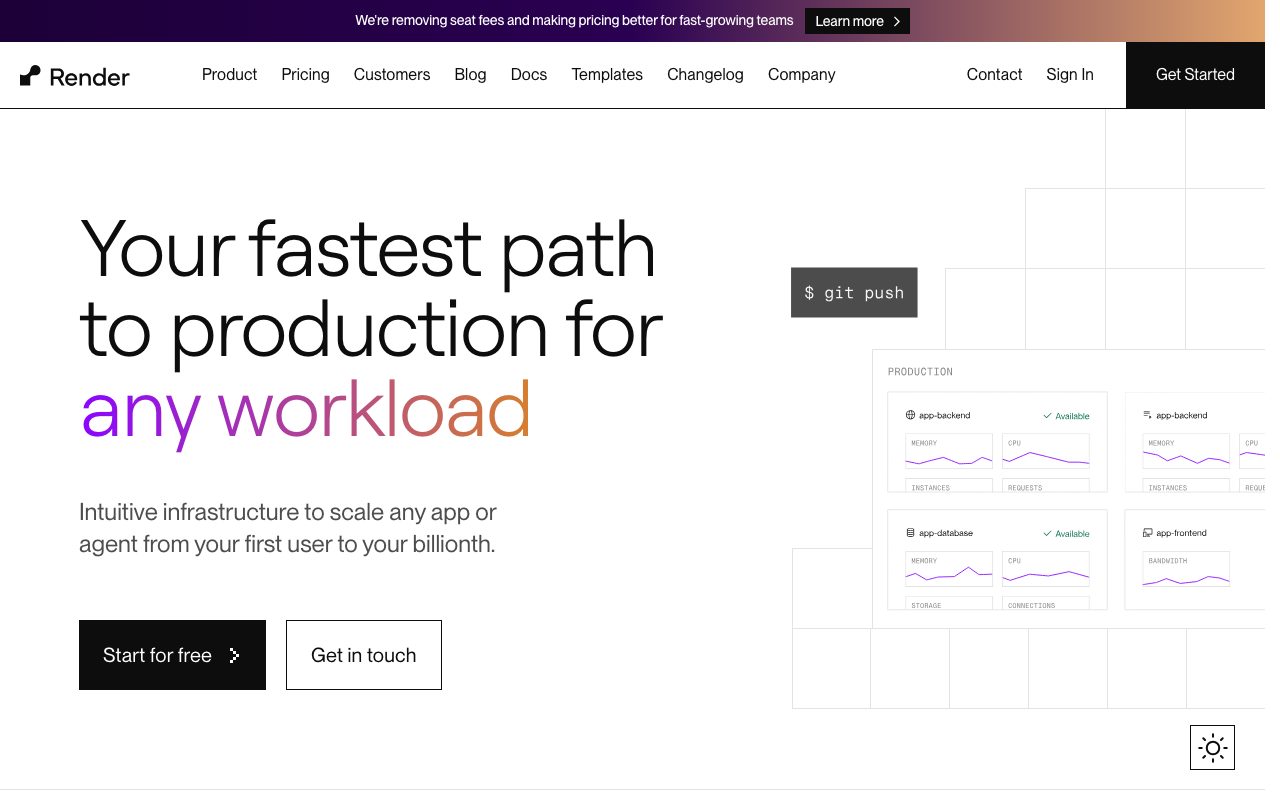
Deploys happen on git push. Preview environments spin up per pull request. Rollbacks are one click. The basic developer experience is the bar Heroku set, and Render meets it.
Managed databases and Redis
Postgres and Redis as managed services. Backups, high availability, point-in-time recovery on higher tiers. The pricing is reasonable. The setup is one click.
Who Render is for
Indie developers, small teams, and startups who want to ship without managing servers. Especially good for full-stack web apps with a Postgres backend, a frontend, and maybe a worker or two. Render handles all three under one bill.
It's also a strong fit for teams escaping Heroku price increases. The migration is usually straightforward because Render's app model maps cleanly to Heroku's.
Render pricing
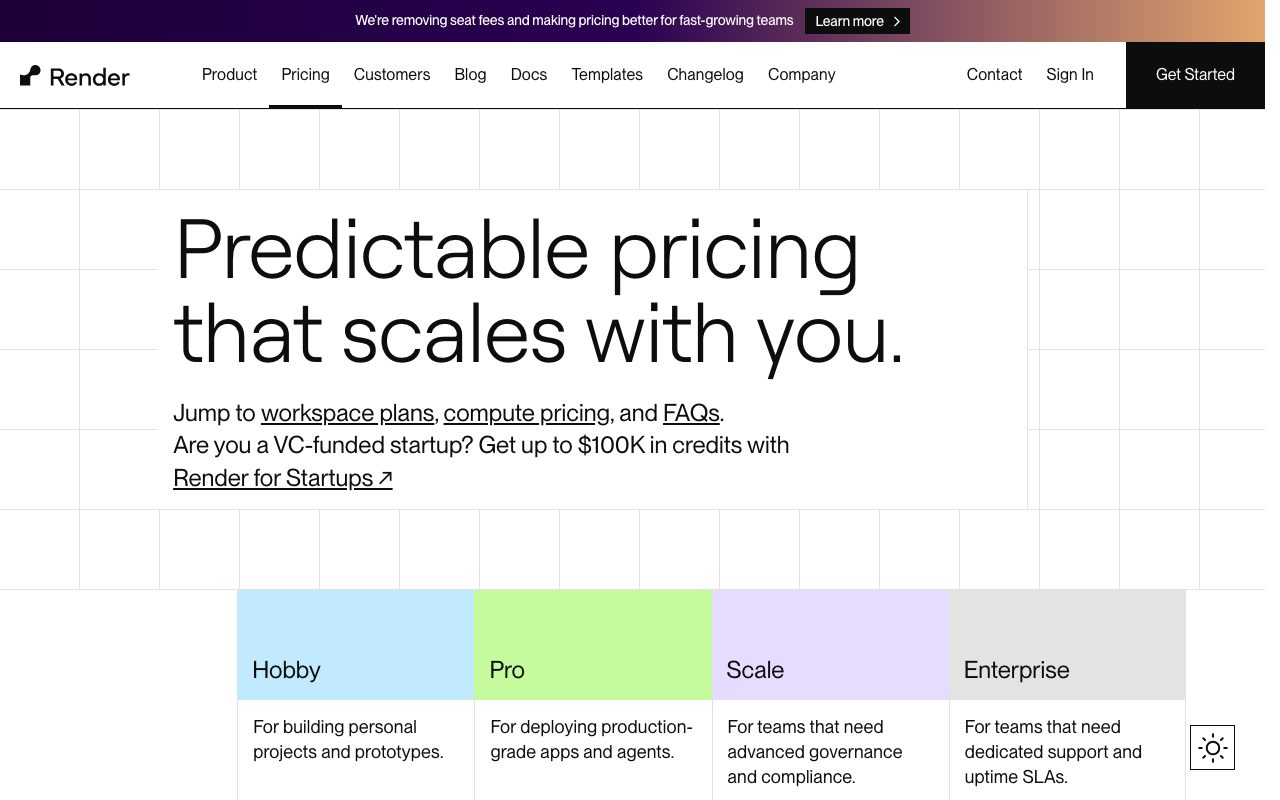
Free tier covers static sites and a sleeping web service. Hobby web services start at $7 a month. Standard at $25. Pro at $85. Postgres starts at $7 a month, Redis at $10. Bandwidth past 100GB is metered.
The pricing is competitive with Railway and Fly. Heroku is more expensive at every tier these days. AWS is cheaper at scale but requires significantly more work.
Features worth knowing
render.yaml infrastructure-as-code
Define your services, databases, and env vars in a single YAML file in your repo. Apply changes via git. It's not Terraform-grade but it's enough for most apps.
Preview environments
Each pull request gets its own deployment with isolated databases. Reviewers test the actual app instead of running it locally. Auto-cleanup when the PR closes.
Auto-scaling and zero-downtime deploys
Web services scale horizontally based on CPU or memory. Deploys roll out without dropping requests. Standard expectations for a modern PaaS.
Private networking
Services can talk to each other on a private network. Your database doesn't need a public IP. Your worker doesn't need to traverse the public internet to hit your API.
The tradeoffs
Render is opinionated. It works great for the apps it expects. For weird workloads (GPU inference, long-running jobs, exotic networking), AWS or GCP are better fits.
The free tier is limited. Free web services sleep after inactivity, which is fine for demos but bad for real apps. Plan to spend at least $7 a month if you want a real production setup.
Render vs alternatives
The usual comparisons are Render vs Heroku, Render vs Railway, and Render vs Fly.io. Heroku is more expensive and less actively developed. Railway has a more usage-based pricing model. Fly.io is great for global edge deploys but quirkier.
For a stable Heroku replacement, Render's the safe pick. See Render alternatives or browse the best platforms-as-a-service.
Bottom line on Render
Render is the modern PaaS that delivers on the Heroku promise without the Heroku tax. It's not the cheapest. It's the most stable Heroku-style experience available in 2026.
If you want to ship a web app this weekend without thinking about infrastructure, Render is the obvious pick. The git-push-to-deploy loop, managed databases, and preview environments cover what most small teams need.
Common Render questions
Is Render really easier than AWS? Yes, dramatically. AWS has more power and lower per-resource pricing but a much steeper operational burden. Render handles deploys, SSL, scaling, and monitoring out of the box. For small teams shipping web apps, the time savings dwarf the cost difference.
Can Render handle production traffic? Yes. The Standard and Pro tiers handle real loads. Auto-scaling, zero-downtime deploys, and managed databases are all production-ready. Render runs many real businesses today.
How does Render compare to Vercel? Vercel is frontend-first with serverless functions. Render is full-app: long-running services, workers, databases. They overlap but solve different shapes of the problem. Many teams use both.
What about cold starts?
Web services on paid tiers don't sleep. Free tier services do, which causes cold starts. Background workers run continuously. For real production usage, the $7/month tier eliminates cold starts.
Can I run Docker on Render?
Yes. Render supports Dockerfiles natively. You can build any runtime that runs in a container. For complex apps with custom dependencies, Docker is the safe path.
Workflow tips for Render
Use render.yaml for everything. Define services, databases, and env groups in code. Apply via git. Skip manual dashboard configuration where possible. The YAML approach scales better.
Set up preview environments. Each PR gets its own deployment. Reviewers test the actual app. Catches integration bugs before merge. Worth the configuration time.
Use private networking between services. Your worker doesn't need a public IP. Your database shouldn't have one. Render's private network keeps internal traffic internal.
Enable automatic deploys per environment carefully. Auto-deploy main to staging is great. Auto-deploy main to production might not be what you want. Render lets you mix manual and automatic deploys per service. Browse tools for DevOps teams for related picks.
Real-world Render scenarios
A small SaaS startup runs their entire stack on Render: web service for the API, background workers for queues, managed Postgres, and a static site for marketing. Total monthly bill: about $80. Heroku equivalent: $200+. Configuration time: about an hour.
A solo developer ships a side project on Render. Free static site for the frontend, $7 web service for the API, $7 Postgres. Costs less than a Netflix subscription. Real production experience without DevOps work.
A team migrates from Heroku after a price increase. Render's app model maps cleanly. Migration takes a weekend. The deploy experience matches Heroku's. The bill drops significantly. They wish they'd switched sooner.
Configuration tips
Use render.yaml from day one. Manual dashboard config doesn't replicate across environments. Code-as-config is the path of least pain at scale.
Set up preview environments per PR. Each PR deploys to its own URL with isolated databases. Reviewers test without local setup. Caught integration bugs early.
Use private networking. Your database doesn't need a public IP. Your worker shouldn't traverse the public internet to hit your API. Render's private network is free and faster.
For small teams, Render hits the sweet spot of capability and operational simplicity. The escape hatch to AWS exists if you outgrow it, but most apps never do. Browse the Render page for community reviews.
Why Render fills the Heroku gap
Heroku changed the world by showing that deployment didn't have to be painful. Then Heroku stagnated and got expensive. The Heroku-shaped hole in the market got filled by Vercel for frontend, Fly.io for edge, Railway for usage-based, and Render for general PaaS. Each product carved a slice of what Heroku used to do.
Render's slice is the closest spiritual successor. Web services, workers, cron jobs, managed databases, static sites. The git-push-to-deploy loop. The dashboard with logs and metrics. The mental model maps directly. For teams who liked Heroku and want a modern equivalent, Render is the obvious migration target.
The product has shipped steadily without making big bets on AI or edge computing or other trendy directions. That conservatism is a feature. Infrastructure should be boring. Render stays boring in the best way.
For small teams who want their stack to just work without an ops engineer, Render covers the spectrum. For teams with weird workloads or specific requirements, AWS or GCP are still better fits. Most web apps fit the spectrum.
Render in the long run
The PaaS market keeps fragmenting. Vercel takes frontend. Fly.io takes edge. Cloudflare Workers takes serverless. Render's role is the general PaaS that handles the rest. That position is defensible because most apps still need long-running services, background workers, and managed databases.
For teams that prefer one platform over multiple specialized ones, Render covers the spectrum. The cost is a slight premium versus optimizing across vendors. The benefit is operational simplicity. Most small teams pick simplicity over optimization.
The product is mature enough now that the early "Render is the new Heroku" narrative is just true. Teams ship real production apps on Render without drama. The community resources are decent. The integrations cover the common SaaS dependencies. For modern web apps, Render remains a leading choice for "I want my deploys to just work."
Tutorial / Demo
Key Features
- Git-driven deploys with PR preview environments
- Managed Postgres, Redis, and persistent disks
- Cron jobs and background workers as first-class services
- Free TLS, custom domains, and DDoS protection
- Private networking between services in a region
Pros & Cons
What we like
- Cleaner UX than the AWS console for typical web apps
- Pricing is predictable and easy to estimate
- Strong defaults for TLS, health checks, and zero-downtime deploys
Room for improvement
- Cold starts on the cheapest free tier are painful for production
Frequently Asked Questions
Render vs Heroku vs Railway?
Is Render really free?
Can Render handle production traffic?
Does Render support Docker and any language?
Does Render auto-scale?
Best For
Featured in
Tags
Alternatives to Render
Hetzner
High-performance European cloud hosting at unbeatable prices

Coolify
Self-hostable, open source alternative to Heroku and Netlify

Fly.io
Run full-stack apps and Postgres close to your users by deploying Firecracker microVMs to dozens of regions.

Railway
Deploy apps to production infrastructure in seconds
Our take
Tool Index Editorial · May 2026· 4.4/5
If you're evaluating Render, the headline is simple: managed cloud hosting for web services, static sites, cron jobs, and postgres without the aws console, and most teams will get value out of the box.
The standout points: Cleaner UX than the AWS console for typical web apps, Pricing is predictable and easy to estimate, and Strong defaults for TLS, health checks, and zero-downtime deploys. Where it stumbles: Cold starts on the cheapest free tier are painful for production.
Bottom line: pick Render when you need solo founders shipping a SaaS without managing infra; look elsewhere if cold starts on the cheapest free tier are painful for production would be a dealbreaker.
Editorial opinion from the Tool Index team, written from the public product pages. Not a user review.
Reviews (3)
Works, but I expected more polish
The pitch for Render sounded too good to be true. Mostly true. The biggest win has been pricing is predictable and easy to estimate. Their take on private networking between services in a region is solid. It fits well for solo founders shipping a SaaS without managing infra. Wish they'd address how cold starts on the cheapest free tier are painful for production. Worth a trial if you're in the same boat.
Pros
- Strong defaults for TLS, health checks, and zero-downtime deploys
- Pricing is predictable and easy to estimate
- Cleaner UX than the AWS console for typical web apps
Underrated honestly
Render is one of those tools you stop noticing because it just works. Honestly impressed by how pricing is predictable and easy to estimate. Got real value out of free TLS, custom domains, and DDoS protection. It fits well for backend teams that want Heroku ergonomics at lower cost. Glad I made the switch.
Pros
- Strong defaults for TLS, health checks, and zero-downtime deploys
- Cleaner UX than the AWS console for typical web apps
Render has been a quiet upgrade
Render has quietly become part of my daily flow. Honestly impressed by how pricing is predictable and easy to estimate. It fits well for backend teams that want Heroku ergonomics at lower cost. One thing that bugs me: cold starts on the cheapest free tier are painful for production.
Badge builder
Add Render to your website
Choose a badge style and size, preview it here, then copy the generated HTML. Badge images are self-contained SVGs and do not require an external script.

<a href="https://toolindex.net/tools/render?ref=badge" target="_blank" rel="noopener">
  <img src="https://toolindex.net/badge/render/medium.svg" alt="Render - Listed on Tool Index" width="180" height="50" />
</a>How to use the badge
- 1. Pick the style, size, and theme that fit your layout.
- 2. Copy the generated HTML from the code block.
- 3. Paste it into your footer, homepage, or press page.
Standard badge available
The standard listing badge is available now. Score and circle badges are limited to tools currently ranked in the top 10 of a category.
Badge clicks return visitors to this profile with a referral tag so the source remains identifiable.
Related Tools

Kevin Gabeci
Solo developer building web apps, cozy browser games, and AI creator toolkits.
Coolify
Self-hostable, open source alternative to Heroku and Netlify
Hetzner
High-performance European cloud hosting at unbeatable prices

Warp
The modern terminal reimagined with AI and collaboration
Work on Render? Request listing access or correction