
Room Treatment
Physics-based acoustic design that simulates your room and places speakers and treatment panels
Gallery
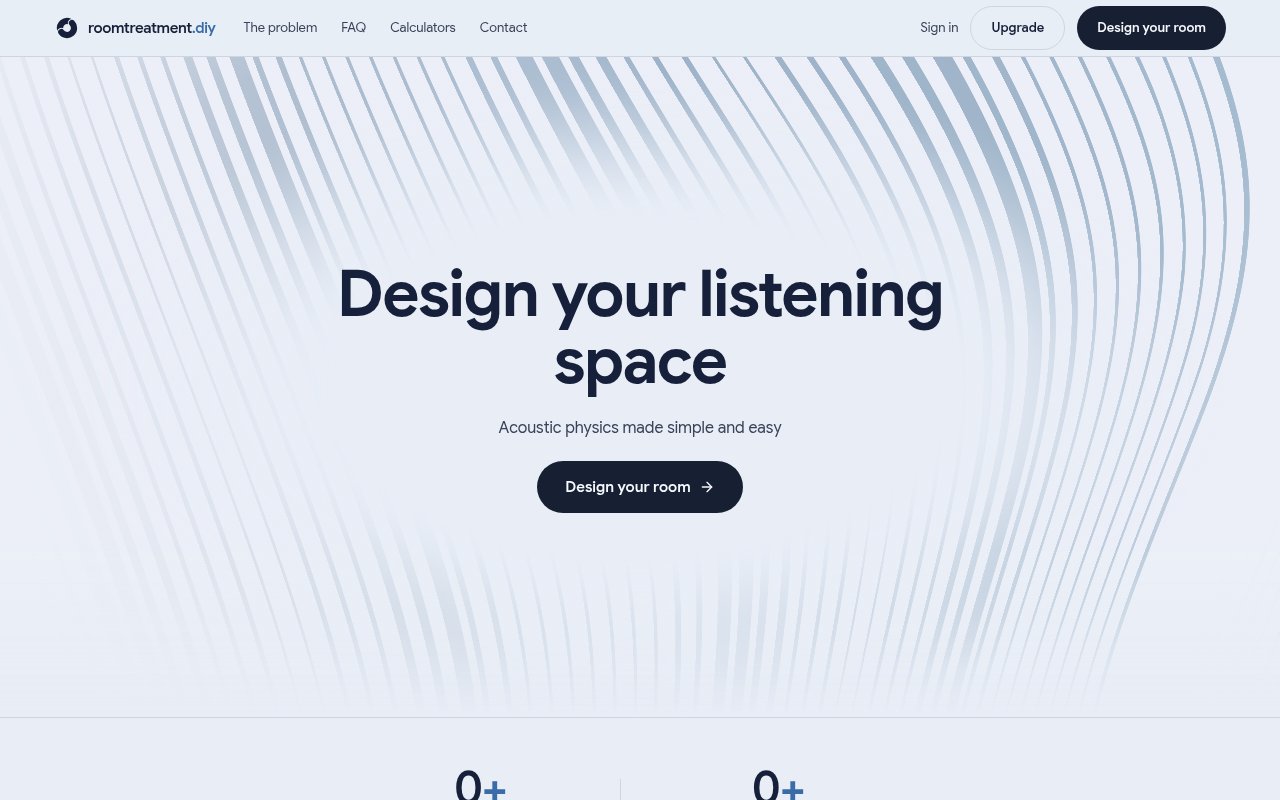
About Room Treatment
Room Treatment, at roomtreatment.diy, is a browser-based acoustic design tool for listening rooms and studios. You draw the room in 3D, tell it what the surfaces are made of, place the speakers and the listening position, and it simulates how sound actually behaves in that space, then recommends where the speakers and listener should go and where absorption panels should be mounted. The problems it's aimed at are the ones every small-room listener eventually hits, uneven bass that booms at one frequency and vanishes at another, a soundstage that collapses into the speakers, and a stereo image that sits off centre.
The point is to replace guesswork with simulation. Most advice about speaker placement and panel positions is rules of thumb, a fraction of the room length here, a reflection point found with a mirror there, and it assumes a rectangular room with uniform walls. Real rooms have sloped ceilings, attic knee walls, L-shaped layouts, doors, and windows, and each surface absorbs differently. Standing waves are why bass is uneven; at some frequencies the room's dimensions reinforce the wave and at others they cancel it, and where you sit decides which you hear. Early reflections off nearby walls arrive a few milliseconds after the direct sound and smear the stereo image. Both depend on geometry and materials, which is what the simulation takes in, so the tool models the room you have rather than the room the rule assumed.
In practice you start by drawing the room, including odd shapes, doors, and windows, and assigning materials. Doors and windows count because glass and a hollow door absorb and reflect differently from a solid wall. Each material carries its own absorption coefficient, so plasterboard, glass, carpet, and a bookshelf don't get treated as the same wall. The simulation then models standing waves and reflections from first principles. The position optimiser searches well over a hundred thousand combinations of speaker placement and aiming to find the flattest response at the listening position, which takes two to ten seconds, and the panel placement step works out where treatment does the most good, which can take up to a minute. There are two workflows, one for a listening room and one for a dedicated studio, since a mix engineer's priorities differ from a home listener's. The studio workflow is aimed at people mixing for a living; the listening room workflow at enjoying music and films.
It's for home theatre owners, audiophiles, recording and mix engineers, and DIY acoustics hobbyists, the people who'd otherwise be buying panels on instinct and moving speakers by ear. Because it runs in the browser there's nothing to install, and you can use it as a guest without creating an account. Signing up lets you save projects and come back to them, which matters once a room drawing has taken you twenty minutes to get right.
What sets it apart from a placement calculator is that it's doing the physics on your geometry. Calculators take a room's dimensions and hand back ratios; this takes the shape, the materials, and the equipment positions and simulates the result, which is why it can cope with the rooms that calculators give up on. It also runs the search rather than asking you to iterate. Moving a pair of speakers a few centimetres at a time and re-measuring is an afternoon's work; the optimiser tries the combinations for you and reports the best it found. The output is actionable in both directions, where to put the things you already own and where treatment would help, rather than a single number to interpret.
The limits are worth knowing. A simulation is only as good as the room you draw and the materials you pick, so the results deserve a sanity check against measurement if you own a microphone. The panel step is about placement; choosing, building, or buying the panels stays with you, which is what the .diy in the name suggests. It's a niche tool with a single job, and it's a young product, with usage counters on the landing page that hadn't filled in at the time of writing.
Access is free to try. Guest use needs no signup, an account saves your projects, and the site carries an Upgrade option that points to a paid tier, but there's no pricing page and no prices were published on the pages checked, so what the upgrade unlocks and what it costs is something to confirm on the site. That makes the evaluation cheap. Draw your room as a guest, run a position search, and see whether the recommendation matches what your ears have been telling you before deciding on an account. Contact is through a form; no email address is published.
Key Features
- 3D room drawing with odd shapes, doors, and windows
- Per-material absorption coefficients
- Standing wave and reflection simulation
- Speaker and listener position optimiser
- Treatment panel placement recommendations
- Listening room and studio workflows
Pros & Cons
What we like
- Simulates your actual room geometry rather than a rectangle
- Guest use with no signup
- Position search runs in seconds
- Recommends both placement and treatment
Room for improvement
- Results depend on how accurately you draw and assign materials
- Paid tier exists but prices aren't published
- Narrow, single-purpose tool
- Young product with little public track record
Frequently Asked Questions
What is Room Treatment?
Is Room Treatment free?
Who is Room Treatment for?
How long does a simulation take?
Best For
Featured in
Alternatives to Room Treatment
View all
Framer
Visual website builder that lets designers ship production-grade marketing sites with real CMS, SEO controls, and code components.

Tailwind CSS
Rapidly build custom designs without leaving your HTML

Apatero Studio
Creator studio for AI image, video, audio, 3D, and avatars. Every model worth using, in one workspace.

Pixel Painters
Unlimited graphic design subscriptions built only for churches and ministries
Our take
Tool Index Editorial · Sep 2026· 3.5/5
Room Treatment models a listening room or studio in 3D, including unusual geometry, doors, windows, surface materials, speakers, and seats. It then simulates room behavior, searches placement combinations, and recommends where acoustic panels will have the most effect. Guest users can draw a room and run the full analysis without signing up, while an account is needed to save work.
We found this far more useful than a simple room ratio calculator, especially for attics and L shaped rooms. The recommendations are still only as good as the measurements and material choices entered, and anyone making an expensive treatment decision should verify the result with a measurement microphone. The product helps place panels but does not choose or supply them. A paid option is visible, yet no public price was captured, which makes longer term cost unclear.
Editorial opinion from the Tool Index team, written from the public product pages. Not a user review.
Reviews (0)
Badge builder
Add Room Treatment to your website
Choose a badge style and size, preview it here, then copy the generated HTML. Badge images are self-contained SVGs and do not require an external script.

<a href="https://toolindex.net/tools/room-treatment?ref=badge" target="_blank" rel="noopener">
  <img src="https://toolindex.net/badge/room-treatment/medium.svg" alt="Room Treatment - Listed on Tool Index" width="180" height="50" />
</a>How to use the badge
- 1. Pick the style, size, and theme that fit your layout.
- 2. Copy the generated HTML from the code block.
- 3. Paste it into your footer, homepage, or press page.
Standard badge available
The standard listing badge is available now. Score and circle badges are limited to tools currently ranked in the top 10 of a category.
Badge clicks return visitors to this profile with a referral tag so the source remains identifiable.
Related Tools
Apatero Studio
Creator studio for AI image, video, audio, 3D, and avatars. Every model worth using, in one workspace.
Tailwind CSS
Rapidly build custom designs without leaving your HTML

Figma
Collaborative interface design tool

Marvel
Lightweight prototyping platform for turning images and screens into clickable mobile and web prototypes.
Work on Room Treatment? Request listing access or correction