
Sarala
A WYSIWYG Markdown editor where source and preview share one writing surface
Gallery
About Sarala
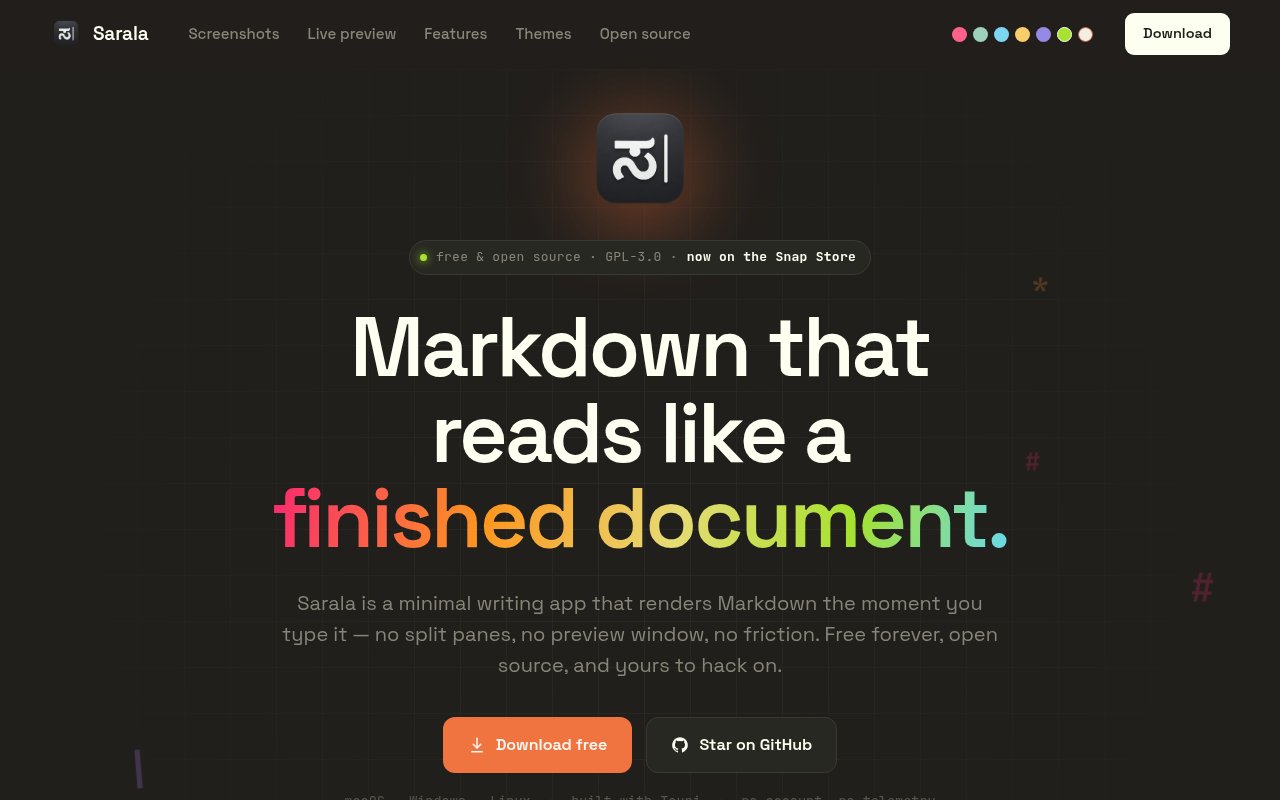
Sarala is a free, open-source desktop Markdown editor that gives writers a formatted document without separating source from preview. Instead of placing raw Markdown beside a rendered pane, it treats each paragraph, heading, list, quote, table, and code fence as a live block. A click reveals the Markdown for that block, while leaving it renders the result in the same place. This approach keeps syntax close enough to edit directly but removes the constant visual duplication of a split view. Files remain ordinary Markdown on disk, so a document isn't trapped in a private format and can still move through a normal text based workflow.
The editor is built around a block model rather than a character level rich text document. Markdown markers remain visible but subdued while someone types, and the active block turns back into rendered content when focus moves elsewhere. Clicking a specific point in rendered text places the caret at the corresponding location in the source. Smart Enter behavior continues lists and quotes, numbers ordered items, and closes a newly opened code fence, while a soft break remains available through a shortcut. A formatting bar appears for selected text, an insert menu opens from a slash, and source mode provides a direct escape hatch whenever editing the whole raw document is more useful.
Sarala also behaves like a practical folder based writing workspace. It provides document tabs with separate edit and undo histories, a sidebar with a file tree and live outline, and full-text search across the open folder. Open Quickly, find and replace, and a command palette make navigation more keyboard friendly. Focus and Typewriter modes can reduce surrounding UI while working on a long page. The settings cover Markdown extensions, autosave, line endings, image handling, fonts, and themes. Thirteen built-in themes are included, and a custom theme can be assembled from a Base16 color scheme. Writers can select any installed system font separately for prose and code. Images resolve relative to the document and have controls for size, alternative text, and loading behavior, which helps documents stay portable instead of depending on an internal media library.
The content support goes beyond plain prose. Sarala implements GitHub Flavored Markdown features such as tables, task lists, strikethrough, footnotes, and GitHub alerts. Code fences receive syntax highlighting, math renders through KaTeX, and Mermaid and D2 diagrams render inside the document. If a diagram becomes invalid during an edit, the last valid render remains visible rather than disappearing immediately. Tables can be edited in place and extended by adding rows or columns from their edges. For output, the app can produce HTML and PDF directly. HTML exports can include an outline sidebar, while PDF output uses a headless browser and exposes page size, margin, header, and footer choices. Formats such as docx, odt, rtf, epub, LaTeX, MediaWiki, and OPML are available through Pandoc. Named export presets and document level YAML can control repeat jobs.
It fits writers, developers, researchers, and documentation teams that like Markdown as a storage format but don't want to stare at punctuation all day. It should feel especially natural for work that mixes prose with code, equations, diagrams, or task lists. The distinction is less about hiding Markdown completely and more about revealing it only where the writer is currently working. An optional local voice typing mode adds another route into a document. Speech is processed on the computer after a model download, requires no cloud account or API key, and supports spoken Markdown commands as well as start and stop shortcuts. Screen reader feedback and distinct sounds are included for people who can't easily type or see the screen.
Sarala is released under GPL 3.0 or later and its source is public. Installers are available for macOS, Windows, and Linux, including common Linux package formats and a Snap package. macOS users can install through the project's Homebrew tap, while other platforms can take an installer from the release page. Atomic saves, autosave, crash recovery, and optional signed updates cover the less visible parts of daily editing. The release workflow builds installers for all three desktop platforms, and existing installations can opt into update checks. A few practical tradeoffs remain. The project has a smaller community than established Markdown editors, some export formats depend on Pandoc, and the macOS build is described as signed but not notarized. For readers comfortable with those constraints, it offers a focused, local, file based alternative to heavier note platforms.
Key Features
- Single-surface Markdown editing
- Live code math and diagrams
- Folder search and document tabs
- Local voice typing
- Multi-format document export
- Focus and Typewriter modes
Pros & Cons
What we like
- Keeps documents in portable Markdown files
- Combines source editing with live rendering
- Handles technical content and rich exports
- Runs on macOS Windows and Linux
Room for improvement
- Smaller community than established editors
- Some export formats require Pandoc
- macOS build is not notarized
- Desktop focus limits browser collaboration
Frequently Asked Questions
What is Sarala?
Is Sarala free?
What content can Sarala render?
Does Sarala store documents in a proprietary format?
Best For
Featured in
Alternatives to Sarala

CalendHub
Smart scheduling and calendar management for teams
Kevin Gabeci Toolkits
Seven AI toolkits for writing books, making music, cutting video, and building agents.

Eased Into AI
Learn AI from zero. No jargon, no hype, just steps that work.

Fix It Gently
Calm, plain-English fixes for everyday tech problems.
Reviews (0)
Badge builder
Add Sarala to your website
Choose a badge style and size, preview it here, then copy the generated HTML. Badge images are self-contained SVGs and do not require an external script.

<a href="https://toolindex.net/tools/sarala?ref=badge" target="_blank" rel="noopener">
  <img src="https://toolindex.net/badge/sarala/medium.svg" alt="Sarala - Listed on Tool Index" width="180" height="50" />
</a>How to use the badge
- 1. Pick the style, size, and theme that fit your layout.
- 2. Copy the generated HTML from the code block.
- 3. Paste it into your footer, homepage, or press page.
Standard badge available
The standard listing badge is available now. Score and circle badges are limited to tools currently ranked in the top 10 of a category.
Badge clicks return visitors to this profile with a referral tag so the source remains identifiable.
Related Tools

Confluence
Atlassian's long-running team wiki that anchors many enterprise knowledge stacks
Asana
Project management for teams that live in projects, tasks and dependencies
Kevin Gabeci Toolkits
Seven AI toolkits for writing books, making music, cutting video, and building agents.

Logseq
An open-source outliner notes app where every bullet is a first-class block
Work on Sarala? Request listing access or correction