Session Recorder
Always-on system audio recorder for Mac studios that keeps a rolling tape so you never lose a take
Gallery
About Session Recorder
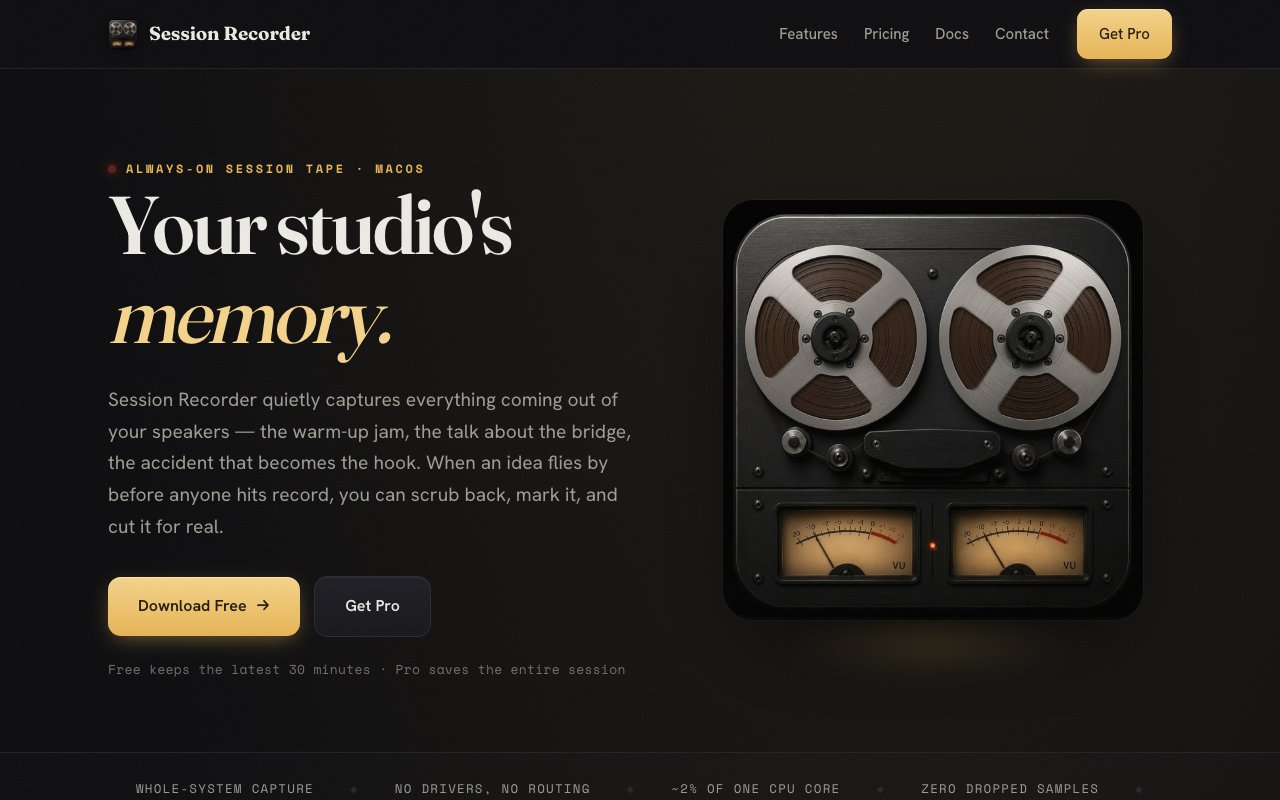
Session Recorder is an always-on audio recorder for the Mac that continuously captures everything coming out of your system, so the take you didn't think to record is still there when you reach for it. It behaves like a modern version of the tape machine that used to run in the corner of a studio. Instead of arming a track and hitting record, you just play, and the app keeps a rolling buffer of your system audio in the background the whole time.
The problem it solves is one every producer and musician knows. The best take is the one you played while warming up, the happy accident happened while you were just messing around, and by the time you set up a proper recording the moment is gone. Session Recorder removes the decision entirely. Because it captures system audio natively, there are no drivers to install and no virtual audio routing to configure, which is where most DIY solutions to this problem fall apart.
Anyone who has tried to rig this up themselves knows why the no-setup claim matters. The usual route on a Mac involves installing a virtual audio driver, wiring your output through an aggregate device, and pointing a recorder at the result, and that stack tends to break a little every time macOS updates. Session Recorder uses native macOS system audio capture instead, so there's nothing to route and nothing to babysit. You install the app, it starts listening, and your existing audio setup stays exactly as it was.
In use it stays out of the way. The app runs at roughly two percent CPU, so it can sit under a full production session without eating headroom. When something good happens, you hit a keyboard shortcut to drop a marker with a timestamp and an optional note, then come back later, find the moment, and export just that section as a WAV or another format. Dropping a flag mid-take is one quick gesture rather than a trip to the mouse, and the note field means future you knows why past you flagged it. For deeper integration there are AU and VST3 plugins, so it can live inside your DAW workflow rather than beside it. It also works fully offline after a one-time activation, with no account required, which matters to people who keep studio machines off the internet.
The free version keeps the latest thirty minutes of audio in a rolling buffer, compressed as 256 kbps AAC. That's genuinely useful on its own, since half an hour of lookback covers most oh-no moments. You tend to realize a take was good seconds or minutes after it happens, not days later, so the buffer matches how the problem actually occurs, and 256 kbps AAC is plenty for judging whether an idea deserves a proper re-record. The Pro version, a $49 one-time purchase, removes the limit so complete sessions are saved indefinitely, and records lossless WAV instead of compressed audio, which is what you want if a captured moment is going to end up in a finished track.
It's aimed squarely at music producers, recording engineers, and studio musicians, but the always-on model fits anyone who works in sound and hates re-doing things. Podcasters who want a safety net behind their main recording chain, sound designers auditioning patches, or anyone sketching ideas through hardware synths into the Mac will find the same value in it. And because it captures whatever the system plays, it also covers audio you didn't make yourself, a reference track a collaborator played over a call, a sound you stumbled onto while browsing, the output of a plugin you were only auditioning in demo mode. The requirement is macOS 14.4 or later, the download is a direct dmg from the site rather than an App Store listing, and documentation lives on the site too, so you can be up and recording within a couple of minutes without creating an account anywhere.
What makes it different from just recording everything in your DAW is the framing. A DAW recording is something you start. Session Recorder is something that's simply on, like the light in the fridge, and the marker workflow means the hours of captured audio stay navigable instead of becoming a swamp you never search. Leaving a DAW recording every track all day would also bloat every project file, while a dedicated background recorder keeps the safety tape out of your sessions entirely. The pricing posture rounds out the appeal. There's no subscription, no account, and no cloud dependency, just a free tier that solves the core problem and a single $49 payment if you want lossless quality and unlimited history. For a utility that's meant to run forever in the background, paying for it exactly once feels right.
Key Features
- Continuous system audio capture
- Rolling buffer with marker shortcuts
- Lossless WAV export in Pro
- AU and VST3 plugins for DAWs
- Roughly two percent CPU usage
- Offline use, no account required
Pros & Cons
What we like
- Never lose a take or happy accident again
- No drivers or virtual audio routing to set up
- One-time $49 purchase, no subscription or account
- Light enough to run under a full session
Room for improvement
- macOS only, and requires 14.4 or later
- Free tier keeps just thirty minutes of compressed audio
- Narrow focus on audio capture, not a full recorder-editor
- Continuous capture consumes disk space over long sessions
Frequently Asked Questions
What is Session Recorder?
Is Session Recorder free?
Who is Session Recorder for?
How is it different from recording in a DAW?
Best For
Featured in
Alternatives to Session Recorder

CalendHub
Smart scheduling and calendar management for teams
Kevin Gabeci Toolkits
Seven AI toolkits for writing books, making music, cutting video, and building agents.

Eased Into AI
Learn AI from zero. No jargon, no hype, just steps that work.

Fix It Gently
Calm, plain-English fixes for everyday tech problems.
Reviews (0)
No reviews yet
Be the first to share your experience with Session Recorder
Sign in to write a reviewBadge builder
Add Session Recorder to your website
Choose a badge style and size, preview it here, then copy the generated HTML. Badge images are self-contained SVGs and do not require an external script.

<a href="https://toolindex.net/tools/session-recorder?ref=badge" target="_blank" rel="noopener">
  <img src="https://toolindex.net/badge/session-recorder/medium.svg" alt="Session Recorder - Listed on Tool Index" width="180" height="50" />
</a>How to use the badge
- 1. Pick the style, size, and theme that fit your layout.
- 2. Copy the generated HTML from the code block.
- 3. Paste it into your footer, homepage, or press page.
Standard badge available
The standard listing badge is available now. Score and circle badges are limited to tools currently ranked in the top 10 of a category.
Badge clicks return visitors to this profile with a referral tag so the source remains identifiable.
Related Tools

Confluence
Atlassian's long-running team wiki that anchors many enterprise knowledge stacks
Asana
Project management for teams that live in projects, tasks and dependencies
Kevin Gabeci Toolkits
Seven AI toolkits for writing books, making music, cutting video, and building agents.

Logseq
An open-source outliner notes app where every bullet is a first-class block
Work on Session Recorder? Request listing access or correction