Gallery
About Set
Set is an open-source, offline note-taking app that gives Markdown files a polished block editor without turning them into records in somebody else's cloud. Each page is stored as a plain Markdown file inside a folder the user chooses. The desktop app watches that folder, so edits made with another editor can appear back in Set, and the notes remain readable even if the app is no longer installed. It's aimed at people who like the approachable editing style of workspace tools but want a simpler, single-person writing environment and direct ownership of the underlying files.
The editor handles headings, lists, to-dos, toggles, quotes, code blocks, tables, images, and links. A slash command menu and Markdown shortcuts keep common blocks close without forcing the writer to work directly in raw syntax. Pages sit in a nested sidebar tree and can be reordered with drag and drop. Set also has contexts, which are separate top-level folders with their own page trees, making it possible to split work, personal notes, or individual projects without putting everything in one long hierarchy. A quick switcher searches both titles and note content, while page locking and a restorable trash add a little protection around everyday editing. Light and dark themes, accent colors, font choices, and rebindable shortcuts let the workspace adapt to a person's habits without changing how the files are stored.
Its most distinctive feature is direct device-to-device sync. Set doesn't require a cloud account or store the notes on a central Set server. Devices are paired, and the notes folder moves between them over an encrypted, authenticated connection. Sync happens when the user chooses Sync now, rather than continuously in the background. Before applying a round, Set shows a preview of the files that will be created, updated, moved, merged, or sent to trash. The user can decline that plan before anything changes. When separate edits touch different lines, the app attempts a three-way merge. When it can't safely resolve the same lines, it keeps a conflict copy instead of silently discarding one version. A deletion on one device sends the other copy to that device's trash, which makes the design conservative about losing work. Moves and renamed pages are tracked as the same page, so reorganizing a tree isn't treated as a wave of unrelated deletes and additions.
Set also includes a local MCP server that lets compatible agents search and read notes. This is useful for someone who wants an assistant to consult a personal knowledge folder while the source remains a collection of ordinary files. The integration is read-oriented rather than a promise that an agent can freely rewrite the notebook. Optional dictation uses an on-device speech engine in the desktop app, so spoken notes don't need a hosted transcription service. External file changes are picked up by the folder watcher, which also leaves room for version control, backup tools, command line searches, or another Markdown editor to work on the same collection. Together with local storage and peer sync, that makes Set appealing to writers, developers, researchers, and privacy-conscious users who want modern conveniences without making a web account the center of their notebook.
The app is intentionally narrower than a full team workspace. It doesn't present itself as a replacement for shared project databases, publishing systems, or a large plugin platform. The current desktop builds cover macOS, Windows, and Linux, and there is also a browser build for trying the editor. In the browser, notes belong to that browser session, while device sync and local dictation are desktop features. There isn't a dedicated mobile release listed. The product is also at a very early beta version, so people with irreplaceable notes should keep normal filesystem backups and test sync with a disposable folder before relying on it across several machines.
Set is free and released under the AGPL 3.0 license. Installers are published for the three desktop operating systems, and the source is available for people who want to inspect or build it. There is no paid plan or hosted subscription described. That access model fits the product's local-first premise, but it also means the young project doesn't yet come with the maturity, support structure, or ecosystem of established note apps. Set is most compelling when the requirements are plain Markdown ownership, a comfortable block editor, deliberate private sync, and a small set of focused organization tools.
Key Features
- Markdown block editor
- Nested page trees
- Peer-to-peer device sync
- Title and content search
- Local MCP note access
- On-device voice dictation
Pros & Cons
What we like
- Stores every page as a portable Markdown file
- Sync works without a central account or note server
- Preview and conflict handling protect edits during sync
- Desktop builds cover macOS, Windows, and Linux
Room for improvement
- Very early beta with a small user community
- Sync runs manually instead of continuously
- Browser mode lacks device sync and local dictation
- No dedicated mobile release is listed
Frequently Asked Questions
What is Set?
Does Set store notes in the cloud?
Is Set free and open source?
Can Set work with AI assistants?
Best For
Featured in
Alternatives to Set
View all
CalendHub
Smart scheduling and calendar management for teams
Kevin Gabeci Toolkits
Seven AI toolkits for writing books, making music, cutting video, and building agents.

Eased Into AI
Learn AI from zero. No jargon, no hype, just steps that work.

Fix It Gently
Calm, plain-English fixes for everyday tech problems.
Our take
Tool Index Editorial · Sep 2026· 2.5/5
Set presents itself as a free, open source, local-first note app for macOS, Windows, and Linux, with a browser trial and device-to-device sync that avoids an account or central note cloud. The premise is attractive for people who want a modern writing surface while retaining their notes on their own devices.
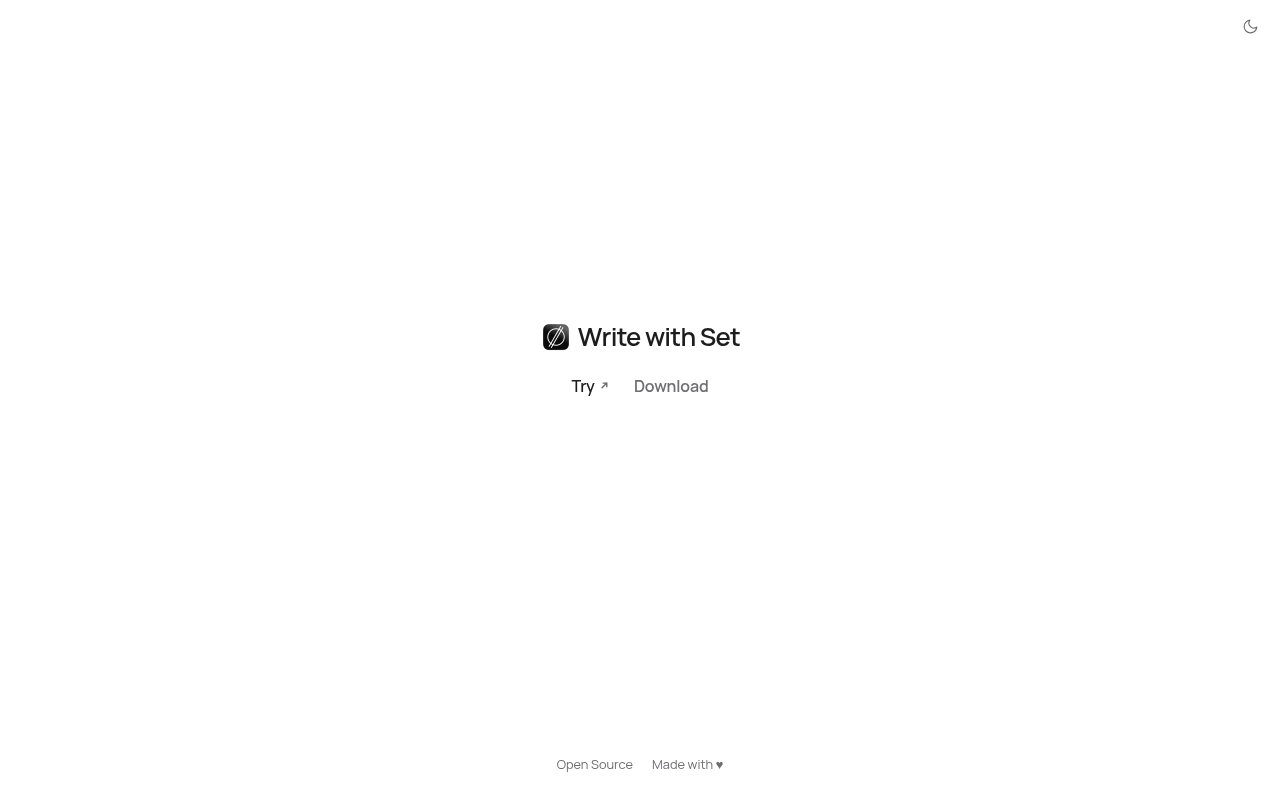
We couldn't verify much of that experience from the public page captured today because it rendered only a title and links for trying, downloading, and viewing the source. Pricing, editor behavior, sync safeguards, release maturity, and support details were not visible there. That thin public evidence makes Set worth exploring as an early local notes option, but not yet something we can recommend with confidence for irreplaceable material.
Editorial opinion from the Tool Index team, written from the public product pages. Not a user review.
Reviews (0)
Badge builder
Add Set to your website
Choose a badge style and size, preview it here, then copy the generated HTML. Badge images are self-contained SVGs and do not require an external script.

<a href="https://toolindex.net/tools/set?ref=badge" target="_blank" rel="noopener">
  <img src="https://toolindex.net/badge/set/medium.svg" alt="Set - Listed on Tool Index" width="180" height="50" />
</a>How to use the badge
- 1. Pick the style, size, and theme that fit your layout.
- 2. Copy the generated HTML from the code block.
- 3. Paste it into your footer, homepage, or press page.
Standard badge available
The standard listing badge is available now. Score and circle badges are limited to tools currently ranked in the top 10 of a category.
Badge clicks return visitors to this profile with a referral tag so the source remains identifiable.
Related Tools

Confluence
Atlassian's long-running team wiki that anchors many enterprise knowledge stacks
Asana
Project management for teams that live in projects, tasks and dependencies
Kevin Gabeci Toolkits
Seven AI toolkits for writing books, making music, cutting video, and building agents.

Logseq
An open-source outliner notes app where every bullet is a first-class block
Work on Set? Request listing access or correction