
Stable Diffusion
Stability AI's open-weight text-to-image model family you can self-host or call via API
Gallery
About Stable Diffusion
Stable Diffusion is an open weight text to image model from Stability AI that turns written prompts into visual artwork. It represents a fundamentally different approach to image generation than closed systems like DALL-E or Midjourney. Because the model weights are publicly available, developers can run it locally, fine tune it on custom datasets, and integrate it into their own applications without ongoing API costs or usage restrictions. This openness has made Stable Diffusion the foundation for thousands of derivative models, custom interfaces, and specialized tools across the creative software ecosystem. The project essentially democratized AI image generation, making powerful creative tools accessible to anyone with the technical inclination to use them.
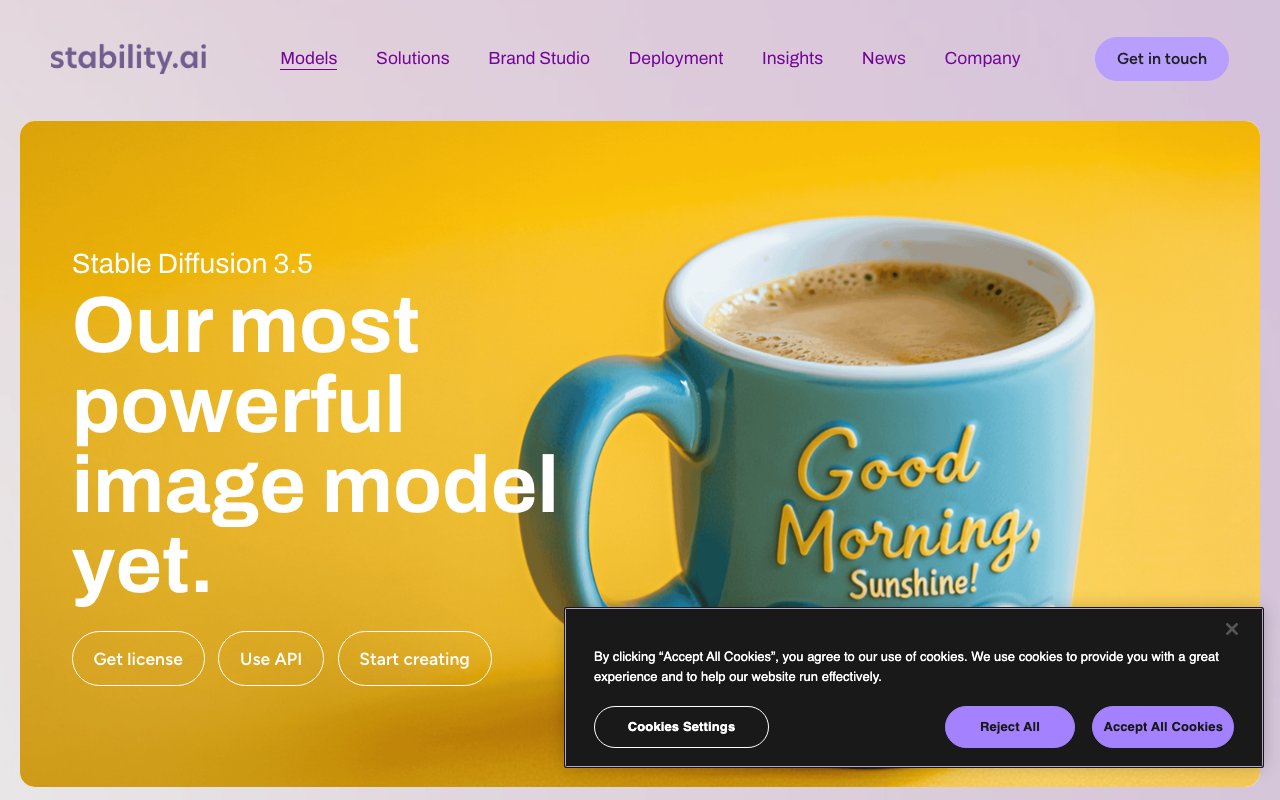
The latest version, Stable Diffusion 3.5, comes in three variants designed for different use cases. The Large model produces professional grade output at one megapixel resolution, optimized for complex compositions and detailed scenes. The Turbo variant generates high quality images in just four inference steps, making it practical for real time applications and rapid iteration workflows. The Medium model balances quality with accessibility, running comfortably on consumer hardware with eight gigabytes of VRAM. Each variant maintains strong prompt adherence, meaning the images actually reflect what you describe rather than drifting toward generic interpretations. This consistency matters for professional work where you need predictable results from specific prompts.
What sets Stable Diffusion apart from competitors is the range of deployment options available to users. You can access it through the Stability AI API if you want managed infrastructure without self hosting. Cloud providers like AWS and Google Cloud offer hosted versions with enterprise support and service level agreements. The Stable Assistant web application provides a browser based interface for casual users who want to generate images without any technical setup. Or you can download the weights and run everything locally, giving you complete control over the generation process, zero per image costs, and the ability to process sensitive content without it touching external servers. This flexibility means the same underlying technology serves everyone from hobbyists to enterprise teams.
The model excels at stylistic diversity that many competitors struggle to match. It handles photorealistic renders, painterly illustrations, 3D style graphics, line art, and abstract compositions with equal competence. The training data was curated to produce outputs representing diverse people and scenes from around the world, reducing the bias toward specific demographics that plagued earlier generation systems. When you ask for a person, you get variety in appearance and background. When you ask for a location, it pulls from global references rather than defaulting to Western contexts. This representational breadth makes the tool more useful for creators working across different cultural contexts and audience demographics.
Beyond basic generation, the Stable Diffusion ecosystem supports sophisticated editing workflows that extend its usefulness significantly. Inpainting lets you modify specific regions of an image while preserving the surrounding context, useful for fixing details or swapping elements. Outpainting extends images beyond their original boundaries, useful for creating wider compositions or adjusting aspect ratios after the fact. Upscaling increases resolution without the blur that comes from naive interpolation, important for print work or large displays. Style transfer applies the visual characteristics of one image to the content of another. These capabilities combine to support end to end creative workflows where generation is just the starting point rather than the entire process.
Pricing follows a tiered structure that scales with usage intensity and infrastructure preferences. The Brand Studio trial provides a thousand free credits to evaluate the system, enough for several hundred images depending on settings and resolution choices. The Core plan at fifty dollars monthly includes five thousand credits and targets creative professionals who need consistent output volume without managing infrastructure. Enterprise agreements offer custom credit bundles, unlimited team seats, and governance features like single sign on and access controls. For users running models locally, there are no ongoing costs beyond the initial hardware investment and electricity, making Stable Diffusion one of the most economical options for high volume generation over time.
The community around Stable Diffusion has built an extensive ecosystem of supporting tools that multiply its capabilities. Automatic1111, ComfyUI, and similar interfaces provide more control than official applications. LoRA and ControlNet extensions enable precise style matching and composition guidance. Model merging lets artists combine checkpoints to achieve specific aesthetics. Fine tuning tutorials help users train on their own datasets for specialized applications. This ecosystem exists because the open weights allow experimentation that closed platforms explicitly prevent. If you want a general purpose image generator that works out of the box, the official tools deliver competently. If you want to push boundaries and customize everything, the open architecture makes that possible in ways no proprietary system can match.
Key Features
- Open weights downloadable from Hugging Face
- SD 3.5 Large, Large Turbo, and Medium variants
- Self-host locally via ComfyUI, AUTOMATIC1111, or Diffusers
- Stability AI Platform API for hosted generation
- Large ecosystem of LoRAs, ControlNets, and fine-tunes
- Inpainting, outpainting, upscaling, and img2img workflows
Pros & Cons
What we like
- Open weights you fully control and can run offline
- No per-image cost once self-hosted on your own GPU
- Huge community of models, extensions, and tutorials
- Free commercial use under $1M revenue, you own the outputs
Room for improvement
- Local setup and GPU tuning have a real learning curve
- Best variants want a strong GPU with 10GB+ VRAM
- No longer the top open model for raw image quality
- Over $1M revenue requires a paid enterprise license
Frequently Asked Questions
What is Stable Diffusion?
Is Stable Diffusion free?
What is Stable Diffusion best for?
What hardware do you need to run Stable Diffusion locally?
Best For
Featured in
Alternatives to Stable Diffusion
View allFlux by Black Forest Labs
Open and hosted image models that power half the AI art stack

Midjourney
Create stunning AI artwork from text prompts

DALL-E
OpenAI's image generator, now folded into ChatGPT and the gpt-image-1 Images API for text-to-image and edits
Google Imagen
Google DeepMind's text-to-image model with class-leading text rendering, served in Gemini and ImageFX
Reviews (14)
Best decision this quarter
Three months of Stable Diffusion later, here is what holds up. Genuine strength is that it gets out of the way and lets me work. Performance has been steady even when I lean on it hard. Recommending it to people in a similar spot.
Quietly excellent
Hadn't planned on switching, but Stable Diffusion was hard to ignore. It has shaved real time off my week. It fits well for generating art and concept imagery from text prompts. Worth the price for what I get out of it.
Exactly what I needed
Stable Diffusion has quietly become part of my daily flow. It has shaved real time off my week. The output quality holds up better than I expected. Found it works best for editing photos with inpainting, outpainting, and upscaling. Easy yes for anyone weighing the same trade offs.
Bought it for one feature, stayed for ten
Picked Stable Diffusion for the price, stayed for the quality. Real selling point for me was sd 3.5 large, large turbo, and medium variants. Recommending it to people in a similar spot.
Recommended without reservation
Almost a year on Stable Diffusion now, no plans to leave. What stands out is how it handles large ecosystem of loras, controlnets, and fine-tunes. It handles the boring parts so I can focus on the work that matters. Would sign up again without thinking twice.
It just works
Stable Diffusion has quietly become part of my daily flow. What stands out is how it handles large ecosystem of loras, controlnets, and fine-tunes. The output quality holds up better than I expected. Recommending it to people in a similar spot.
Recommended without reservation
Onboarded the whole team to Stable Diffusion in an afternoon. Where it really wins is sd 3.5 large, large turbo, and medium variants.
Good, with a few caveats
Hadn't planned on switching, but Stable Diffusion was hard to ignore. The interface stays out of my way, which I appreciate. One thing that bugs me is best variants want a strong gpu with 10gb+ vram. Hard to imagine going back to my old setup.
Finally something that fits
Came to Stable Diffusion after getting frustrated with what I had before. Their take on inpainting, outpainting, upscaling, and img2img workflows is genuinely good. The interface stays out of my way, which I appreciate. It fits well for generating art and concept imagery from text prompts. Recommending it to people in a similar spot.
Three months in, mixed but positive
Stable Diffusion solves a real problem for me without making a fuss about it. Got real value out of large ecosystem of loras, controlnets, and fine-tunes. One thing that bugs me is local setup and gpu tuning have a real learning curve.
Finally something that fits
Came to Stable Diffusion after getting frustrated with what I had before. What stands out is how it handles stability ai platform api for hosted generation.
Best decision this quarter
Almost a year on Stable Diffusion now, no plans to leave. Setup was painless and I was productive the same day. Mostly using it for training loras and fine-tunes on a specific style.
Two months in, no regrets
Stable Diffusion solves a real problem for me without making a fuss about it. Where it really wins is inpainting, outpainting, upscaling, and img2img workflows. Mostly using it for building custom image pipelines and product integrations. It earns its place in my stack.
It just works
Tried Stable Diffusion on a side project first, then rolled it out everywhere. Got real value out of stability ai platform api for hosted generation. Easy yes for anyone weighing the same trade offs.
Badge builder
Add Stable Diffusion to your website
Choose a badge style and size, preview it here, then copy the generated HTML. Badge images are self-contained SVGs and do not require an external script.

<a href="https://toolindex.net/tools/stable-diffusion?ref=badge" target="_blank" rel="noopener">
  <img src="https://toolindex.net/badge/stable-diffusion/medium.svg" alt="Stable Diffusion - Listed on Tool Index" width="180" height="50" />
</a>How to use the badge
- 1. Pick the style, size, and theme that fit your layout.
- 2. Copy the generated HTML from the code block.
- 3. Paste it into your footer, homepage, or press page.
Standard badge available
The standard listing badge is available now. Score and circle badges are limited to tools currently ranked in the top 10 of a category.
Badge clicks return visitors to this profile with a referral tag so the source remains identifiable.
Related Tools

HairstylesPro
Try hundreds of hairstyles on your own photo before you commit to a cut

Recraft
AI image generator built around vector output and brand styles

AIMakeTattoo
Turn text descriptions into visual tattoo concepts with style and placement options
Flux by Black Forest Labs
Open and hosted image models that power half the AI art stack
Work on Stable Diffusion? Request listing access or correction