
TabMail
Manage email and calendars with an AI assistant for Thunderbird and iPhone
Gallery
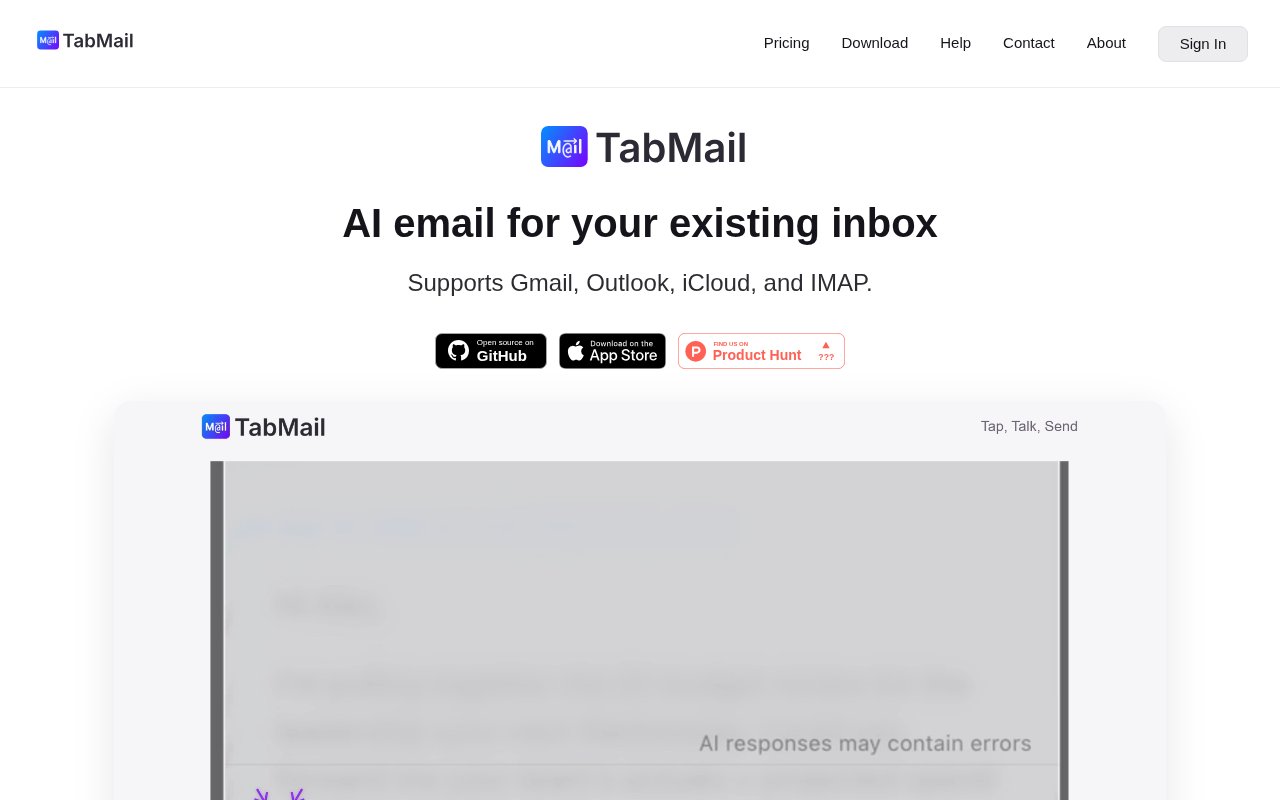
About TabMail
TabMail is an AI email assistant available as an add-on for Mozilla Thunderbird and as a native iPhone app. It brings chat, drafting, triage, search, and calendar actions into the inbox instead of asking people to copy messages into a separate chatbot. The aim is practical rather than ornamental. It helps a user work out what a long thread says, decide which messages need attention, prepare a reply, and carry out routine inbox tasks with less switching between tools. When its agent proposes an action, TabMail says it waits for the user's confirmation before doing it. That gives the experience an assistant-like workflow without silently changing mail or calendar data behind the scenes.
On desktop, TabMail extends Thunderbird rather than replacing the user's existing email setup. Its chat interface can search mail, summarize threads, answer questions about the inbox, and handle requested actions after confirmation. A native full-text search helper builds a private index on the device, and the product combines keyword and semantic search for retrieval. The helper is included by the macOS and Windows installers, while a manual route is available for people who already use Thunderbird and for Linux users. The published requirements call for Thunderbird 140 or later, at least 4 GB of memory, and storage for the application, messages, and local index. That desktop dependency makes the intended setup unusually clear.
Writing support covers more than generating a complete message from a blank box. TabMail can continue a sentence with inline autocomplete, prepare a reply when a user opens the composer, and accept conversational editing requests such as making a draft shorter or changing its tone. Suggested text can be accepted line by line or all at once. Reusable templates let people keep common replies and preferred phrasing close at hand. The agent also works with calendars, where natural language requests can search for events or ask to schedule and modify them. Preferences, prompts, classification rules, and templates give users ways to shape the assistant around an established communication style rather than starting from the same generic behavior every time.
The iPhone app carries the central workflow to mobile, with inbox chat, automatic summaries, prepared replies, conversational draft editing, and AI triage. Its classifications mark messages as Reply, None, Archive, or Delete so a user can see what probably needs action and then decide what to do. Multi-turn editing supports successive changes to a draft, and the agent can search the web when a requested edit needs outside details. The mobile product and Thunderbird add-on share the emphasis on confirmation and local personalization. Users can optionally synchronize configuration across devices, but the site says prompts, preferences, and personalization are stored locally. This makes the product useful to people who split email work between a desk and a phone without turning it into an entirely web-based mail client.
Privacy and source access are a meaningful part of the design, though they need to be understood precisely. TabMail says its servers do not retain email or calendar content at rest. Content may be sent temporarily for AI processing, while local search and indexing remain on the device. AI features can be disabled with a toggle. The Thunderbird add-on and iOS client are open source under the MPL 2.0 license, so their client code can be inspected and contributed to. The hosted backend is proprietary, which means this isn't a fully self-hosted email assistant. People using their own provider key are also subject to that provider's policies and charges when requests are routed through their account.
TabMail best fits professionals who already want Thunderbird on desktop, iPhone users who want the companion experience, and anyone whose day includes repeated replies, calendar coordination, or high-volume triage. Its strongest distinction is the combination of a real mail client, local indexing, explicit action confirmation, and an agent that can both answer questions and prepare changes. It isn't a general-purpose collaboration suite, and it doesn't support every desktop email client. The value is concentrated in making an existing inbox faster to read, search, organize, and answer while keeping the final decision with the user.
Access is paid after a two-week trial that doesn't require a credit card. The Zero plan lets subscribers bring keys from OpenAI, Anthropic, or Google while retaining the TabMail client and infrastructure. Basic and Pro use TabMail's hosted AI capacity and differ in priority allowances and the email volumes they are positioned to handle. Requests can continue at a slower shared pace after a plan's priority quota is used, and autocomplete has a published rate limit. A bring-your-own-key setup can add separate provider usage costs, so buyers should consider both the TabMail subscription and their model bill. The site publishes support and business contact routes, while technical issues and feature requests are directed to GitHub.
Key Features
- Natural-language inbox chat
- Inline email autocompletion
- AI-drafted replies
- Automatic inbox triage
- Conversational calendar management
- Local hybrid email search
Pros & Cons
What we like
- Keeps search indexes and personalization on the device
- Confirms agent actions before carrying them out
- Covers both Thunderbird desktop and native iPhone workflows
- Publishes its desktop and iOS client source
Room for improvement
- Desktop use requires Thunderbird 140 or later
- Linux setup uses a manual helper installation
- The hosted backend isn't open source or self-hostable
- Bring-your-own-key plans can add separate model charges
Frequently Asked Questions
What is TabMail?
Does TabMail store email content?
Is TabMail free?
Can TabMail use my own AI provider key?
Best For
Featured in
Alternatives to TabMail
View all
Apatero AI
The creator studio for AI image, video, audio, 3D, and avatars, now at apatero.ai.

SoloDevStack
A solo developer blog built on head-to-head tool comparisons, 580+ posts deep.
Apatero Studio
Creator studio for AI image, video, audio, 3D, and avatars. Every model worth using, in one workspace.

Melodex
Turn your idea into an AI-generated music video
Our take
Tool Index Editorial · Sep 2026· 3.5/5
TabMail adds inbox chat, drafting, triage, search, and calendar actions to Thunderbird and a native iPhone client. It is for people with busy inboxes who want AI help inside an existing mail workflow, with confirmation before actions are taken. We found local search indexing, automatic summaries, editable draft suggestions, classification tags, and published client source code. A two-week trial needs no card, followed by a $1 monthly bring-your-own-key plan, $8 Basic, or $16 Pro.
The mix of local retrieval, explicit confirmation, and support for Gmail, Outlook, iCloud, and IMAP is well judged. Privacy still needs precise reading. Email may be sent transiently for AI processing even though TabMail says it is not retained at rest, and the hosted backend is proprietary. Desktop use is tied to Thunderbird, Linux setup is more manual, and the $1 plan can create a separate and potentially significant model bill.
Editorial opinion from the Tool Index team, written from the public product pages. Not a user review.
Reviews (0)
Badge builder
Add TabMail to your website
Choose a badge style and size, preview it here, then copy the generated HTML. Badge images are self-contained SVGs and do not require an external script.

<a href="https://toolindex.net/tools/tabmail?ref=badge" target="_blank" rel="noopener">
  <img src="https://toolindex.net/badge/tabmail/medium.svg" alt="TabMail - Listed on Tool Index" width="180" height="50" />
</a>How to use the badge
- 1. Pick the style, size, and theme that fit your layout.
- 2. Copy the generated HTML from the code block.
- 3. Paste it into your footer, homepage, or press page.
Standard badge available
The standard listing badge is available now. Score and circle badges are limited to tools currently ranked in the top 10 of a category.
Badge clicks return visitors to this profile with a referral tag so the source remains identifiable.
Related Tools
Apatero AI
The creator studio for AI image, video, audio, 3D, and avatars, now at apatero.ai.
Kevin Gabeci Toolkits
Seven AI toolkits for writing books, making music, cutting video, and building agents.

Warp
The modern terminal reimagined with AI and collaboration

Bolt.new
Prompt-to-deployed full-stack app inside the browser
Work on TabMail? Request listing access or correction