
Tape Music Hub
Turn your computer into a personal music server with mobile companion app
Gallery
About Tape Music Hub
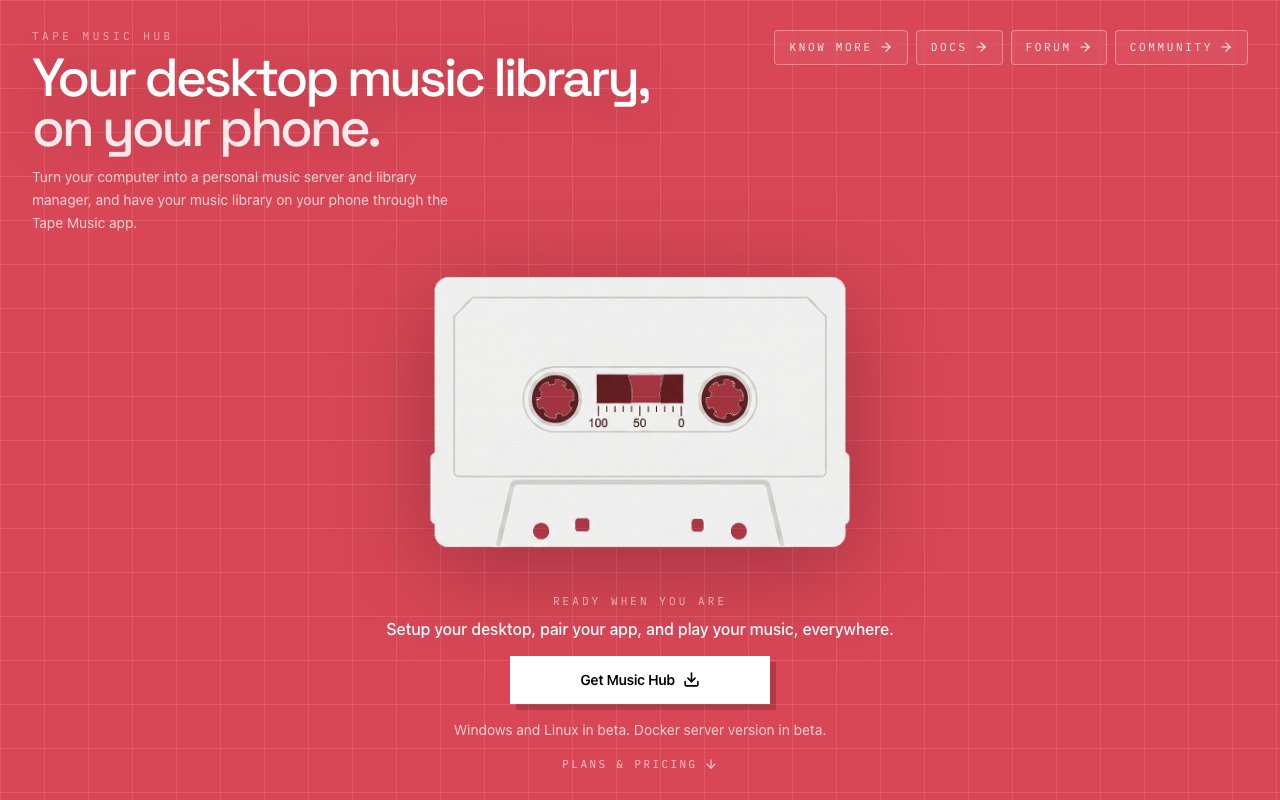
Tape Music Hub is a desktop application that turns your computer into a personal music server, letting you stream your local library to a companion phone app. If you have spent years building a music collection on your hard drive and want to access it from your phone without uploading everything to a cloud service, this is the tool for that job. It treats your existing archive as the source of truth and gives you a way to reach it from anywhere your phone has a connection. The pitch is desktop first streaming, keeping your files where they are while adding mobile access on top.
The desktop hub runs on macOS, Windows, and Linux, though Windows and Linux are currently in beta. A Docker version is also available for users who want to run the server in a container, useful if you keep your collection on a NAS or a home server rather than a daily driver machine. The application reads your existing folder structure and metadata without forcing you to reorganize anything. It sits on top of your archive rather than replacing it, so your original file layout stays intact. You do not rebuild or re import your library; it discovers what you already have and indexes it. If you have spent hours organizing files into genre folders or year subfolders, none of that work gets thrown away.
For DJs, the import support goes deeper than generic folder scanning. Tape Music Hub reads directly from Rekordbox, Traktor, and Serato, so your crates and playlists carry over with the metadata and organization you built in your DJ software. Hot cues, BPM, key tags, and other prep work travel with the tracks. It also supports Apple Music and iTunes libraries, plus M3U and XSPF playlist formats. The idea is to meet you where your collection already lives rather than asking you to migrate to a new structure or tag system. If you already put the work in, the app respects that.
On the phone side, the companion app mirrors your folders and playlists for browsing, searching, and queueing. You can stream over the same WiFi network or remotely over the internet when you are away from home. The phone app is available for both iOS and Android. Browsing feels like a normal music player, but the files live on your desktop, not on your phone or in a cloud. You are not downloading copies to your device; you are streaming from your own hardware. You can also prepare playlists on your phone and export them back to your desktop for DJ software via drag and drop, which closes the loop between mobile prep and live sets. If you hear a track on the go and want to add it to a crate for your next gig, that workflow is supported.
Shared playlists between multiple Music Hub installations are supported, so if you have a second computer or a collaborator you can sync curation across devices. Invite other Music Hub users and collaborate on playlists that reference the libraries on their own hubs. This is useful for DJ crews who want to share track selections without passing files around manually or syncing massive folders. Each person's library stays on their own machine, but the playlist metadata can be shared and referenced.
The product is aimed at DJs, collectors, and anyone with a large local library who prefers ownership over subscription. Spotify and Apple Music solve discovery, but they do not solve the case where you have ten thousand tracks you ripped yourself, tagged yourself, and organized into folders that make sense to you. Tape Music Hub sits in that gap, giving you streaming access to your personal archive without handing files to a third party. For collectors who have invested in lossless formats or rare releases that are not available on streaming services, this preserves your access to that material on the go.
The architecture does require your desktop to be powered on and networked while streaming, since it is the server, not just a sync client. That is the tradeoff for keeping everything local. If your computer sleeps or loses its connection, the phone app loses access until it comes back online. For users who want always on access, the Docker option makes it possible to run the hub on a dedicated home server or NAS that stays powered up.
Pricing is tiered. Streaming on the same WiFi network is free forever with no time limit or payment required. Remote streaming outside your home costs three dollars a month, cancellable anytime. A lifetime early bird deal is available at ninety nine dollars, regularly one hundred forty nine, or you can pay twenty dollars a month for five months if you prefer to spread the cost. The remote license binds to one desktop hub, so if you want to serve from multiple computers you would need additional licenses. For anyone who has already invested in hardware and storage for their collection, this is a reasonable ask to unlock mobile access without renting space on someone else's cloud.
Key Features
- Desktop hub for macOS, Windows, and Linux
- Phone companion app for iOS and Android
- Rekordbox, Traktor, and Serato import
- Apple Music and iTunes library support
- Remote streaming over internet
- Playlist export back to DJ software
Pros & Cons
What we like
- Uses your existing folder structure and metadata
- Free local streaming on the same WiFi network
- Imports from major DJ software libraries
- Keeps files on your own hardware, no cloud upload
Room for improvement
- Desktop must stay powered on to stream
- Windows and Linux versions still in beta
- Remote access requires a paid plan
- No discovery or recommendation features
Frequently Asked Questions
What is Tape Music Hub?
Is Tape Music Hub free?
Which platforms are supported?
Can I import my DJ library?
Best For
Featured in
Alternatives to Tape Music Hub

CalendHub
Smart scheduling and calendar management for teams
Kevin Gabeci Toolkits
Seven AI toolkits for writing books, making music, cutting video, and building agents.

Eased Into AI
Learn AI from zero. No jargon, no hype, just steps that work.

Fix It Gently
Calm, plain-English fixes for everyday tech problems.
Reviews (0)
Badge builder
Add Tape Music Hub to your website
Choose a badge style and size, preview it here, then copy the generated HTML. Badge images are self-contained SVGs and do not require an external script.

<a href="https://toolindex.net/tools/tape-music-hub?ref=badge" target="_blank" rel="noopener">
  <img src="https://toolindex.net/badge/tape-music-hub/medium.svg" alt="Tape Music Hub - Listed on Tool Index" width="180" height="50" />
</a>How to use the badge
- 1. Pick the style, size, and theme that fit your layout.
- 2. Copy the generated HTML from the code block.
- 3. Paste it into your footer, homepage, or press page.
Standard badge available
The standard listing badge is available now. Score and circle badges are limited to tools currently ranked in the top 10 of a category.
Badge clicks return visitors to this profile with a referral tag so the source remains identifiable.
Related Tools

Confluence
Atlassian's long-running team wiki that anchors many enterprise knowledge stacks
Asana
Project management for teams that live in projects, tasks and dependencies
Kevin Gabeci Toolkits
Seven AI toolkits for writing books, making music, cutting video, and building agents.

Logseq
An open-source outliner notes app where every bullet is a first-class block
Work on Tape Music Hub? Request listing access or correction