
Tapelark for Linux
Record Linux app audio and radio into a tagged local library
Gallery
About Tapelark for Linux
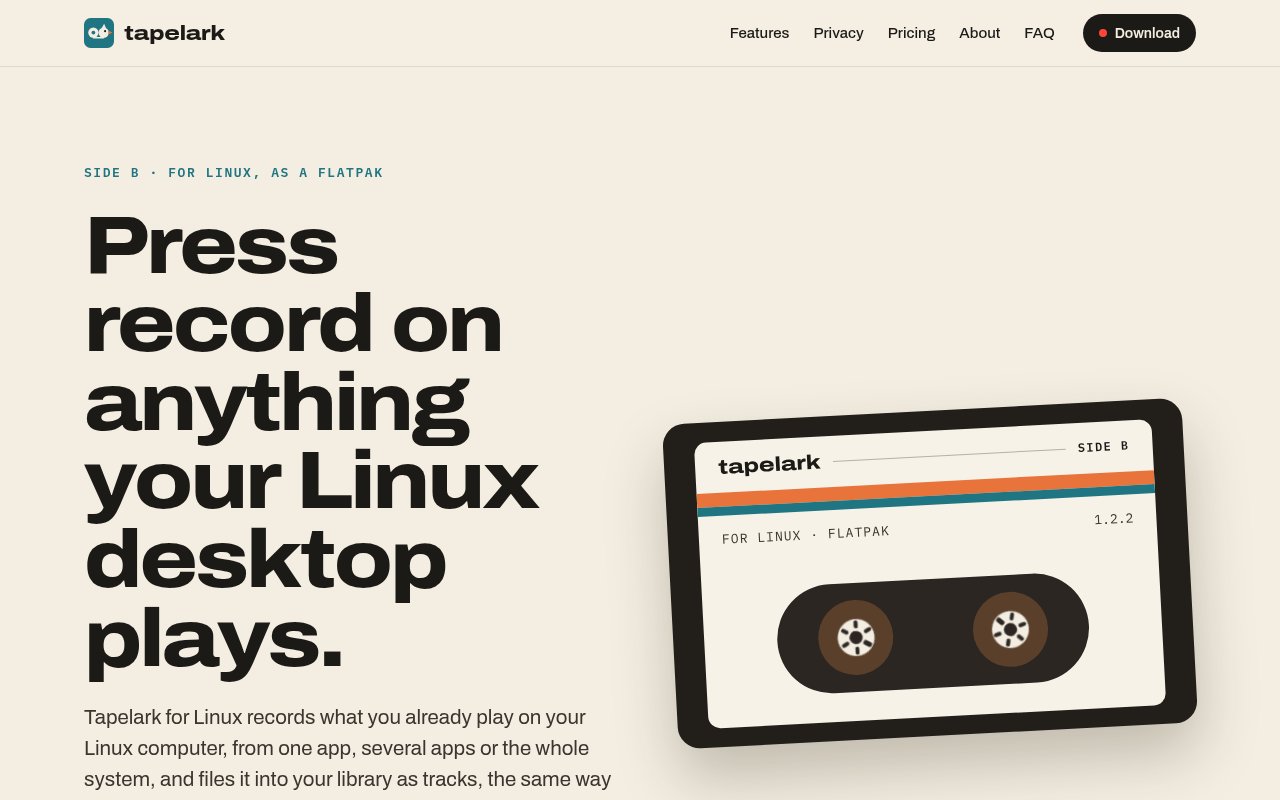
Tapelark for Linux records the sound already playing on a Linux desktop and turns a long listening session into organized audio files. A user can capture one app, several apps, or the entire system, then browse the results in a local library. Its main appeal is the work it does after recording starts. Instead of leaving someone with one long file to cut and label, Tapelark separates the session into tracks when it can, adds available title, artist, and album details, and files each result into the library. It brings the familiar idea of recording to tape into a desktop workflow built around ordinary digital files.
For app audio, Tapelark connects straight to PipeWire. The user chooses a music player, browser, or another sound-producing application, and the recorder captures that source without using a microphone, adding a cable, or changing the desktop's sound routing. Players that announce what they're playing can supply track metadata. The site says most Linux music players and major browsers do this. When an app doesn't provide track changes, Tapelark can split its audio at silences. That combination is useful for lengthy playlists, live sets, and other sessions where the content should become separate tracks rather than a single unwieldy recording.
Internet radio and podcasts are part of the same application. The radio section searches a directory with thousands of stations, records a station's own stream, and can save it song by song when the stream provides the needed information. Recordings can be scheduled for a particular show instead of started by hand. Podcast listeners can follow feeds and keep episodes in the library. Once files are present, the library groups material by artist and album, supports tag editing, identifies duplicates, and exports to AAC, Apple Lossless, FLAC, WAV, or MP3. MP3 export is specifically listed as a Linux feature.
The Linux edition is delivered as a Flatpak from Tapelark's own repository, and Flatpak handles subsequent updates alongside other applications. The site offers builds for Intel and AMD computers as well as ARM systems. It expects a current Linux desktop using PipeWire and names GNOME and KDE Plasma as supported environments. That makes the installation route clear, but it also gives the product a narrower compatibility boundary than a generic command-line recorder. People using an older audio stack, another desktop environment, or a distribution that avoids Flatpak should check their setup before relying on it.
Tapelark is deliberately local. The maker says recordings remain on the user's computer, and the broader product is designed without an account, telemetry, or uploading. It records for private use and doesn't try to bypass copy protection. On Linux it also avoids microphone capture for the app-audio workflow, which helps keep the selected source clear. This posture will suit people who want a personal archive they can inspect and export without first sending media to a cloud service. It doesn't settle whether recording a particular stream is permitted, so the user still has to follow local law and the terms of the source being recorded.
The Linux version doesn't yet match every feature of Tapelark on the Mac. Muting a source while it records is unavailable on Linux. Window video recording, Isolate Voice, Smooth Motion, and picture enhancement remain Mac-only, even when the user owns Pro. A separate Linux-only license is also still on the way. At present, removing the ten-minute recording limit on Linux requires Tapelark Pro, whose key covers both the Mac and Linux applications. The standard Tapelark license is for Mac only and doesn't unlock this edition. These details make the current offer better for someone who uses both platforms or already owns Pro than for a Linux-only buyer who wants the simplest possible purchase.
There is a 14-day trial with every available feature and no account or key required to start. Each individual recording stops after ten minutes until a license is purchased, including during the trial, so it demonstrates the workflow rather than supporting a full-length evaluation session. Tapelark Pro is a one-time purchase listed at €129 through 31 October and €139 afterward, including applicable tax, with paid major upgrades and free minor updates. One license covers one person across their Macs and Linux computers. For Linux users who value automatic splitting, metadata, radio schedules, podcasts, and a private library in one focused app, the product is unusually cohesive. Those who only need raw capture, need another Linux sound stack, or don't want a cross-platform Pro license may find the current access model less compelling.
Key Features
- Per-app PipeWire audio recording
- Automatic silence-based track splitting
- Tagged local media library
- Scheduled internet radio capture
- Podcast feed following
- Lossless and compressed exports
Pros & Cons
What we like
- Records an app without changing sound routing
- Turns long sessions into organized tracks
- Keeps recordings and metadata on the computer
- Supports both x86 and ARM Flatpaks
Room for improvement
- A Pro license currently unlocks Linux recording
- Each trial recording stops after ten minutes
- Muting while recording is not available on Linux
- Several Pro tools remain Mac-only
Frequently Asked Questions
What does Tapelark for Linux record?
How does Tapelark split a recording into tracks?
Is Tapelark for Linux free?
Which Linux systems does Tapelark support?
Best For
Featured in
Alternatives to Tapelark for Linux
View all
CalendHub
Smart scheduling and calendar management for teams
Kevin Gabeci Toolkits
Seven AI toolkits for writing books, making music, cutting video, and building agents.

Eased Into AI
Learn AI from zero. No jargon, no hype, just steps that work.

Fix It Gently
Calm, plain-English fixes for everyday tech problems.
Our take
Tool Index Editorial · Oct 2026· 3.5/5
Tapelark for Linux records audio directly from PipeWire apps, internet radio, and podcasts, then turns sessions into tagged files in a local library. Automatic track detection, silence splitting, scheduled radio capture, tag editing, and exports from FLAC to MP3 make it much more organized than a bare desktop recorder. We also like the clear local-storage posture and support for both x86 and ARM Flatpaks.
The 14-day trial includes every feature, but each recording stops after 10 minutes. Linux currently requires the cross-platform Tapelark Pro license, priced at $129 through October 31 and $139 afterward, while a Linux-only license is still promised rather than available. Muting during capture and several Pro tools remain Mac-only. It is cohesive for serious personal archiving, but the present license is awkward for Linux-only users.
Editorial opinion from the Tool Index team, written from the public product pages. Not a user review.
Reviews (0)
No reviews yet
Be the first to share your experience with Tapelark for Linux
Sign in to write a reviewBadge builder
Add Tapelark for Linux to your website
Choose a badge style and size, preview it here, then copy the generated HTML. Badge images are self-contained SVGs and do not require an external script.

<a href="https://toolindex.net/tools/tapelark?ref=badge" target="_blank" rel="noopener">
  <img src="https://toolindex.net/badge/tapelark/medium.svg" alt="Tapelark for Linux - Listed on Tool Index" width="180" height="50" />
</a>How to use the badge
- 1. Pick the style, size, and theme that fit your layout.
- 2. Copy the generated HTML from the code block.
- 3. Paste it into your footer, homepage, or press page.
Standard badge available
The standard listing badge is available now. Score and circle badges are limited to tools currently ranked in the top 10 of a category.
Badge clicks return visitors to this profile with a referral tag so the source remains identifiable.
Related Tools

Confluence
Atlassian's long-running team wiki that anchors many enterprise knowledge stacks
Asana
Project management for teams that live in projects, tasks and dependencies
Kevin Gabeci Toolkits
Seven AI toolkits for writing books, making music, cutting video, and building agents.

Logseq
An open-source outliner notes app where every bullet is a first-class block
Work on Tapelark for Linux? Request listing access or correction