
Trangram
Free browser-based vector animation editor with shape morphing and motion paths
Gallery
About Trangram
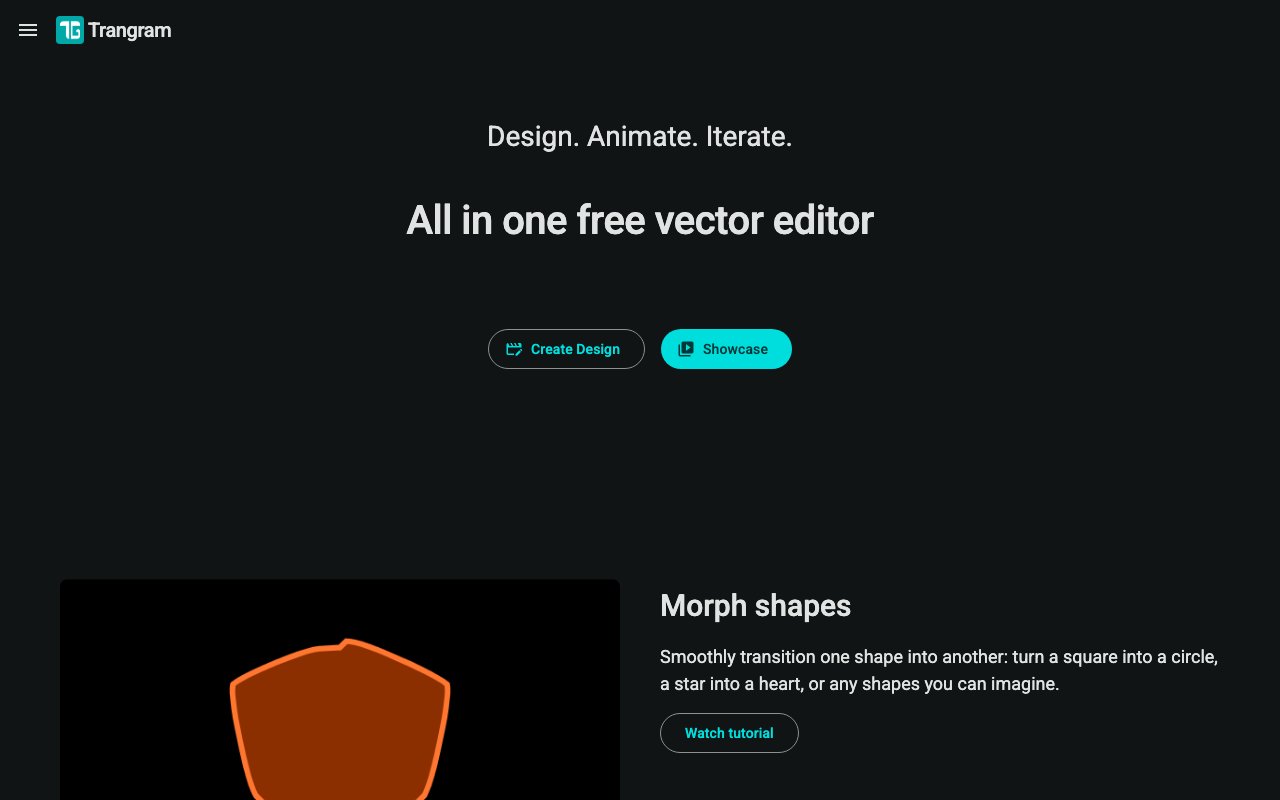
Trangram is a browser-based vector animation editor that combines shape manipulation with motion graphics capabilities in a free, accessible package requiring no installation or subscription. The platform handles the full workflow from initial design through final animation export without requiring desktop software purchases or complex licensing agreements. Users create and manipulate vector shapes directly in the editor, then animate them with keyframes, easing functions, and specialized motion effects. Shape morphing allows smooth transitions between entirely different forms, making it possible to animate a circle transforming into a star or a simple icon evolving into a complex illustration. Motion paths guide objects along specified trajectories with precise control points, enabling sophisticated movement that follows curves, spirals, or any custom path rather than limiting animation to simple point-to-point translation.
The shape manipulation toolkit provides comprehensive vector editing capabilities within the animation environment. Corner rounding includes multiple styles ranging from standard round corners through inverted round effects to chamfered cuts, giving designers control over shape character beyond basic circles and rectangles. Boolean operations combine shapes through unite, subtract, intersect, and exclude operations, enabling complex forms built from simpler geometric primitives. A logo designer might start with basic shapes and use boolean operations to carve negative space or merge elements. These tools provide the foundation for creating the vector artwork that subsequently gets animated, keeping the entire production pipeline within a single application rather than requiring export and import cycles between separate design and animation tools that often introduce format conversion problems.
Animation controls extend well beyond basic keyframing to include specialized capabilities that address common motion graphics needs without workarounds. Trim Path creates self-drawing animations where line segments gradually reveal or erase themselves over time, popular for logo animations, signature effects, and text reveals that look hand-drawn. Parent linking establishes hierarchical relationships where child objects automatically follow parent transformations, simplifying character animation where a hand follows an arm and joints maintain their relationships during movement. Mechanical motion, where gears or levers connect, also benefits from parent linking rather than manually synchronizing every component. Looping modes include Cycle for standard repetition that restarts from the beginning, Ping Pong for seamless back-and-forth motion without visible jump cuts, and Continue for animations that maintain momentum past their defined keyframes into free motion.
Easing functions control velocity curves, determining whether motion accelerates smoothly, decelerates into a soft stop, bounces at the end, or follows custom timing patterns. The difference between professional-looking animation and amateur motion often comes down to easing selection rather than the motion itself. Trangram provides standard options like ease-in, ease-out, and ease-in-out alongside more expressive presets for bouncy, elastic, or snappy motion.
Clipping masks function as stencils that reveal only specific portions of underlying objects, enabling reveal effects where content appears to emerge from behind shapes, viewport-style animations where characters walk past windows, and creative masking effects common in explainer videos. Number animation handles counting sequences with customizable formatting, serving dashboard visualizations where numbers animate to their final values and infographic animations that bring statistics to life. Group animation organizes multiple objects for coordinated movement without manually synchronizing individual element timelines, useful when a collection of items should enter, exit, or transform together.
Import support covers SVG files from any vector editor and the native TG project format for continuing previous work. Export options span video formats including MP4 and WebM at various quality settings, animated GIFs for web embeds and social media posts where video might not play automatically, static image formats including PNG, JPG, WebP, and SVG for frame exports or poster images, plus TG project files for local backup and later editing sessions. This format flexibility accommodates various distribution channels from YouTube and Vimeo to website embeds to social media posts across platforms with different format preferences.
The platform targets designers, animators, and motion graphics creators seeking capable animation tools without the steep learning curve and subscription cost of After Effects or the purchase price of Motion. Running entirely in the browser eliminates installation friction and ensures cross-platform compatibility wherever a modern browser runs. Tutorial content and community channels through YouTube, Reddit, and email support help users develop proficiency with the toolset beyond basic experimentation. For anyone creating animated graphics for social content, presentations, web interfaces, or video projects, Trangram provides professional-grade capabilities at zero cost with zero installation requirements.
Key Features
- Shape morphing between forms
- Trim path for self-drawing effects
- Motion path object guidance
- Parent linking for coordinated transforms
- Multiple looping and easing modes
- Export to MP4, WebM, GIF, PNG, SVG
Pros & Cons
What we like
- Runs entirely in the browser with nothing to install
- Combines vector design and animation in one tool
- Completely free with no visible paid tier
- Export options cover video, GIF, and image formats
Room for improvement
- Lacks advanced timeline features of desktop apps
- No audio or sound syncing capabilities
- Smaller community compared to established tools
- Browser performance limits complex projects
Frequently Asked Questions
What is Trangram?
Is Trangram free?
Who is Trangram for?
What file formats does Trangram support?
Best For
Featured in
Alternatives to Trangram

Framer
Visual website builder that lets designers ship production-grade marketing sites with real CMS, SEO controls, and code components.

Apatero Studio
Creator studio for AI image, video, audio, 3D, and avatars. Every model worth using, in one workspace.

Pixel Painters
Unlimited graphic design subscriptions built only for churches and ministries
Reviews (12)
Pulled its weight from week one
Came to Trangram after getting frustrated with what I had before. The core workflow is smooth once you are set up. It just works, day after day, without surprises. Mostly using it for making animated explainers for presentations. Would sign up again without thinking twice.
Solid but not perfect
Started using Trangram casually, now it is pinned in my dock. Got real value out of motion path object guidance. Found it works best for making animated explainers for presentations. It would be a five if not for no audio or sound syncing capabilities.
It just works
Started using Trangram casually, now it is pinned in my dock. Where it really wins is export options cover video, gif, and image formats.
Genuinely impressed
Started using Trangram casually, now it is pinned in my dock. Got real value out of runs entirely in the browser with nothing to install. The core workflow is smooth once you are set up. Easy yes for anyone weighing the same trade offs.
Good, with a few caveats
Picked Trangram for the price, stayed for the quality. What stands out is how it handles multiple looping and easing modes. Found it works best for designing looping gifs for marketing content. My only gripe is browser performance limits complex projects. Would sign up again without thinking twice.
Recommended without reservation
Found Trangram on a Show HN thread and I am glad I clicked. The defaults are sensible, so I was not fighting settings on day one. Mostly using it for making animated explainers for presentations. No regrets so far.
Recommended without reservation
Trangram solves a real problem for me without making a fuss about it. The combines vector design and animation in one tool is more useful than I expected. The output quality holds up better than I expected.
Genuinely impressed
Tried Trangram on a side project first, then rolled it out everywhere. What stands out is how it handles export options cover video, gif, and image formats. It fits well for making animated explainers for presentations. Recommending it to people in a similar spot.
Powerful once it clicks
Started using Trangram casually, now it is pinned in my dock. The core workflow is smooth once you are set up. The interface stays out of my way, which I appreciate. One thing that bugs me is browser performance limits complex projects. Hard to imagine going back to my old setup.
Genuinely impressed
Trangram solves a real problem for me without making a fuss about it. The export to mp4, webm, gif, png, svg is more useful than I expected. Found it works best for designing looping gifs for marketing content. Hard to imagine going back to my old setup.
Exactly what I needed
Hadn't planned on switching, but Trangram was hard to ignore. Their take on export to mp4, webm, gif, png, svg is genuinely good. It does what it says, which is rarer than it should be. No regrets so far.
Finally something that fits
Have been running Trangram for a while, here is where I land. Their take on export to mp4, webm, gif, png, svg is genuinely good. Found it works best for designing looping gifs for marketing content. It earns its place in my stack.
Badge builder
Add Trangram to your website
Choose a badge style and size, preview it here, then copy the generated HTML. Badge images are self-contained SVGs and do not require an external script.

<a href="https://toolindex.net/tools/trangram?ref=badge" target="_blank" rel="noopener">
  <img src="https://toolindex.net/badge/trangram/medium.svg" alt="Trangram - Listed on Tool Index" width="180" height="50" />
</a>How to use the badge
- 1. Pick the style, size, and theme that fit your layout.
- 2. Copy the generated HTML from the code block.
- 3. Paste it into your footer, homepage, or press page.
Standard badge available
The standard listing badge is available now. Score and circle badges are limited to tools currently ranked in the top 10 of a category.
Badge clicks return visitors to this profile with a referral tag so the source remains identifiable.
Related Tools
Apatero Studio
Creator studio for AI image, video, audio, 3D, and avatars. Every model worth using, in one workspace.

Tailwind CSS
Rapidly build custom designs without leaving your HTML

Figma
Collaborative interface design tool

Marvel
Lightweight prototyping platform for turning images and screens into clickable mobile and web prototypes.
Work on Trangram? Request listing access or correction