
TV Family Calendar
Put shared Google and iCloud calendars on an Apple TV
Gallery
About TV Family Calendar
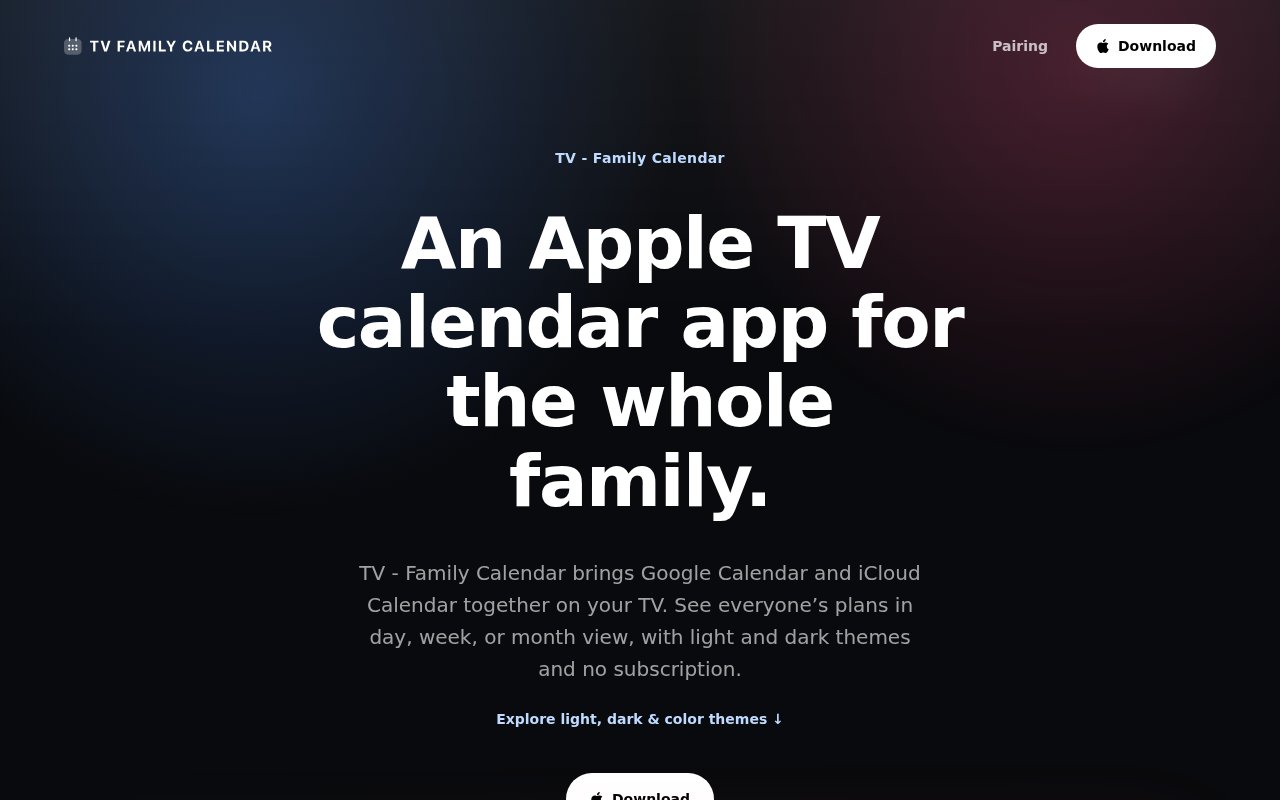
TV Family Calendar is a tvOS app from ANCREATIVE that turns an Apple TV and its connected screen into a shared calendar display. It brings Google Calendar and iCloud Calendar events onto the largest screen in a home, classroom, office, or meeting space so plans are visible without passing around a phone. The product is meant for the common coordination problem where everyone technically has access to a calendar but nobody looks at it at the same time. A television placed in a kitchen, reception area, team room, or other shared space becomes a persistent reference for school events, appointments, trips, meetings, reminders, and room bookings.
Setup happens on the Apple TV itself and doesn't require another Apple device. The app presents a QR code or pairing code that can be opened from a phone or computer, which keeps account connection and typing off the television remote. It supports public iCloud subscription links and read-only Google Calendar access. Those connection methods let the app display events without changing the source calendar. Calendar data stays local on the Apple TV according to the product site, so the display isn't built around sending a household or team's schedule through a separate ANCREATIVE cloud account.
The experience is deliberately more like a wall calendar than a full scheduling suite. Its month view gathers connected Google and iCloud calendars in one place and makes upcoming commitments legible from across a shared room. That suits a family tracking school activities, travel, medical appointments, and social plans. It also works for a small office displaying meetings, a classroom showing important dates, or a workplace using calendars for rooms and shared resources. Because the connection is read-only, someone can't accidentally move or delete an event from the television. Changes still happen in the original Google or iCloud calendar, then appear on the display through synchronization.
Its strongest distinction is the lack of a companion-device requirement. Many Apple TV experiences assume an iPhone or iPad is available for onboarding, but TV Family Calendar can be paired from any phone or computer. The app also avoids splitting core capabilities across confusing product tiers. Google Calendar support, iCloud Calendar support, display features, future updates, and the full app experience are included whether someone chooses the one-time purchase or the subscription. That makes the buying decision about payment preference rather than determining which calendar or privacy feature is locked behind a higher plan.
A shared display can serve several rhythms without changing how anybody maintains the calendar. Parents can keep school dates, family events, travel plans, and appointments visible in the room where schedules are discussed. A teacher can use the same large-screen approach for classroom dates and reminders. Offices can show meetings or room bookings where colleagues can glance at them during the day. In every case, Google Calendar or iCloud Calendar remains the place where the event is created and updated. TV Family Calendar acts as the read-only viewing layer, which keeps its role simple and avoids creating a second schedule that has to be maintained.
There are clear boundaries. It requires Apple TV and tvOS, so it isn't a general smart television app and won't turn an arbitrary browser or Android TV device into the same display. Current service support is limited to iCloud Calendar and Google Calendar. Outlook is described as a future addition rather than an available provider. The privacy model also shapes the workflow. Public iCloud subscription links and read-only Google access are well suited to display, but the television isn't intended for editing an agenda. People who want task assignment, messaging, or scheduling directly from the wall screen will still need their calendar apps and collaboration tools.
Access is paid, with two ways to get the same functionality. The lifetime option is listed at $9.99 and includes future updates, while the subscription costs $1.99 per month for as long as it remains active. The site doesn't advertise a free tier, and there is no feature advantage to subscribing instead of buying lifetime access. For an Apple TV already attached to a visible household or workplace screen, the one-time option is a straightforward way to create a shared calendar without buying dedicated calendar hardware. The fit is narrower for people outside the Apple TV ecosystem, but within that setting it offers a focused, privacy-conscious display with simple pairing and predictable pricing.
Key Features
- Native Apple TV calendar display
- Google and iCloud synchronization
- QR code or code pairing
- Read-only calendar access
- On-device calendar data storage
- Shared month view
Pros & Cons
What we like
- Needs no additional Apple device
- Keeps calendar data on the Apple TV
- Includes every feature in both plans
- Makes schedules visible in shared spaces
Room for improvement
- Requires an Apple TV
- Supports only Google and iCloud calendars
- Doesn't edit source calendar events
- Offers no advertised free tier
Frequently Asked Questions
What is TV Family Calendar?
Does setup require an iPhone or iPad?
Can it change calendar events?
How much does TV Family Calendar cost?
Best For
Featured in
Alternatives to TV Family Calendar

CalendHub
Smart scheduling and calendar management for teams
Kevin Gabeci Toolkits
Seven AI toolkits for writing books, making music, cutting video, and building agents.

Eased Into AI
Learn AI from zero. No jargon, no hype, just steps that work.

Fix It Gently
Calm, plain-English fixes for everyday tech problems.
Reviews (0)
No reviews yet
Be the first to share your experience with TV Family Calendar
Sign in to write a reviewBadge builder
Add TV Family Calendar to your website
Choose a badge style and size, preview it here, then copy the generated HTML. Badge images are self-contained SVGs and do not require an external script.

<a href="https://toolindex.net/tools/tv-family-calendar?ref=badge" target="_blank" rel="noopener">
  <img src="https://toolindex.net/badge/tv-family-calendar/medium.svg" alt="TV Family Calendar - Listed on Tool Index" width="180" height="50" />
</a>How to use the badge
- 1. Pick the style, size, and theme that fit your layout.
- 2. Copy the generated HTML from the code block.
- 3. Paste it into your footer, homepage, or press page.
Standard badge available
The standard listing badge is available now. Score and circle badges are limited to tools currently ranked in the top 10 of a category.
Badge clicks return visitors to this profile with a referral tag so the source remains identifiable.
Related Tools

Confluence
Atlassian's long-running team wiki that anchors many enterprise knowledge stacks
Asana
Project management for teams that live in projects, tasks and dependencies
Kevin Gabeci Toolkits
Seven AI toolkits for writing books, making music, cutting video, and building agents.

Logseq
An open-source outliner notes app where every bullet is a first-class block
Work on TV Family Calendar? Request listing access or correction