Udio
AI music generator that leans into mixing fidelity and stems
Gallery

About Udio
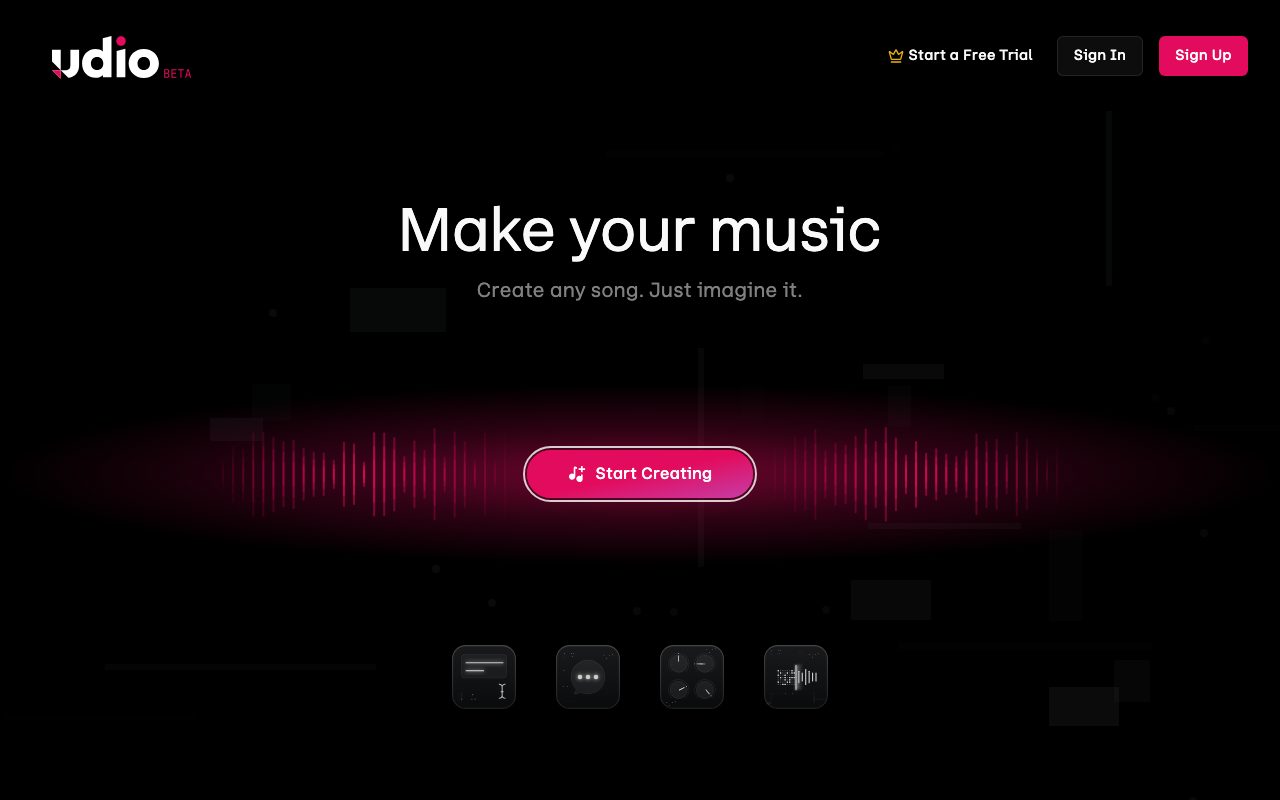
Udio is the AI music generator that produces full songs from a text prompt. You describe a vibe, a genre, and some lyrics. Udio renders a 32 second clip in around a minute. You extend it. You remix it. You end up with a real song, give or take a few takes.
The pitch shocked the music industry in 2024. By 2026 the quality has crept up to a place where casual listeners often can't distinguish Udio output from indie label production. That's a sentence that would have sounded insane two years ago.
It's not a Logic Pro replacement. It's a creation tool for people who want music without learning DAWs. Producers also use it as a starting point. The category has settled into something useful.
What Udio does
You write a prompt with genre, mood, instruments, and lyrics. Udio's model generates a clip with vocals, instrumentation, and structure. You like a clip, you extend it forward or backward to build a full track.
The vocal generation is the unique trick. Udio handles male, female, group, harmonized, distorted, autotuned, opera, rap, sung, hummed. The lyrical phrasing follows your prompt. The intonation feels intentional more often than not.
Beyond pure generation, Udio supports remixing existing clips, audio inpainting (replacing sections of a song), and stems separation. The tooling is growing each quarter.
Who Udio is for
Content creators making YouTube backing tracks, TikTok music beds, podcast intros, and short film scores. The output is licensed for commercial use on paid plans.
Indie songwriters use Udio for demos. Sketch a chorus. Hand it to your guitarist. Cut a real version with a band. Faster than humming a melody into voice memos.
Hobbyist musicians experiment with genres they can't play. A guitarist generates a metal song to learn from. A pianist generates an EDM track to feel the structure. The exploration value is real.
Pricing
Free plan gives a daily allowance of generations. Enough to explore the tool and create a few demos a week.
Standard plan starts around $10 per month with a much higher generation cap and commercial use rights. Pro plan jumps higher with priority generation and more concurrent jobs.
The licensing is the important detail. Free outputs have non commercial use restrictions. Paid plans grant commercial usage subject to the terms. Read the latest before commercial release.
Features that move the needle
Vocal quality is the headline. Udio's vocals sound like real singers most of the time. The phrasing follows the lyrics. Breath sounds, vibrato, expressive moments. It's uncanny.
Extending lets you grow a clip into a full song. Add a verse. Add a bridge. Add an outro. The model maintains the vibe and the voice across extensions. Continuity is the trick.
Remix and inpainting let you modify sections without regenerating the whole song. Fix a weird lyric. Rework a chorus. The control is finer than pure prompt regeneration.
Where Udio struggles
Lyric pronunciation occasionally goes weird. Difficult words, made up words, technical terms. The model guesses. Sometimes the guess is funny. Sometimes it ruins the song.
Long form structure is still maturing. A 3 minute song generated end to end can feel like four 45 second clips stitched together. The continuity has improved but isn't seamless.
Genre fidelity varies. Pop, rock, EDM, hip hop work well. Niche genres (folk, jazz, world music) are hit or miss. The training data shows.
Udio vs the alternatives
Suno is the closest direct competitor. Different vocal style, similar workflow. We compare them in Udio vs Suno.
Stable Audio focuses on instrumental and effect generation. Different niche. See best AI music tools for the field.
Boomy and AIVA are older AI music tools. Less impressive output today. Browse Udio alternatives for more.
If you're a content creator paying for stock music libraries every month, Udio replaces that subscription with infinite custom tracks. The quality is different but for most use cases it's enough.
Common Udio questions
Can I use Udio songs commercially? On paid plans, yes, subject to the licensing terms. Free outputs are restricted.
How does Udio compare to Suno? Subjective. Udio tends to win on vocal realism and Suno on song structure. Most heavy users try both. Browse AI music tools for related picks.
Can I export stems? Limited stem support exists for some plans. The roadmap includes more granular control.
The bottom line on Udio
Udio is one of the two leaders in AI generated music. The vocals are the killer feature. The output is commercial usable for many creators on paid plans.
If you make content and you need original backing music, Udio is worth the $10 a month. The licensing covers most use cases and the output keeps improving.
The category will keep moving fast. Today Udio is sharp. Six months from now there will be more tools and more capability. For now this is the easy answer for AI music. Browse the toolindex catalog for the surrounding creative AI ecosystem.
Prompting Udio for better results
Be specific about genre and instrumentation. Vague prompts produce vague songs. Mention specific instruments, tempo cues, and structural elements.
Reference style markers. Production styles like lo fi, polished, vintage analog, modern radio. Tempo descriptors like driving, laid back, frantic.
Lyrics in the prompt land more reliably when formatted with brackets like [verse] and [chorus]. The model uses the structural cues to compose.
Udio extension strategy
Generate the chorus first. The chorus carries the song's identity. Get it strong. Then build verses and bridges around it.
Extend backward to add an intro. Extend forward to add an outro. The model maintains the vibe.
Don't extend too aggressively in one direction. Three to four extensions usually starts to drift. Save the strong sections and rebuild around them.
Udio for video creators
YouTube backing tracks. Generate a 90 second instrumental in the right mood. Use it under your voiceover. The royalty free aspect (on paid plans) matters.
TikTok music beds. 15 second clips in trending genres. Generate ten variants. Pick the strongest hook.
Podcast intros and outros. Brand a consistent musical signature. Use Udio to generate the original piece. License it commercially through your paid plan.
Udio limitations and workarounds
Specific song reference (sound like X artist) gets blocked. The model avoids direct artist mimicry. Genre and era references work fine.
Mixing and mastering quality varies. Some outputs sound radio ready. Others feel demo quality. Run the strong outputs through a mastering tool like CloudBounce or LANDR for final polish.
Stem separation is partial. If you need clean stems for remixing in a DAW, plan for AI stem separation tools as a follow up step.
Udio for short form video
Short videos benefit from custom audio. The 15 to 60 second clips fit Udio's natural output length without needing extension.
Generate ten variants per video. Pick the best in two minutes of listening. The hit rate is high enough to be productive.
For series of videos under one brand, save the strongest prompts. Reuse them. The audio identity carries across the series.
Udio creative workflow tips
Don't overthink the prompt on the first try. Generate. Listen. Adjust the prompt based on what you heard. Iterate three to five rounds.
Save your best generations. The library accumulates. Often a generation from last month fits this month's project.
Mix Udio output with traditional production. Use the Udio piece as a foundation. Layer your own vocals or instruments on top. The hybrid result often outperforms pure AI.
Udio licensing reality
Read the terms. They evolve. The current version covers what you can and can't do with paid plan outputs.
Most commercial use cases are covered. YouTube monetization, podcast use, product backing tracks, ad music.
Cases that require extra care: TV broadcast, theatrical film release, music platform release as your own track. Some uses need explicit permission or face complications.
Udio in the broader AI music ecosystem
Suno, Udio, Stable Audio, AIVA. Each has strengths. Power users mix them.
For full songs with vocals, Suno and Udio compete head to head. For instrumental backgrounds, Stable Audio holds its own.
For specific genres or moods, sometimes a specialty model wins. The category will keep fragmenting before it consolidates.
Udio for educators
Music teachers use Udio to demonstrate genres students don't know. Generate a baroque piece, a bossa nova, a chiptune track. Students hear the difference.
Composition exercises with AI augmentation. Students prompt for variations. They study the differences between their version and the AI's choices.
The licensing for educational use mostly works. Read the current terms. Some classroom use cases are explicitly permitted.
Udio FAQ
Can Udio recreate a specific song? No. Direct mimicry of existing tracks is blocked.
How long are generated clips? Around 32 seconds per generation. Extensions stitch them into longer pieces.
Does Udio offer an API? Limited API access for select partners. Most users interact through the web app.
Udio for game developers
Indie game devs use Udio for ambient backing tracks, menu music, and combat themes. The cost beats licensing existing tracks.
Generate variations of a theme for different game states. Calm, tension, victory. The continuity across variations matters for atmosphere.
Final integration usually requires a DAW pass. Loop points, transitions, and dynamic mixing for game audio engines.
Udio future capabilities to watch
Better stem separation. Today's output is mostly mixed. Future versions may give cleaner separated stems.
Longer coherent compositions. The current 32 second base unit may extend to multi minute generations natively.
Better lyric pronunciation control. Today's quirks may smooth out as the models train on more data.
Tutorial / Demo
Key Features
- Full-track generation with vocals
- Track extension and remix
- Stem separation
- Manual edit mode for swapping sections
- Genre and reference-driven prompts
- Web and mobile players
Pros & Cons
What we like
- Mixing fidelity feels closer to a finished record
- Edit mode gives more control than competitors
- Strong for hip-hop, electronic, and pop
- Active community sharing prompts and tracks
Room for improvement
- Same major-label copyright litigation as Suno
- Free credits modest
- Vocals occasionally artifact on long extensions
- Smaller user base means fewer tutorials than Suno
Frequently Asked Questions
Does Udio have a free tier?
Udio vs Suno, what's the real difference?
Can I get stems from Udio?
Can I use Udio output commercially?
Will Udio replace human producers?
Best For
Featured in
Tags
Alternatives to Udio
View all
Stable Audio
Stability AI's text-to-audio model for generating original music and sound effects from a written prompt

Soundraw
AI music generator that builds royalty-free, fully customizable songs from a mood and genre in seconds

Boomy
Make original AI songs in seconds and distribute them to Spotify, Apple Music, and 40+ streaming platforms
AIVA
AI music composer built for cinematic and classical soundtracks, with 250+ styles and a MIDI editor
Our take
Tool Index Editorial · May 2026· 4.4/5
What Udio is really selling — beyond the marketing copy — is ai music generator that leans into mixing fidelity and stems.
On the strengths side: Mixing fidelity feels closer to a finished record, Edit mode gives more control than competitors, and Strong for hip-hop, electronic, and pop. What to watch for: Same major-label copyright litigation as Suno and Free credits modest.
Verdict: Udio cleanly earns its spot in the category — a smart default when you need producing demo tracks with stem-level control.
Editorial opinion from the Tool Index team, written from the public product pages. Not a user review.
Reviews (3)
Promising but rough around the edges
Skeptical at first because Udio looked too simple. It's not. Real selling point: strong for hip-hop, electronic, and pop. The web and mobile players is more useful than I expected. Honest gripe: free credits modest. Probably better for someone with different needs.
Pros
- Strong for hip-hop, electronic, and pop
- Active community sharing prompts and tracks
- Edit mode gives more control than competitors
Cons
- Free credits modest
Caveats: good ones and frustrating ones
Got Udio on the recommendation of someone I trust. What stands out is how edit mode gives more control than competitors. Their take on stem separation is solid. It would be a 5 if not for smaller user base means fewer tutorials than Suno. Solid pick for my use case, your mileage may vary.
Glad I tried it, not sure I'd renew
Udio is one of those tools you stop noticing because it just works. Genuine strength: strong for hip-hop, electronic, and pop. It fits well for extending and remixing existing AI or human takes. Wish they'd address how free credits modest. Decent value once you accept the rough edges.
Badge builder
Add Udio to your website
Choose a badge style and size, preview it here, then copy the generated HTML. Badge images are self-contained SVGs and do not require an external script.

<a href="https://toolindex.net/tools/udio?ref=badge" target="_blank" rel="noopener">
  <img src="https://toolindex.net/badge/udio/medium.svg" alt="Udio - Listed on Tool Index" width="180" height="50" />
</a>How to use the badge
- 1. Pick the style, size, and theme that fit your layout.
- 2. Copy the generated HTML from the code block.
- 3. Paste it into your footer, homepage, or press page.
Score badge available
Udio qualifies for the score and circle badges based on its current top-10 positionin AI Music Generators.
Badge clicks return visitors to this profile with a referral tag so the source remains identifiable.
Related Tools

Apatero AI
The creator studio for AI image, video, audio, 3D, and avatars, now at apatero.ai.
Kevin Gabeci Toolkits
Seven AI toolkits for writing books, making music, cutting video, and building agents.

Warp
The modern terminal reimagined with AI and collaboration

Bolt.new
Prompt-to-deployed full-stack app inside the browser
Work on Udio? Request listing access or correction