
Window Hints
Keyboard-first window switching for Mac using letter hints instead of cycling
Gallery
About Window Hints
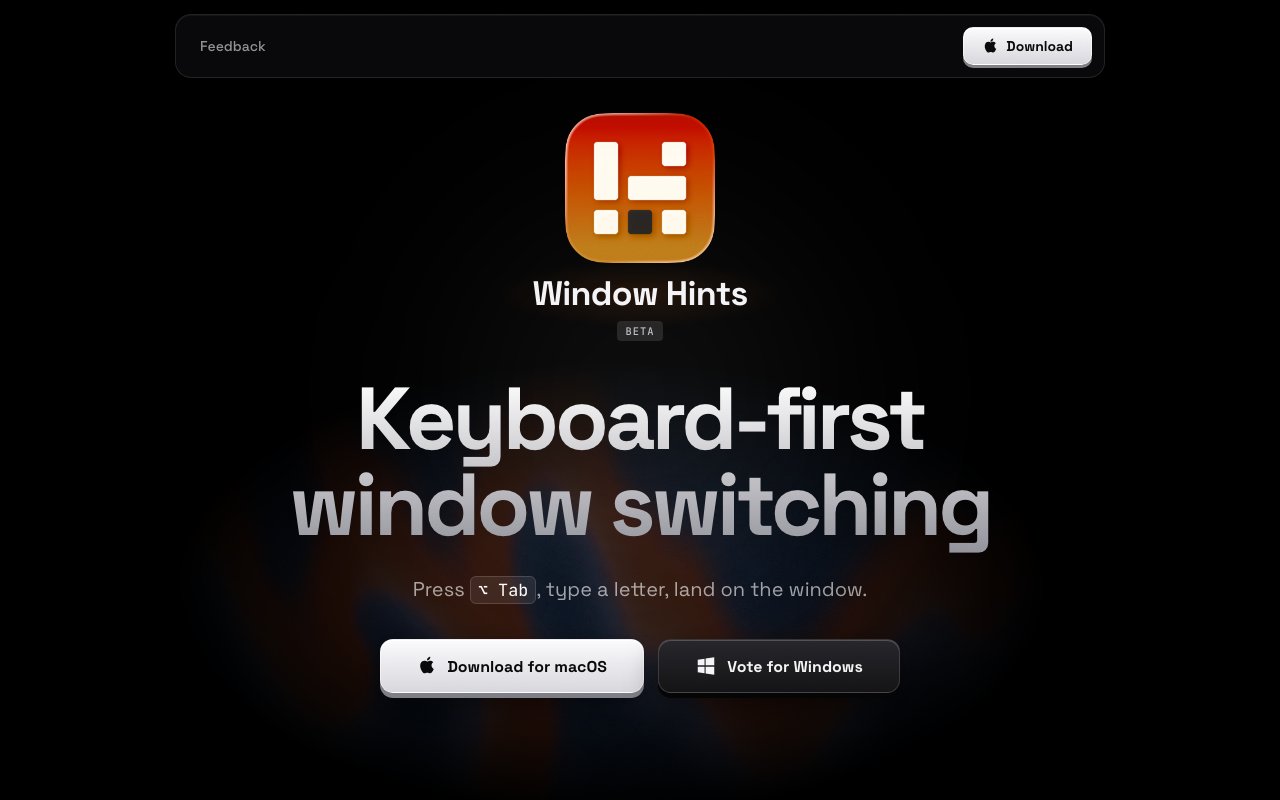
Window Hints is a macOS utility built for developers and power users who want to navigate between open windows without reaching for the mouse. The concept is simple but powerful. Press a hotkey, and every visible window on your screen gets assigned a single letter. Type that letter, and you jump directly to that window. It turns what would normally be a multi-click process into a two-keystroke operation. For anyone who has tried to hunt down a specific browser tab or terminal window among a dozen overlapping applications, the immediate appeal is obvious.
The application works by tapping into macOS Accessibility permissions to enumerate all open windows and read their titles. When you trigger the hotkey, which defaults to Option plus Tab, Window Hints overlays a letter on each visible window. The letters are positioned prominently so you can quickly scan and select. Assignment follows a predictable pattern based on window position and importance, making frequently used windows easy to reach once you internalize the layout. This approach bypasses the traditional Command-Tab app switcher entirely. That native switcher only cycles through applications rather than individual windows, which is a critical distinction when you have multiple windows open from the same app.
Support for multiple displays is built in from the ground up, so users with two or three monitors can jump between windows across their entire workspace without needing separate hotkeys per screen. Every visible window on every connected display gets a letter assignment simultaneously. The utility also integrates with Mission Control, macOS's virtual desktop feature, so you can see and select windows that are currently on other spaces. There's experimental support for Stage Manager if you've adopted Apple's newer window management paradigm, though that feature is still being refined as Stage Manager itself evolves.
Additional experimental features include Ghostty Splits and Chrome Split View integration. Ghostty is a GPU-accelerated terminal emulator that supports split panes, and Window Hints can target individual splits rather than just the parent window. Similarly, Chrome's split view feature lets you divide a browser window into two side-by-side panes, and Window Hints can address each pane independently. These integrations matter for users who work heavily in terminal emulators or browser-based development environments where a single application window might contain multiple distinct workspaces.
The target audience is clearly defined. This is for keyboard-centric developers, writers, and analysts who find the mouse to be an interruption to their flow state. If you've ever wished your window manager worked more like a vim-style navigation system, Window Hints delivers that experience. It removes the cognitive overhead of hunting for the right window in a sea of overlapping applications, especially during deep work sessions where context switching needs to be fast and frictionless. The tool is particularly valuable during debugging sessions, code reviews, or any workflow where you're constantly bouncing between a text editor, browser documentation, terminal, and Slack or Discord.
What sets Window Hints apart from other window management tools is its singular focus. It doesn't try to tile, resize, or snap windows. It doesn't have complex configuration files or scripting support. It doesn't require learning a new conceptual model of how windows should be organized. It does exactly one thing, which is letting you jump to any window by typing a single letter, and it does that thing extremely well. The interface is minimal by design, appearing only when summoned and disappearing the moment you make your selection. There's no persistent dock, no sidebar, no preferences panel full of options you'll never use.
Pricing follows a one-time purchase model at seven dollars, which includes all future updates for the life of the product. There's no subscription and no account creation required. Your license is tied to the purchase, not to some cloud account you need to remember credentials for. A free trial is available that reminds you to purchase after every forty activations, giving you several days or weeks of real usage to decide if the tool fits your workflow. For those who prefer subscription flexibility, there's also a fifteen dollar monthly option, though the one-time purchase represents significantly better value for anyone planning to use the tool long-term. The developer behind Window Hints is Chasing Brains, with support available via email for any issues or feature requests. Windows support is being considered based on community interest and voting.
Key Features
- Letter hint overlay for instant window selection
- Multi-monitor support without configuration
- Mission Control integration
- Experimental Stage Manager support
- Ghostty Splits terminal multiplexer support
- Chrome Split View compatibility
Pros & Cons
What we like
- Dramatically faster than cycling through windows
- Works across multiple displays out of the box
- Affordable one-time purchase option available
- Lightweight with no persistent UI clutter
Room for improvement
- macOS only with Windows support still in planning
- Some integrations like Stage Manager are experimental
- No free tier beyond any initial trial
- Narrow focus may not justify cost for single-monitor users
Frequently Asked Questions
What is Window Hints?
Is Window Hints free?
Does Window Hints work on Windows?
Who is Window Hints for?
Best For
Featured in
Alternatives to Window Hints
View all
CalendHub
Smart scheduling and calendar management for teams
Kevin Gabeci Toolkits
Seven AI toolkits for writing books, making music, cutting video, and building agents.

Confluence
Atlassian's long-running team wiki that anchors many enterprise knowledge stacks
Kibu
Vertical software for disability service providers covering compliance, documentation, and programming
Reviews (8)
Finally something that fits
Came to Window Hints after getting frustrated with what I had before. Their take on letter hint overlay for instant window selection is genuinely good. The thing I keep coming back to is how reliable it is. Worth it for what I get out of it.
Pulled its weight from week one
Window Hints has quietly become part of my daily flow. Their take on works across multiple displays out of the box is genuinely good. Support actually answered when I had a question, which surprised me. Glad I made the switch.
Pulled its weight from week one
Have been running Window Hints for a while, here is where I land. It handles the boring parts so I can focus on the work that matters. Support actually answered when I had a question, which surprised me. Recommending it to people in a similar spot.
Recommended without reservation
Came to Window Hints after getting frustrated with what I had before. It just works, day after day, without surprises. Mostly using it for jumping to a specific terminal split or browser pane. Worth it for what I get out of it.
Genuinely impressed
Picked Window Hints for the price, stayed for the quality. The letter hint overlay for instant window selection is more useful than I expected. The interface stays out of my way, which I appreciate. Mostly using it for switching between many open windows without cycling. Easy yes for anyone weighing the same trade offs.
Recommended without reservation
Window Hints solves a real problem for me without making a fuss about it. Support actually answered when I had a question, which surprised me. Found it works best for switching between many open windows without cycling. Easy yes for anyone weighing the same trade offs.
It just works
Hadn't planned on switching, but Window Hints was hard to ignore. It slotted into my routine without much fuss. It earns its place in my stack.
Worth a look
Window Hints solves a real problem for me without making a fuss about it. The letter hint overlay for instant window selection is more useful than I expected. Found it works best for navigating across dual monitors from the keyboard. Easy yes for anyone weighing the same trade offs.
Badge builder
Add Window Hints to your website
Choose a badge style and size, preview it here, then copy the generated HTML. Badge images are self-contained SVGs and do not require an external script.

<a href="https://toolindex.net/tools/window-hints?ref=badge" target="_blank" rel="noopener">
  <img src="https://toolindex.net/badge/window-hints/medium.svg" alt="Window Hints - Listed on Tool Index" width="180" height="50" />
</a>How to use the badge
- 1. Pick the style, size, and theme that fit your layout.
- 2. Copy the generated HTML from the code block.
- 3. Paste it into your footer, homepage, or press page.
Standard badge available
The standard listing badge is available now. Score and circle badges are limited to tools currently ranked in the top 10 of a category.
Badge clicks return visitors to this profile with a referral tag so the source remains identifiable.
Related Tools
Confluence
Atlassian's long-running team wiki that anchors many enterprise knowledge stacks
Asana
Project management for teams that live in projects, tasks and dependencies
Kevin Gabeci Toolkits
Seven AI toolkits for writing books, making music, cutting video, and building agents.

Logseq
An open-source outliner notes app where every bullet is a first-class block
Work on Window Hints? Request listing access or correction