ZeroCloudPDF
Browser-based PDF tools that process files locally without uploading to any server
Gallery
About ZeroCloudPDF
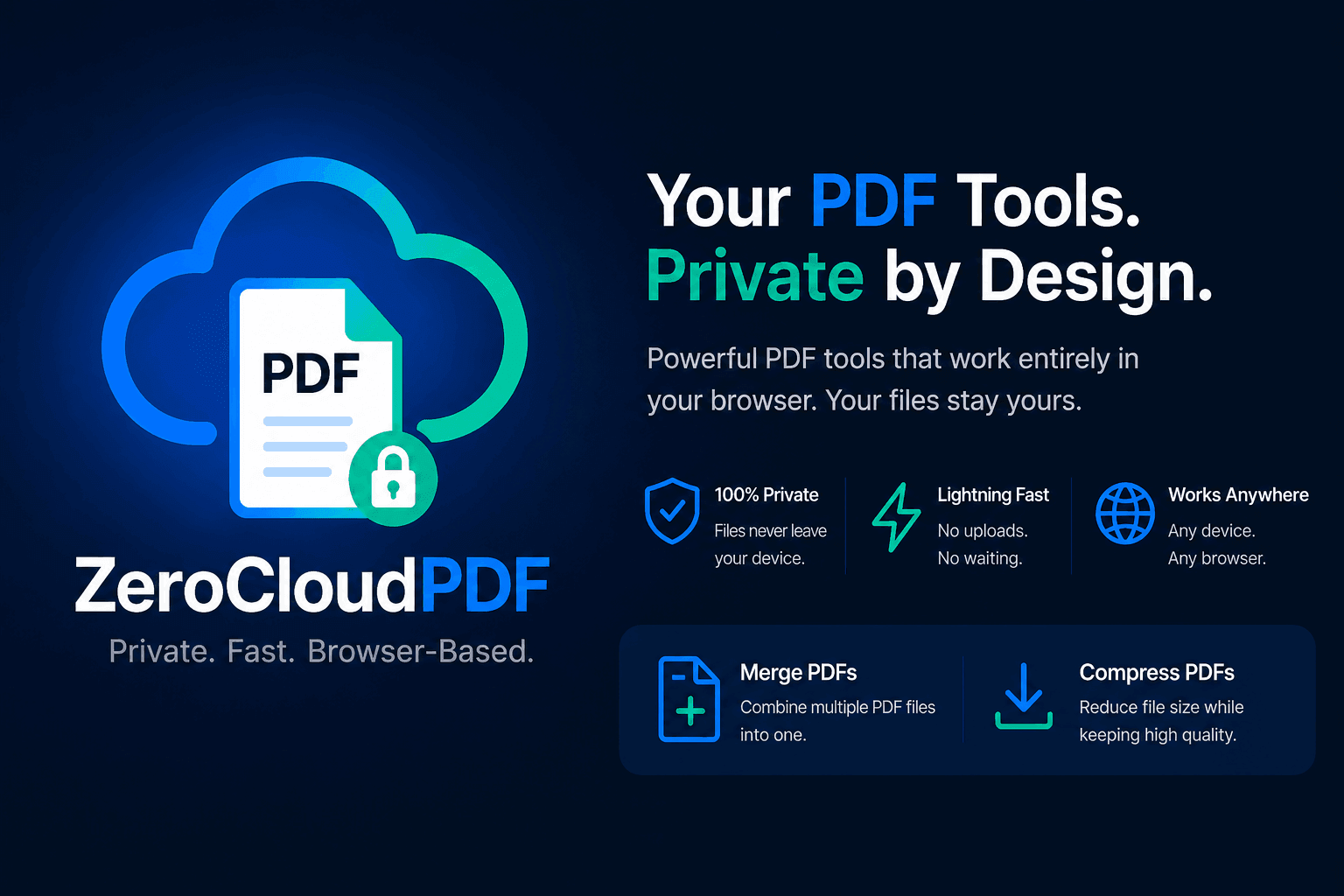
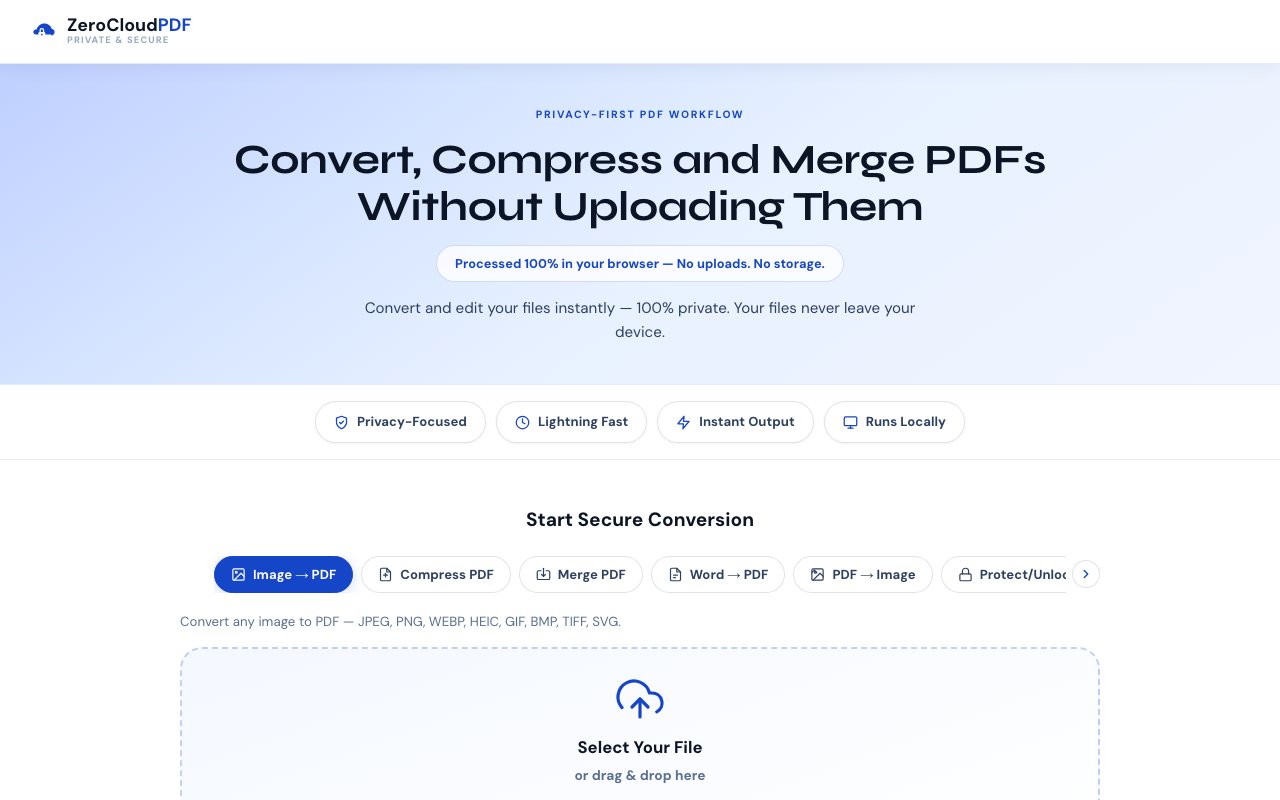
ZeroCloudPDF is a collection of PDF tools that run entirely inside your browser. Every operation, whether you're converting a document, compressing a file, merging pages, or signing a PDF, happens on your own device. Your files never leave your machine. No data gets sent to a remote server. No temporary copies are created on someone else's infrastructure. The site states bluntly that it is technically impossible for them to see your files, because the processing happens client side using JavaScript libraries that run in your browser tab rather than on backend servers waiting for uploads.
The toolset covers the tasks most people need from a PDF utility. You can convert images in common formats like JPG, PNG, HEIC, TIFF, GIF, BMP, SVG, and WEBP into PDFs. You can go the other direction and export PDF pages as JPG or PNG images. Merging multiple PDFs into a single document, compressing large files to reduce size, adding page numbers to existing documents, protecting files with passwords, unlocking password protected PDFs when you have the password, and applying digital signatures are all available through the same interface. There's also a Word to PDF converter that handles .docx files. Each tool is accessible without creating an account or providing an email address.
Under the hood, ZeroCloudPDF relies on open source libraries including PDF.js, jsPDF, and Mammoth.js to do the heavy lifting. These libraries are auditable, which means anyone who wants to verify the privacy claims can inspect the code that handles the processing. Because everything happens client side, the tool works offline once the page has loaded. File size is capped at 100 MB per operation, and the compression tool offers three quality tiers: smallest file size, balanced, and best quality for print ready output. You choose the tradeoff depending on whether you need the file to fit in an email attachment or retain full resolution.
The target audience is anyone who cares about privacy and does not want their documents passing through third party infrastructure. That includes freelancers handling client contracts, remote workers dealing with HR paperwork, accountants working with financial records, and small businesses that don't want to pay for desktop PDF software but also don't want to trust a random online converter. The zero upload promise is a strong fit when the content of a file matters as much as getting the conversion done. If you've ever hesitated before dragging a sensitive document into an online PDF tool, this is the architecture that removes that hesitation.
What sets ZeroCloudPDF apart from the crowded field of browser PDF tools is the hard line on privacy. Most competitors say they delete files after processing, but processing still happens on their servers. Someone still has temporary access to your document, even if only for a few seconds. Here, processing never leaves the browser tab. There's no server side file storage, no metadata extraction for author names or timestamps, no logging of conversion activity, and no use of documents for AI model training. That last point has become a real concern as more services quietly fold user data into their machine learning pipelines. ZeroCloudPDF explicitly opts out of that practice.
The analytics situation is minimal. The site uses Google Analytics for anonymous traffic data, but that tracking doesn't touch the files you process. The project is transparent about being built in India and serving users worldwide without regional restrictions. It's supported through voluntary contributions rather than advertising or paid tiers, which means there are no upsells interrupting your workflow and no premium features locked behind a paywall.
Access is completely free. There's no registration gate, no credit card prompt, and no feature tiers. An optional Vault feature offers 1 GB of private cloud storage for users who want to save files between sessions, and accessing that requires an account via email signup or Google authentication. But the core PDF toolset remains fully open without any login. For anyone who needs to handle documents occasionally and doesn't want to install desktop software or trust their files to a cloud service, ZeroCloudPDF offers a simple answer with privacy as the default rather than a premium feature.
The project launched in 2026 and fills a gap that paid PDF software and server based converters don't address well. It's not the most feature rich option available, and it won't handle batch processing or files over 100 MB, but the combination of genuinely free access, no account requirements, and provable client side processing makes it useful for the specific scenario where privacy matters more than advanced capabilities.
Key Features
- Client side PDF processing without uploads
- Image to PDF and PDF to image conversion
- PDF merging and compression
- Password protection and digital signatures
- Page numbering and reordering
- Offline capable after initial load
Pros & Cons
What we like
- Files never leave your device or touch a server
- No account or email required to use any tool
- Supports a wide range of image formats
- Completely free with no hidden paywalls
Room for improvement
- 100 MB file size limit per operation
- No batch processing for multiple files at once
- Limited to what browser JavaScript can handle
- No native desktop app for heavy workflows
Frequently Asked Questions
What is ZeroCloudPDF?
Is ZeroCloudPDF free?
Are my files safe with ZeroCloudPDF?
What file types can ZeroCloudPDF handle?
Best For
Featured in
Alternatives to ZeroCloudPDF
View all
CalendHub
Smart scheduling and calendar management for teams
Kevin Gabeci Toolkits
Seven AI toolkits for writing books, making music, cutting video, and building agents.

Eased Into AI
Learn AI from zero. No jargon, no hype, just steps that work.

Fix It Gently
Calm, plain-English fixes for everyday tech problems.
Reviews (0)
Badge builder
Add ZeroCloudPDF to your website
Choose a badge style and size, preview it here, then copy the generated HTML. Badge images are self-contained SVGs and do not require an external script.

<a href="https://toolindex.net/tools/zerocloudpdf?ref=badge" target="_blank" rel="noopener">
  <img src="https://toolindex.net/badge/zerocloudpdf/medium.svg" alt="ZeroCloudPDF - Listed on Tool Index" width="180" height="50" />
</a>How to use the badge
- 1. Pick the style, size, and theme that fit your layout.
- 2. Copy the generated HTML from the code block.
- 3. Paste it into your footer, homepage, or press page.
Standard badge available
The standard listing badge is available now. Score and circle badges are limited to tools currently ranked in the top 10 of a category.
Badge clicks return visitors to this profile with a referral tag so the source remains identifiable.
Related Tools

Confluence
Atlassian's long-running team wiki that anchors many enterprise knowledge stacks
Asana
Project management for teams that live in projects, tasks and dependencies
Kevin Gabeci Toolkits
Seven AI toolkits for writing books, making music, cutting video, and building agents.

Logseq
An open-source outliner notes app where every bullet is a first-class block
Work on ZeroCloudPDF? Request listing access or correction