
Zoom
The default video meeting tool of the post-2020 internet
Gallery
About Zoom
Zoom is the video conferencing tool that became a verb during the pandemic and somehow stayed there. Despite Microsoft Teams' relentless bundling, Google Meet's improvements, and the AI-meeting-summary explosion, Zoom is still the default for many teams. The product just works, and that turns out to count for a lot.
The company launched in 2011 and grew steadily until COVID forced everyone onto video calls. Zoom won the moment because it was simpler than WebEx, faster than Skype, and didn't require an account to join. That UX moat held longer than people expected.
If you're picking a video tool in 2026, Zoom isn't the trendy answer. It's still the safe one. The newer features (Zoom AI Companion, Whiteboards, Notes) keep it competitive without breaking what people already use.
What Zoom actually does
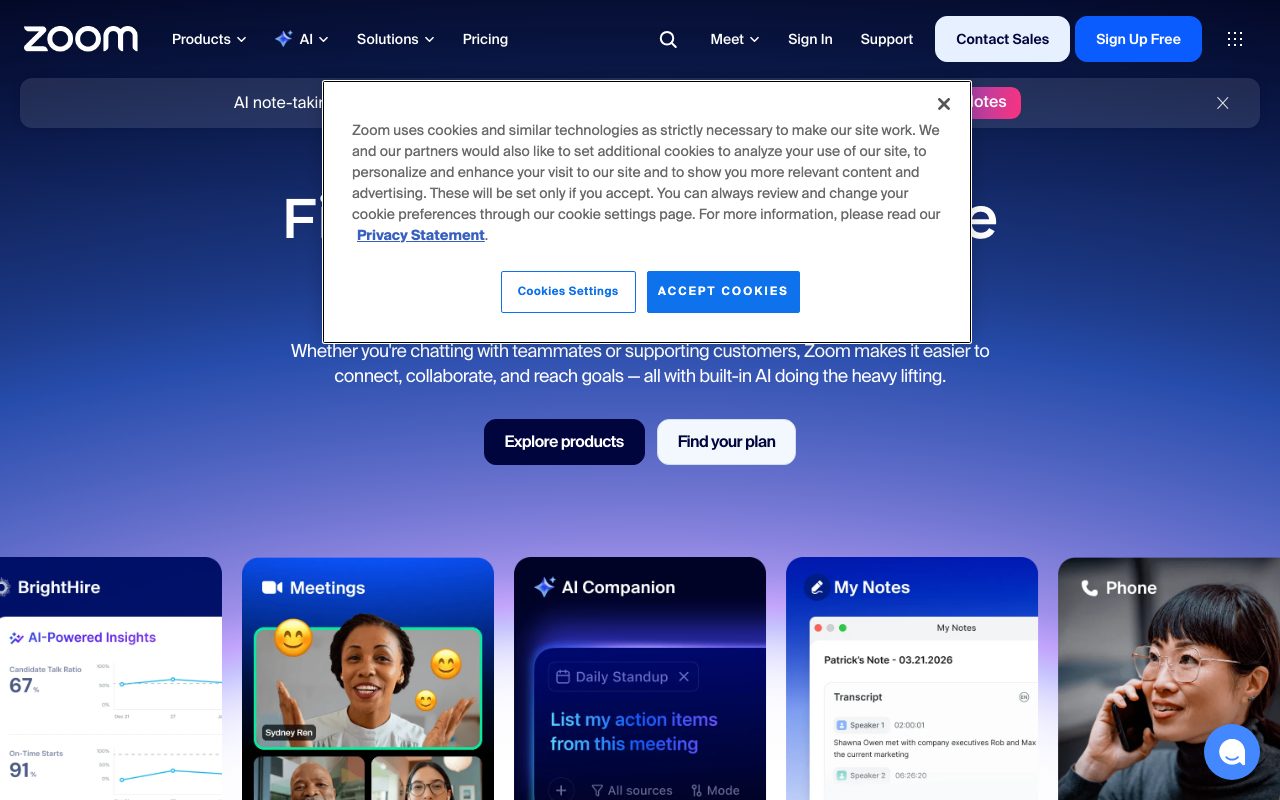
Zoom hosts video meetings, webinars, phone calls, team chat, and now AI-summarized meetings under the broader Zoom Workplace platform. The core video call is what most people use. The rest is bundled to compete with Teams.
You schedule a meeting, share a link, attendees join. Audio and video work across devices. Screen sharing is reliable. Recording, transcription, and now AI summaries are baked in. The basic flow has been the same for a decade and it's still better than most competitors.
Meetings and webinars
Up to 1,000 participants on Business plans. Webinar add-on for one-to-many events with registration, polls, and Q&A. Breakout rooms for group splits. The participant management UI is the most refined in the industry.
Recording goes to local disk or cloud (cloud on paid plans). Transcripts come automatically. AI Companion summarizes the meeting and pulls action items if you turn it on.
AI Companion
Zoom AI Companion was rolled out broadly in 2023-2024. It transcribes, summarizes, drafts emails, and answers questions about past meetings. Bundled into paid Zoom plans at no extra cost, which undercut Otter and similar dedicated AI meeting tools.
Zoom won by being the boring video tool that just works. After watching half a dozen Teams meetings drop in five minutes, that reliability isn't boring at all.
Who Zoom is for
Just about everyone who has video meetings. Small businesses, large enterprises, schools, nonprofits, podcasters, telehealth providers. The product fits most of those use cases without major customization.
It's overkill for two-person internal calls (Slack huddles or Google Meet are faster). It's underbuilt for enterprise unified comms (Microsoft Teams ties into the Office stack tighter). The middle ground is Zoom's home.
Zoom pricing
Free tier covers 1-on-1 meetings unlimited and group meetings up to 40 minutes. Pro at $15.99 per user per month removes time limits and adds cloud storage. Business at $21.99 per user per month adds SSO and admin features. Enterprise is custom.
The pricing is competitive with Microsoft Teams (when bought standalone) and more expensive than Google Meet (when bundled with Workspace). For Zoom-only use, it's reasonable.
Features worth knowing
Zoom Phone
VoIP phone service that replaces traditional PBX. Auto-attendants, call routing, voicemail. Bundled with Workplace. Competes with RingCentral and Dialpad.
Whiteboards
Persistent whiteboards you can use mid-call or async. Less feature-rich than Miro or FigJam but good enough for meeting use.
Team Chat
Slack-style chat included in Zoom Workplace. Most teams don't ditch Slack for it but it's there. Decent for organizations standardizing on Zoom.
Apps and integrations
The Zoom App Marketplace has hundreds of integrations from Asana to ChatGPT. Many run inside meetings as panels. Useful for adding tools without context-switching.
The tradeoffs
Zoom is unbundled from your productivity suite. Microsoft Teams ties into Word, Excel, SharePoint. Google Meet ties into Calendar, Docs, Drive. Zoom asks you to integrate, and the integrations are good but not as native.
The product also feels less innovative than newer entrants. Zoom AI Companion is fine but Otter and Fireflies sometimes feel sharper. Loom is better for async video. The category fragmented, and Zoom is the safe-but-not-exciting choice.
Zoom vs alternatives
The usual comparisons are Zoom vs Microsoft Teams, Zoom vs Google Meet, and Zoom vs Webex. Teams wins on Office integration. Meet wins on Workspace integration. Webex is enterprise-heavy but feature-rich.
For teams not married to Microsoft or Google, Zoom is the cross-platform pick. See Zoom alternatives or browse the best video conferencing tools.
Bottom line on Zoom
Zoom is the boring, reliable, ubiquitous video tool that doesn't need to wow you. It needs to connect a meeting on time with good audio. It does, consistently.
If your team isn't already standardized on Microsoft or Google, Zoom is the safe pick. The free tier handles small uses. The paid tiers do everything most teams need. The newer AI features arrived without breaking what already worked, which is the most Zoom thing possible.
Common Zoom questions
Is Zoom secure now? Yes. The 2020 security issues led to major investment. End-to-end encryption is available. Compliance certifications cover most needs. Zoom is fine for most business use, including some regulated workflows.
Does Zoom work better than Google Meet? Different strengths. Zoom has more features (breakout rooms, polls, webinars, advanced AI). Meet is simpler and ties into Google Workspace tightly. For Google-shop teams, Meet is more native. For everyone else, Zoom is more capable.
Is Zoom AI Companion worth using? Yes if you have meeting fatigue. Auto-summaries are surprisingly good. Action items get extracted. The transcript is searchable. For people who run many meetings, the time savings are real.
Can Zoom handle large events?
Yes. Zoom Webinars handles up to 50,000 attendees on the highest tier. Zoom Events bundles webinars with registration, ticketing, and post-event analytics. For 10,000-person conferences, Zoom is a credible host.
What about Zoom Phone?
Solid VoIP service. Replaces traditional PBX. Auto-attendants, call routing, voicemail to email. Integrates with the rest of Zoom Workplace. Competes with RingCentral and Dialpad on price and features.
Workflow tips for Zoom
Use waiting rooms for external meetings. Reduces zoombombing risk. The slight friction is worth it for client-facing calls.
Default to camera off in large meetings. Camera-on for small meetings. Save bandwidth and attention. The cultural norms have shifted post-pandemic.
Configure recordings carefully. Cloud recordings have storage limits. Local recordings live on the host's disk. Decide based on retention and compliance needs.
Use the AI Companion for meeting follow-ups. Summary plus action items in your inbox after every meeting. Beats notes for low-effort meetings. For deep strategic discussions, take real notes anyway. Browse tools for remote teams for related picks.
Real-world Zoom scenarios
A 50-person company uses Zoom for all meetings. The reliability is invisible, which is the highest praise. Calls connect on time. Audio is clean. Recordings work. Nobody thinks about Zoom; they just use it. That's the product working.
A consulting firm runs client meetings on Zoom with AI Companion enabled. Summary plus action items hit the inbox after each call. The post-meeting work that used to take 30 minutes now takes 5. The compounding time saving is real.
An online education company runs courses through Zoom Webinars. Registration, ticketing, breakout rooms for small-group exercises, recording for replay. The platform handles 500-person classes without breaking. Less drama than purpose-built education platforms.
Practical tips
Configure waiting rooms for external meetings. Reduces zoombombing risk. The friction is small for a real protection.
Use AI Companion for low-stakes meetings. The summary plus action items are usually enough. Save manual notes for strategic discussions where you want your own framing.
Set up Zoom Phone if you have a real phone need. Replaces traditional PBX. The unified billing across video and voice simplifies vendor management.
For teams not deeply tied to Microsoft or Google, Zoom remains the cross-platform default. The product became boring in the best way: it works, it scales, and you stop thinking about it. Browse the Zoom page for community reviews.
Why Zoom is still the default
Predictions of Zoom's decline have been wrong for years. Teams was supposed to win when Microsoft bundled it. Meet was supposed to win when Google improved it. Loom was supposed to win when async became trendy. Zoom kept winning anyway. The product fundamentals matter.
The audio quality is a big part of it. Zoom historically has cleaner audio than competitors, particularly in poor network conditions. Most users don't think about audio until it fails. Zoom's audio rarely fails. That reliability accumulates loyalty.
The product expansion has been credible. AI Companion is genuinely useful. Zoom Phone competes on price and features. Whiteboards and Notes round out the suite. Zoom Workplace is now a real productivity bundle, not just video.
For most teams in 2026, Zoom remains the default. Not because it's exciting. Because it works. The newer features arrived without breaking the core. That's the most Zoom thing about Zoom: a product that respects its users by not changing what they like about it.
Zoom's enduring relevance
The interesting thing about Zoom in 2026 is that it's still the answer to "what should we use for video calls" for most teams. The category was supposed to commoditize. The newer entrants were supposed to win on features or AI or async. None of that happened broadly. Zoom kept being good at the boring fundamentals and that turned out to be enough.
The product has expanded thoughtfully. AI Companion is genuinely useful. Zoom Phone is a real PBX replacement. Whiteboards and team chat round out the suite. Zoom Workplace is a credible bundle even if it's not the best at any single thing.
For teams not deeply invested in Microsoft or Google, Zoom remains the cross-platform default. The product won't excite you. It will work, every meeting, with clean audio and reliable video. After enough years of meeting fatigue, that reliability is what matters most. Zoom understands this and keeps shipping accordingly.
Tutorial / Demo
Key Features
- HD video and audio meetings
- Breakout rooms and webinars
- Cloud recording and transcripts
- AI Companion for summaries and follow-ups
- Phone system and contact center
- Calendar integrations and scheduler
Pros & Cons
What we like
- Reliable quality even on weak connections
- Familiar to almost everyone you'll invite
- Mature ecosystem of integrations
- Real product depth beyond just meetings
Room for improvement
- Free plan caps group meetings at 40 minutes
- Pricing is layered and easy to misjudge
- Has had real security incidents historically
Frequently Asked Questions
Does Zoom have a free tier?
Zoom vs Google Meet, which is better?
Is Zoom secure?
Does Zoom transcribe meetings with AI?
Can I record Zoom calls locally?
Best For
Featured in
Tags
Alternatives to Zoom
View all
Krisp
AI noise cancellation that strips background noise out of any meeting app

Element
Secure team messaging built on the open Matrix protocol

Discord
Voice, video and text chat that started in gaming and now hosts every kind of community

Loom
Async video messages that replace meetings with a quick screen recording
Our take
Tool Index Editorial · May 2026· 4.8/5
What Zoom is really selling — beyond the marketing copy — is the default video meeting tool of the post-2020 internet.
On the strengths side: Reliable quality even on weak connections, Familiar to almost everyone you'll invite, and Mature ecosystem of integrations. What to watch for: Free plan caps group meetings at 40 minutes and Pricing is layered and easy to misjudge.
Recommendation: this is a strong default when you need sales calls and customer meetings. If free plan caps group meetings at 40 minutes would be a dealbreaker, the alternatives section below is worth a scroll.
Editorial opinion from the Tool Index team, written from the public product pages. Not a user review.
Reviews (6)
Bought it for one feature, stayed for ten
Found Zoom on a Reddit thread, glad I clicked. Genuine strength: reliable quality even on weak connections. It fits well for recurring team standups. Worth the price for what I get out of it.
Cons
- Has had real security incidents historically
The kind of tool you forget you're paying for
Started using Zoom casually, now it's pinned in my dock. Where it really wins is mature ecosystem of integrations. Their take on calendar integrations and scheduler is solid. Easy yes for anyone weighing the same trade-offs.
Pros
- Reliable quality even on weak connections
- Familiar to almost everyone you'll invite
Stuck the landing for our team
Took a few weeks for Zoom to click, then it stuck. What stands out is how reliable quality even on weak connections. Breakout rooms and webinars works the way you'd hope.
Pros
- Reliable quality even on weak connections
- Real product depth beyond just meetings
Pulled its weight from week one
Picked Zoom for the lower price, stayed for the actual quality. The thing I keep coming back to: reliable quality even on weak connections. Mostly using it for recording interviews for podcasts or research. Still recommending it to people in similar setups.
Pros
- Mature ecosystem of integrations
Stuck the landing for our team
Tried half a dozen options before landing on Zoom. The thing I keep coming back to: reliable quality even on weak connections.
Did exactly what I needed
Took a few weeks for Zoom to click, then it stuck. Honestly impressed by how familiar to almost everyone you'll invite. Got real value out of breakout rooms and webinars. Main use case: recording interviews for podcasts or research. Still recommending it to people in similar setups.
Pros
- Real product depth beyond just meetings
- Familiar to almost everyone you'll invite
Badge builder
Add Zoom to your website
Choose a badge style and size, preview it here, then copy the generated HTML. Badge images are self-contained SVGs and do not require an external script.

<a href="https://toolindex.net/tools/zoom?ref=badge" target="_blank" rel="noopener">
  <img src="https://toolindex.net/badge/zoom/medium.svg" alt="Zoom - Listed on Tool Index" width="180" height="50" />
</a>How to use the badge
- 1. Pick the style, size, and theme that fit your layout.
- 2. Copy the generated HTML from the code block.
- 3. Paste it into your footer, homepage, or press page.
Score badge available
Zoom qualifies for the score and circle badges based on its current top-10 positionin Communication.
Badge clicks return visitors to this profile with a referral tag so the source remains identifiable.
Related Tools

Apatero AI
The creator studio for AI image, video, audio, 3D, and avatars, now at apatero.ai.
LocalClip
Local-first AI video clipper for Mac that turns long videos into vertical clips

Melodex
Turn your idea into an AI-generated music video

Substack
Hosted newsletter and publication platform with built-in payments, recommendations, and an audience network for writers.
Work on Zoom? Request listing access or correction