
Adobe Firefly
Adobe's commercially safe generative AI for images and video, trained on licensed and public domain content
Gallery
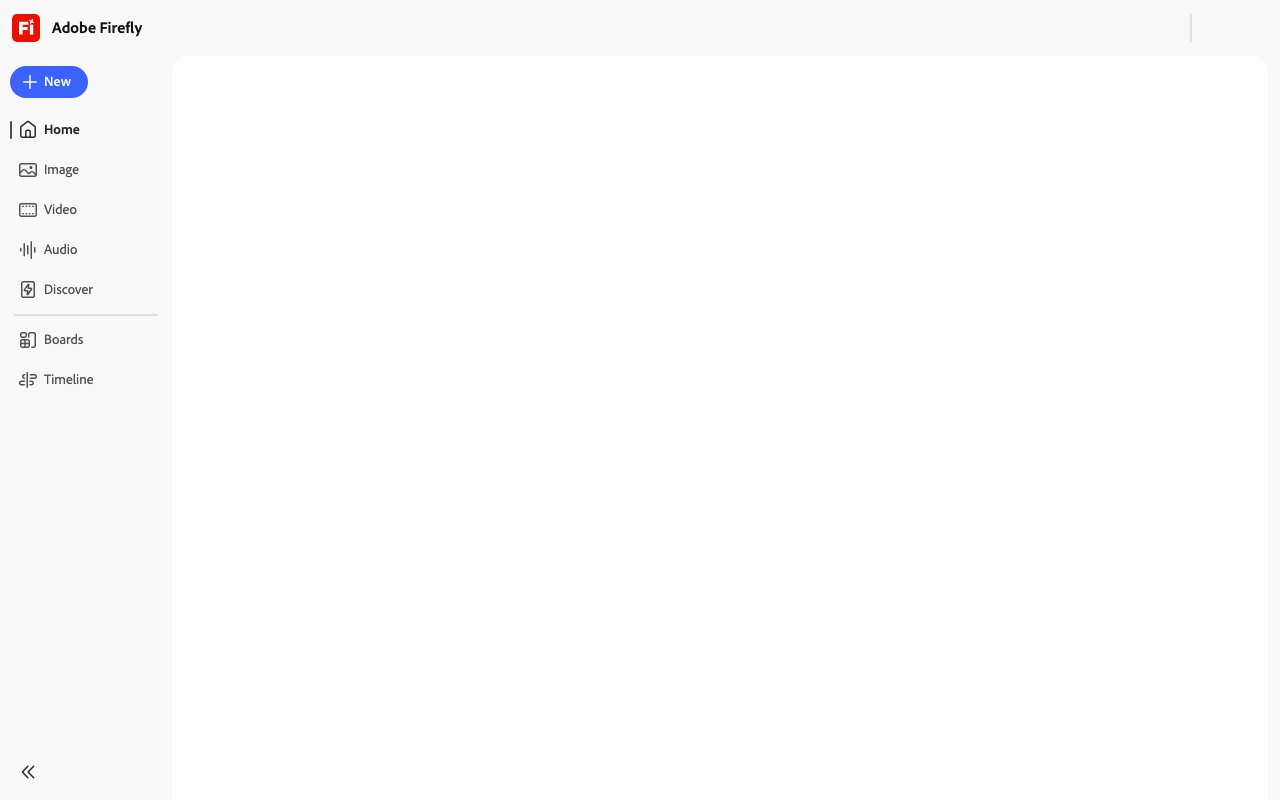
About Adobe Firefly
Adobe Firefly is a generative AI platform for creating and editing images, videos, audio, and vector graphics from text prompts. It runs as a standalone web application at firefly.adobe.com and integrates directly into Photoshop, Illustrator, Premiere, Lightroom, and Adobe Express, making AI generation a native part of existing creative workflows rather than a separate tool you switch to. The platform combines Adobe's proprietary models with partner integrations from Google, OpenAI, ElevenLabs, Runway, and Topaz, giving you access to multiple AI systems through a single unified interface. Unlike many AI image generators that operate independently and require manual export and import steps, Firefly is designed as part of the Creative Cloud ecosystem where outputs flow seamlessly into professional editing workflows without format conversion or quality loss.
The feature set covers multiple content types across the visual and audio spectrum. For images, you get text-to-image generation from natural language descriptions, Generative Fill for adding or removing elements from existing photos with context-aware blending, Generative Expand for extending canvas boundaries with AI-generated content that matches the original image style, and vector creation for scalable graphics suitable for logos and illustrations. Video capabilities include text-to-video generation and image-to-video conversion for animating static visuals. Audio tools cover soundtrack generation for background music, sound effects creation for specific moments, speech enhancement for cleaning up recorded audio, and translation features that work in over twenty languages for localizing content across markets. Text effects let you apply styles and textures to typography, and template generation creates starting points for common design formats. All prompts accept input in over one hundred languages, making the platform accessible regardless of what language you work in natively.
Commercial safety is a core differentiator that matters for professional applications where legal liability is a concern. Adobe trains Firefly models on licensed content from Adobe Stock and public domain materials rather than scraping user-generated content or copyrighted work from the web without permission. This deliberate approach to training data matters for businesses and agencies that need to use AI-generated content in commercial projects without uncertainty about intellectual property claims. Every output includes Content Credentials, a form of metadata indicating AI involvement in the creation process, which provides transparency about how content was created and helps maintain trust with audiences increasingly aware of AI-generated media. For enterprises concerned about intellectual property liability or regulatory compliance around AI disclosures, this training approach and built-in credentialing offers clearer legal standing than generators trained on unfiltered internet data of uncertain provenance.
Pricing runs on a generative credit system designed to scale from individual creators to enterprise teams. Every paid plan unlocks unlimited standard generations for core features like Generative Fill, text-to-image, and vector creation without consuming credits. Your monthly credit allocation gets consumed only by premium features including text-to-video, image-to-video, audio translation, lip sync, and outputs from partner models like Google Imagen or OpenAI DALL-E. The free tier provides twenty-five credits monthly, enough for roughly twenty-five standard images or six high-quality outputs, suitable for occasional experimentation but not sustained production work. Firefly Standard at $9.99 per month includes two thousand premium credits for creators who need regular access to advanced features. Firefly Pro at $49.99 per month provides ten thousand credits, though a promotional rate of $34.97 per month runs through August 2026 for new subscribers. Firefly Premium at $199.99 per month offers fifty thousand credits for high-volume production work at agencies or studios generating content daily.
Creative Cloud subscribers get credits included with their existing plans, ranging from five hundred per month for single-app subscriptions to one thousand for All Apps bundles, which means existing Adobe customers can access Firefly capabilities without additional cost for moderate usage. Students and teachers can access Adobe Creative Cloud, including Firefly credits, at approximately sixty percent off with a valid school email address. The platform runs in modern browsers on Windows, macOS, ChromeOS, iOS, and Android, with mobile apps providing cloud sync across devices for working on projects across different contexts. API access requires an enterprise agreement and is not available through consumer plans, which limits programmatic integration for smaller operations. For designers and creative professionals already working in the Adobe ecosystem, Firefly adds generative capabilities without forcing a context switch to separate tools. For teams outside that ecosystem, the commercially safe training approach and multi-model access through partnerships may justify the subscription cost even without using other Adobe applications.
Key Features
- Text to image generation with the commercially safe Firefly model
- Text to video and image to video generation up to 1080p and 2K
- Generative Fill and Generative Expand for editing existing images
- Deep integration with Photoshop, Illustrator, Premiere Pro, and Express
- Optional partner models including ChatGPT Image, Google Gemini, Ideogram, Luma, and Runway
- Generative credit system with unlimited standard generations on paid plans
Pros & Cons
What we like
- Trained on licensed and public domain content for safer commercial use
- Tight Creative Cloud workflow so generations stay inside familiar apps
- One place to compare Adobe and third party partner models side by side
- Free tier lets you test the full app before committing
Room for improvement
- Premium features and partner models burn monthly credits that run out
- Image quality can trail rivals like Midjourney on raw creativity
- Best value is locked behind Creative Cloud or paid Firefly plans
- Video generation is credit heavy, especially at higher resolutions
Frequently Asked Questions
What is Adobe Firefly?
How much does Adobe Firefly cost?
Is Adobe Firefly commercially safe?
Who is Adobe Firefly for?
Best For
Featured in
Alternatives to Adobe Firefly
View all
Midjourney
Create stunning AI artwork from text prompts

DALL-E
OpenAI's image generator, now folded into ChatGPT and the gpt-image-1 Images API for text-to-image and edits

Ideogram
AI image model that actually renders text correctly

Leonardo.ai
Image generation suite with fine-tuned models for game and product art
Reviews (15)
Does the job, a few gripes
Three months of Adobe Firefly later, here is what holds up. What stands out is how it handles tight creative cloud workflow so generations stay inside familiar apps. It would be a five if not for premium features and partner models burn monthly credits that run out. Would sign up again without thinking twice.
Exactly what I needed
Almost a year on Adobe Firefly now, no plans to leave. Their take on generative fill and generative expand for editing existing images is genuinely good. Mostly using it for editing photos with generative fill inside photoshop. It earns its place in my stack.
Pulled its weight from week one
Tried Adobe Firefly on a side project first, then rolled it out everywhere. The trained on licensed and public domain content for safer commercial use is more useful than I expected. Would sign up again without thinking twice.
Two months in, no regrets
Three months of Adobe Firefly later, here is what holds up. What stands out is how it handles trained on licensed and public domain content for safer commercial use. Mostly using it for editing photos with generative fill inside photoshop.
Powerful once it clicks
Started using Adobe Firefly casually, now it is pinned in my dock. Their take on generative credit system with unlimited standard generations on paid plans is genuinely good. It has been a fit for generating short b-roll and video clips for social and promos. My only gripe is image quality can trail rivals like midjourney on raw creativity. Easy yes for anyone weighing the same trade offs.
Powerful once it clicks
Found Adobe Firefly on a Reddit thread and I am glad I clicked. Their take on text to video and image to video generation up to 1080p and 2k is genuinely good. It would be a five if not for video generation is credit heavy, especially at higher resolutions.
Bought it for one feature, stayed for ten
Came to Adobe Firefly after getting frustrated with what I had before. Where it really wins is text to image generation with the commercially safe firefly model. It has been a fit for generating short b-roll and video clips for social and promos. Glad I made the switch.
Recommended without reservation
Adobe Firefly solves a real problem for me without making a fuss about it. What stands out is how it handles deep integration with photoshop, illustrator, premiere pro, and express. The output quality holds up better than I expected. Mostly using it for editing photos with generative fill inside photoshop. No regrets so far.
Pulled its weight from week one
Adobe Firefly has quietly become part of my daily flow. Where it really wins is trained on licensed and public domain content for safer commercial use. It has shaved real time off my week. It earns its place in my stack.
Does the job, a few gripes
Adobe Firefly solves a real problem for me without making a fuss about it. Their take on trained on licensed and public domain content for safer commercial use is genuinely good. The core workflow is smooth once you are set up. Found it works best for designers and agencies needing ip friendly assets for client work. It would be a five if not for best value is locked behind creative cloud or paid firefly plans. Worth the price for what I get out of it.
It just works
Started using Adobe Firefly casually, now it is pinned in my dock. Real selling point for me was generative credit system with unlimited standard generations on paid plans. Would sign up again without thinking twice.
Solid but not perfect
Picked Adobe Firefly for the price, stayed for the quality. Their take on tight creative cloud workflow so generations stay inside familiar apps is genuinely good. It fits well for editing photos with generative fill inside photoshop. My only gripe is image quality can trail rivals like midjourney on raw creativity. Hard to imagine going back to my old setup.
Does the job, a few gripes
Hadn't planned on switching, but Adobe Firefly was hard to ignore. Where it really wins is one place to compare adobe and third party partner models side by side. It handles the boring parts so I can focus on the work that matters. The catch is premium features and partner models burn monthly credits that run out.
Best decision this quarter
Started using Adobe Firefly casually, now it is pinned in my dock. Real selling point for me was text to video and image to video generation up to 1080p and 2k. It slotted into my routine without much fuss. Found it works best for producing commercially licensed marketing and ad imagery. It earns its place in my stack.
It just works
Three months of Adobe Firefly later, here is what holds up. The core workflow is smooth once you are set up. Easy yes for anyone weighing the same trade offs.
Badge builder
Add Adobe Firefly to your website
Choose a badge style and size, preview it here, then copy the generated HTML. Badge images are self-contained SVGs and do not require an external script.

<a href="https://toolindex.net/tools/adobe-firefly?ref=badge" target="_blank" rel="noopener">
  <img src="https://toolindex.net/badge/adobe-firefly/medium.svg" alt="Adobe Firefly - Listed on Tool Index" width="180" height="50" />
</a>How to use the badge
- 1. Pick the style, size, and theme that fit your layout.
- 2. Copy the generated HTML from the code block.
- 3. Paste it into your footer, homepage, or press page.
Standard badge available
The standard listing badge is available now. Score and circle badges are limited to tools currently ranked in the top 10 of a category.
Badge clicks return visitors to this profile with a referral tag so the source remains identifiable.
Related Tools

HairstylesPro
Try hundreds of hairstyles on your own photo before you commit to a cut

Recraft
AI image generator built around vector output and brand styles

AIMakeTattoo
Turn text descriptions into visual tattoo concepts with style and placement options
Flux by Black Forest Labs
Open and hosted image models that power half the AI art stack
Work on Adobe Firefly? Request listing access or correction