
Coolors
Color palette generator with keyboard-driven exploration, contrast checks, image extraction, and shareable palette links.
Gallery
About Coolors
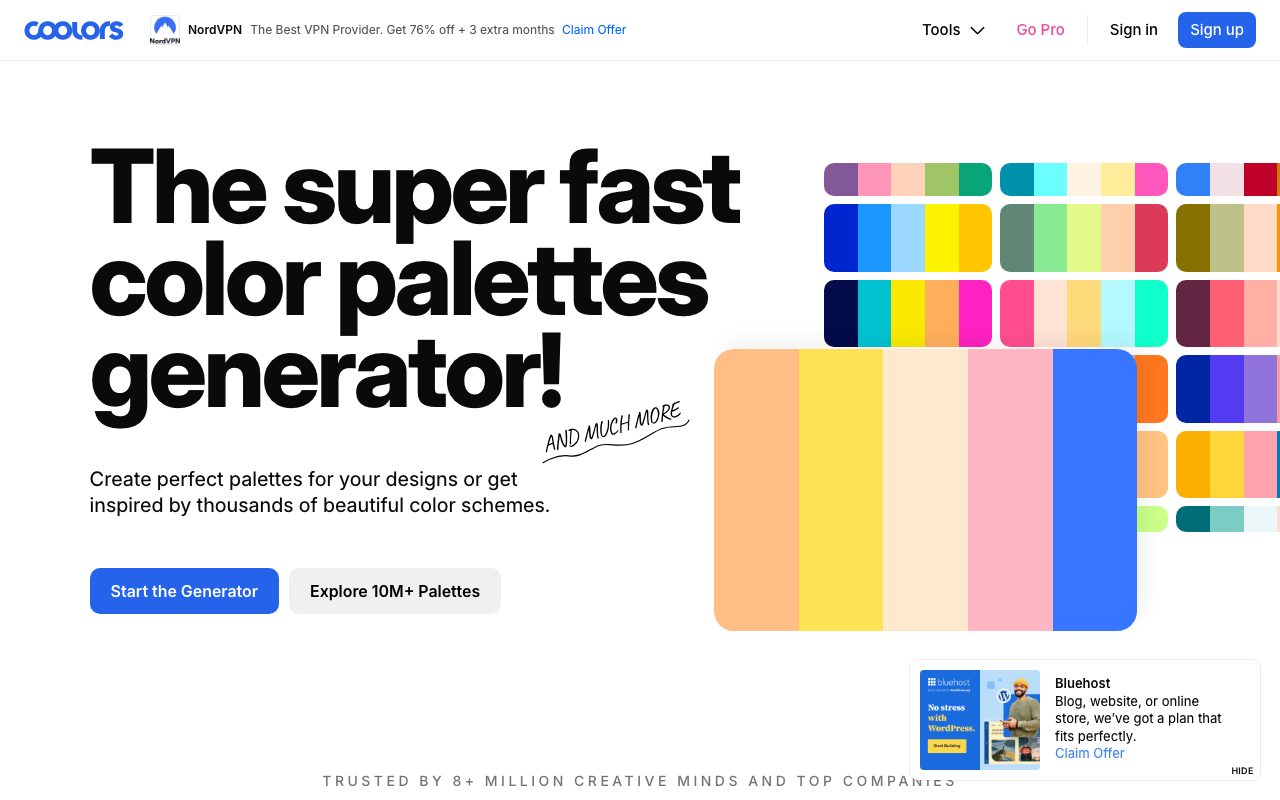
Coolors is a color palette generator that lets you spin up palettes by hitting the spacebar. The tool launched in 2013 and has grown into a small ecosystem with palette generation, contrast checkers, gradient builders, and image-based extraction. Designers use it as a fast brainstorming surface before they commit to a brand system.
The pitch is friction-free. Open the generator, smash spacebar, lock the colors you like, and keep cycling. Within a minute you have a five color palette that mostly looks coherent. That experience is why Coolors became a default bookmark for so many designers.
What Coolors actually does
The flagship feature is the random palette generator. The algorithm tries to produce harmonious combinations rather than truly random hex codes. You can lock individual swatches, adjust hue and saturation, and reorder colors with drag.
Beyond random generation, Coolors has tools for extracting palettes from photos, building gradients, checking contrast for accessibility, exporting to CSS or design tools, and browsing community palettes. The free tier covers most casual workflows.
Who Coolors is built for
Coolors is for anyone who needs a palette and doesn't want to start from a blank canvas. That's UX designers prototyping a new brand, hobbyists picking colors for a portfolio, indie hackers naming their startup brand, and educators teaching color theory.
It's not really aimed at strict brand teams who already have rigorous tokens and design systems. Coolors is upstream of that work, where the question is still "what colors should we even consider".
Coolors pricing
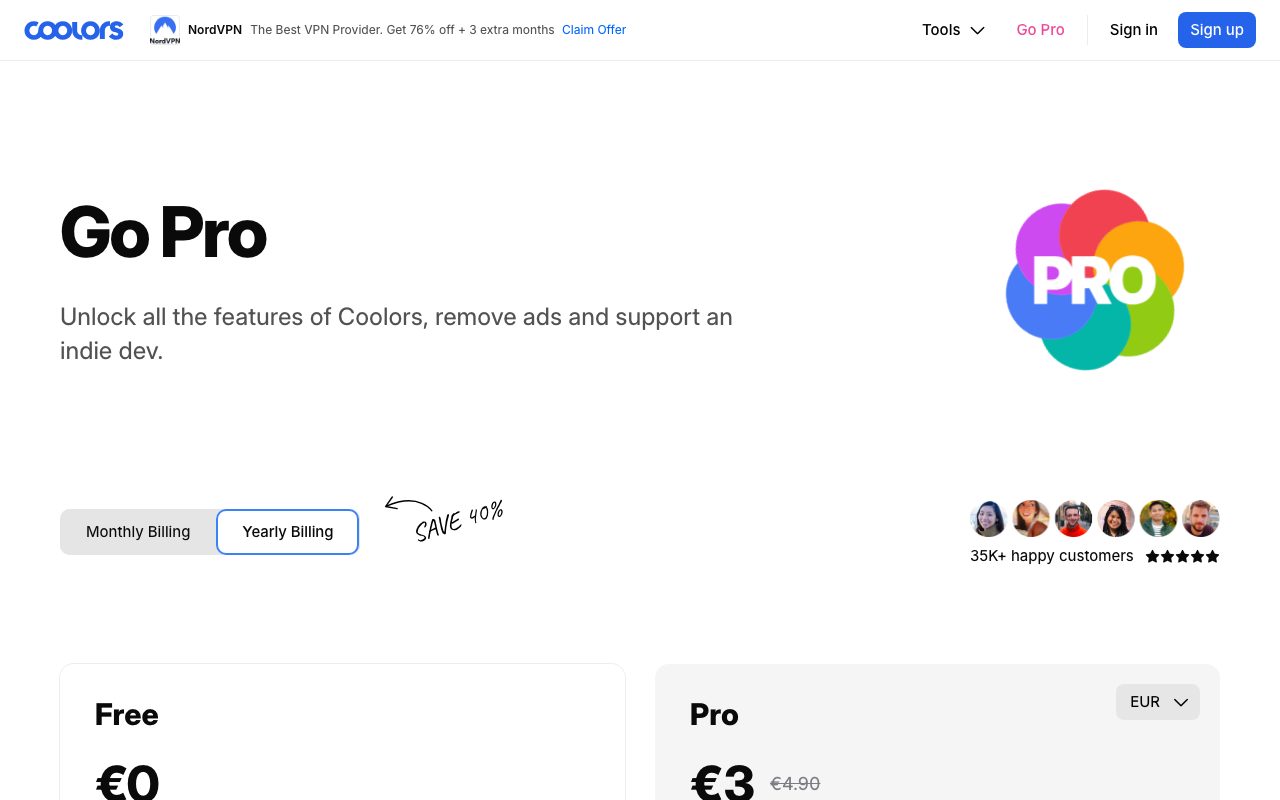
The free tier is generous. You can generate, save, and export palettes without paying. Some advanced features like unlimited palette saves, advanced collections, and ad-free use are gated behind Coolors Pro.
Pro is a small monthly or annual fee. For most casual users the free tier is enough. Designers who use Coolors daily often upgrade for the smoother experience.
Features that define Coolors
Spacebar generation is the soul of the product. It removes the analysis paralysis that comes with a color picker grid. You either like the palette or you skip to the next.
The image palette extractor is a quiet favorite. Drop in a photo and Coolors pulls a five color palette from it. Mood boards become palettes in two clicks.
The contrast checker maps to WCAG ratios so you can verify whether body text passes accessibility. Exports include CSS, Sass, JSON, PNG, SVG, and direct copy paste into common design tools.
Coolors is a tool for the messy early stage of design. It's not where you finalize tokens, it's where you stop staring at a blank screen.
Tradeoffs and rough edges
Coolors generates harmonious looking palettes, not necessarily on-brand ones. If your brief is "make this feel like a fintech in 2026", random generation is going to need a lot of locking and tweaking.
The free tier shows ads. They're tasteful, but they're there. Heavy users find the experience smoother on Pro.
Coolors vs alternatives
Common alternatives include Adobe Color, Khroma, and tools inside Figma like color libraries. Adobe Color leans on color theory rules. Khroma is AI driven and learns your taste. Figma's built-in tools fit if you already live there.
Coolors wins on speed and accessibility. It's the fastest path from blank to "good enough to iterate on". See the best color palette tools and Coolors alternatives.
Common questions about Coolors
Is Coolors free? Yes, the core generator is free with ads. Pro removes ads and adds advanced features.
Does Coolors export to Figma or Sketch? Yes, palettes export as CSS, JSON, and direct paste into popular design tools.
Can Coolors check accessibility? Yes, it includes WCAG contrast scoring for text on backgrounds.
Bottom line on Coolors
Coolors is the friction-free color palette tool that just keeps working. It's a default bookmark for a reason. Try it on your next side project, and check tools for designers for matching utilities.
If you're picking a brand palette, hit spacebar a hundred times, lock the keepers, and move on with your day.
Coolors workflows for designers
The most common workflow is brainstorming a brand. You generate dozens of palettes, save the keepers, and bring three or four into Figma for layout testing. The fastest path from blank to "actual brand" runs through Coolors.
Photographers and content creators use the image extractor to build palettes from existing brand photos. That's a clean way to make a content site feel cohesive without designing a whole brand system.
Tips for using Coolors well
Lock the colors that fit your brief, then generate around them. The locked colors anchor the palette and the rest fills in around. That's a much more controllable workflow than pure random generation.
Test contrast as you go. The contrast checker shows pass or fail for body text and large text against any background. Catching accessibility issues early avoids painful brand pivots later.
Tutorial / Demo
Key Features
- Spacebar-driven random palette generator with locking
- Color extraction from uploaded images
- WCAG AA and AAA contrast ratio checks
- Export to CSS, SCSS, Tailwind, or Adobe ASE
- Community palette explore feed
- Shade, tint, and saturation adjustment across a palette
Pros & Cons
What we like
- Famous keyboard-driven flow that speeds up exploration
- Built-in accessibility checks for contrast
- Useful free tier with rich export options
Room for improvement
- Random palettes can feel generic without manual editing
- Free tier shows ads and limits saved palette count
Frequently Asked Questions
Is Coolors free to use?
Coolors vs Adobe Color, which is better?
Can Coolors check accessibility?
Can I extract colors from an image?
Does Coolors have a Figma plugin?
Best For
Featured in
Tags
Alternatives to Coolors
View all
Figma
Collaborative interface design tool
Penpot
Open-source design and prototyping platform built on web standards, with a self-hostable server and SVG-native files.
Sketch
Mac-native vector design app that pioneered the modern UI workflow with symbols, shared libraries, and a deep plugin ecosystem.

Inkscape
Free, open-source vector graphics editor built around SVG, with a deep tool set for illustration, logos, and technical drawing.
Our take
Tool Index Editorial · May 2026· 4.6/5
What Coolors is really selling — beyond the marketing copy — is color palette generator with keyboard-driven exploration, contrast checks, image extraction, and shareable palette links.
What it actually does well: Famous keyboard-driven flow that speeds up exploration, Built-in accessibility checks for contrast, and Useful free tier with rich export options. Where it stumbles: Random palettes can feel generic without manual editing and Free tier shows ads and limits saved palette count.
Verdict: Coolors comfortably earns its spot in the category — a smart default when you need bootstrapping a brand palette for a new project.
Editorial opinion from the Tool Index team, written from the public product pages. Not a user review.
Reviews (6)
Quietly excellent
Tried Coolors on a side project first. Genuine strength: built-in accessibility checks for contrast. Worth the price for what I get out of it.
Pros
- Famous keyboard-driven flow that speeds up exploration
- Built-in accessibility checks for contrast
- Useful free tier with rich export options
Underrated honestly
Coolors is one of those tools you stop noticing because it just works. What stands out is how built-in accessibility checks for contrast. Worth calling out the color extraction from uploaded images too. Found it works best for bootstrapping a brand palette for a new project. Easy yes for anyone weighing the same trade-offs.
Finally something that fits
Honest take: Coolors delivers most of what the marketing promises. Honestly impressed by how built-in accessibility checks for contrast. It fits well for bootstrapping a brand palette for a new project. Worth the price for what I get out of it.
Pros
- Famous keyboard-driven flow that speeds up exploration
- Built-in accessibility checks for contrast
Easy 5 from me
Coolors solves a real problem for me, but it's not magic. Where it really wins is useful free tier with rich export options. Their take on community palette explore feed is solid. It fits well for bootstrapping a brand palette for a new project. Glad I made the switch.
Pros
- Useful free tier with rich export options
Solid daily driver
Six months of using Coolors, here's what holds up. The thing I keep coming back to: useful free tier with rich export options. Worth calling out the export to CSS, SCSS, Tailwind, or Adobe ASE too. Found it works best for picking accessible color pairs for UI components. That said, random palettes can feel generic without manual editing is a real gripe. Worth the price for what I get out of it.
Pros
- Built-in accessibility checks for contrast
- Famous keyboard-driven flow that speeds up exploration
The kind of tool you forget you're paying for
Have been using Coolors for a while, here's where I land. Genuine strength: famous keyboard-driven flow that speeds up exploration.
Badge builder
Add Coolors to your website
Choose a badge style and size, preview it here, then copy the generated HTML. Badge images are self-contained SVGs and do not require an external script.

<a href="https://toolindex.net/tools/coolors?ref=badge" target="_blank" rel="noopener">
  <img src="https://toolindex.net/badge/coolors/medium.svg" alt="Coolors - Listed on Tool Index" width="180" height="50" />
</a>How to use the badge
- 1. Pick the style, size, and theme that fit your layout.
- 2. Copy the generated HTML from the code block.
- 3. Paste it into your footer, homepage, or press page.
Standard badge available
The standard listing badge is available now. Score and circle badges are limited to tools currently ranked in the top 10 of a category.
Badge clicks return visitors to this profile with a referral tag so the source remains identifiable.
Related Tools

Apatero Studio
Creator studio for AI image, video, audio, 3D, and avatars. Every model worth using, in one workspace.

Tailwind CSS
Rapidly build custom designs without leaving your HTML
Figma
Collaborative interface design tool

Marvel
Lightweight prototyping platform for turning images and screens into clickable mobile and web prototypes.
Work on Coolors? Request listing access or correction