
DMARC.quest
A domain security tool that checks and monitors DMARC, SPF, and DKIM records in plain English
Gallery
About DMARC.quest
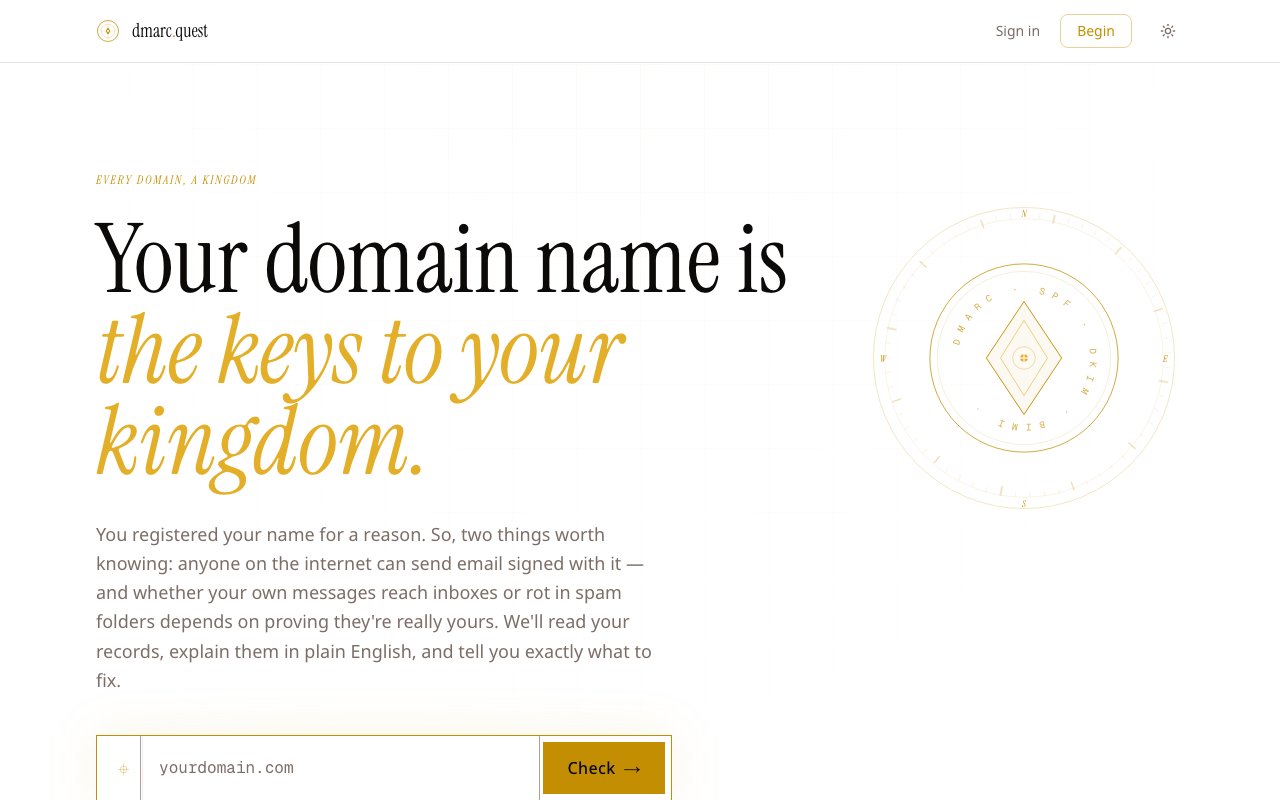
DMARC Quest is a free email authentication checker that analyzes your domain's DNS records and explains what's working, what's broken, and what to fix first. The tool examines SPF, DKIM, DMARC, MX records, BIMI, and transport policies in one scan, then generates a report card grade in seconds. Unlike basic validators that show a list of checkmarks and X marks, DMARC Quest provides plain-English explanations of what each record does and why it matters for your email deliverability. For domain owners who aren't DNS experts, this educational approach transforms confusing technical output into actionable guidance that actually helps you improve your setup.
The instant analysis requires no signup. You enter a domain, and the tool pulls its DNS records to assess the current email authentication posture. The results identify which email services are authorized to send on your behalf, flag misconfigurations that could cause legitimate emails to land in spam, and highlight gaps that leave your domain vulnerable to spoofing. For domain owners who aren't DNS experts, this context is more valuable than a simple pass/fail indicator. You learn not just that something is wrong, but what it means and how urgently it needs attention. Many similar tools stop at showing red or green icons without helping you understand the implications. DMARC Quest bridges that gap between detection and comprehension.
An AI-powered feature called the scribe provides deeper analysis beyond the initial scan. Rather than dumping technical output and leaving you to interpret it, the scribe explains the implications of your current setup and prioritizes fixes based on impact. This helps you focus on the changes that will actually improve deliverability rather than chasing every warning flag equally. Some issues are critical blockers while others are minor optimizations, and the scribe helps you tell the difference. The explanations are written for humans, not sysadmins, which makes the tool accessible to founders and marketers who manage domains without dedicated IT support. You don't need to understand RFC specifications to follow the recommendations.
For ongoing monitoring, DMARC Quest offers a reporting aggregation service. You add a single DNS record to receive daily DMARC reports from major email providers including Google, Yahoo, Microsoft, Mail.ru, Mimecast, and Proofpoint. These providers send XML files detailing how your emails are being authenticated across their networks, but parsing those files manually is tedious and technical. Raw DMARC reports are essentially machine-readable logs that most humans find impenetrable. DMARC Quest collects and summarizes them into readable reports, so you can track your authentication health over time without digging through raw data. If something changes in your email infrastructure or a new service starts sending on your behalf, the monitoring catches it before deliverability suffers.
The target audience is domain owners who need email to work reliably but don't have enterprise budgets for compliance tools. If you're running a small business, a personal brand, or a side project with its own domain, DMARC Quest helps you understand whether your emails are reaching inboxes and whether anyone could impersonate your domain to send phishing messages. The tool is particularly relevant as major email providers tighten authentication requirements. Google and Yahoo have announced stricter enforcement for bulk senders, making proper SPF, DKIM, and DMARC configuration essential rather than optional. What used to be nice-to-have security hygiene is becoming a hard requirement for deliverability, and DMARC Quest helps you meet those requirements without hiring a consultant.
The basic scan is free and doesn't require an account. Sign up unlocks monitoring features and the ability to track your domain over time. Pricing details aren't prominently displayed on the homepage, suggesting a freemium model where the instant analysis stays free while advanced monitoring requires payment. This makes it easy to test the tool before committing to anything. You can run a scan, understand your current state, and decide whether ongoing monitoring adds enough value to justify paying for it. The free tier alone provides significant utility for one-time audits or occasional checkups.
DMARC Quest differentiates itself through explanation quality rather than feature quantity. Plenty of tools check DNS records. Fewer tell you what the results mean in terms you can act on. If you've run a domain check elsewhere and walked away confused about what to fix, the scribe approach offers a more educational alternative. The tool won't set up your records for you, but it will tell you exactly what to change and why those changes will help your emails get delivered. For anyone responsible for a domain's email reputation who isn't a full-time email administrator, that guidance fills a genuine gap between enterprise compliance platforms and basic validators that just show pass/fail icons.
Key Features
- Instant DMARC, SPF, DKIM, and BIMI checks
- Plain-English verdict and grade
- AI-powered deep analysis of DNS records
- Ongoing monitoring via single DNS record
- Alerts only when configuration changes
- No signup required for basic lookups
Pros & Cons
What we like
- Free, instant domain checks with no signup
- Explains technical records in plain language
- Monitoring reads aggregate reports so you don't have to
- Focused tool that does one thing well
Room for improvement
- Paid tier pricing not published on site
- Narrowly focused on email authentication only
- Monitoring requires DNS record addition
- Newer product, smaller community for troubleshooting
Frequently Asked Questions
What is DMARC.quest?
Is DMARC.quest free?
How does the monitoring work?
Who is DMARC.quest for?
Best For
Featured in
Alternatives to DMARC.quest
View all
1Password
Password and secrets manager for individuals, families, and developer teams with strong CLI and SSH agent support.
Clerk
Drop-in authentication and user management for modern apps

Tailscale
WireGuard-based mesh VPN that connects your devices, servers, and cloud resources into one private network in minutes.

BackPedal
UK bike theft protection that sends recovery agents after your stolen bike
Reviews (0)
Badge builder
Add DMARC.quest to your website
Choose a badge style and size, preview it here, then copy the generated HTML. Badge images are self-contained SVGs and do not require an external script.

<a href="https://toolindex.net/tools/dmarc-quest?ref=badge" target="_blank" rel="noopener">
  <img src="https://toolindex.net/badge/dmarc-quest/medium.svg" alt="DMARC.quest - Listed on Tool Index" width="180" height="50" />
</a>How to use the badge
- 1. Pick the style, size, and theme that fit your layout.
- 2. Copy the generated HTML from the code block.
- 3. Paste it into your footer, homepage, or press page.
Standard badge available
The standard listing badge is available now. Score and circle badges are limited to tools currently ranked in the top 10 of a category.
Badge clicks return visitors to this profile with a referral tag so the source remains identifiable.
Related Tools
Clerk
Drop-in authentication and user management for modern apps

DomeSOC
Autonomous SOC that grades every AI claim against evidence before it reaches an analyst
Reel
Forensic evidence capture for regulated Kubernetes, plus a free open-source VEX hub

HeimWall
Menu bar app that catches secrets and PII before you paste them into AI coding tools
Work on DMARC.quest? Request listing access or correction