Gumloop
No-code canvas for building AI agents and automated workflows by connecting drag-and-drop nodes
Gallery
About Gumloop
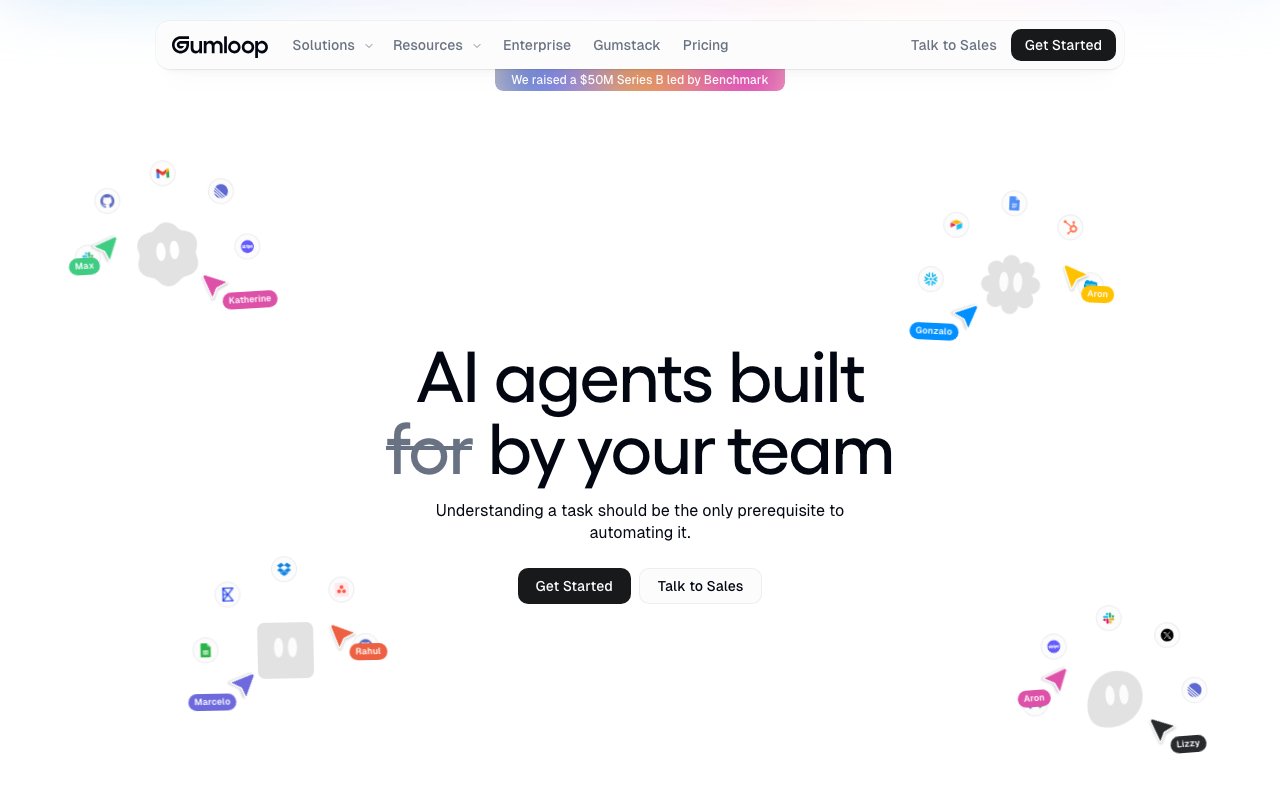
Gumloop is an AI agent platform that lets teams build and deploy automated workflows without writing code. The pitch is simple: if you understand a task well enough to explain it, you should be able to automate it. The platform provides a canvas-based interface where you drag components together, connect them to your existing tools, and let agents handle the repetitive work that eats into your team's day. You are not building chatbots here, though agents can certainly chat. You are building automated coworkers that handle the tasks nobody wants to do manually.
The problem it addresses is familiar to anyone who has tried to automate business processes. Traditional automation tools require either serious engineering resources or settle for shallow integrations that break at the first edge case. Zapier-style triggers work for simple if-then workflows, but fall apart when a task requires judgment, context from multiple systems, or handling inputs that do not fit a rigid schema. AI agents can handle messier inputs and make judgment calls, but building them from scratch means wrangling APIs, prompt engineering, model selection, and infrastructure concerns. Gumloop packages all of that into a visual builder that non-engineers can actually use, while still giving technical teams the flexibility to go deeper when needed. The goal is removing the engineering bottleneck from AI adoption without sacrificing the power that makes agents useful in the first place.
The platform connects to over fifty tools out of the box, including Slack, Salesforce, HubSpot, Stripe, Google Sheets, and various databases. You can pull data from internal systems and external sources, then chain together multi-agent workflows that handle tasks like meeting prep, call analysis, CRM updates, support triage, and data enrichment. Pre-built agent templates cover common use cases, so you do not have to start from scratch every time. Once built, agents deploy into the communication tools your team already uses. They show up in Slack, Microsoft Teams, Gmail, or WhatsApp, where colleagues interact with them by tagging, just like they would with a coworker. The interface pattern is familiar, which lowers adoption friction significantly compared to forcing people into yet another standalone app.
Where Gumloop differs from simpler automation platforms is in its approach to AI model flexibility and organizational visibility. There is no vendor lock-in. You can wire up agents to OpenAI, Anthropic, Gemini, or DeepSeek depending on the task, swapping models without rebuilding the workflow. Different models have different strengths and cost profiles, so being able to route tasks to the right model matters as your agent usage scales. The platform also includes something called Gumstack, an AI gateway layer that monitors and analyzes AI conversations happening across your organization, not just within Gumloop itself. That gives teams visibility into how AI tools are being used company-wide, which becomes important when you need to audit usage, track spend, or understand adoption patterns before rolling out new initiatives.
The target audience leans enterprise. Companies like Gusto, Shopify, Instacart, Ramp, and Samsara are listed as customers. The security posture matches that audience, with SOC 2 Type II certification, GDPR compliance, role-based access controls, audit logging, virtual private cloud options, zero data retention agreements with third parties, and single sign-on through Okta. If your organization needs to tick compliance boxes before adopting AI tooling, those certifications matter. They also signal that the platform is designed to survive procurement review at companies where security questionnaires are a gate to adoption. Smaller teams can use Gumloop too, but the feature set clearly anticipates enterprise requirements.
Pricing starts at thirty-seven dollars per month for the Pro plan, billed monthly with a twenty percent discount for annual billing. That tier includes over twenty thousand credits per month, unlimited seats and teams, five concurrent workflow runs, twenty-five concurrent agent chats, one hosted MCP server, and features like connector policies and guardrails. Enterprise pricing is custom and requires talking to sales, but it adds features like SCIM and SAML support, an admin dashboard with usage analytics, higher concurrency limits, multiple MCP server instances, virtual private cloud deployment, and AI spend insights. A fourteen-day free trial is available for Pro, so you can build a few workflows and see whether the platform fits before committing any budget.
The real value test is whether your team has repeatable tasks that involve judgment, context switching, or pulling data from multiple systems. If you are already paying people to do work that could be described in a flowchart, and that work touches tools Gumloop integrates with, the platform is worth a trial. It is not a replacement for custom software, and it will not handle highly novel tasks that require deep domain expertise. But it can eliminate a surprising amount of manual coordination, data entry, and context gathering without a dedicated engineering sprint. For teams that have the budget for Pro and the use cases to justify it, the time savings compound quickly.
Key Features
- Drag-and-drop node canvas for building flows visually
- Multi-agent orchestration without writing code
- Model-agnostic across Anthropic, OpenAI, Gemini, and DeepSeek
- Integrations with Slack, Gmail, Salesforce, HubSpot, and Snowflake
- Scheduled and event-triggered automation runs
- SOC 2 Type II and GDPR compliance with role-based access
Pros & Cons
What we like
- Visual builder makes complex AI automations approachable for non-engineers
- No lock-in to a single AI provider, swap models per node
- Generous free tier with unlimited agents and flows
- Pre-built templates for common sales, support, and data tasks
Room for improvement
- Credit-based pricing can get expensive as advanced AI calls add up
- Integration count is smaller than legacy automation tools like Zapier
- Steeper learning curve than simple trigger-action tools
- Advanced governance features are gated behind Enterprise
Frequently Asked Questions
What is Gumloop?
How much does Gumloop cost?
Who is Gumloop best for?
How does Gumloop credit pricing work?
Best For
Featured in
Alternatives to Gumloop
View alln8n
Fair-code workflow automation with 400+ integrations

Adspirer
Run and manage ad campaigns from ChatGPT, Claude, or any MCP client using plain language

Stack AI
No-code platform for building and deploying enterprise AI agents and workflows on a visual canvas
Flowise
Open-source low-code platform to build LLM apps and AI agents visually with drag-and-drop chatflows and agentflows
Reviews (12)
Genuinely impressed
Picked Gumloop for the price, stayed for the quality. It is the rare tool that got better the more I used it. It handles the boring parts so I can focus on the work that matters. It earns its place in my stack.
Solid daily driver
Have been running Gumloop for a while, here is where I land. Where it really wins is integrations with slack, gmail, salesforce, hubspot, and snowflake.
It just works
Hadn't planned on switching, but Gumloop was hard to ignore. Real selling point for me was soc 2 type ii and gdpr compliance with role-based access. The thing I keep coming back to is how reliable it is. Found it works best for orchestrating multi-agent research and reporting pipelines. It earns its place in my stack.
Quietly excellent
Onboarded the whole team to Gumloop in an afternoon. Got real value out of model-agnostic across anthropic, openai, gemini, and deepseek. It just works, day after day, without surprises. Found it works best for running scheduled data extraction and enrichment workflows. No regrets so far.
Best decision this quarter
Hadn't planned on switching, but Gumloop was hard to ignore. Their take on integrations with slack, gmail, salesforce, hubspot, and snowflake is genuinely good. Mostly using it for running scheduled data extraction and enrichment workflows. Glad I made the switch.
Genuinely impressed
Gumloop solves a real problem for me without making a fuss about it. Setup was painless and I was productive the same day. Would sign up again without thinking twice.
Bought it for one feature, stayed for ten
Three months of Gumloop later, here is what holds up. Got real value out of multi-agent orchestration without writing code. Mostly using it for automating sales prospecting and crm data entry. Easy yes for anyone weighing the same trade offs.
Decent with some rough edges
Hadn't planned on switching, but Gumloop was hard to ignore. Real selling point for me was model-agnostic across anthropic, openai, gemini, and deepseek. What stands out is how little babysitting it needs. Mostly using it for building support triage and ticket-routing agents. My only gripe is credit-based pricing can get expensive as advanced ai calls add up. Recommending it to people in a similar spot.
Solid daily driver
Gumloop has quietly become part of my daily flow. Real selling point for me was soc 2 type ii and gdpr compliance with role-based access. I expected to churn off it in a week and I am still here. Hard to imagine going back to my old setup.
Worth the price of admission
Picked Gumloop for the price, stayed for the quality. What stands out is how it handles integrations with slack, gmail, salesforce, hubspot, and snowflake. It fits well for running scheduled data extraction and enrichment workflows. It earns its place in my stack.
Two months in, no regrets
Tried Gumloop on a side project first, then rolled it out everywhere. Their take on integrations with slack, gmail, salesforce, hubspot, and snowflake is genuinely good. Support actually answered when I had a question, which surprised me. Recommending it to people in a similar spot.
Best decision this quarter
Came to Gumloop after getting frustrated with what I had before. The core workflow is smooth once you are set up.
Badge builder
Add Gumloop to your website
Choose a badge style and size, preview it here, then copy the generated HTML. Badge images are self-contained SVGs and do not require an external script.

<a href="https://toolindex.net/tools/gumloop?ref=badge" target="_blank" rel="noopener">
  <img src="https://toolindex.net/badge/gumloop/medium.svg" alt="Gumloop - Listed on Tool Index" width="180" height="50" />
</a>How to use the badge
- 1. Pick the style, size, and theme that fit your layout.
- 2. Copy the generated HTML from the code block.
- 3. Paste it into your footer, homepage, or press page.
Standard badge available
The standard listing badge is available now. Score and circle badges are limited to tools currently ranked in the top 10 of a category.
Badge clicks return visitors to this profile with a referral tag so the source remains identifiable.
Related Tools

OpenBenchmarks
Public, externally validated benchmarks that help agents pick SaaS APIs

Almanac
A hosted, source-cited wiki that turns your files into context your AI agents can use

Wizard
Self-extending Rust terminal AI agent that works with any model

Chariot
Elastic cloud infrastructure for deploying and scaling AI agent fleets with persistent storage
Work on Gumloop? Request listing access or correction