
Loom
Async video messages that replace meetings with a quick screen recording
Gallery
About Loom
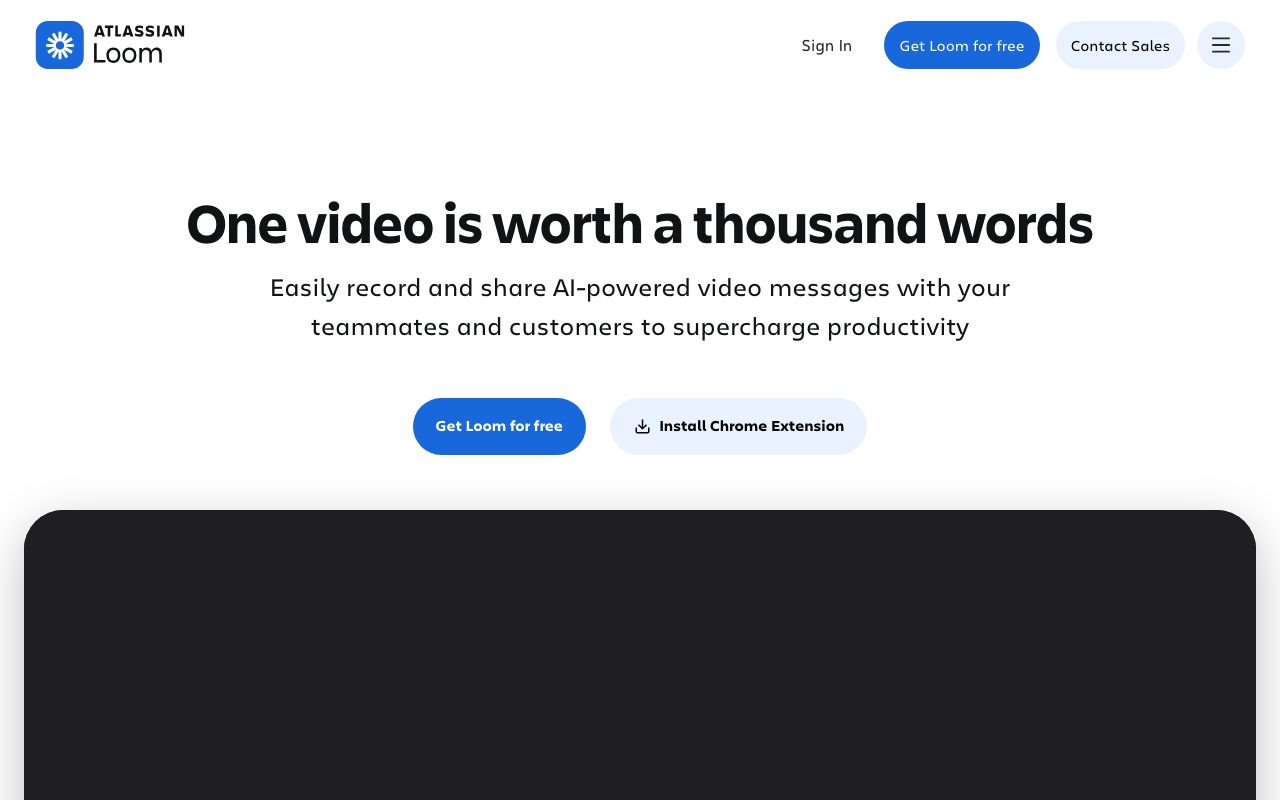
Loom replaced the meeting that should have been an email. Founded in 2015, acquired by Atlassian in 2023, it's the default async video tool for product, design, and engineering teams.
You hit record, capture your screen and webcam, and ship a link. Anyone can watch later, comment on timestamps, and leave a reaction. That's the entire workflow.
What Loom actually does
The desktop app or browser extension records your screen, your webcam, and your mic. Stop recording, get an instant shareable link. Recipients watch in their browser without downloading anything.
The viewer side is the underrated part. Comments are timestamped. Reactions are inline. Replies thread per moment. It turns a one-way video into a real conversation.
AI features kicked in the last two years. Loom auto-generates titles, summaries, and chapter markers. The transcription is reliable enough to skim instead of watching the full video.
Who Loom is for
Product managers walking through Figma designs. Engineers explaining a tricky bug fix. Customer success managers onboarding new accounts. Founders sending company-wide updates.
It's most powerful when async culture already exists. Teams who default to meetings will ignore Loom links. Teams who default to writing first will adopt Loom in a week.
Loom pricing breakdown
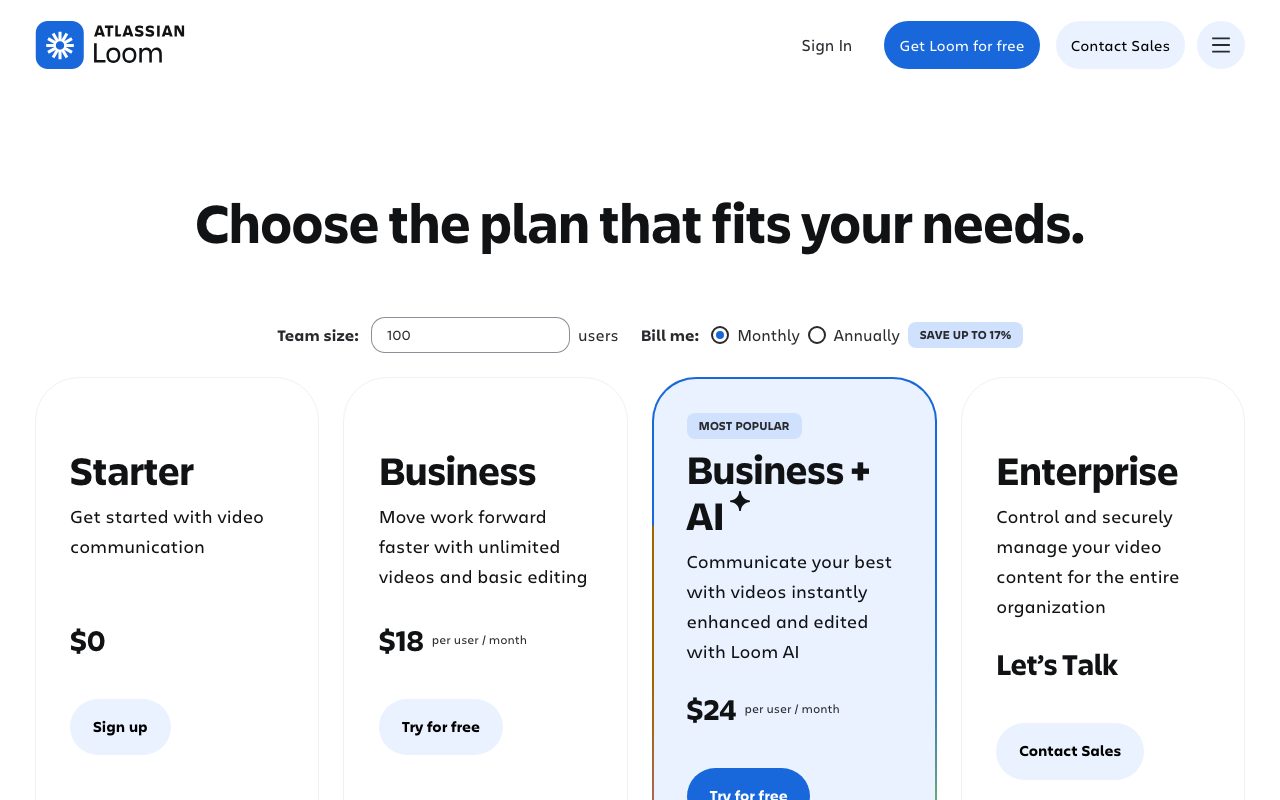
The Starter plan is free. You get up to 25 videos per person, capped at 5 minutes each. Generous for occasional use.
Business runs $12.50 per user per month. It removes the 5-minute cap and unlocks AI features. Enterprise is quote-only with SSO, advanced controls, and admin features.
The Atlassian acquisition has added bundling options for teams already on Jira or Confluence. Worth checking if you live in that ecosystem.
Standout Loom features
The capture and share flow is unmatched. From "I should record this" to "link copied to clipboard" takes thirty seconds. No other screen recorder makes it this fast.
Timestamped comments turn videos into living documents. Watch a six-minute walkthrough and reply at exactly minute 4:23 about that one button. The team scans replies instead of rewatching.
AI titles, summaries, and chapters mean recipients can skim before committing to watch. That's a quality-of-life win for everyone receiving Loom links.
The free plan is generous enough for solo creators. You can build genuine async habits before paying.
Honest tradeoffs
Free plan caps video length at five minutes. That's tight for full demos or product walkthroughs. Most teams upgrade once they're hooked.
AI features sit behind paid tiers. The transcription, summary, and chapter generation are the polish that justifies Business. Without them, Loom is just a screen recorder.
Some teams over-rely on async video and lose written records. A Loom link decays faster than a doc. Use both, don't replace one with the other.
Loom doesn't kill meetings. It kills the bad ones. The remaining meetings get sharper.
Loom vs the alternatives
The headline peer is Zight, formerly CloudApp. It does similar capture-and-share with comparable polish. Many teams pick based on price and small UX preferences.
Scribe is a different beast. It generates written walkthroughs from your screen actions instead of video. Pair them.
For video heavy editing, Descript takes over. Loom is for raw, fast capture. Descript is for polished produced video.
OBS and QuickTime are free alternatives. They lack the share flow that makes Loom worth paying for.
See best screen recording tools, Loom alternatives, and Loom vs Zight.
Bottom line on Loom
Loom is still the right tool for async video. The capture flow, the comment threading, and the AI summaries make it sticky. The Atlassian acquisition hasn't changed the core product yet, for better or worse.
If your team has too many meetings, install Loom this afternoon. Use it for the next week's standup. Watch how many meetings disappear.
Loom workflow patterns
The async demo replaces the kickoff meeting. PMs record a five-minute walkthrough of the design or feature spec. The team watches asynchronously, comments on specific moments, and meets only if discussion is needed. Half the meetings disappear.
Code reviews via Loom add context that text comments can't. Walking through "here's why I structured the controller this way" lands differently than typing the same explanation. Reviewers understand the intent faster.
Customer onboarding via Loom replaces the welcome call for many SaaS companies. Pre-record once, share with every new customer, save hours per week of repetitive demos.
Loom AI features
Auto-generated titles save the small annoyance of naming every clip. The model is decent at distilling the topic from the transcript.
Summaries help recipients decide whether to watch. A two-paragraph summary above the video means people skim before committing eight minutes.
Chapter markers turn long videos into navigable assets. A 20-minute walkthrough becomes a TOC instead of a wall of footage.
Transcripts are searchable. Find that one Loom from three weeks ago that explained the deployment process. Search the workspace, not your memory.
Loom common questions
"Does Loom replace meetings?" The good ones, no. The bad ones, yes. Use both.
"Can I edit Loom recordings?" Light trims and drawings, yes. Heavy editing belongs in Descript or DaVinci Resolve.
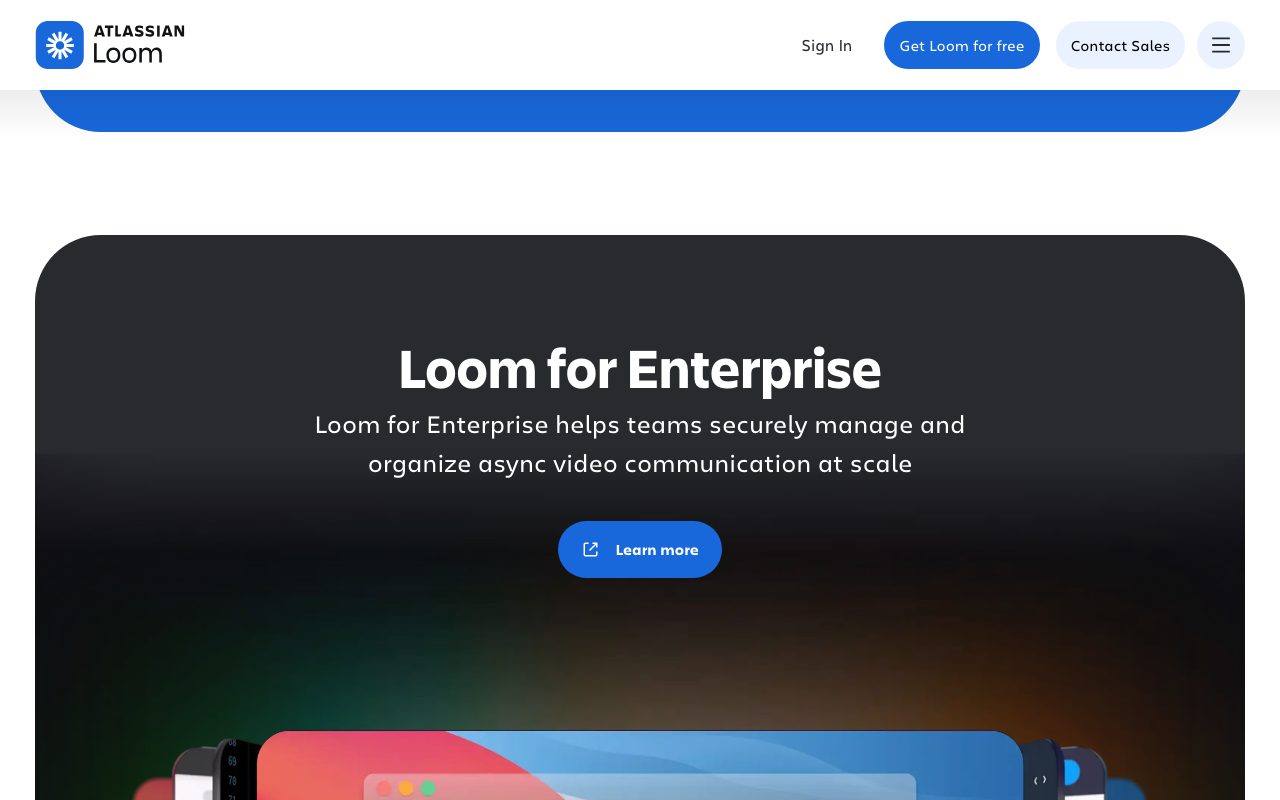
"Is Loom HIPAA compliant?" Enterprise plans include compliance options. Check current terms for specifics.
"What about screen recording on mobile?" Limited compared to desktop. Most heavy use is on Mac or Windows.
Final word on Loom
Loom is still the right tool for async video. The Atlassian acquisition hasn't degraded the product yet. The free tier keeps it accessible to small teams.
If your team wastes hours in status meetings, give everyone a Loom account this week. Watch how many calendar invites disappear in the first month.
It's also a great tool for solo creators recording tutorials, courses, or YouTube intros. The capture flow is the fastest in the category.
Loom for product teams
Product managers record async demos of new features for engineering review. The five-minute walkthrough replaces an hour-long meeting. Engineers watch on their schedule, comment on specifics, and ask only the questions that matter.
Designers attach Loom videos to Figma frames showing intended behavior. Static designs plus motion videos communicate intent better than either alone.
Researchers share user testing recordings via Loom. Stakeholders watch real users interact with the product without scheduling separate sessions. Insights spread faster.
Loom for engineering teams
Engineers walk through complex PRs via Loom. Code review picks up the context the author intended. Reviewers understand the changes faster than reading diffs alone.
Architecture reviews benefit from Loom recordings. Walking through a system diagram while explaining design choices captures more nuance than a written doc alone.
Bug reproductions go from "describe what happened" to "watch what happened." Support tickets close faster when bug reports include a Loom showing the issue.
Loom for sales and customer success
Sales teams send personalized Loom videos as outbound. Higher reply rates than cold email. Lower production cost than scheduled calls.
Customer success teams record onboarding walkthroughs once and reuse forever. New customers get a consistent experience without weekly demo calls.
Demo libraries built in Loom let customers self-serve common questions. Reduces support volume and helps prospective buyers evaluate without booking sales time.
Loom in different industries
Education: teachers record lectures for asynchronous learning. Students watch at their pace, pause to take notes, replay confusing segments.
Healthcare: clinicians record patient education videos. Reduces in-appointment explanation time. Enterprise plans handle compliance.
Finance: advisors record portfolio reviews for clients. Personal touch without the scheduling overhead of quarterly calls.
Real estate: agents send property walkthroughs to buyers. Reduces wasted in-person showings.
Loom long-term outlook
The Atlassian acquisition closed in 2023. Two years later, the product has stayed mostly intact. New features have shipped. Pricing has adjusted slightly. The core experience is recognizable.
Atlassian-bundled deals make Loom cheaper for Jira and Confluence shops. Standalone Loom remains available for everyone else.
Competitors include Vidyard, Zight (formerly CloudApp), and several smaller players. The category has matured. Most leaders offer similar capture, share, and comment workflows.
AI features are the new battleground. Auto-summarization, transcript editing, and chapter generation all matter for daily users. Loom is competitive on all fronts.
For teams shopping for async video tools today, Loom remains the safe pick. The brand recognition, integrations, and feature set make it the path of least resistance.
Loom integration patterns
Slack integration is the most-used. Drop a Loom link, the preview renders in-channel, recipients click through to watch.
Notion and Confluence embeds let you pin Loom videos in documentation. Async walkthroughs sit alongside written docs.
Email integration sends Loom thumbnails that animate. Higher click-through rates than plain text-only emails.
The Atlassian acquisition has pulled Loom deeper into Jira and Confluence. Native integrations there are smoother than ever.
Tutorial / Demo
Key Features
- Screen plus webcam recording
- Instant shareable links
- Timestamped comments and emoji reactions
- AI-generated titles, summaries and chapters
- Drawing, mouse highlights and trims
- Browser extension and desktop app
Pros & Cons
What we like
- Best-in-class capture and share flow
- Replaces meetings that should have been emails
- Free plan is generous enough for solo use
- Now owned by Atlassian
Room for improvement
- Free plan caps video length
- AI features behind paid tiers
- Some teams over-rely on async video and lose written records
Frequently Asked Questions
Does Loom have a free plan?
Loom vs OBS or QuickTime, why pay?
Can I edit Loom videos after recording?
Does Loom transcribe automatically?
Is Loom good for customer support videos?
Best For
Featured in
Tags
Alternatives to Loom
View all
Krisp
AI noise cancellation that strips background noise out of any meeting app

Zoom
The default video meeting tool of the post-2020 internet

CalendHub
Smart scheduling and calendar management for teams

Apatero AI
The creator studio for AI image, video, audio, 3D, and avatars, now at apatero.ai.
Our take
Tool Index Editorial · May 2026· 4.8/5
Loom is the kind of tool you adopt when you want async video messages that replace meetings with a quick screen recording.
Where it wins: Best-in-class capture and share flow, Replaces meetings that should have been emails, and Free plan is generous enough for solo use. Honest gripes: Free plan caps video length and AI features behind paid tiers.
Verdict: Loom comfortably earns its spot in the category — a smart default when you need async product walkthroughs.
Editorial opinion from the Tool Index team, written from the public product pages. Not a user review.
Reviews (8)
Bought it for one feature, stayed for ten
Got Loom on the recommendation of someone I trust. Where it really wins is now owned by Atlassian. Easy yes for anyone weighing the same trade-offs.
Good for most of what we need
Been using Loom for a few weeks now. The thing I keep coming back to: now owned by Atlassian. One thing that bugs me: some teams over-rely on async video and lose written records. Not perfect but better than the alternatives I tried.
Pros
- Replaces meetings that should have been emails
- Free plan is generous enough for solo use
Hit the Loom sweet spot
Loom isn't perfect but it's the best I've used in this category. Honestly impressed by how replaces meetings that should have been emails. Worth calling out the AI-generated titles, summaries and chapters too.
Pros
- Best-in-class capture and share flow
- Free plan is generous enough for solo use
It just works
Loom solves a real problem for me, but it's not magic. What stands out is how free plan is generous enough for solo use. It fits well for founder updates to investors and team. Sticking with Loom.
Pros
- Now owned by Atlassian
Recommended without reservation
Picked Loom for the lower price, stayed for the actual quality. Where it really wins is now owned by Atlassian. Still recommending it to people in similar setups.
Stuck the landing for our team
Tried Loom on a side project first. Honestly impressed by how best-in-class capture and share flow. Found it works best for customer onboarding videos.
Pros
- Free plan is generous enough for solo use
- Best-in-class capture and share flow
- Now owned by Atlassian
Quietly excellent
Adopted Loom for one project, ended up using it for more. What stands out is how replaces meetings that should have been emails. The screen plus webcam recording is more useful than I expected. Found it works best for async product walkthroughs.
Underrated honestly
Loom isn't perfect but it's the best I've used in this category. Where it really wins is replaces meetings that should have been emails. Main use case: async product walkthroughs. Wish they'd address how some teams over-rely on async video and lose written records. Would buy again without thinking twice.
Cons
- Free plan caps video length
- AI features behind paid tiers
Badge builder
Add Loom to your website
Choose a badge style and size, preview it here, then copy the generated HTML. Badge images are self-contained SVGs and do not require an external script.

<a href="https://toolindex.net/tools/loom?ref=badge" target="_blank" rel="noopener">
  <img src="https://toolindex.net/badge/loom/medium.svg" alt="Loom - Listed on Tool Index" width="180" height="50" />
</a>How to use the badge
- 1. Pick the style, size, and theme that fit your layout.
- 2. Copy the generated HTML from the code block.
- 3. Paste it into your footer, homepage, or press page.
Score badge available
Loom qualifies for the score and circle badges based on its current top-10 positionin Video.
Badge clicks return visitors to this profile with a referral tag so the source remains identifiable.
Related Tools
Apatero AI
The creator studio for AI image, video, audio, 3D, and avatars, now at apatero.ai.
LocalClip
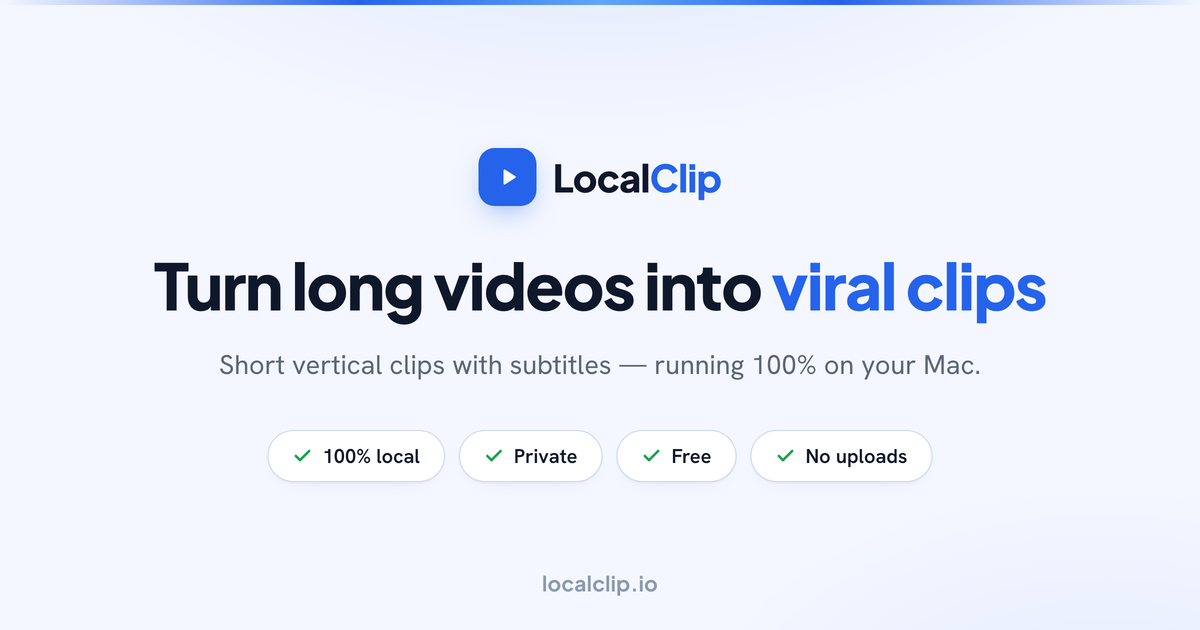
Local-first AI video clipper for Mac that turns long videos into vertical clips

Melodex
Turn your idea into an AI-generated music video

Substack
Hosted newsletter and publication platform with built-in payments, recommendations, and an audience network for writers.
Work on Loom? Request listing access or correction