
PromptSign
Sign and verify AI instruction files with traceable publisher identity
Gallery
About PromptSign
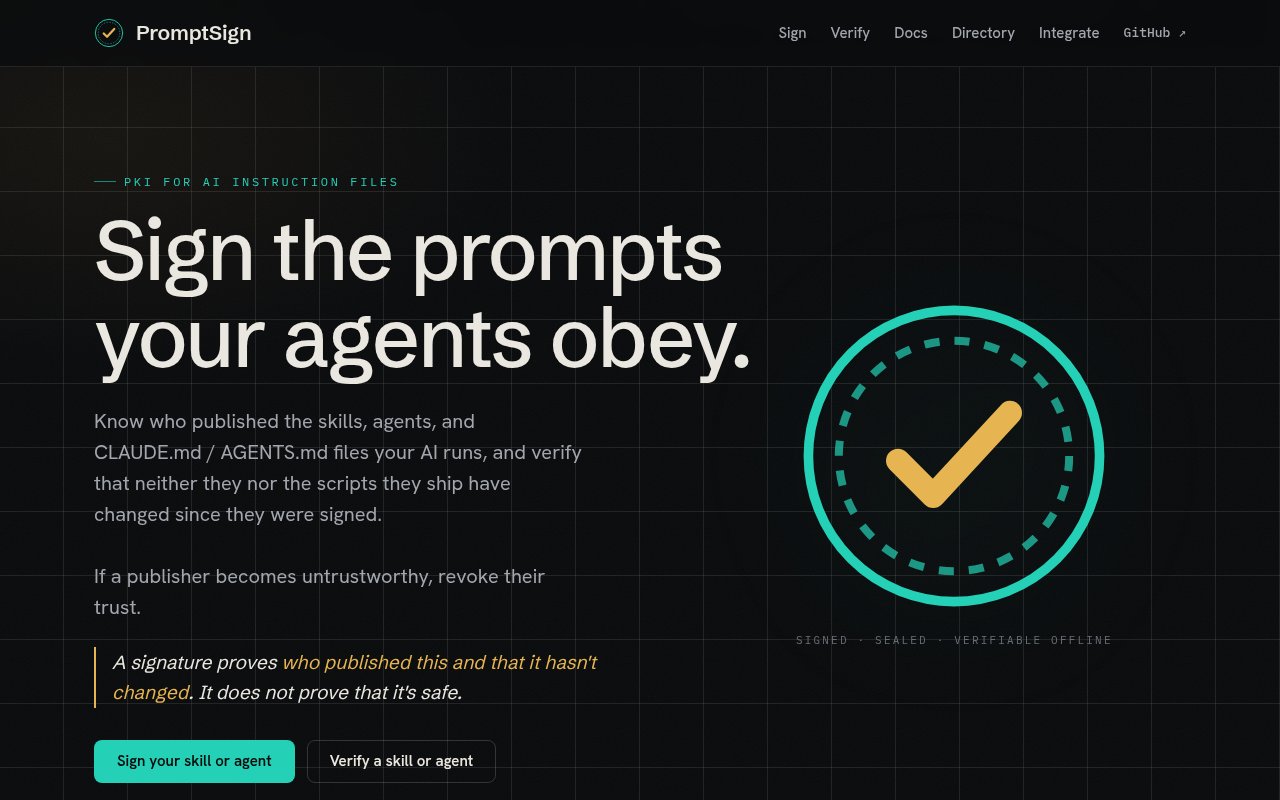
PromptSign is an open wire format and toolset for signing the instruction files used by AI coding agents. It covers artifacts such as SKILL.md bundles, CLAUDE.md, AGENTS.md, and agent definitions, including the scripts and assets packaged with them. The goal is to let a person, marketplace, CI system, or agent harness confirm who published an instruction bundle, whether its contents changed after signing, and whether a previously trusted release has been revoked. That matters because these files enter a model's working context and can influence commands, file edits, and other actions, yet they often move between repositories and marketplaces without the origin checks expected for executable software.
The project separates the signing format from any single implementation. Its specification repository defines the manifest, canonicalization, bundle, policy, keyless, and revocation formats, then uses a conformance suite to keep two implementations in agreement. One implementation is a Rust verification library with a Node binding published as @promptsign/verify. The other is a zero-dependency Node reference implementation written from the specification. That split is useful for teams considering a shared standard because a bug or undocumented behavior in one codebase doesn't automatically become the format. The project states that interoperability with Sigstore tooling is intended, and its bundles carry standard certificate chains and transparency log entries.
For hands-on use, PromptSign provides a static command line binary that can sign a bundle, verify one file or a whole tree, and enforce trust policy inside agent hooks. Keyless signing uses OpenID Connect to bind a short-lived key to an identity. The signature is recorded in a public transparency log, and the temporary key is discarded instead of becoming a long-lived secret that must be stored and rotated. GitHub Actions can use its ambient OIDC identity, which makes the release workflow itself the named signer. Verification can then run offline against cached trust roots. Purposeful exit codes distinguish normal success, usage errors, and enforcement failures, so the command can block an agent hook or fail a CI job when a policy check doesn't pass.
PromptSign fits security teams, maintainers of agent skill collections, registry operators, and developers distributing reusable instruction bundles. A publisher can sign a complete release in automation, while a consumer can pin an expected identity and verify the downloaded files before an agent reads them. Marketplace or harness builders can embed the Rust verifier through its Node binding instead of spawning the command line tool. The browser also offers sign and verify workflows for someone evaluating the format without immediately wiring it into CI. Because the signature covers the whole bundle, checks extend beyond the visible Markdown to bundled scripts and other files that may be executed by the host. Dedicated GitHub Actions helpers are available for signing releases and checking that instruction files carry the expected publisher identity on pull requests.
The most important boundary is stated plainly by the project. A valid signature proves origin and integrity, not harmlessness. A publisher can sign malicious instructions, so interfaces should show the verified identity instead of a context-free checkmark that users might read as a safety guarantee. Revocation and transparency improve accountability, while review, sandboxing, and behavioral controls still have separate jobs. There is also an unavoidable bootstrap issue. The first verifier binary cannot authenticate itself, so its initial archive should be checked with an already trusted mechanism such as a GitHub attestation. Once a trusted copy exists, it can verify later releases.
PromptSign is open source under the Apache License 2.0, with separate repositories for the specification, CLI, Rust core, Node reference, GitHub Actions helpers, and a Claude Code plugin. The CLI is distributed as a signed release binary from the project documentation rather than as the contents of the similarly named npm package, which points users to the binary. That packaging choice and the need to establish an initial trust root add setup work, but the documentation explains both directly. There is no paid plan presented as the main way to use the project. For teams that need verifiable provenance for AI instruction files and are willing to define trusted publisher identities, it provides a focused standard and practical enforcement components without claiming to solve prompt safety by itself.
Key Features
- Whole-bundle instruction signing
- Offline signature verification
- Keyless OIDC publisher identity
- Public transparency log records
- Revocation and trust policies
- Rust and Node verifiers
Pros & Cons
What we like
- Covers scripts and assets alongside instruction files
- Separates the open format from its implementations
- Supports offline checks after trust roots are cached
- Fits CI, agent hooks, and embedded verification
Room for improvement
- A valid signature doesn't prove instructions are harmless
- The first verifier download needs an independent check
- CLI releases aren't installed directly from a package manager
- Young standard with a small adoption footprint
Frequently Asked Questions
What is PromptSign?
Does a PromptSign signature mean a skill is safe?
Can PromptSign verification run offline?
Is PromptSign open source?
Best For
Featured in
Alternatives to PromptSign
View all
1Password
Password and secrets manager for individuals, families, and developer teams with strong CLI and SSH agent support.
Clerk
Drop-in authentication and user management for modern apps

Tailscale
WireGuard-based mesh VPN that connects your devices, servers, and cloud resources into one private network in minutes.

BackPedal
UK bike theft protection that sends recovery agents after your stolen bike
Our take
Tool Index Editorial · Sep 2026· 4.0/5
PromptSign signs AI instruction bundles so a user or agent can verify the publisher and detect changed files, including bundled scripts. We found the security boundary unusually honest. A valid signature proves origin and integrity, not that the instructions are harmless. Browser tools, native binaries, keyless identity, policy files, revocation, and offline verification make the idea usable beyond a paper specification.
The weak point is adoption. A signature standard is most valuable when publishers, registries, and agent hosts agree to use it, and PromptSign is still young. The first verifier download also needs an independent trust check, which the docs explain. For teams distributing skills or agent instructions, it is a strong open source provenance layer, provided review and sandboxing remain separate controls.
Editorial opinion from the Tool Index team, written from the public product pages. Not a user review.
Reviews (0)
Badge builder
Add PromptSign to your website
Choose a badge style and size, preview it here, then copy the generated HTML. Badge images are self-contained SVGs and do not require an external script.

<a href="https://toolindex.net/tools/promptsign?ref=badge" target="_blank" rel="noopener">
  <img src="https://toolindex.net/badge/promptsign/medium.svg" alt="PromptSign - Listed on Tool Index" width="180" height="50" />
</a>How to use the badge
- 1. Pick the style, size, and theme that fit your layout.
- 2. Copy the generated HTML from the code block.
- 3. Paste it into your footer, homepage, or press page.
Standard badge available
The standard listing badge is available now. Score and circle badges are limited to tools currently ranked in the top 10 of a category.
Badge clicks return visitors to this profile with a referral tag so the source remains identifiable.
Related Tools
Clerk
Drop-in authentication and user management for modern apps

DomeSOC
Autonomous SOC that grades every AI claim against evidence before it reaches an analyst
Reel
Forensic evidence capture for regulated Kubernetes, plus a free open-source VEX hub

HeimWall
Menu bar app that catches secrets and PII before you paste them into AI coding tools
Work on PromptSign? Request listing access or correction