
USBHawk
Turn any USB flash drive into a physical login key for Windows, plug in to unlock, pull out to lock
Gallery
About USBHawk
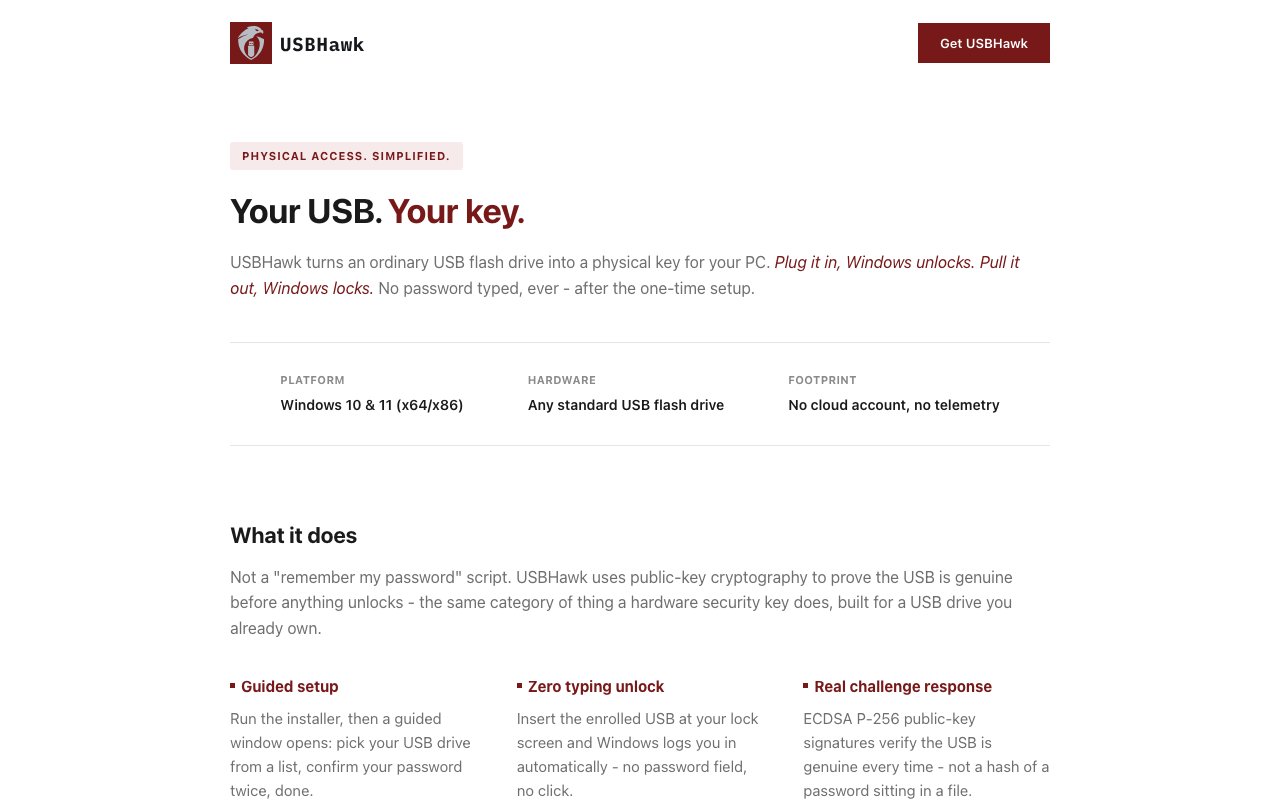
USBHawk turns a standard USB flash drive into a physical authentication key for a Windows PC. The behavior is exactly as simple as it sounds. Plug the drive in and Windows unlocks. Pull it out and Windows locks. It is the workflow of a hardware security key, except the hardware is any spare flash drive you already own rather than a purpose-built dongle you have to buy and carry. The idea is old, physical presence as authentication, but the execution here targets ordinary Windows users rather than enterprises with smartcard budgets. Locking your machine stops being a habit you have to remember and becomes a side effect of standing up.
Under the hood it is doing real cryptography rather than storing your password on a stick. Authentication uses ECDSA P-256 signatures to verify the drive, and every unlock performs a fresh signature verification instead of replaying stored credentials. The private key material is encrypted through Windows DPAPI and bound to the specific enrolled machine, so the secret is tied to your PC rather than sitting portable on the drive. Everything runs locally. The maker's wording is blunt about it, no servers, no account, no telemetry. For a login tool, that posture matters, because the last thing you want between you and your desktop is somebody else's cloud. It also shrinks the attack surface in an obvious way. There is no account to phish, no sync service to breach, and no vendor database of customers to leak, because none of those things exist.
Setup is a guided wizard. You install the software, pick a USB drive, and confirm your Windows password twice. Enrollment adds one small file to the drive and does not touch anything else on it, so the drive keeps working as ordinary storage. By default your normal Windows password keeps working alongside the key, which means a lost or forgotten drive is an inconvenience rather than a lockout. You sign in with your password and re-enroll a new drive whenever you are ready, and the maker recommends keeping a backup drive enrolled. If you change your Windows password, you re-run the enrollment wizard from the Start Menu to update what is stored, with manual sign-in available as the fallback until you do. None of this requires the drive to be anything special. A cheap drive from a drawer works the same as an expensive one, because the security comes from the cryptography and the machine binding, not the hardware.
For people who want to go further, there is an optional Lockdown Mode that removes the password fallback entirely, so the USB key becomes the only way in. USBHawk gates that behind sensible friction. It requires two proven successful USB unlocks on your machine before it will even offer the mode, and the documentation strongly recommends having a recovery plan before turning it on. That is the right instinct for a feature that can genuinely lock you out of your own computer. For most people the default configuration, key plus password fallback, is the sensible place to stay, with Lockdown reserved for machines where convenience genuinely takes a back seat to control.
It fits Windows users who want the convenience of walk-up-and-plug-in login plus the discipline of automatic locking when they walk away. Think shared households, small offices, or anyone who keeps forgetting to hit Win+L before leaving a desk. What makes it different from enterprise smartcard setups or FIDO hardware keys is the total absence of infrastructure, no directory integration, no account, no vendor cloud, and no special hardware, just local crypto and whatever flash drive is in your drawer. It supports Windows 10 and 11 on x64 and x86, comes from RAWDESK SOFTWARE, and is a small, single-purpose utility rather than a security suite. That narrowness is arguably its best quality. It does one thing, does it locally, and explains exactly how, which is more than can be said for a lot of security software aimed at consumers.
Pricing is a one-time purchase of $19.99 through Gumroad, which buys a perpetual license for up to 3 personal PCs and includes a year of feature and compatibility updates. After the first year, continued updates are an optional $9.99 per year, and the software keeps working either way since the license is perpetual. There is no free version or trial mentioned, so the twenty dollars is the price of finding out, though for a tool this narrow the site explains its behavior thoroughly enough that you know what you are buying. The update subscription is genuinely optional, a way to keep pace with Windows compatibility changes rather than a disguised rental, and because the license is perpetual, skipping it leaves you with working software rather than a countdown.
Key Features
- Auto unlock on USB insert, auto lock on removal
- ECDSA P-256 signature verification per unlock
- DPAPI-encrypted keys bound to the enrolled PC
- Fully local, no servers, account, or telemetry
- Password fallback preserved by default
- Optional Lockdown Mode with enrollment safeguards
Pros & Cons
What we like
- Works with any standard flash drive, no special hardware
- One-time $19.99 covers up to 3 PCs perpetually
- Fresh cryptographic verification instead of stored credential replay
- Drive stays usable as normal storage
Room for improvement
- Windows 10 and 11 only, no macOS or Linux
- No free trial before the $19.99 purchase
- Updates beyond year one cost an optional $9.99 per year
- Lockdown Mode risks lockout without a recovery plan
Frequently Asked Questions
What is USBHawk?
What happens if I lose the USB drive?
Is USBHawk free?
Does USBHawk send my credentials anywhere?
Best For
Featured in
Alternatives to USBHawk
View all
1Password
Password and secrets manager for individuals, families, and developer teams with strong CLI and SSH agent support.
Clerk
Drop-in authentication and user management for modern apps

Tailscale
WireGuard-based mesh VPN that connects your devices, servers, and cloud resources into one private network in minutes.

BackPedal
UK bike theft protection that sends recovery agents after your stolen bike
Our take
Tool Index Editorial · Oct 2026· 3.0/5
USBHawk turns an ordinary USB flash drive into a Windows login key that unlocks on insertion and locks on removal. It is a narrow utility for Windows 10 and 11 users who want physical-presence convenience without a vendor account or special token. A perpetual license costs $19.99 for up to three personal PCs and includes one year of updates. Continued updates are an optional $9.99 a year.
The site explains its ECDSA challenge response, machine-bound DPAPI encryption, password fallback, and code-signed components better than most small security utilities. Keeping fallback enabled makes loss manageable. Still, this is not equivalent to a dedicated tamper-resistant hardware key, and the captured material provides no independent security audit. Lockdown Mode can cause a real lockout, while password changes require reenrollment. We would keep a tested backup sign-in path and avoid treating a generic flash drive as the sole recovery method.
Editorial opinion from the Tool Index team, written from the public product pages. Not a user review.
Reviews (0)
Badge builder
Add USBHawk to your website
Choose a badge style and size, preview it here, then copy the generated HTML. Badge images are self-contained SVGs and do not require an external script.

<a href="https://toolindex.net/tools/usbhawk?ref=badge" target="_blank" rel="noopener">
  <img src="https://toolindex.net/badge/usbhawk/medium.svg" alt="USBHawk - Listed on Tool Index" width="180" height="50" />
</a>How to use the badge
- 1. Pick the style, size, and theme that fit your layout.
- 2. Copy the generated HTML from the code block.
- 3. Paste it into your footer, homepage, or press page.
Standard badge available
The standard listing badge is available now. Score and circle badges are limited to tools currently ranked in the top 10 of a category.
Badge clicks return visitors to this profile with a referral tag so the source remains identifiable.
Related Tools
Clerk
Drop-in authentication and user management for modern apps

DomeSOC
Autonomous SOC that grades every AI claim against evidence before it reaches an analyst
Reel
Forensic evidence capture for regulated Kubernetes, plus a free open-source VEX hub

HeimWall
Menu bar app that catches secrets and PII before you paste them into AI coding tools
Work on USBHawk? Request listing access or correction