
Freepik AI
AI image generator that aggregates 40+ models inside Freepik's stock and design suite of 250M+ assets
Gallery
About Freepik AI
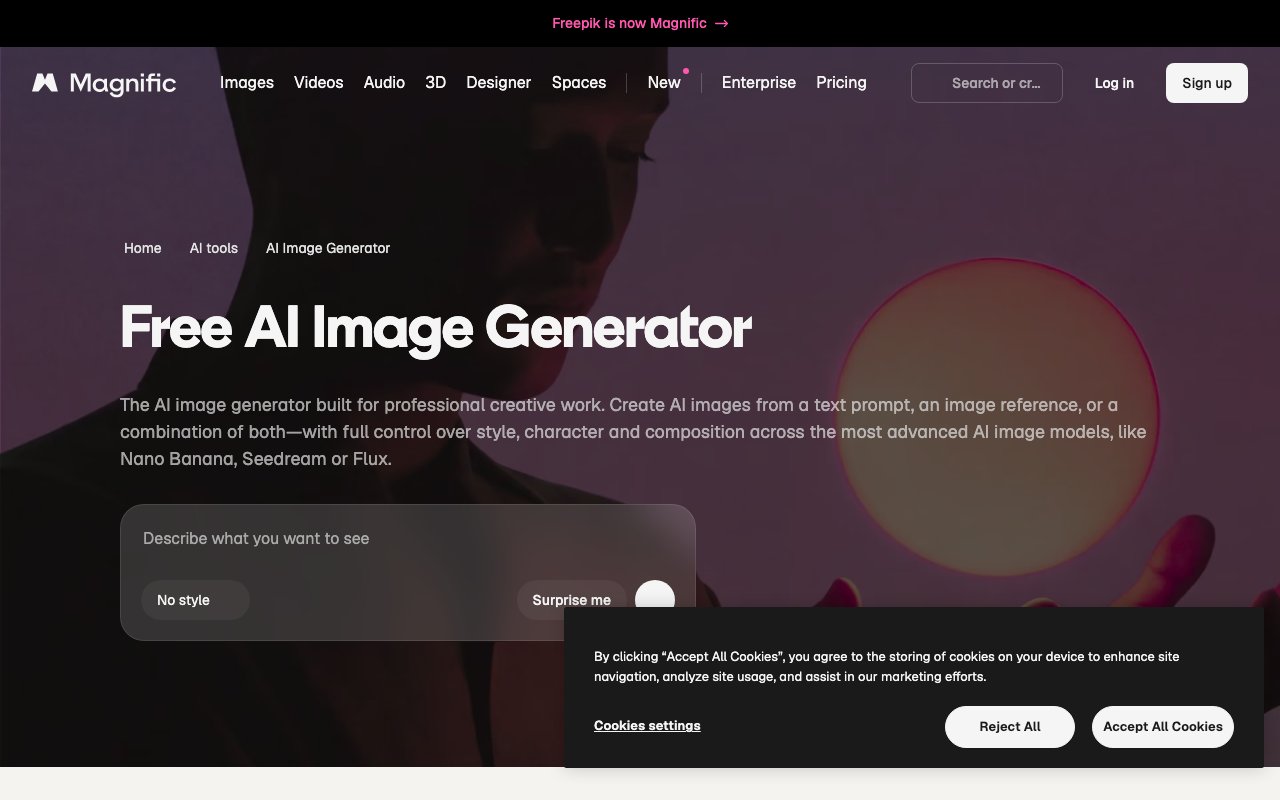
Freepik AI Image Generator turns text prompts into high quality images in real time, giving designers, marketers, and content creators a way to produce visuals faster than traditional workflows allow. You type a description of what you want to see, choose a style, and the system generates images within seconds. The platform now operates under the Magnific brand following a rebrand in April 2026, though the core functionality remains what users relied on before the transition. It bundles multiple generation models, editing tools, and access to Freepik's extensive asset library into one place so you dont have to juggle separate subscriptions for different creative tasks. The browser based interface means nothing needs downloading or installing, which makes it practical for teams working across different machines or collaborating remotely on design projects.
The generation process starts with your text prompt. Describe what you want in natural language, whether thats a photorealistic portrait of a business professional in an office setting or an abstract geometric pattern with specific color combinations. Then select from style presets including Photo, Digital Art, Painting, 3D, Anime, Cartoon, and several others that steer the output toward different aesthetic directions. The platform supports permutation prompts, a feature that lets you include alternate options within parentheses separated by pipe symbols to create multiple variations from a single input. Type something like a cat or dog in a park or beach and you get four distinct image combinations without running four separate generations. This saves time when exploring concepts or building out asset libraries with consistent themes but varied subjects. After generation, the editing suite includes Sketch to Image for refining rough drawings, Reimagine for reworking existing visuals into new directions, and an AI Upscaler for boosting resolution beyond what the initial generation produces.
Model selection sets this platform apart from simpler single model generators. You get access to multiple AI engines including Freepik's proprietary Mystic model, the Flux family, Ideogram, GPT Image, Runway, Seedream, Recraft, Grok, Qwen, Reve, and Z Image. Different models excel at different tasks. Some handle photorealistic human portraits better while others nail stylized illustration work or abstract compositions. Some are faster, some produce higher resolution outputs, and some interpret prompts more literally while others take more creative liberty. Having them all available in one interface means you can experiment without switching between platforms or maintaining multiple subscriptions. On Premium Plus and Pro tier plans, specific models like Nano Banana 2, Flux.2 Pro, Seedream 5.0 Lite, Kling 2.5, and Grok generate without consuming credits, while video generation, audio features, and higher end image models like GPT Image 2.0 and Veo 3.1 always count against your allowance regardless of plan level.
The platform targets several overlapping audiences. Marketing teams use it to generate campaign visuals, social media graphics, and ad creative without waiting on design departments or external agencies. Content creators build illustrations for articles, thumbnails for videos, and supporting graphics for presentations. Concept artists explore ideas quickly before committing to detailed production work. Freelance designers prototype client concepts to validate direction before investing hours in polished deliverables. Agencies rely on it for rapid iteration during brainstorming sessions when generating dozens of options faster matters more than perfecting individual images. Educators build visual materials for courses and training content. Ecommerce operators generate product mockups and lifestyle imagery. The integration with Freepik's existing asset library, which includes millions of vectors, photos, icons, and templates, means you can pull in supporting elements without leaving the platform or paying for separate stock subscriptions.
Pricing starts with a free tier offering twenty daily generations with watermarks on outputs, suitable for testing the platform or occasional light use. The Essential plan at approximately six dollars monthly removes watermarks and provides basic access to generation features. Premium runs twenty dollars monthly or about fifteen when billed annually, unlocking more models, higher resolution output up to 4K, and expanded commercial licensing. Premium Plus at forty five dollars monthly adds commercial indemnification coverage, expanded team collaboration features, and more generous model access. The Pro tier at two hundred eighty dollars monthly targets agencies and production studios needing full API access for integration into custom workflows, priority generation queuing, sub licensing rights for client work, and dedicated support channels. All paid plans include commercial licenses for the images you create, which matters if you plan to use outputs in client deliverables, marketing materials, or products you sell. Enterprise pricing is available for organizations needing custom arrangements around volume, billing, or compliance requirements.
Key Features
- Aggregates 40+ image models (Flux, Imagen, Nano Banana, Seedream, GPT Image, Mystic) behind one prompt
- Freepik's in-house Mystic model tuned for photorealistic faces, lighting, and texture
- Built into a 250M+ asset library of stock photos, vectors, icons, 3D, and templates
- AI editing tools: upscaler, background remover, retouch, and reference-based generation
- AI video, text-to-speech, voice cloning, and lip sync alongside image generation
- Flow node canvas for chaining image, video, and upscale steps into a workflow
Pros & Cons
What we like
- One subscription unlocks many top models instead of paying each provider separately
- Generated images sit next to a huge stock and template library for fast asset assembly
- Mystic and Flux output is competitive with standalone leaders for realism
- Free tier lets you test the generator and models before committing to a paid plan
Room for improvement
- April 2026 rebrand to Magnific causes URL and account confusion during the transition
- Credits drain fast since video and high-end image models always meter regardless of tier
- "Unlimited" only covers roughly ten image models, not the premium or video ones
- So many models and settings make it a steeper learning curve than a single-model tool
Frequently Asked Questions
What is Freepik AI?
How much does Freepik AI cost?
What is Freepik AI best for?
What happened to Freepik after the Magnific rebrand?
Best For
Featured in
Alternatives to Freepik AI
View all
Krea AI
Real-time AI creative suite that aggregates 64+ image, video, and 3D models behind one canvas
Playground
AI design studio for image generation, logos, social posts, and merch built on multiple swappable models

Leonardo.ai
Image generation suite with fine-tuned models for game and product art

Midjourney
Create stunning AI artwork from text prompts
Reviews (11)
Bought it for one feature, stayed for ten
Three months of Freepik AI later, here is what holds up. Real selling point for me was flow node canvas for chaining image, video, and upscale steps into a workflow. The thing I keep coming back to is how reliable it is. It fits well for upscaling, retouching, or removing backgrounds on existing or generated images. Hard to imagine going back to my old setup.
Bought it for one feature, stayed for ten
Picked Freepik AI for the price, stayed for the quality. What stands out is how it handles flow node canvas for chaining image, video, and upscale steps into a workflow. The thing I keep coming back to is how reliable it is.
The kind of tool you forget you are paying for
Have been running Freepik AI for a while, here is where I land. What stands out is how it handles flow node canvas for chaining image, video, and upscale steps into a workflow. It fits well for comparing model output side by side to find the best engine for a given style. Easy yes for anyone weighing the same trade offs.
Best decision this quarter
Picked Freepik AI for the price, stayed for the quality. Real selling point for me was flow node canvas for chaining image, video, and upscale steps into a workflow. It fits well for pairing ai-generated images with matching stock vectors, icons, and templates. Hard to imagine going back to my old setup.
Decent with some rough edges
Tried Freepik AI on a side project first, then rolled it out everywhere. The output quality holds up better than I expected. Nothing flashy, it simply pulls its weight every day. The catch is credits drain fast since video and high-end image models always meter regardless of tier. Would sign up again without thinking twice.
Finally something that fits
Tried Freepik AI on a side project first, then rolled it out everywhere. The mystic and flux output is competitive with standalone leaders for realism is more useful than I expected. Found it works best for upscaling, retouching, or removing backgrounds on existing or generated images. Glad I made the switch.
Recommended without reservation
Found Freepik AI on a Reddit thread and I am glad I clicked. Their take on flow node canvas for chaining image, video, and upscale steps into a workflow is genuinely good. The output quality holds up better than I expected. Hard to imagine going back to my old setup.
Pulled its weight from week one
Freepik AI solves a real problem for me without making a fuss about it. Got real value out of flow node canvas for chaining image, video, and upscale steps into a workflow. Found it works best for spinning up marketing and social visuals using whichever model fits the brief.
Powerful once it clicks
Picked Freepik AI for the price, stayed for the quality. Got real value out of mystic and flux output is competitive with standalone leaders for realism. Mostly using it for spinning up marketing and social visuals using whichever model fits the brief. It would be a five if not for credits drain fast since video and high-end image models always meter regardless of tier. Hard to imagine going back to my old setup.
Solid daily driver
Picked Freepik AI for the price, stayed for the quality. Where it really wins is flow node canvas for chaining image, video, and upscale steps into a workflow. Mostly using it for spinning up marketing and social visuals using whichever model fits the brief. It earns its place in my stack.
Two months in, no regrets
Found Freepik AI on a Reddit thread and I am glad I clicked. What stands out is how it handles flow node canvas for chaining image, video, and upscale steps into a workflow. Support actually answered when I had a question, which surprised me. It has been a fit for pairing ai-generated images with matching stock vectors, icons, and templates. Would sign up again without thinking twice.
Badge builder
Add Freepik AI to your website
Choose a badge style and size, preview it here, then copy the generated HTML. Badge images are self-contained SVGs and do not require an external script.

<a href="https://toolindex.net/tools/freepik-ai?ref=badge" target="_blank" rel="noopener">
  <img src="https://toolindex.net/badge/freepik-ai/medium.svg" alt="Freepik AI - Listed on Tool Index" width="180" height="50" />
</a>How to use the badge
- 1. Pick the style, size, and theme that fit your layout.
- 2. Copy the generated HTML from the code block.
- 3. Paste it into your footer, homepage, or press page.
Standard badge available
The standard listing badge is available now. Score and circle badges are limited to tools currently ranked in the top 10 of a category.
Badge clicks return visitors to this profile with a referral tag so the source remains identifiable.
Related Tools

HairstylesPro
Try hundreds of hairstyles on your own photo before you commit to a cut

Recraft
AI image generator built around vector output and brand styles

AIMakeTattoo
Turn text descriptions into visual tattoo concepts with style and placement options
Flux by Black Forest Labs
Open and hosted image models that power half the AI art stack
Work on Freepik AI? Request listing access or correction