Inkscape
Free, open-source vector graphics editor built around SVG, with a deep tool set for illustration, logos, and technical drawing.
Gallery
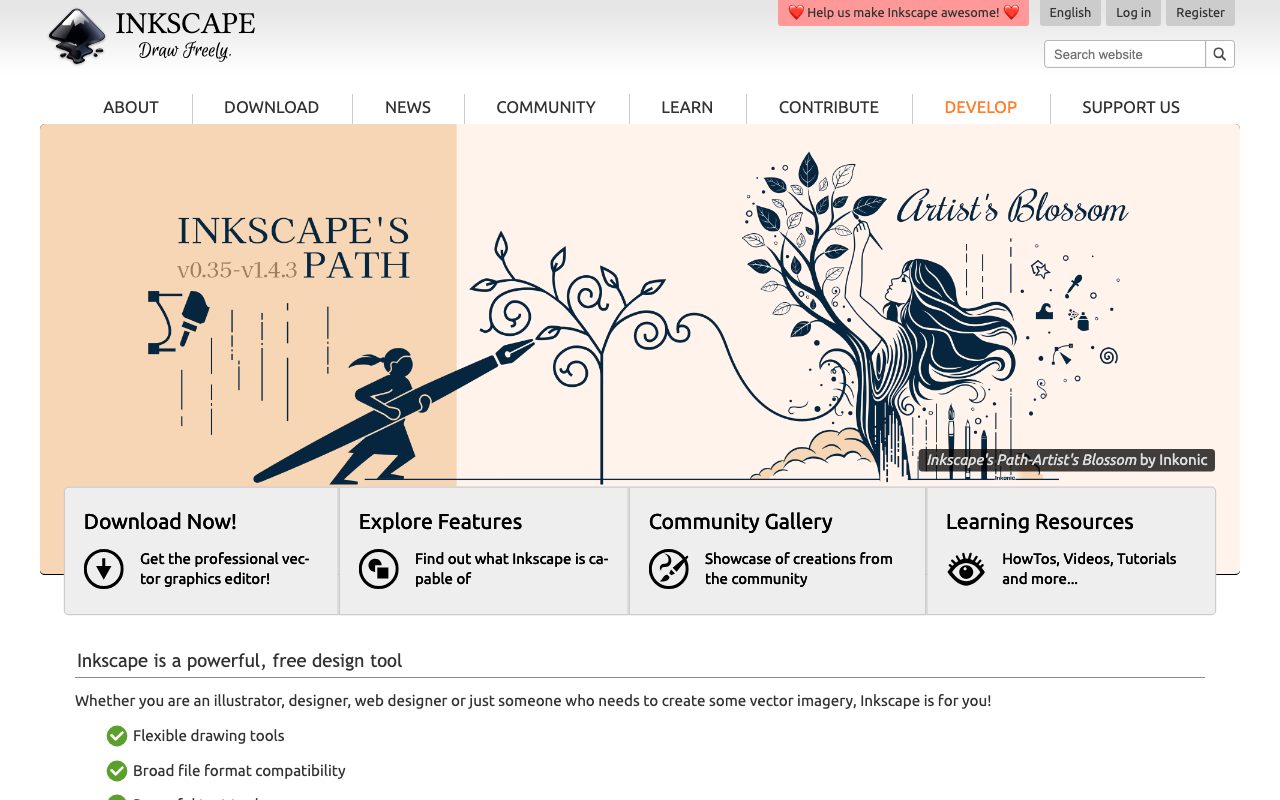
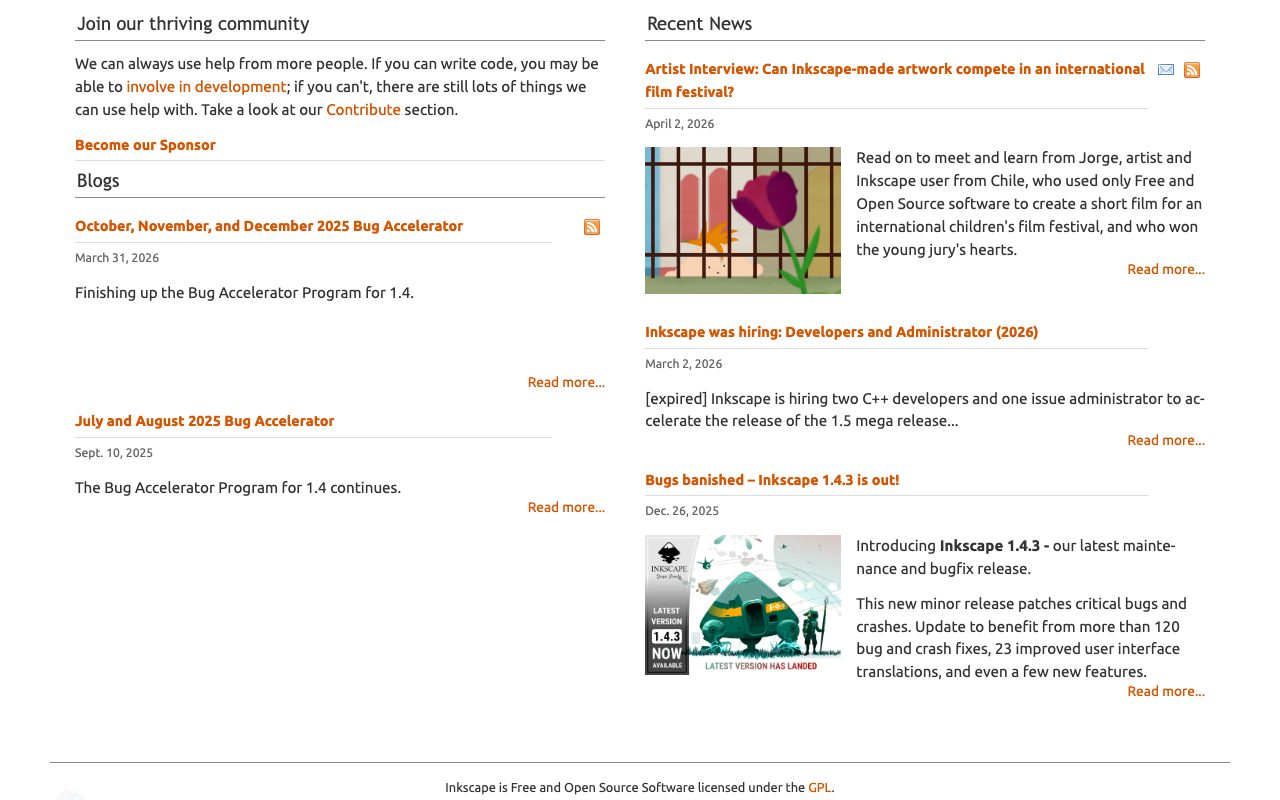
About Inkscape
Inkscape is a free, open source vector graphics editor for Linux, macOS, and Windows. It's one of the longest running open source design tools, with roots going back to 2003. Inkscape is the go-to alternative when you can't or won't pay for Adobe Illustrator.
The pitch is straightforward. Inkscape is a serious vector editor that costs nothing and runs everywhere. It supports SVG natively, exports to most common formats, and has a community of users from icon designers to scientific illustrators.
What Inkscape actually does
Inkscape edits vector graphics, the kind of art made of paths and shapes rather than pixels. You build illustrations, icons, logos, posters, technical diagrams, and even simple typography on a vector canvas. Files save natively as SVG, which makes Inkscape a strong fit for web and print workflows.
The toolset covers shape primitives, the bezier pen, node editing, boolean operations, gradients, patterns, filters, and a deep set of object operations. Layers, snapping, and grids cover the structural side. Import and export support most common formats including PDF, EPS, AI, PNG, JPG, and DXF.
Who Inkscape is built for
Inkscape is built for anyone who needs vector tools but doesn't want a subscription. That includes students, hobbyists, indie game devs, scientists making figures, open source contributors making icons, and freelancers on a budget.
It's not the easiest first vector editor. New users from Canva or Figma sometimes find Inkscape's UI dense. Once you learn it, the depth is comparable to commercial tools.
Inkscape pricing
Inkscape is free. There's no premium tier, no upsell, and no telemetry trying to convert you. The project runs on donations and volunteer development.
If you want to give back, the Inkscape Foundation accepts contributions. That's the only money the project asks for.
Features that define Inkscape
Native SVG editing means files round-trip cleanly through web tools, design systems, and code. Many developers prefer Inkscape because the saved file looks like clean SVG markup, not a binary blob.
The XML editor lets you tweak any element directly. Designers comfortable with web tech can drop into the markup, edit attributes, and pop back to the canvas. That's a real power feature.
Extensions add automation and special workflows. The community has built dozens, ranging from typography to scientific plotting to laser cutter export. Path effects let you build non-destructive editing chains.
Inkscape is proof that an open source app can compete with the commercial leader in capability if not always in polish.
Tradeoffs and rough edges
Performance on huge files is mixed. A complex illustration with thousands of nodes can stutter on lower-end machines. Recent versions have improved this, but it's still a known weakness.
The UI feels dated next to modern tools like Figma or Affinity Designer. Customizable, yes, but not as inviting on first launch.
Inkscape vs alternatives
Common comparisons are Inkscape versus Adobe Illustrator, Affinity Designer, and Figma. Illustrator is the industry standard with a subscription. Affinity Designer is a one time purchase with strong polish. Figma is more for UI than illustration.
Inkscape's edge is being free and open source. Read Inkscape vs Illustrator and browse the best free design tools.
Common questions about Inkscape
Is Inkscape really free for commercial work? Yes, the GPL license allows commercial use.
Can Inkscape open AI files? Sometimes. Newer Illustrator files use a binary format that Inkscape can't always parse fully.
Does Inkscape have AI features? Some extensions experiment with AI, but it's not the focus.
Bottom line on Inkscape
Inkscape is a real vector editor that costs nothing and respects your file ownership. It's a great fit for anyone allergic to Adobe's subscription. Compare more in Inkscape alternatives and tools for designers.
If you want to learn vector design without locking into a subscription, install it today and start clicking nodes.
Inkscape workflows
Icon design is one of Inkscape's strongest workflows. Set up a 24 by 24 grid, snap to pixels, and design icons that ship straight to your codebase as SVG. The output is small, clean, and editable.
Logo work also fits Inkscape well. The pen tool, node editor, and path operations cover everything you need for a vector logo. Export to PNG, PDF, or SVG with one shortcut.
Tips for productive Inkscape sessions
Learn the keyboard shortcuts. Inkscape has hundreds, and the productivity gap between menu users and keyboard users is huge. The official cheatsheet is worth printing out for the first month.
Lean on the XML editor when something looks off. Sometimes a stray attribute is the cause of weird rendering. Direct XML editing fixes problems faster than poking at the canvas.
Tutorial / Demo
Key Features
- Native SVG editing with full standard support
- Boolean path operations and node-level editing
- Live path effects with non-destructive transforms
- Python extension API for scripting and automation
- Bitmap tracing and calligraphy tools
- Cross-platform binaries plus AppImage and Flatpak
Pros & Cons
What we like
- Native SVG output, with no conversion step for the web
- Free with a permissive license and active community
- Strong precision tools for technical and engineering work
Room for improvement
- No cloud sync or multi-user collaboration
- UI feels less polished than commercial alternatives
Frequently Asked Questions
Is Inkscape really a full Illustrator replacement?
Does Inkscape work on Mac?
Inkscape vs Affinity Designer?
Can Inkscape open Adobe Illustrator files?
Is Inkscape good for icon design?
Best For
Featured in
Tags
Alternatives to Inkscape
View all
Krita
Free, open-source painting application built by and for digital illustrators, with a brush engine and animation timeline.
Affinity Designer
Professional vector and raster illustration app with one-time pricing, native apps on Mac, Windows, and iPad.

Photopea
Browser-based image editor that opens Photoshop, Sketch, XD, and PDF files without an install or account.
Penpot
Open-source design and prototyping platform built on web standards, with a self-hostable server and SVG-native files.
Our take
Tool Index Editorial · May 2026· 4.8/5
Inkscape positions itself as free, open-source vector graphics editor built around svg, with a deep tool set for illustration, logos, and technical drawing, and on the whole it earns the framing.
On the strengths side: Native SVG output, with no conversion step for the web, Free with a permissive license and active community, and Strong precision tools for technical and engineering work. What to watch for: No cloud sync or multi-user collaboration and UI feels less polished than commercial alternatives.
In short: Inkscape is a strong pick when you need designing logos, icons, and SVG illustrations, and a harder sell if no cloud sync or multi-user collaboration would be a dealbreaker.
Editorial opinion from the Tool Index team, written from the public product pages. Not a user review.
Reviews (9)
Best decision this quarter
Have been using Inkscape for a while, here's where I land. The biggest win has been native SVG output — no conversion step for the web. Worth calling out the cross-platform binaries plus AppImage and Flatpak too. Main use case: designing logos, icons, and SVG illustrations.
Onboarded the team in a day
Picked Inkscape for the lower price, stayed for the actual quality. The thing I keep coming back to: free with a permissive license and active community. It fits well for producing technical drawings and diagrams. Sticking with Inkscape.
Pros
- Native SVG output — no conversion step for the web
- Strong precision tools for technical and engineering work
- Free with a permissive license and active community
Best decision this quarter
The pitch for Inkscape sounded too good to be true. Mostly true. What stands out is how strong precision tools for technical and engineering work. Cross-platform binaries plus appimage and flatpak works the way you'd hope. Found it works best for producing technical drawings and diagrams. Would buy again without thinking twice.
Solid product, even better support
Inkscape has quietly become part of my daily flow. Honestly impressed by how strong precision tools for technical and engineering work. Mostly using it for generating SVG assets programmatically for the web. Worth the price for what I get out of it.
Worth the price of admission
Skeptical at first because Inkscape looked too simple. It's not. The thing I keep coming back to: strong precision tools for technical and engineering work. Their take on bitmap tracing and calligraphy tools is solid.
Pros
- Strong precision tools for technical and engineering work
- Native SVG output — no conversion step for the web
- Free with a permissive license and active community
Recommended without reservation
Tried half a dozen options before landing on Inkscape. The thing I keep coming back to: strong precision tools for technical and engineering work. Main use case: generating SVG assets programmatically for the web. Not perfect: UI feels less polished than commercial alternatives. Worth the price for what I get out of it.
Cons
- UI feels less polished than commercial alternatives
Did exactly what I needed
Took a few weeks for Inkscape to click, then it stuck. Genuine strength: strong precision tools for technical and engineering work. Mostly using it for generating SVG assets programmatically for the web. Worth the price for what I get out of it.
Pros
- Strong precision tools for technical and engineering work
Works, but I expected more polish
Inkscape has quietly become part of my daily flow. Where it really wins is free with a permissive license and active community. Got real value out of python extension API for scripting and automation. Mostly using it for designing logos, icons, and SVG illustrations. That said, no cloud sync or multi-user collaboration is a real gripe.
Pros
- Free with a permissive license and active community
Cons
- UI feels less polished than commercial alternatives
- No cloud sync or multi-user collaboration
Genuinely impressed
Have been using Inkscape for a while, here's where I land. Genuine strength: native SVG output — no conversion step for the web. The live path effects with non-destructive transforms is more useful than I expected. It fits well for designing logos, icons, and SVG illustrations. Sticking with Inkscape.
Badge builder
Add Inkscape to your website
Choose a badge style and size, preview it here, then copy the generated HTML. Badge images are self-contained SVGs and do not require an external script.

<a href="https://toolindex.net/tools/inkscape?ref=badge" target="_blank" rel="noopener">
  <img src="https://toolindex.net/badge/inkscape/medium.svg" alt="Inkscape - Listed on Tool Index" width="180" height="50" />
</a>How to use the badge
- 1. Pick the style, size, and theme that fit your layout.
- 2. Copy the generated HTML from the code block.
- 3. Paste it into your footer, homepage, or press page.
Score badge available
Inkscape qualifies for the score and circle badges based on its current top-10 positionin Design.
Badge clicks return visitors to this profile with a referral tag so the source remains identifiable.
Related Tools

Apatero Studio
Creator studio for AI image, video, audio, 3D, and avatars. Every model worth using, in one workspace.

Tailwind CSS
Rapidly build custom designs without leaving your HTML

Figma
Collaborative interface design tool

Marvel
Lightweight prototyping platform for turning images and screens into clickable mobile and web prototypes.
Work on Inkscape? Request listing access or correction