
mcp-behave
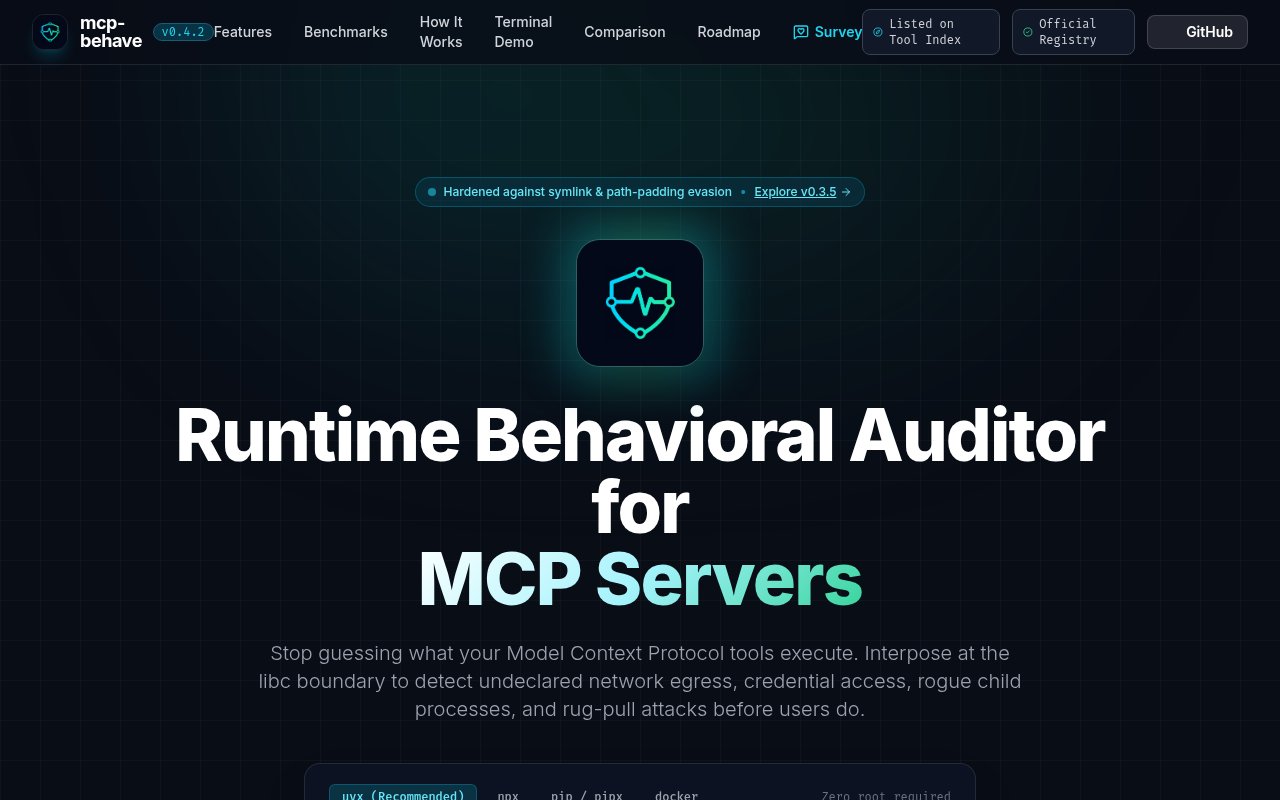
It's a security tool to audit any mcp-server for malicious code
Gallery
About mcp-behave
Featured in
Alternatives to mcp-behave

FlexInference
Deadline-aware LLM router that finds cheaper inference inside the time you allow
Tinybird
Real-time data analytics APIs built on ClickHouse
Turborepo
High-performance build system for JavaScript and TypeScript monorepos

Loops
Modern email platform built for SaaS teams, combining transactional, marketing, and lifecycle messages with a clean API.
Our take
Tool Index Editorial · Nov 2026· 3.5/5
mcp-behave audits MCP servers by running their advertised tools, resources, and prompts while tracing file access, network connections, and child processes. That runtime view can catch behavior a static scan of tool descriptions will miss, and its CI thresholding, SARIF output, symlink checks, and behavioral lockfiles make it relevant to teams evaluating third-party servers.
It is still an active execution harness for potentially hostile code, not a proof that a server is safe. Tests only observe the paths and inputs they exercise, while the site's zero-false-positive language is a claim rather than a guarantee. Run it in an isolated environment and pair it with code review and least-privilege deployment. As one layer in that process, it is promising.
Editorial opinion from the Tool Index team, written from the public product pages. Not a user review.
Reviews (0)
Badge builder
Add mcp-behave to your website
Choose a badge style and size, preview it here, then copy the generated HTML. Badge images are self-contained SVGs and do not require an external script.

<a href="https://toolindex.net/tools/mcp-behave?ref=badge" target="_blank" rel="noopener">
  <img src="https://toolindex.net/badge/mcp-behave/medium.svg" alt="mcp-behave - Listed on Tool Index" width="180" height="50" />
</a>How to use the badge
- 1. Pick the style, size, and theme that fit your layout.
- 2. Copy the generated HTML from the code block.
- 3. Paste it into your footer, homepage, or press page.
Standard badge available
The standard listing badge is available now. Score and circle badges are limited to tools currently ranked in the top 10 of a category.
Badge clicks return visitors to this profile with a referral tag so the source remains identifiable.
Related Tools

Kevin Gabeci
Solo developer building web apps, cozy browser games, and AI creator toolkits.

Coolify
Self-hostable, open source alternative to Heroku and Netlify

Warp
The modern terminal reimagined with AI and collaboration

Bolt.new
Prompt-to-deployed full-stack app inside the browser
Work on mcp-behave? Request listing access or correction