
p2p.kiwi
Share screens, voice, chat, and remote controls over an encrypted peer network
Gallery
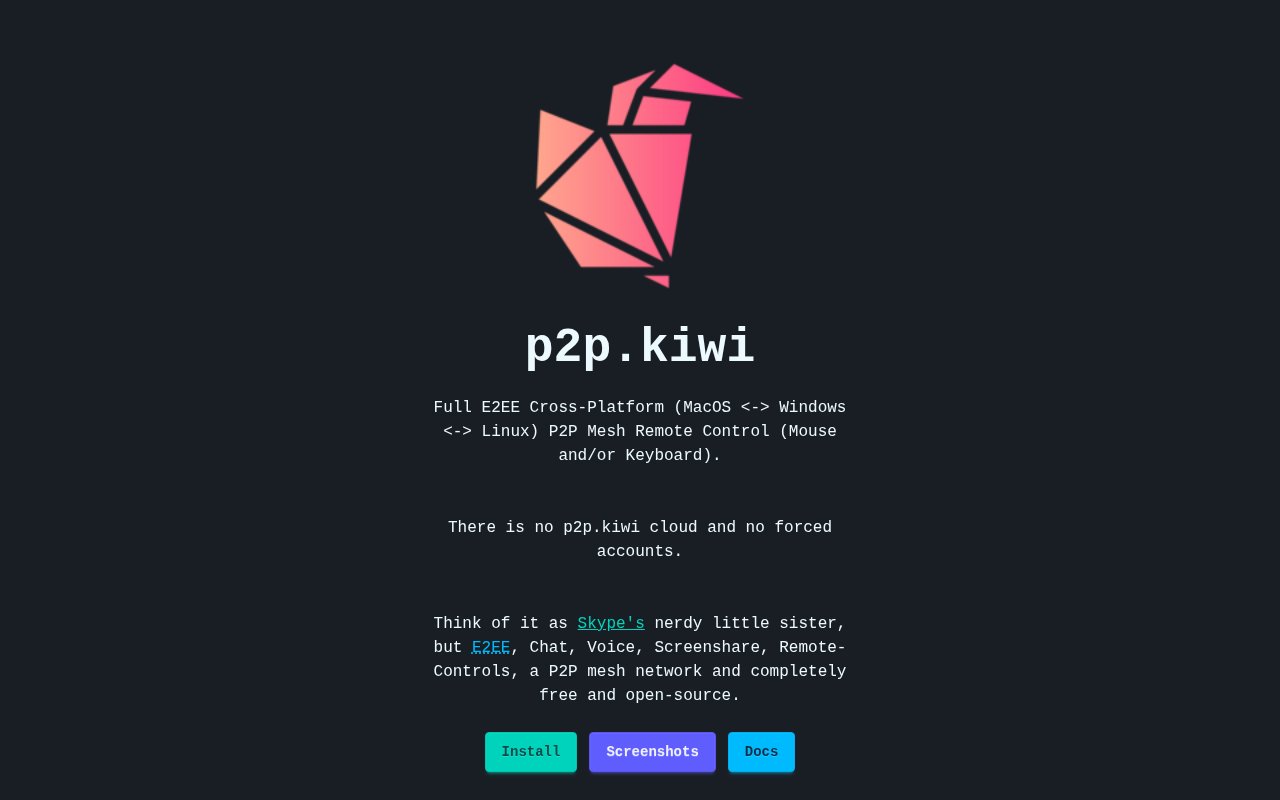
About p2p.kiwi
p2p.kiwi is a free, open-source desktop app for screen sharing, voice, chat, and remote control across macOS, Windows, and Linux. It connects participants through a peer-to-peer WebRTC mesh instead of placing chat and media behind a conventional application cloud. There are no forced user accounts, so a person can start with the desktop software and share an invitation with the people who should join. Mouse and keyboard control are part of the product, which moves it beyond passive screen broadcasting and makes it suitable for collaborative troubleshooting or hands-on help. The same core app serves each supported desktop platform, which is useful when helpers and recipients don't use the same operating system.
The network design is the main reason to consider it. p2p.kiwi doesn't run an application signaling server for room content. Instead, invite URLs carry the WebRTC session description out of band, while STUN and optional TURN services help peers establish connectivity. That distinction doesn't mean every packet always travels directly between two machines. A TURN relay can still be needed when firewalls or network address translation prevent a direct route, and infrastructure can observe connection metadata. It does mean the service isn't built around a central p2p.kiwi account, chat store, or media-key server. The invitation itself is consequently important session material. People need another channel to deliver it to intended participants, and the lack of an account directory means p2p.kiwi doesn't perform that social trust step for them.
Calls and shared content use more than WebRTC's normal transport protection. The project's documentation describes an end-to-end encryption design where Message Layer Security manages group membership and keys, then SFrame protects audio and video frames. DTLS-SRTP still secures the WebRTC transport underneath that layer. This architecture matters for groups because membership changes can produce new encryption epochs rather than relying on a single static room secret. The project's MLS implementation sits behind a RoomCrypto interface, and separate exported keys are used for media and high-frequency application traffic. The implementation and threat model are documented in public, which gives technically minded users a way to inspect what the app protects as well as what network helpers can still see.
In a session, people can combine screen sharing with voice and text chat, then grant remote mouse or keyboard input when active assistance is needed. A mesh room supports more than a one-way presenter and viewer arrangement, while the open repository identifies multi-cursor work and pair programming among the project's intended uses. The app also includes a native overlay helper for always-on-top, click-through cursor overlays. Its documentation keeps that helper behind the Electron main process rather than letting the renderer execute sidecar commands. That makes the tool a fit for developers reviewing a problem together, friends helping with desktop setup, or small groups that want a private alternative to account-based meeting tools. Users should still treat remote control as a sensitive permission and share invitations only through a trusted channel.
Distribution is unusually broad for a younger open-source desktop utility. The project publishes prebuilt Linux packages in DEB, AppImage, Flatpak, and Snap formats, plus a universal DMG for macOS and a Windows installer. Homebrew and Chocolatey routes are documented, and a Windows Store option is linked from the install page. People who prefer to inspect a release before installing can also use the public GitHub releases page. Some package channels are maintained by third parties rather than by the core project, and the installation guide explicitly tells readers to review them. Linux remote input can also need a udev rule so the app can read keyboard events. The docs include a macOS checklist for overlays, permissions, and an emergency stop, which reflects the extra care that remote input deserves.
p2p.kiwi is released under the MIT license and the public repository accepts contributions. Its source, security policy, privacy policy, terms, build configuration, and issue tracker are all linked from the project repository. There is no paid plan or hosted account tier described on the product site, so its access model is best understood as open source rather than freemium. The tradeoff is that users take on more responsibility for installation, operating-system permissions, network conditions, and judging the trustworthiness of a developing project. For people who value cross-platform reach, visible security design, and the absence of mandatory accounts, it offers a practical combination that many browser meeting products don't.
Key Features
- Cross-platform screen sharing
- Encrypted voice and text chat
- Remote mouse and keyboard control
- Peer-to-peer WebRTC mesh
- Account-free room invitations
- MLS and SFrame encryption
Pros & Cons
What we like
- Works across macOS, Windows, and Linux
- Requires no central user account
- Publishes its encryption design and source
- Includes active remote control tools
Room for improvement
- Operating-system permissions require careful setup
- Some package channels are third-party maintained
- TURN relays can still observe connection metadata
- Linux remote input may need manual rules
Frequently Asked Questions
What is p2p.kiwi?
Is p2p.kiwi free?
Does p2p.kiwi require an account?
Is p2p.kiwi fully peer to peer?
Best For
Featured in
Alternatives to p2p.kiwi

ChatDash
White-label platform to deliver, manage, and monetize AI voice agents under your own brand

CalendHub
Smart scheduling and calendar management for teams

Zoom
The default video meeting tool of the post-2020 internet

Substack
Hosted newsletter and publication platform with built-in payments, recommendations, and an audience network for writers.
Our take
Tool Index Editorial · Oct 2026· 4.0/5
p2p.kiwi combines screen sharing, voice, chat, visible participant cursors, and optional remote control in an account free desktop app. It is useful for pair programming and remote support across macOS, Windows, and Linux. We found more technical candor than usual, with public documentation for its WebRTC mesh, MLS and SFrame design, process boundaries, threat model, and emergency stop behavior.
The app is free and open source. Its privacy story is good but not absolute. STUN or TURN services can still see connection metadata, remote input needs sensitive operating system permissions, and some Linux setups need manual work. The captured pages do not point to an independent security audit. Technical users get an inspectable alternative to opaque remote access tools, but high risk deployments should treat the security claims cautiously.
Editorial opinion from the Tool Index team, written from the public product pages. Not a user review.
Reviews (0)
Badge builder
Add p2p.kiwi to your website
Choose a badge style and size, preview it here, then copy the generated HTML. Badge images are self-contained SVGs and do not require an external script.

<a href="https://toolindex.net/tools/p2p-kiwi?ref=badge" target="_blank" rel="noopener">
  <img src="https://toolindex.net/badge/p2p-kiwi/medium.svg" alt="p2p.kiwi - Listed on Tool Index" width="180" height="50" />
</a>How to use the badge
- 1. Pick the style, size, and theme that fit your layout.
- 2. Copy the generated HTML from the code block.
- 3. Paste it into your footer, homepage, or press page.
Standard badge available
The standard listing badge is available now. Score and circle badges are limited to tools currently ranked in the top 10 of a category.
Badge clicks return visitors to this profile with a referral tag so the source remains identifiable.
Related Tools
Substack
Hosted newsletter and publication platform with built-in payments, recommendations, and an audience network for writers.

MailerLite
Friendly, affordable email marketing tool with newsletters, automations, landing pages, and a growing creator toolkit.

Twist
Calmer team messaging where threads replace the firehose of channels

Zulip
Threaded team chat that treats topics as a first-class concept
Work on p2p.kiwi? Request listing access or correction