Paper
CLI journaling tool for developers to log daily work and generate standups from entries
Gallery
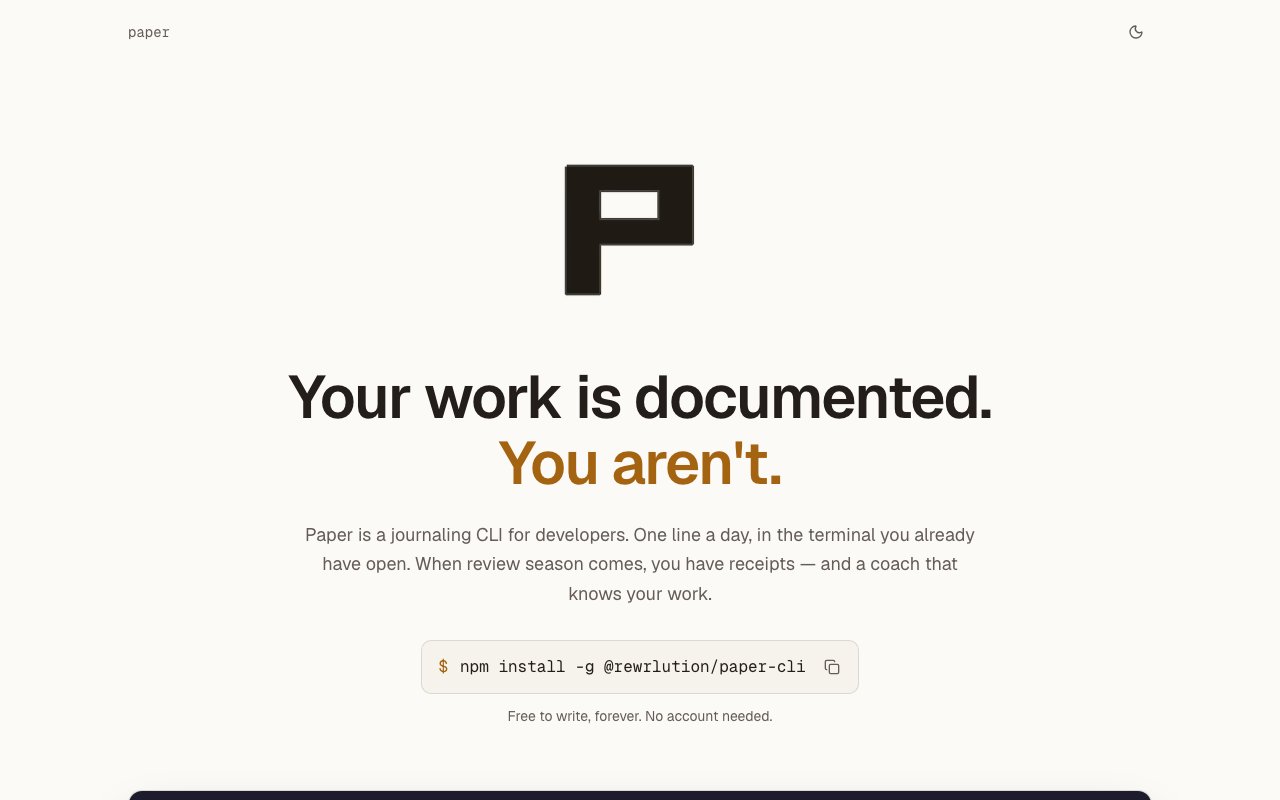
About Paper
Paper is a command-line journaling tool built specifically for software developers who want to document their work without leaving the terminal. It captures daily entries as local markdown files, letting you log what you shipped with a simple command like paper log shipped the migration. But the real value isn't just tracking tasks completed. Paper focuses on recording the reasoning and context behind decisions, which is exactly what performance reviews, promotion packets, and career interviews demand but what most developers forget to document in the moment. Your tools remember what shipped. They don't remember why. Paper exists to fill that gap.
The tool integrates directly into a terminal-centric workflow. Running paper list shows your entries, and everything stays as plaintext markdown files on your local disk. There's no mandatory cloud sync, no account required to start using it, and no network dependency for basic journaling. You own your files completely. This local-first architecture means your work documentation lives where you control it, not locked inside someone else's platform or format. The markdown format ensures your entries remain readable and portable without requiring the Paper tool itself. You could open those files in any text editor ten years from now and they'd still make sense.
Where Paper gets interesting is the optional AI layer. When enabled, the tool asks follow-up questions after you log an entry, prompting you to articulate why you made certain decisions rather than just what you did. This turns quick notes into richer records of professional judgment. Instead of a sparse log that says shipped database migration, the AI nudging helps you capture details like why you chose that approach over alternatives, what constraints you were working within, and what you learned from the process. These details are exactly what you'll need when you're trying to explain your impact six months later.
The paper recap command generates weekly standup summaries from your journal history. Rather than scrambling to remember what you did last week or scrolling through git logs trying to reconstruct your contributions, you can pull a coherent summary directly from your documented work. The paper coach command takes this further by providing personalized career guidance based on the patterns in your logged work. This isn't generic advice pulled from a database. The coaching draws from your actual recorded history of decisions and accomplishments to give relevant, contextualized feedback on your professional development.
The target audience is developers who already live in the terminal and want something that fits that environment without friction. If you've ever scrambled before a performance review trying to remember what you accomplished over the past six months, or struggled to articulate your impact during a promotion discussion, Paper addresses that problem by building the documentation habit into your daily workflow. The low overhead of logging through a command makes it practical to capture entries throughout the day rather than trying to reconstruct everything at week's end. The AI features amplify this habit by extracting more value from each entry without requiring more effort upfront.
Paper differentiates itself by solving a specific documentation gap that most tools ignore. Your project management software tracks what shipped, your git history shows what changed, but neither captures why you made the choices you made. That reasoning is what actually demonstrates your judgment and growth as an engineer, and it's what gets lost when you rely on task completion records alone. Paper explicitly fills this hole. The one-line logging interface minimizes friction so you'll actually use it, while the AI follow-ups help you capture depth that pure habit wouldn't produce.
Pricing keeps the core functionality permanently free. Local journaling, reading, and searching have no limits and no network requirements. You can use Paper indefinitely without ever paying or creating an account. The paid tier unlocks the AI features like follow-up questions, weekly recaps, and career coaching, along with multi-device sync for accessing your journal across machines. There's a two-week trial that doesn't require a credit card, so you can test the AI capabilities and determine whether they're valuable for you before committing to any payment. The explicit promise on the site is that journaling itself will always be free, ensuring the core habit-building tool remains accessible regardless of whether you want the premium features.
Key Features
- One line terminal entries to markdown files
- Interactive prompts for reasoning capture
- Local storage with no network required
- AI generated standup recaps from entries
- Personalized coaching based on logged history
- Multi device sync for paid users
Pros & Cons
What we like
- Entries stay as local markdown files you control
- AI features wait for confirmation before saving
- Captures decision context that tools like Jira miss
- Simple CLI fits naturally into terminal workflows
Room for improvement
- Requires Node 20 or higher to install
- Sync and AI features need a paid subscription
- Value depends on consistency of daily logging
- Small studio with limited support resources
Frequently Asked Questions
What is Paper?
Is Paper free?
Who is Paper for?
Does Paper require an account?
Best For
Featured in
Alternatives to Paper
View allCursor
VS Code fork built around an AI pair-programmer

Sanity
Composable content platform with a customizable studio, real-time collaboration, and a queryable structured content backend.

PostHog
All-in-one product analytics, feature flags, and session replay
Cloudflare Pages
Free Jamstack hosting on Cloudflares edge with unlimited bandwidth and tight integration with Workers.
Reviews (0)
Badge builder
Add Paper to your website
Choose a badge style and size, preview it here, then copy the generated HTML. Badge images are self-contained SVGs and do not require an external script.

<a href="https://toolindex.net/tools/paper?ref=badge" target="_blank" rel="noopener">
  <img src="https://toolindex.net/badge/paper/medium.svg" alt="Paper - Listed on Tool Index" width="180" height="50" />
</a>How to use the badge
- 1. Pick the style, size, and theme that fit your layout.
- 2. Copy the generated HTML from the code block.
- 3. Paste it into your footer, homepage, or press page.
Standard badge available
The standard listing badge is available now. Score and circle badges are limited to tools currently ranked in the top 10 of a category.
Badge clicks return visitors to this profile with a referral tag so the source remains identifiable.
Related Tools

Kevin Gabeci
Solo developer building web apps, cozy browser games, and AI creator toolkits.

Coolify
Self-hostable, open source alternative to Heroku and Netlify

Warp
The modern terminal reimagined with AI and collaboration

Bolt.new
Prompt-to-deployed full-stack app inside the browser
Work on Paper? Request listing access or correction