Penpot
Open-source design and prototyping platform built on web standards, with a self-hostable server and SVG-native files.
Gallery
About Penpot
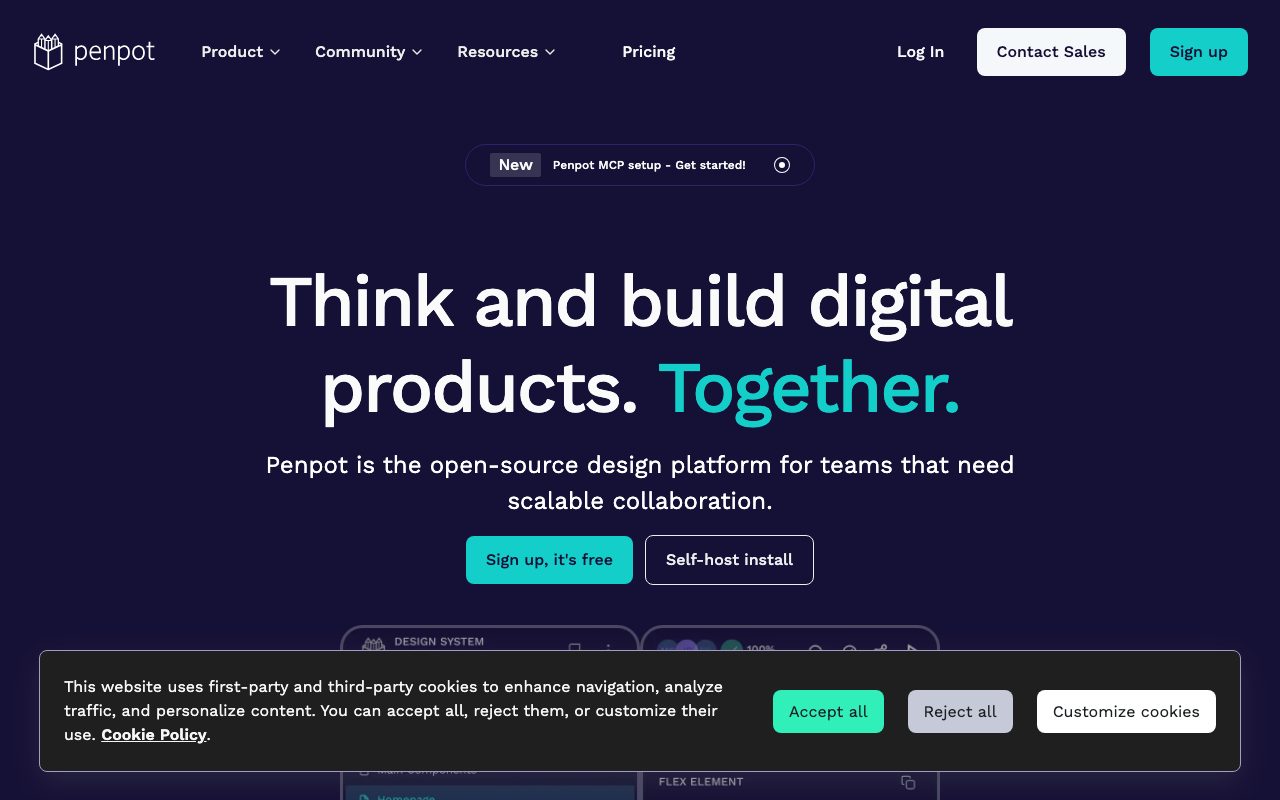
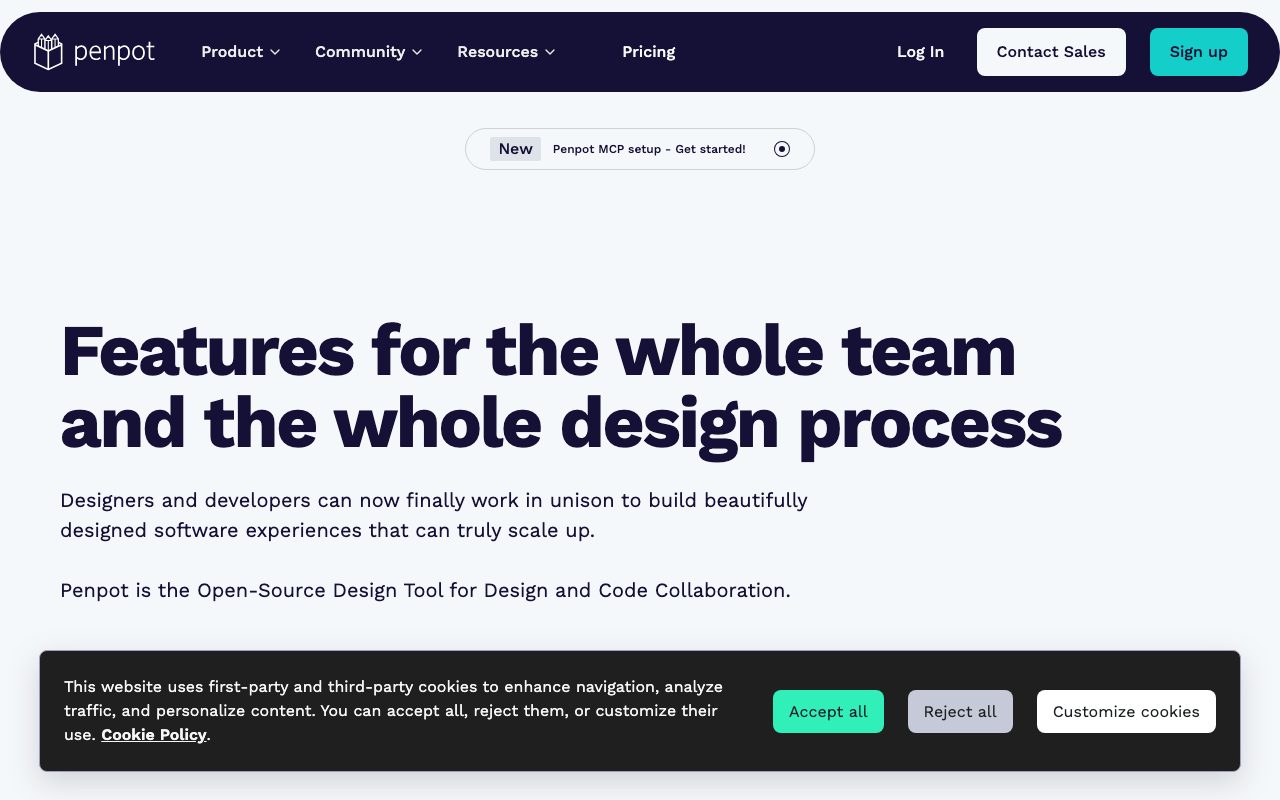
Penpot is an open source design and prototyping platform built for designers and developers to collaborate on the same canvas. It's the most popular open source alternative to Figma, with a real product team behind it at Kaleidos. Penpot runs in the browser and can be self-hosted for teams that need full data control.
The pitch is design tooling without lock-in. Penpot stores files in open formats, supports SVG natively, and keeps everything web-standard so handoff to developers feels less like an export and more like reading the source.
What Penpot actually does
Penpot covers the same surface as Figma. You design UI in browser, build components, share files in a workspace, and prototype interactions. There's a flex layout system, design tokens, plugins, and a clean handoff view for developers.
Self-hosting is a first-class option. You can run Penpot on your own server with Docker, keep all design data on your infrastructure, and skip cloud terms entirely. The cloud version is also free for individuals and paid only at scale.
Who Penpot is built for
Penpot is built for designers and developers who care about open standards. That includes design teams in regulated industries, open source projects, public sector teams, and companies that don't want to bet a workflow on a closed format.
It's also a great fit for cost-sensitive teams. The free cloud tier covers a lot of ground, and self-hosting eliminates per-seat fees entirely.
Penpot pricing
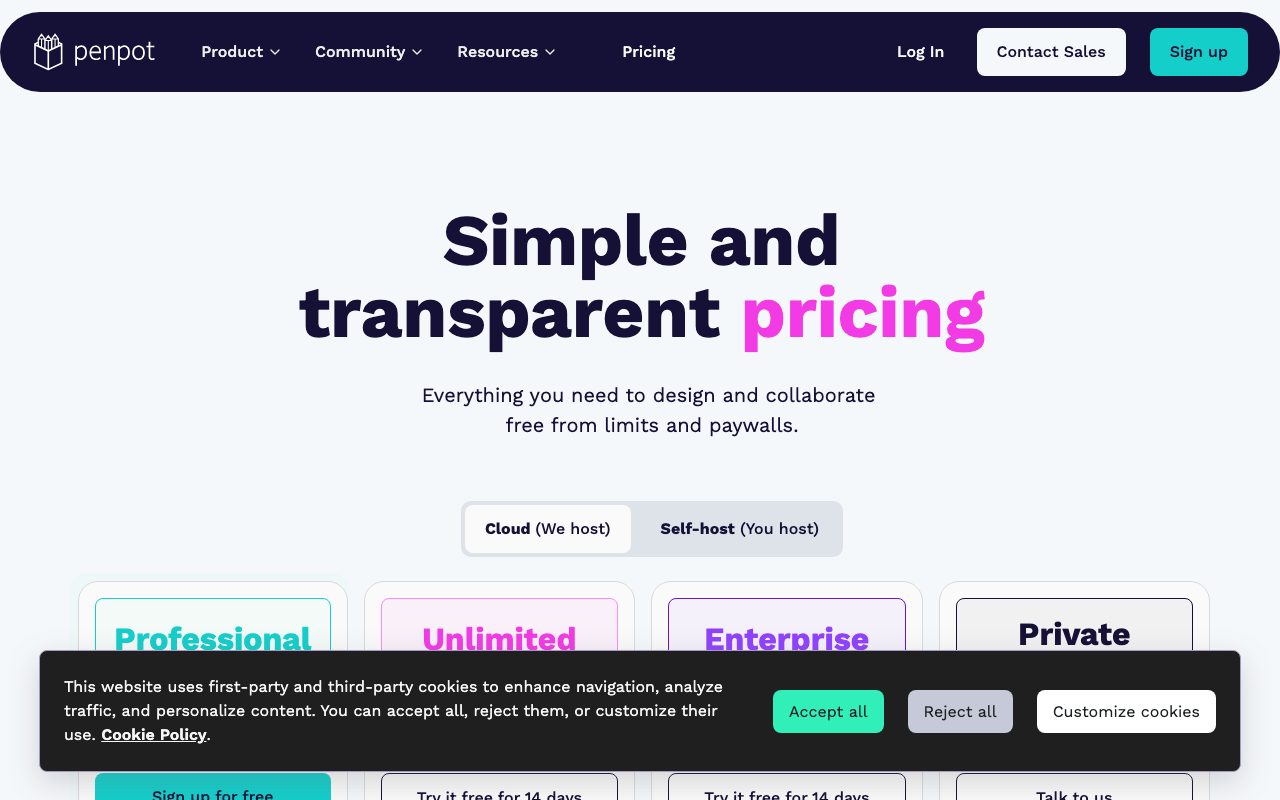
The cloud version has a free tier and paid tiers for teams that want more storage, advanced permissions, and SSO. Self-hosting is free under the open source license.
For teams big enough to feel Figma's per-seat math, Penpot's open source path can be a real cost saver. Compare it against Penpot alternatives when running the numbers.
Features that define Penpot
Design tokens are first class. You define colors, spacing, and typography as tokens, sync them with code, and keep the design and codebase in lockstep. The W3C draft tokens spec is supported natively.
Components and variants work like in Figma. You build a component, drop instances, override props, and keep the whole library consistent. The component panel is fast and predictable.
Real-time multi-user editing lets a team work on the same file. Plugins extend the editor with custom workflows for handoff, code generation, and more. Prototyping covers basic flows for product reviews.
Penpot has the cleanest open source story in the design tool space. If your organization sweats vendor lock-in, it's the obvious pick.
Tradeoffs and rough edges
Penpot is younger than Figma and not every advanced feature is at parity. Animation, AI features, and the plugin ecosystem are smaller. Most core workflows are covered, but power users sometimes hit limits.
Self-hosting is a real responsibility. You need someone to run the server, manage upgrades, and handle backups. The trade is full control versus operational overhead.
Penpot vs alternatives
The big comparisons are Penpot versus Figma, Sketch, and Lunacy. Figma is the market leader. Sketch is Mac-only and has a loyal niche. Lunacy is a free Sketch-compatible tool.
Penpot's edge is open source, self-hosting, and open formats. Read Penpot vs Figma and the best Figma alternatives.
Common questions about Penpot
Is Penpot really free? The cloud tier is free at small sizes. Self-hosting is fully free under the license.
Can Penpot import Figma files? Import support has improved a lot recently. Complex files may need cleanup.
Does Penpot have plugins? Yes, the plugin system is live and growing.
Bottom line on Penpot
Penpot is the open source design tool that keeps getting better. It's a real option for teams that don't want to lock into a cloud-only format. Browse tools for designers for the wider stack.
If you've ever winced at Figma's pricing or terms, run a real project through Penpot.
Penpot in design system teams
Design systems teams use Penpot for shared component libraries with code-driven tokens. The tokens spec means designers and developers reference the same source of truth. A theme change updates both worlds at once.
The handoff view shows CSS, measurements, and exportable assets. Developers don't need a Penpot license to inspect a public design. That keeps engineering velocity high without per-seat overhead.
Self-hosting considerations
Self-hosting Penpot needs Docker or Kubernetes plus a Postgres database, Redis, and object storage. The official Docker Compose setup runs locally with one command. Production deployments add backups, TLS, and monitoring.
Upgrades are usually smooth, but plan a maintenance window for major version jumps. The release notes call out breaking changes clearly. Self-hosting is real ops work, so weigh it against the cloud price before committing.
Tutorial / Demo
Key Features
- SVG and CSS native file format
- Self-hostable server under AGPL license
- Real-time multiplayer editing with comments
- Components, design tokens, and shared libraries
- Built-in prototyping with interactive transitions
- Developer handoff with inspectable CSS code
Pros & Cons
What we like
- Truly open source, self-hostable, and inspectable
- Web-standards file format avoids vendor lock-in
- Free unlimited use for individuals and small teams in cloud
Room for improvement
- Smaller plugin and integration ecosystem than incumbents
- Some advanced design features still trail commercial peers
Frequently Asked Questions
Is Penpot truly free and open source?
Penpot vs Figma, can it really replace it?
Can I self-host Penpot?
Does Penpot use SVG natively?
Can I import Figma files into Penpot?
Best For
Featured in
Tags
Alternatives to Penpot
View all
Figma
Collaborative interface design tool

Excalidraw
Free hand-drawn whiteboard with collaboration and an embeddable editor
Sketch
Mac-native vector design app that pioneered the modern UI workflow with symbols, shared libraries, and a deep plugin ecosystem.
Coolors
Color palette generator with keyboard-driven exploration, contrast checks, image extraction, and shareable palette links.
Our take
Tool Index Editorial · May 2026· 4.7/5
Penpot is the kind of tool you adopt when you want open-source design and prototyping platform built on web standards, with a self-hostable server and svg-native files.
On the strengths side: Truly open source, self-hostable, and inspectable, Web-standards file format avoids vendor lock-in, and Free unlimited use for individuals and small teams in cloud. Honest gripes: Smaller plugin and integration ecosystem than incumbents and Some advanced design features still trail commercial peers.
In short: Penpot is a strong pick when you need privacy-conscious teams who must self-host design files, and a harder sell if smaller plugin and integration ecosystem than incumbents would be a dealbreaker.
Editorial opinion from the Tool Index team, written from the public product pages. Not a user review.
Reviews (3)
Three months in, here's the verdict
Penpot has quietly become part of my daily flow. Where it really wins is truly open source — self-hostable and inspectable. Components, design tokens, and shared libraries works the way you'd hope. Mostly using it for organizations exporting designs directly to web code. Not perfect but better than the alternatives I tried.
Pros
- Truly open source — self-hostable and inspectable
- Web-standards file format avoids vendor lock-in
Cons
- Smaller plugin and integration ecosystem than incumbents
- Some advanced design features still trail commercial peers
Bought it for one feature, stayed for ten
Adopted Penpot for one project, ended up using it for more. The thing I keep coming back to: truly open source — self-hostable and inspectable. Main use case: privacy-conscious teams who must self-host design files. Would buy again without thinking twice.
Pros
- Web-standards file format avoids vendor lock-in
Penpot, better than expected
Almost a year of using Penpot, here's what holds up. Honestly impressed by how truly open source — self-hostable and inspectable. It fits well for educators teaching design without licensing constraints. One thing that bugs me: some advanced design features still trail commercial peers. Easy yes for anyone weighing the same trade-offs.
Cons
- Smaller plugin and integration ecosystem than incumbents
Badge builder
Add Penpot to your website
Choose a badge style and size, preview it here, then copy the generated HTML. Badge images are self-contained SVGs and do not require an external script.

<a href="https://toolindex.net/tools/penpot?ref=badge" target="_blank" rel="noopener">
  <img src="https://toolindex.net/badge/penpot/medium.svg" alt="Penpot - Listed on Tool Index" width="180" height="50" />
</a>How to use the badge
- 1. Pick the style, size, and theme that fit your layout.
- 2. Copy the generated HTML from the code block.
- 3. Paste it into your footer, homepage, or press page.
Standard badge available
The standard listing badge is available now. Score and circle badges are limited to tools currently ranked in the top 10 of a category.
Badge clicks return visitors to this profile with a referral tag so the source remains identifiable.
Related Tools

Apatero Studio
Creator studio for AI image, video, audio, 3D, and avatars. Every model worth using, in one workspace.

Tailwind CSS
Rapidly build custom designs without leaving your HTML
Figma
Collaborative interface design tool

Marvel
Lightweight prototyping platform for turning images and screens into clickable mobile and web prototypes.
Work on Penpot? Request listing access or correction