
PixelVault
Agent-first image hosting for developers
Gallery
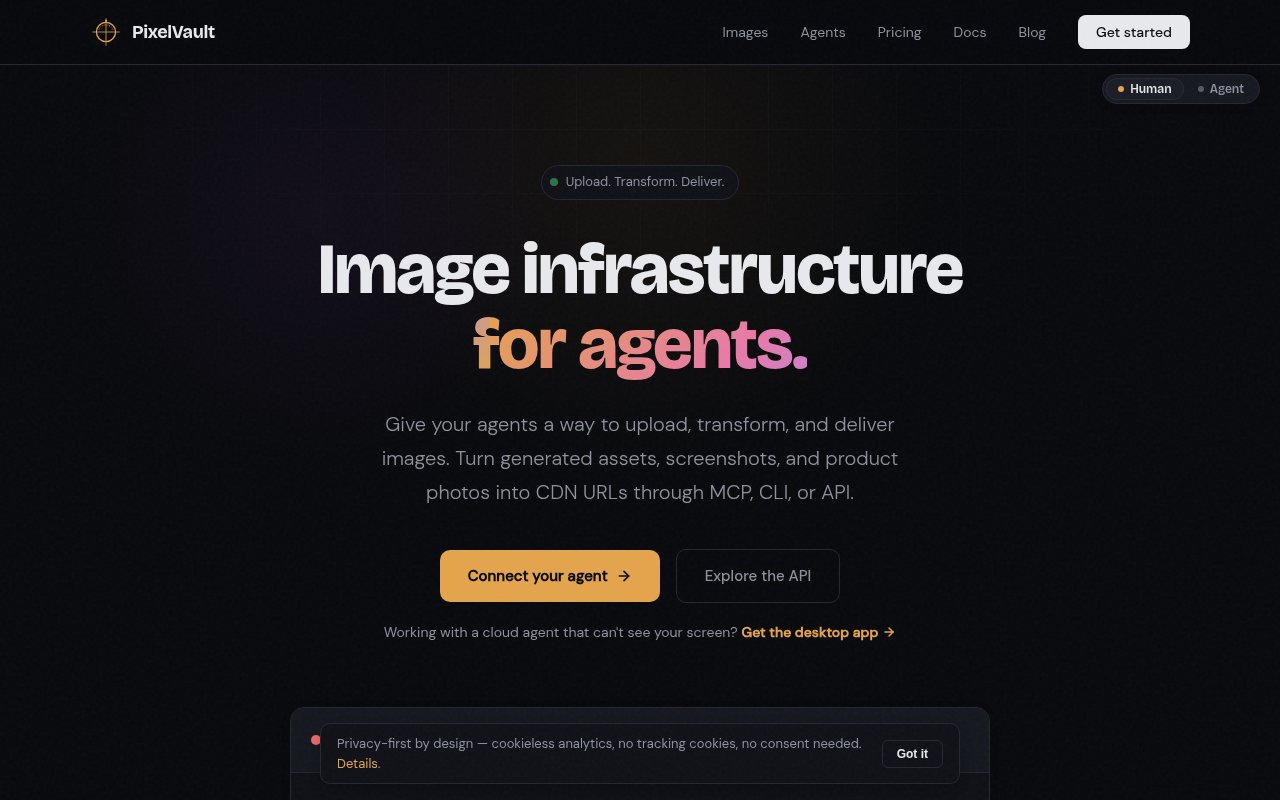
About PixelVault
Featured in
Alternatives to PixelVault

FlexInference
Deadline-aware LLM router that finds cheaper inference inside the time you allow
MongoDB Atlas
The fully-managed cloud version of MongoDB with built-in search, vector search, time series, and serverless tiers.
Turborepo
High-performance build system for JavaScript and TypeScript monorepos

Loops
Modern email platform built for SaaS teams, combining transactional, marketing, and lifecycle messages with a clean API.
Our take
Tool Index Editorial · Nov 2026· 3.5/5
PixelVault is media hosting built for developers and coding agents, with uploads through an API, CLI, SDK or MCP connection. It turns local images, video and audio into hosted URLs, then adds image transforms, background removal, video conversion, transcripts and storyboards. We like the practical focus on getting an asset from an agent into a working product, plus the option to export the library later.
The free plan includes 200 MB of storage, 500 uploads, 1 GB of bandwidth and 1,000 transforms a month. Starter is $9 a month for 5 GB, while Pro is $29. Those limits are clear, but the free bandwidth is small and anonymous uploads are public and removed within 24 hours. Custom domains and several team features are still marked as coming soon, so PixelVault is better for lean workflows than for teams that need mature media governance today.
Editorial opinion from the Tool Index team, written from the public product pages. Not a user review.
Reviews (0)
Badge builder
Add PixelVault to your website
Choose a badge style and size, preview it here, then copy the generated HTML. Badge images are self-contained SVGs and do not require an external script.

<a href="https://toolindex.net/tools/pixelvault?ref=badge" target="_blank" rel="noopener">
  <img src="https://toolindex.net/badge/pixelvault/medium.svg" alt="PixelVault - Listed on Tool Index" width="180" height="50" />
</a>How to use the badge
- 1. Pick the style, size, and theme that fit your layout.
- 2. Copy the generated HTML from the code block.
- 3. Paste it into your footer, homepage, or press page.
Standard badge available
The standard listing badge is available now. Score and circle badges are limited to tools currently ranked in the top 10 of a category.
Badge clicks return visitors to this profile with a referral tag so the source remains identifiable.
Related Tools

Kevin Gabeci
Solo developer building web apps, cozy browser games, and AI creator toolkits.

Coolify
Self-hostable, open source alternative to Heroku and Netlify
Hetzner
High-performance European cloud hosting at unbeatable prices

Warp
The modern terminal reimagined with AI and collaboration
Work on PixelVault? Request listing access or correction