Punter.js
Single-file JavaScript game engine designed to teach programming through browser games
Gallery
About Punter.js
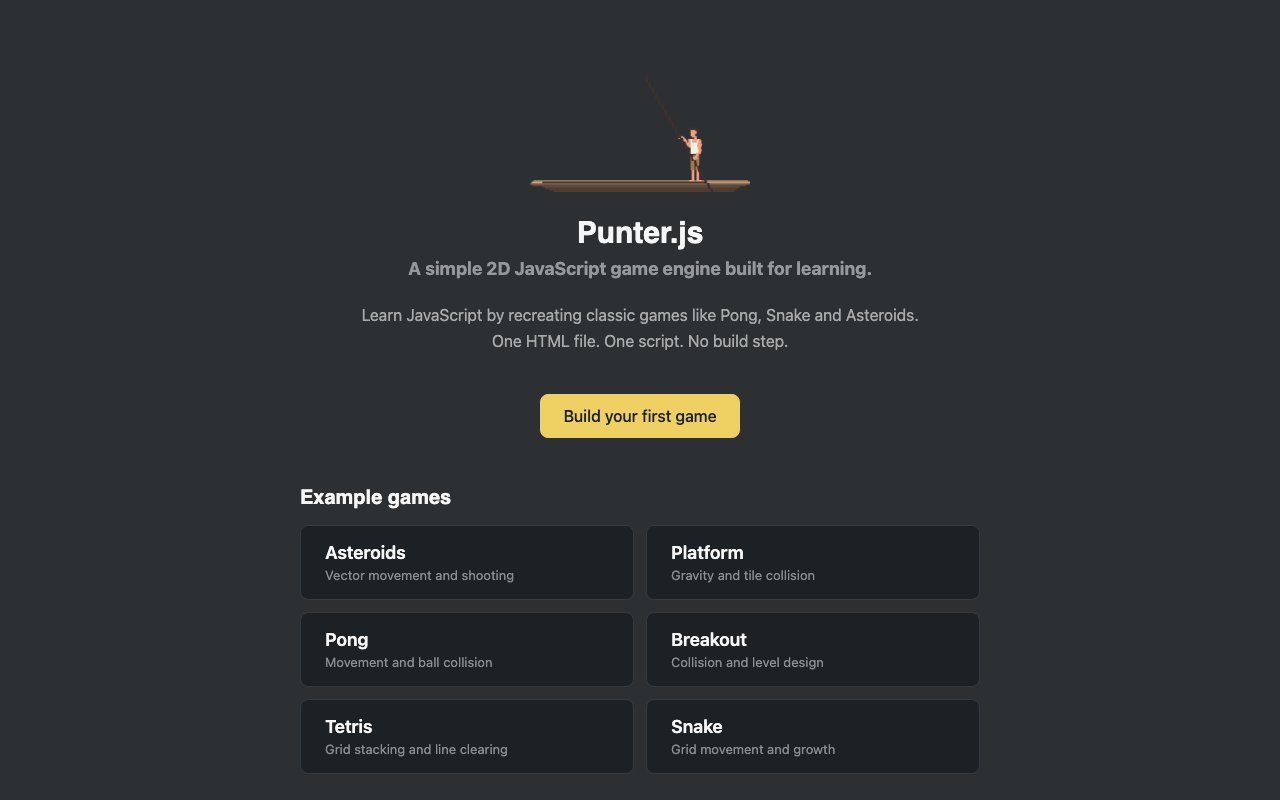
Learning game development often means either wading through documentation for engines built for commercial production with features that overwhelm beginners, or piecing together scattered tutorials that never quite connect into a complete picture. Punter.js takes a different approach by providing a teaching-focused JavaScript game engine designed explicitly for students rather than professional studios. Instead of overwhelming learners with rendering pipelines, asset management systems, and production-grade features they won't need for years, the engine emphasizes core concepts through six complete game implementations that demonstrate fundamental mechanics. Everything runs directly in the browser through an interactive studio where students can play each game, read the source code, make modifications, and immediately see how their changes affect behavior.
The game collection covers classics that most people recognize instantly, which removes the cognitive overhead of learning both game rules and programming concepts simultaneously. Pong teaches basic movement and collision detection through familiar paddle and ball mechanics that everyone understands from first sight. Students can trace exactly how the ball bounces off walls and paddles, then modify collision boundaries or ball speed to build intuition about how detection code translates into game feel. Snake demonstrates grid-based movement and state management as the player grows longer with each piece of food consumed. The growing tail creates natural complexity that requires tracking state across time, introducing data structure concepts through a concrete visual problem.
Breakout builds on collision concepts while introducing destructible objects and the early seeds of level design thinking. Students see how a grid of blocks responds to ball impacts, with each collision triggering removal logic. A platformer example covers gravity physics, jumping mechanics, and the kind of momentum systems that power countless side-scrolling games. This introduces continuous physics simulation rather than the discrete grid movements of Snake, showing students how frame-by-frame position updates create the illusion of smooth motion. Asteroids brings in vector-based movement, rotation controls, and projectile systems where objects move in straight lines rather than responding to grid constraints. Tetris completes the collection with piece rotation mechanics, line clearing logic, and the spatial reasoning that makes falling block games engaging.
The studio environment runs entirely in the browser without installation requirements, environment configuration, or dependency management. Students see a code editor panel alongside a game preview canvas, with a Run button that executes the current code state immediately. This instant feedback removes the friction that often frustrates beginners, where setting up development environments consumes more time than writing actual game code. A Reset option reverts changes when experiments go sideways, encouraging fearless modification since mistakes cost nothing more than a button click to undo. A Download feature saves current projects locally for continued work or submission as coursework.
Each game example structures its code to teach specific technical concepts rather than merely providing entertainment. Movement mechanics appear in their simplest Pong form before progressing to the grid-based Snake variant, allowing students to see the same concept implemented two different ways. Collision detection starts with basic rectangle intersection tests and builds toward more nuanced implementations required when multiple objects interact simultaneously. Physics concepts like gravity vectors and momentum preservation emerge naturally from the games that require them, grounding abstract mathematics in visible behavior. State management becomes concrete when students trace how Snake tracks body segment positions or how Tetris maintains the state of every cell in the playfield.
The educational philosophy centers on modification and experimentation rather than passive consumption of polished examples. Instead of reading about how collision detection algorithms work in textbooks, students can change the actual detection code and watch what happens when balls pass through paddles or asteroids phase through ship boundaries. This hands-on approach builds intuition that purely theoretical learning struggles to develop regardless of how well concepts are explained. When changes break something, the immediate visual feedback makes the cause obvious in ways that reading error messages rarely achieves. Mistakes become learning opportunities rather than frustrating blockers.
Punter.js is completely free and open source, with all engine code and game examples available on GitHub under an open license. The project comes from Orca Scan, a company focused on barcode tracking solutions, suggesting the engine emerged from educational outreach rather than commercial game development ambitions. This explains the teaching-first design decisions, where code clarity and learning value consistently take priority over performance optimizations. Teachers can assign the examples as structured coursework with clear learning objectives for each game. Students can fork and modify for personal projects. Anyone curious about how browser games actually work gets a gentle introduction without cost barriers or registration requirements.
Key Features
- Single-file engine with no dependencies
- No build step required
- Classic game examples included
- Browser-based with no server needed
- Covers vector movement and collision detection
- Open source with GitHub repository
Pros & Cons
What we like
- Zero setup friction for beginners
- Working examples teach core game mechanics
- No tooling or build pipeline to learn first
- Open source and free to use
Room for improvement
- Not designed for production or commercial games
- Limited feature set compared to full engines
- 2D only with no 3D support
- Community is small, being education focused
Frequently Asked Questions
What is Punter.js?
Is Punter.js free?
What games can I build with Punter.js?
Who is Punter.js for?
Best For
Featured in
Alternatives to Punter.js
View allCursor
VS Code fork built around an AI pair-programmer

Sanity
Composable content platform with a customizable studio, real-time collaboration, and a queryable structured content backend.

PostHog
All-in-one product analytics, feature flags, and session replay
Cloudflare Pages
Free Jamstack hosting on Cloudflares edge with unlimited bandwidth and tight integration with Workers.
Reviews (0)
Badge builder
Add Punter.js to your website
Choose a badge style and size, preview it here, then copy the generated HTML. Badge images are self-contained SVGs and do not require an external script.

<a href="https://toolindex.net/tools/punter-js?ref=badge" target="_blank" rel="noopener">
  <img src="https://toolindex.net/badge/punter-js/medium.svg" alt="Punter.js - Listed on Tool Index" width="180" height="50" />
</a>How to use the badge
- 1. Pick the style, size, and theme that fit your layout.
- 2. Copy the generated HTML from the code block.
- 3. Paste it into your footer, homepage, or press page.
Standard badge available
The standard listing badge is available now. Score and circle badges are limited to tools currently ranked in the top 10 of a category.
Badge clicks return visitors to this profile with a referral tag so the source remains identifiable.
Related Tools

Kevin Gabeci
Solo developer building web apps, cozy browser games, and AI creator toolkits.

Coolify
Self-hostable, open source alternative to Heroku and Netlify

Warp
The modern terminal reimagined with AI and collaboration

Bolt.new
Prompt-to-deployed full-stack app inside the browser
Work on Punter.js? Request listing access or correction