
Railway
Deploy apps to production infrastructure in seconds
Gallery
About Railway
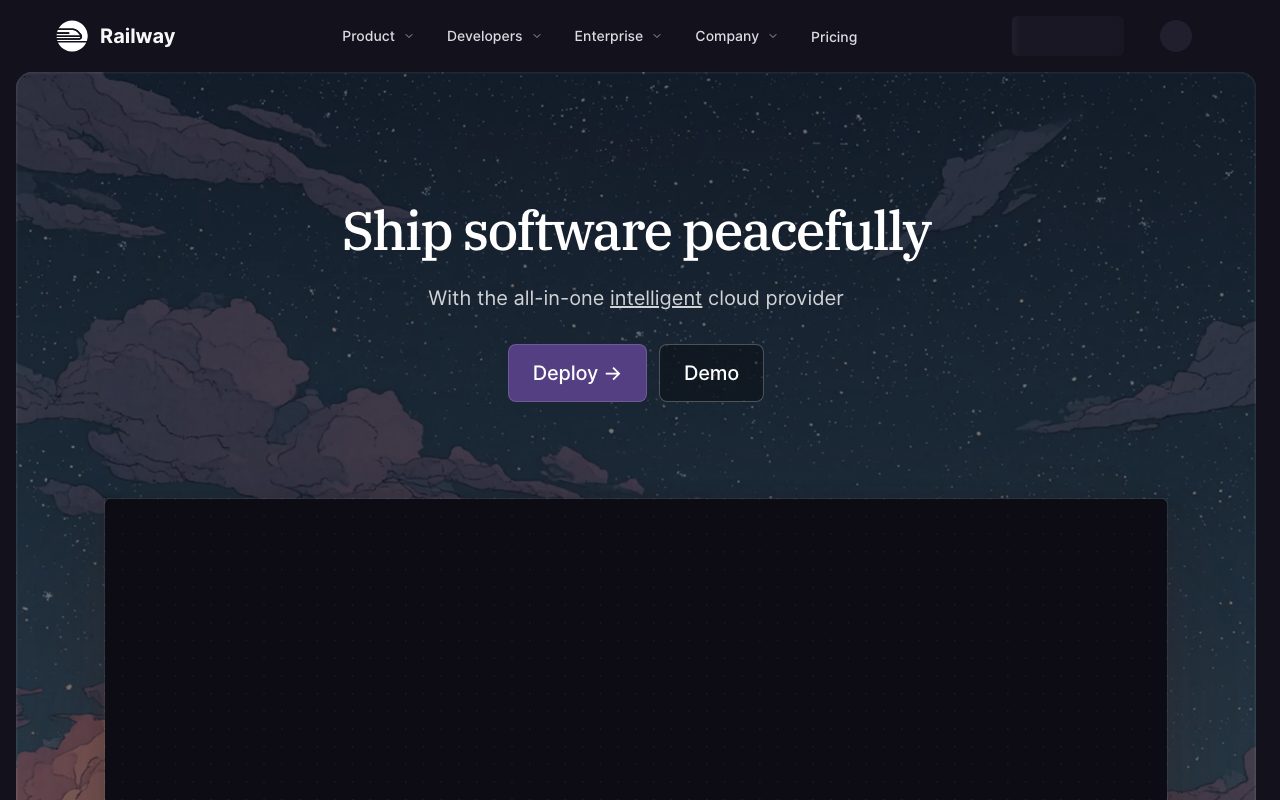
Railway is the deployment platform that finally made "git push to deploy" feel as it should. No YAML, no Dockerfile required, no 12-step DevOps onboarding. Just connect a repo, click deploy.
Founded by Jake Cooper and Faiq Ali in 2020, Railway grew quickly through indie-hacker word-of-mouth. The company raised from Y Combinator, Insight Partners, and Solana Capital.
If you're comparing PaaS options today, you're probably looking at Railway, Render, Fly.io, and the legacy choice Heroku. This breakdown explains where Railway sits.
What Railway actually does
Railway runs your apps on managed infrastructure. Connect GitHub, pick a service, and Railway detects the buildpack (Node, Python, Go, Ruby, etc.), builds, deploys, and exposes a public URL.
Beyond app hosting, Railway provisions databases (Postgres, MySQL, Mongo, Redis) with one click. Networking between services is private and automatic. Secrets management is built in. Logs and metrics are visible without setup.
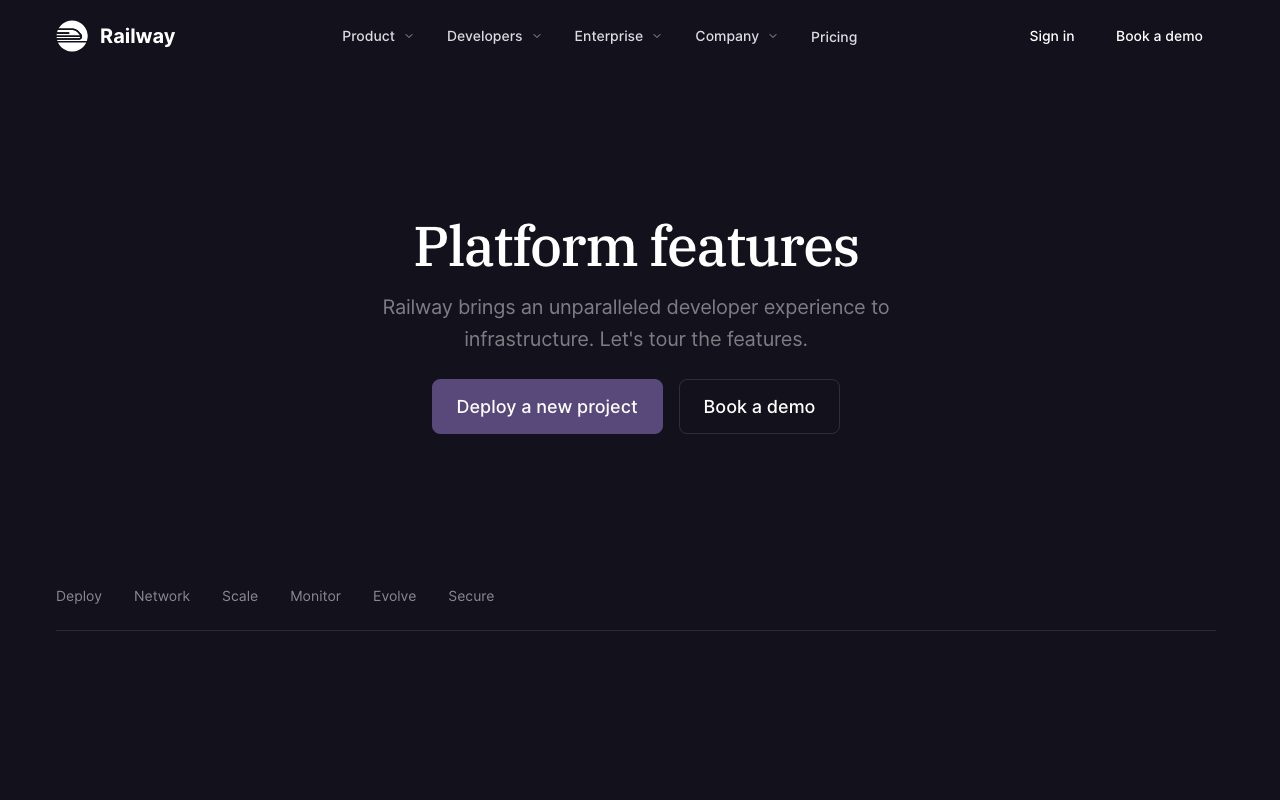
The product surface includes templates (one-click deploys for common stacks), a CLI for local development, and Pro tier features like multi-region, autoscaling, and dedicated infrastructure.
Who Railway is for
Indie developers and bootstrapped founders are the bread and butter. The pricing model is friendly (you pay for what you use), the experience is polished, and the cold-start ceiling is high enough to support real production traffic.
Small to mid-stage startups landing here too. Companies that outgrew Heroku's $250/dyno pricing find Railway dramatically cheaper. The migration is usually straightforward since both are git-deploy platforms.
Where Railway doesn't fit: enterprise compliance-heavy workloads (no SOC 2 / HIPAA today), CPU-intensive batch jobs (better on real cloud), or teams that need fine-grained control. Railway is opinionated.
Pricing breakdown
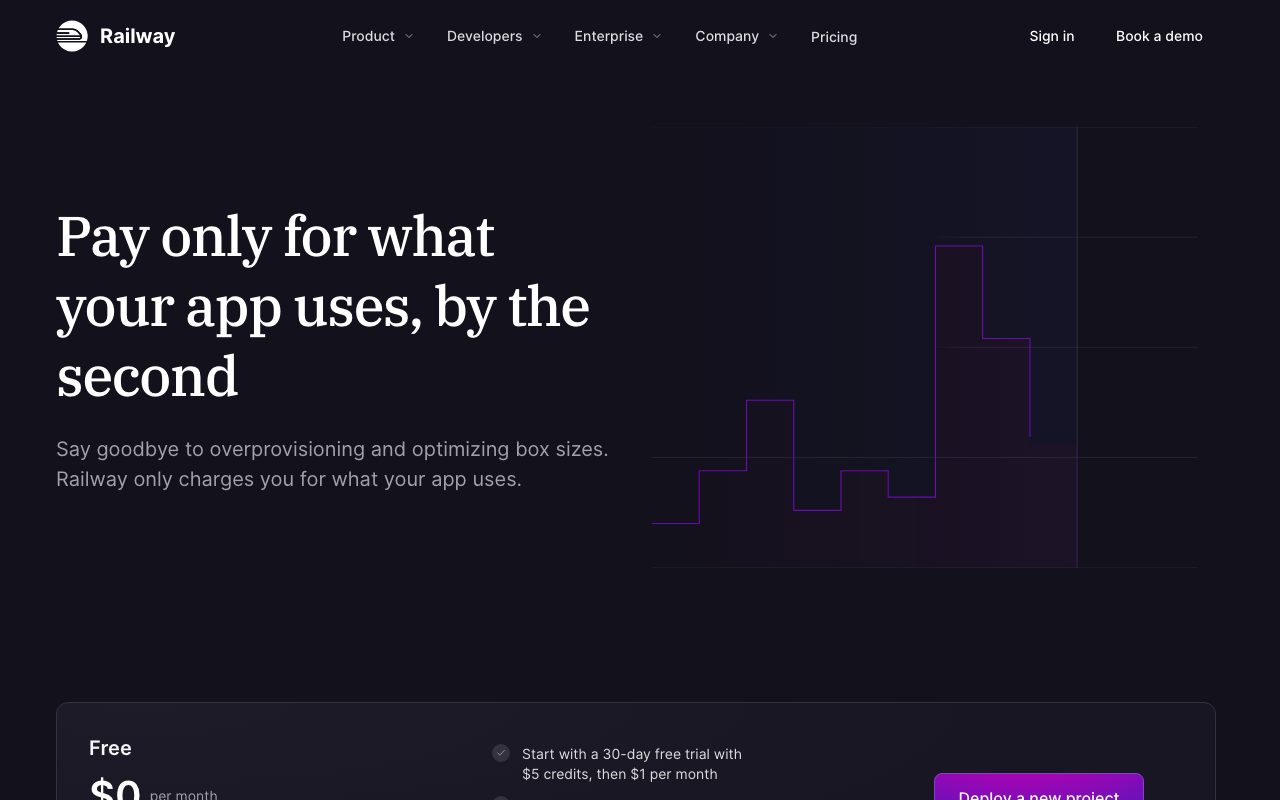
Hobby tier is $5/month with $5 of usage included. Beyond that, you pay for compute, memory, and bandwidth at metered rates. Pro is $20/month with $20 included and higher resource limits.
The pricing model rewards efficient apps. A small Node service running 24/7 might cost $5 to $15/month total. Compare to Heroku's $25/month basic dyno, and Railway often wins.
Pro tier adds team support, longer log retention, and access to autoscaling. Enterprise pricing is custom and includes SLAs and dedicated infrastructure.
Standout features
Zero-config deploys
Railway's Nixpacks (the build system) detects your stack and builds. Add a `package.json`, push to GitHub, Railway figures out it's a Node app and builds it. No buildpack configuration, no Dockerfile required.
For more control, you can supply a Dockerfile and Railway will use it. The escape hatch exists when you need it.
Database provisioning
One-click Postgres, MySQL, Redis, MongoDB, ClickHouse. The databases run in the same private network as your apps. Connection strings are auto-injected as environment variables.
The pricing for databases is metered. A small Postgres might cost $5/month. Compare to Heroku Postgres at $9/month for the lowest tier.
Environments and PR previews
Pro tier includes ephemeral environments for pull requests. Each PR gets a deployed copy with its own database and URL. Merge to main, the PR environment cleans up automatically.
Railway feels like Heroku rebuilt for 2026 with modern pricing and modern UX. That's high praise, and it's earned.
Honest tradeoffs
The pricing is metered, which means a runaway service can rack up bills. Railway's dashboard helps but isn't perfect. Set spending caps if you're cost-sensitive.
Compliance is limited today. SOC 2 is on the roadmap. HIPAA isn't there. If you need to sell to regulated industries, Railway might not pass procurement.
Cold starts on the Hobby tier exist but are minimal. Pro tier keeps services warm. If a few seconds of first-request latency matters, pay for Pro.
Railway vs alternatives
Versus Render: Render is similar in spirit. Both are PaaS with git deploys. Render has better long-running background workers and more aggressive free tier. Railway has better UX and more elegant database integration. Coin flip for many use cases.
Versus Fly.io: Fly runs your app close to users globally with Firecracker VMs. More control, more complexity. If multi-region matters from day one, Fly. If you want it simple, Railway.
Versus Heroku: Heroku still works, but the price-per-feature ratio is bad after Salesforce's takeover. Railway is the modern replacement most Heroku migrants land on.
Versus Vercel / Netlify: Vercel and Netlify are frontend-focused with serverless functions. Railway runs full apps with persistent processes and databases. Different shapes for different problems.
For more options, see best PaaS platforms or compare via Railway vs Render.
Bottom line
Railway is the platform I'd recommend to an indie developer or a small startup that needs production deploys without DevOps overhead. The experience is excellent, the pricing is honest, and the team ships consistently.
For larger companies with complex compliance or scaling needs, evaluate Fly.io or proper cloud providers. For everyone in between, Railway hits a sweet spot most platforms don't.
Try the Hobby tier first. The migration cost is low, the learning curve is hours not days, and you can be deployed in 10 minutes.
Railway for full-stack apps
The classic Railway pattern: Node.js or Python API, Postgres database, Redis for caching, all deployed from one repo. Railway handles networking between services automatically.
The CLI lets you mirror the production environment locally. `railway run` injects the same environment variables your deployed app sees. Stops the "works on my machine" class of bugs.
Templates accelerate common stacks. Click "Deploy Next.js + Postgres" and Railway sets up both services with linked credentials. Five-minute setup for what used to take hours.
Database management
The provisioned databases (Postgres, MySQL, Redis, Mongo) come with backups, monitoring, and connection pooling out of the box. The data dashboard lets you query and edit data without standing up Sequel or pgAdmin.
Backups run daily on Pro tier. Point-in-time recovery isn't there yet (a real gap vs RDS) but standard backups cover most needs.
Migration management is your responsibility. Railway runs the database; your app handles schema migrations on deploy. Tools like Prisma Migrate, Alembic, or Flyway pair well.
Custom domains and SSL
Adding a custom domain is one DNS record and one click in Railway. SSL certificates auto-provision via Let's Encrypt. The whole flow takes 5 minutes.
Multiple domains can point at the same service. Useful for branded customer URLs in multi-tenant apps.
Railway's edge network handles SSL termination. Your app sees decrypted HTTP requests. Performance is good for most regions.
Multi-region considerations
Railway runs primarily in US regions today. Enterprise tier offers more region choices. For latency-sensitive global apps, consider Fly.io for true multi-region deployment.
For most apps, US-only is fine. Edge networks handle static asset distribution. API latency from Europe or Asia adds 100-200ms but rarely breaks UX.
Common Railway questions
How does Railway handle scaling?
Vertical scaling on Pro tier: bump up memory and CPU. Horizontal scaling (multiple replicas) is on the roadmap and partial in Enterprise.
For most apps, vertical scaling covers needs through significant traffic. The break point usually isn't compute, it's database. PlanetScale or properly-tuned RDS handles the database side.
Can I use Docker?
Yes. If your repo has a Dockerfile, Railway uses it. If not, Nixpacks (Railway's auto-buildpack) detects your stack and builds. Choose based on whether you want control or convenience.
Custom Dockerfiles enable advanced setups: multi-stage builds, system dependencies, non-Node/Python stacks. The Nixpacks default is faster for greenfield projects.
What about CI/CD?
Railway auto-deploys on git push to your connected branch. PR previews (Pro tier) deploy each PR to its own URL.
For complex CI workflows, integrate with GitHub Actions. Trigger builds, run tests, deploy to Railway via CLI. Most teams don't need this beyond the built-in flow.
For more deployment platforms, see best Heroku alternatives or tools for indie hackers.
Railway's growth trajectory
Railway has grown rapidly through 2023-2026. The product matured significantly, the team expanded, and the customer base now includes serious paying companies alongside indie hackers.
The company is well-funded but not over-funded. Pricing remains rational. The team ships features without panic-mode pricing changes.
For long-term commitment, Railway looks stable. The platform is operationally mature, the company is healthy, and the product direction is consistent.
For more PaaS options, see best PaaS platforms.
Railway for cost-conscious teams
The metered pricing model rewards efficient apps. A well-tuned Node service might cost $5-15/month. The same app on Heroku costs $25/month minimum.
For startups counting every dollar, Railway's pricing flexibility is a real advantage. As you grow, costs scale with usage rather than dyno counts.
Cost monitoring matters. Set up alerts for unusual spending. The Railway dashboard shows usage by service, which helps identify resource hogs before they become budget surprises.
For more deploy options, see best Heroku alternatives.
Tutorial / Demo
Key Features
- One-click deployment from GitHub repos
- Built-in PostgreSQL, Redis, MySQL, and MongoDB
- Automatic SSL certificates and custom domains
- Environment variable management
- Usage-based pricing with generous free tier
- Private networking between services
- Cron job scheduling
Pros & Cons
What we like
- Extremely fast setup, deploy in under a minute
- No DevOps knowledge required
- Fair usage-based pricing model
- Great developer experience and UI
- Supports virtually any language and framework
Room for improvement
- Can get expensive at scale compared to VPS
- Free tier has limited resources
- Less control than managing your own infrastructure
- Vendor lock-in for database services
Frequently Asked Questions
What is Railway used for?
Is Railway free to use?
What are the pros and cons of Railway?
Who should use Railway?
Best For
Featured in
Tags
Alternatives to Railway
Hetzner
High-performance European cloud hosting at unbeatable prices

GitHub
Where the world builds software

Coolify
Self-hostable, open source alternative to Heroku and Netlify

Fly.io
Run full-stack apps and Postgres close to your users by deploying Firecracker microVMs to dozens of regions.
Our take
Tool Index Editorial · May 2026· 4.6/5
Railway sits in a crowded category, differentiating itself as deploy apps to production infrastructure in seconds.
What it actually does well: Extremely fast setup, deploy in under a minute, No DevOps knowledge required, and Fair usage-based pricing model. Less impressive: Can get expensive at scale compared to VPS and Free tier has limited resources.
Verdict: Railway comfortably earns its spot in the category — a smart default when you need deploying side projects and MVPs quickly.
Editorial opinion from the Tool Index team, written from the public product pages. Not a user review.
Reviews (5)
Railway has been a quiet upgrade
Tried half a dozen options before landing on Railway. Real selling point: extremely fast setup, deploy in under a minute. It fits well for hosting full-stack applications with databases.
Honest take after the past sprint cycle
Started using Railway casually, now it's pinned in my dock. Where it really wins is great developer experience and UI. Got real value out of automatic SSL certificates and custom domains. Sticking with Railway.
Railway is fine, here's the real take
Skeptical at first because Railway looked too simple. It's not. Genuine strength: supports virtually any language and framework. Their take on built-in PostgreSQL, Redis, MySQL, and MongoDB is solid. Mostly using it for staging environments for development teams. Honest gripe: vendor lock-in for database services. Decent value once you accept the rough edges.
Pros
- Great developer experience and UI
- Supports virtually any language and framework
Cons
- Less control than managing your own infrastructure
- Vendor lock-in for database services
Two months in, no regrets
Have been using Railway for a while, here's where I land. Honestly impressed by how supports virtually any language and framework. Built-in postgresql, redis, mysql, and mongodb works the way you'd hope. Sticking with Railway.
Pros
- Supports virtually any language and framework
Underrated honestly
Adopted Railway for one project, ended up using it for more. Where it really wins is extremely fast setup, deploy in under a minute. The one-click deployment from GitHub repos is more useful than I expected. Hard to imagine going back to my previous setup.
Pros
- Great developer experience and UI
- Fair usage-based pricing model
Badge builder
Add Railway to your website
Choose a badge style and size, preview it here, then copy the generated HTML. Badge images are self-contained SVGs and do not require an external script.

<a href="https://toolindex.net/tools/railway?ref=badge" target="_blank" rel="noopener">
  <img src="https://toolindex.net/badge/railway/medium.svg" alt="Railway - Listed on Tool Index" width="180" height="50" />
</a>How to use the badge
- 1. Pick the style, size, and theme that fit your layout.
- 2. Copy the generated HTML from the code block.
- 3. Paste it into your footer, homepage, or press page.
Score badge available
Railway qualifies for the score and circle badges based on its current top-10 positionin Cloud.
Badge clicks return visitors to this profile with a referral tag so the source remains identifiable.
Related Tools

Kevin Gabeci
Solo developer building web apps, cozy browser games, and AI creator toolkits.
Coolify
Self-hostable, open source alternative to Heroku and Netlify
Hetzner
High-performance European cloud hosting at unbeatable prices

Warp
The modern terminal reimagined with AI and collaboration
Work on Railway? Request listing access or correction