
Routeveil
React Router page transitions and shared-element animations with TypeScript support
Gallery
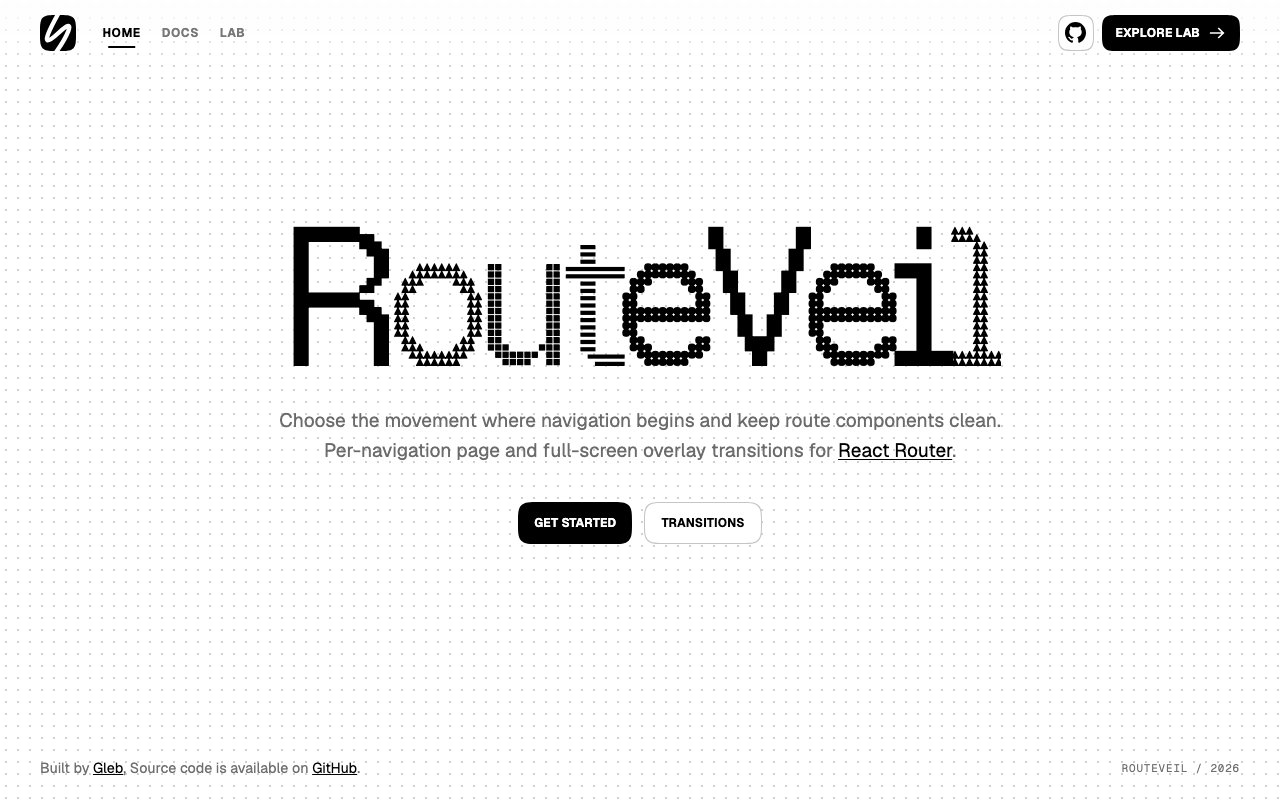
About Routeveil
Routeveil is an open source library that brings sophisticated page transitions and animations to React Router applications without requiring developers to build complex animation infrastructure from scratch. Standard React Router navigation swaps components instantly when users click links or trigger programmatic navigation, which works correctly from a functional standpoint but creates an abrupt user experience where content appears and disappears without visual continuity. Routeveil wraps around React Router to intercept these navigation events and trigger configurable animations during the transition, allowing developers to define effects that execute as users move between routes. The result is smoother, more polished applications where navigation feels intentional and connected rather than a series of jarring page replacements, similar to the experience in native mobile apps or particularly well crafted single page applications.
The library provides per navigation transition control, meaning developers can specify different animations for different route changes rather than applying a single global transition everywhere in the application. A dashboard section might slide in from the right side of the screen while a modal route fades up from center, and a settings page might cross dissolve from the previous view. Returning to a parent route might play the entrance animation in reverse to reinforce the hierarchical relationship. This granularity lets developers match transition style to content relationship, using motion design to reinforce information architecture and help users build mental models of how application sections relate to each other. Typed transition options ensure that the TypeScript compiler catches configuration errors before runtime, which matters when transitions become complex enough that typos or option misconfiguration could produce subtle visual bugs that only appear during specific navigation sequences.
Beyond basic page transitions, Routeveil supports shared element animations coordinated with route changes. A product thumbnail on a listing page can animate directly into the hero image position on the product detail page, creating visual continuity that helps users understand exactly where they are in the application and how they got there. An avatar in a header can smoothly reposition to an expanded profile section. A card in a grid can expand into a full page takeover. These coordinated animations require careful timing to avoid visual glitches where elements appear to duplicate or leave orphaned remnants, and the library handles the complexity of element tracking, position calculation, and animation synchronization internally. Developers define which elements should be treated as shared across routes using straightforward markup, and Routeveil manages the actual animation choreography during navigation.
Full screen overlay effects are included for cases where transitions should completely obscure the underlying content during the changeover period. This is useful for dramatic route changes that represent major context shifts, or when the transition itself carries meaning beyond simply indicating that content is changing. A curtain effect when entering an immersive media section, a radial wipe when transitioning between distinct application modes, or a fade to black between unrelated content areas can all be accomplished with overlay transitions. Programmatic navigation hooks let developers trigger transitions from code rather than requiring user interaction with link elements, important for applications where navigation happens in response to form submissions, timer completions, or other programmatic events.
The library handles practical concerns that frequently trip up custom transition implementations and create subtle bugs. Focus management ensures that keyboard navigation works correctly after transitions complete, preventing accessibility issues where focus gets lost in animated elements or remains stuck on content that's no longer visible. Cleanup for interrupted navigation prevents visual artifacts when users navigate rapidly, clicking multiple links before the first transition finishes or using browser back and forward buttons in quick succession. Support for reduced motion preferences means users who've requested minimal animation through their operating system accessibility settings get appropriately simplified transitions that don't trigger motion sensitivity issues, which is both a usability consideration and increasingly a legal accessibility requirement in many jurisdictions.
Routeveil requires React 18 or 19, React Router DOM version 6.27.0 or later, and a browser supporting the Web Animations API. The Web Animations API requirement covers all modern browsers that developers are likely to target, so this isn't a practical limitation for most projects. The library is completely free under the MIT license with no commercial licensing restrictions, no feature gating based on payment tiers, and no registration requirements. For React developers building applications where polish and user experience matter enough to justify animation complexity, Routeveil provides a structured approach to page transitions that would otherwise require substantial custom development and ongoing maintenance. The open source nature means developers can inspect the implementation details, contribute improvements back to the project, or fork for specialized requirements without vendor dependency or licensing concerns.
Key Features
- Per-navigation transition customization
- Shared element movement across routes
- Full-screen overlay effects
- Type-safe transition options
- Programmatic navigation and playback hooks
- Reduced-motion accessibility support
Pros & Cons
What we like
- Works with both React 18 and React 19
- Shared elements animate without wrapper components
- Handles interrupted navigation cleanly
- MIT licensed with no cost to use
Room for improvement
- Requires React Router DOM 6.27 or higher
- Depends on Web Animations API browser support
- Smaller community as a newer library
- Adds complexity to simpler navigation flows
Frequently Asked Questions
What is Routeveil?
Is Routeveil free?
What versions of React does Routeveil support?
How do shared elements work?
Best For
Featured in
Alternatives to Routeveil
View allCursor
VS Code fork built around an AI pair-programmer

Sanity
Composable content platform with a customizable studio, real-time collaboration, and a queryable structured content backend.

PostHog
All-in-one product analytics, feature flags, and session replay
Cloudflare Pages
Free Jamstack hosting on Cloudflares edge with unlimited bandwidth and tight integration with Workers.
Reviews (0)
Badge builder
Add Routeveil to your website
Choose a badge style and size, preview it here, then copy the generated HTML. Badge images are self-contained SVGs and do not require an external script.

<a href="https://toolindex.net/tools/routeveil?ref=badge" target="_blank" rel="noopener">
  <img src="https://toolindex.net/badge/routeveil/medium.svg" alt="Routeveil - Listed on Tool Index" width="180" height="50" />
</a>How to use the badge
- 1. Pick the style, size, and theme that fit your layout.
- 2. Copy the generated HTML from the code block.
- 3. Paste it into your footer, homepage, or press page.
Standard badge available
The standard listing badge is available now. Score and circle badges are limited to tools currently ranked in the top 10 of a category.
Badge clicks return visitors to this profile with a referral tag so the source remains identifiable.
Related Tools

Kevin Gabeci
Solo developer building web apps, cozy browser games, and AI creator toolkits.

Coolify
Self-hostable, open source alternative to Heroku and Netlify

Warp
The modern terminal reimagined with AI and collaboration

Bolt.new
Prompt-to-deployed full-stack app inside the browser
Work on Routeveil? Request listing access or correction