
Gallery
About Rystic
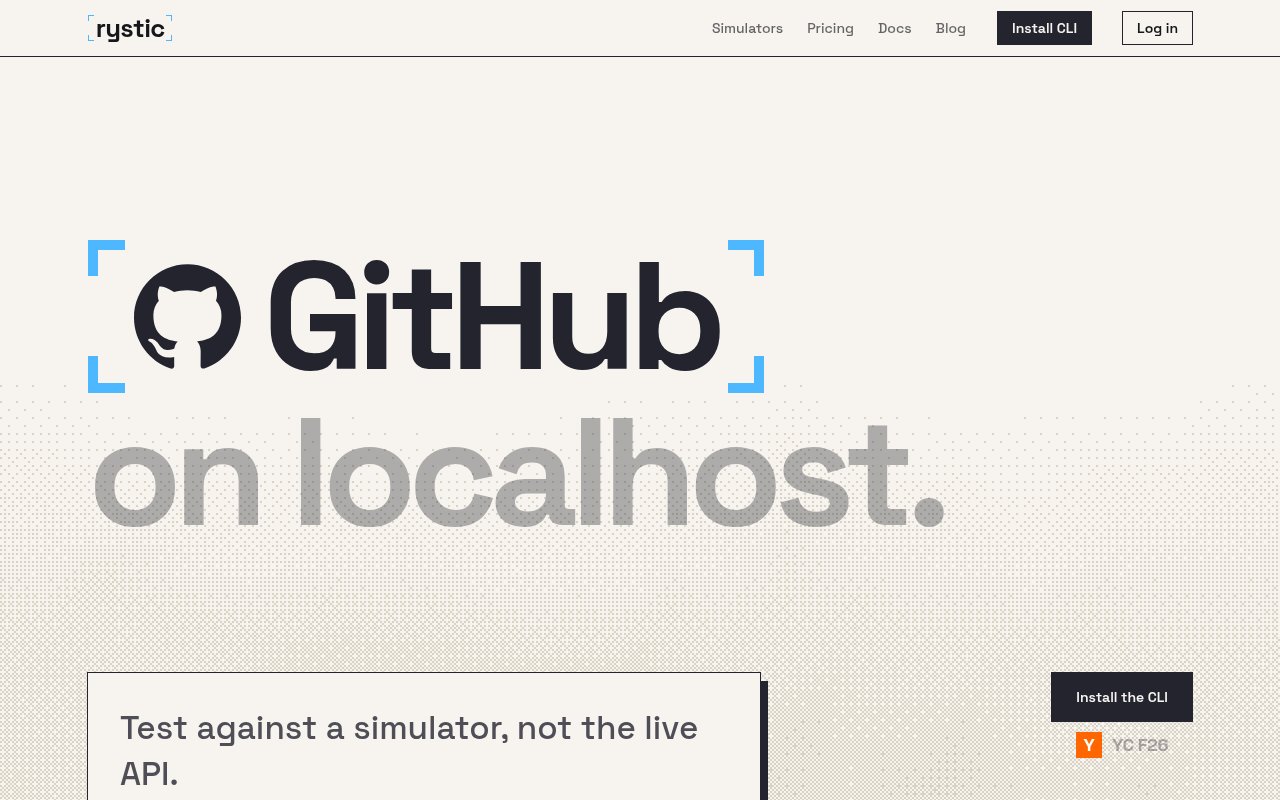
Rystic provides local, stateful simulators for popular software and service APIs. It gives developers a controlled substitute for live systems such as Slack, GitHub, Linear, Stripe, PayPal, Okta, Resend, Gmail, Google Drive, Jira, Notion, Shopify, and S3. The main idea is straightforward. Tests point at a simulator on localhost instead of creating real accounts, consuming live rate limits, or leaving test data in a vendor workspace. The simulators run on a laptop or in continuous integration and preserve the effects of earlier calls, so a sequence can behave like an actual service rather than a set of isolated canned responses. Local runs have no vendor rate limits, which helps when a test suite needs to repeat the same flow many times.
State is both persistent within a run and settable before it begins. A team can seed the users, channels, repositories, issues, payments, files, or other service objects needed for a scenario, then let an application or agent interact with them through normal API patterns. Every later request sees what earlier requests changed. Rystic's documentation also covers reset and determinism, snapshots, test cases, webhooks, provider actions, timelines, multi-simulator environments, network profiles, and fault injection. That makes it useful for repeatable integration tests as well as exploratory runs where the path isn't known in advance.
The product is especially aimed at software agents, which often cross several services during one task. A support agent might read a Slack conversation, inspect a GitHub issue and a Linear ticket, check billing in Stripe, and draft a reply based on the combined context. Testing that flow against production services is slow and risky. With Rystic, the surrounding world can be assembled locally, including the starting state and failure conditions. The documentation includes guidance for grading agent runs, connecting coding agents, intercepting vendor calls, running shared simulators, and building integration tests in CI.
Coverage goes deeper than a single generic mock endpoint. The public documentation has simulator-specific sections for behavior such as GitHub pull requests, branch protection, workflows, reviews, merge queues, and GraphQL; Slack events, search, threads, identities, interactivity, and MCP; Stripe subscriptions, invoices, Connect, Checkout, test clocks, payouts, disputes, and dashboards; plus detailed surfaces for the other catalog services. Some simulators include a verified user interface, so browser-driven tests can interact with a visual product surface as well as an API. Feature depth varies by service, and the catalog clearly marks several future additions as coming soon.
Rystic says it verifies simulators daily by sending the same requests to the live API and the simulator before releases, then publishing agreement percentages. That is a more concrete maintenance posture than simply promising compatibility. It doesn't mean every request or edge case is reproduced, and the visible percentages vary by service. It does give buyers a way to judge how closely the implemented behavior tracks the current vendor API. For test design, that transparency matters because a simulator is only valuable when teams know which production assumptions it can safely exercise.
The free plan includes GitHub, Linear, and Slack for one seat and ten simulator hours per month. It includes every scenario, settable state, latency injection, and fault injection, but not verified user interfaces. Pro costs $89.99 per seat each month, includes the full catalog, verified interfaces, and $100 in usage credit per seat, with simulator time above the pool charged per minute. Its 14-day trial requires a card. Enterprise is custom priced for agent evaluations and reinforcement learning environments at scale, with unlimited seats, local and CI use, custom builds, fully offline operation, and resale inside those environments.
Rystic fits engineering teams building integrations, autonomous agents, migration tools, or evaluation harnesses that need realistic external systems without production dependencies. Its strengths are reproducibility, stateful behavior, a broad catalog, and tooling for failures that are hard to trigger safely against live services. The main tradeoffs are cost once a team needs the full catalog, incomplete parity with the vendors it models, and the learning required to seed good scenarios. Teams also need to confirm that the exact API surface their software uses appears in the relevant simulator documentation before treating it as a production-faithful test bed.
Key Features
- Stateful local API simulators
- Seedable deterministic test scenarios
- Latency and fault injection
- Multi-service agent environments
- CI and offline execution
- Daily live API verification
Pros & Cons
What we like
- Avoids live accounts and vendor rate limits
- Preserves state across realistic call sequences
- Covers many common agent and SaaS services
- Publishes simulator agreement checks
Room for improvement
- Free access covers only three simulators
- Pro pricing is charged per seat and usage
- Simulator parity varies by service and endpoint
- Good tests still require careful scenario setup
Frequently Asked Questions
What is Rystic?
Which services can Rystic simulate?
Is Rystic free?
How does Rystic check simulator accuracy?
Best For
Featured in
Alternatives to Rystic
View all
Playwright
Microsofts open-source end-to-end browser testing framework for Chromium, Firefox, and WebKit with one API.

Buildkite
Hybrid CI/CD where the control plane is hosted but the build agents run on your own infrastructure.

Storybook
Open-source workshop for building UI components in isolation. Preview, document, and test them outside the app.

DeviceKit
Free Screen & Device Tests Online | Private Browser Diagnostics
Reviews (0)
Badge builder
Add Rystic to your website
Choose a badge style and size, preview it here, then copy the generated HTML. Badge images are self-contained SVGs and do not require an external script.

<a href="https://toolindex.net/tools/rystic?ref=badge" target="_blank" rel="noopener">
  <img src="https://toolindex.net/badge/rystic/medium.svg" alt="Rystic - Listed on Tool Index" width="180" height="50" />
</a>How to use the badge
- 1. Pick the style, size, and theme that fit your layout.
- 2. Copy the generated HTML from the code block.
- 3. Paste it into your footer, homepage, or press page.
Standard badge available
The standard listing badge is available now. Score and circle badges are limited to tools currently ranked in the top 10 of a category.
Badge clicks return visitors to this profile with a referral tag so the source remains identifiable.
Related Tools
DeviceKit
Free Screen & Device Tests Online | Private Browser Diagnostics

Chromatic
Visual regression testing and review platform built by the Storybook team, with cloud-rendered snapshots and PR integration.
Playwright
Microsofts open-source end-to-end browser testing framework for Chromium, Firefox, and WebKit with one API.

Tests.ws
WebSocket testing tools, protocol guides, and a Chrome extension for developers
Work on Rystic? Request listing access or correction